ElevenLabs Music v2
by ElevenLabs
Licensed, commercial-ready songs with lifelike multilingual vocals.
- Output
- Songs with lifelike vocals
- Vocals
- Lifelike, multilingual
- Licensing
- Cleared for commercial use
- Styles
- Multiple languages & styles
- Inputs
- Text prompt
- Cost
- Free to start on OnMusic AI
What is ElevenLabs Music v2?
ElevenLabs Music v2 is a music model from ElevenLabs that creates licensed, commercial-ready music with lifelike vocals. Its defining strength is studio-quality output with multilingual singing across different styles. You can run ElevenLabs Music v2 on OnMusic AI's free AI music generator, then move from idea to a finished song in one workflow.
Learn more
Getting real results with ElevenLabs Music v2
See what ElevenLabs Music v2 creates well, where it has limits, and how it handles vocals, lyrics, styles, and prompts before you start.
Signature strengths in lifelike vocal music
What is ElevenLabs Music v2 in practice? It is a music model from ElevenLabs that stands out for licensed, commercial-ready music with lifelike vocals, studio-quality sound, and support for multiple languages and styles. The clearest reason people look it up is simple: they want music that sounds sung, not just assembled. That makes the model especially relevant when vocals need to feel present, expressive, and usable beyond a rough demo. ElevenLabs Music v2 is strongest when your prompt depends on vocal character. If you want a pop hook, a melodic rap chorus, or a singer-songwriter line that carries the emotion of the idea, music v2 is built for that lane. It also fits projects where licensing matters, because the output is described as licensed and cleared for commercial use. That gives the model a practical edge for creators who need more than a private experiment. OnMusic AI gives you access to ElevenLabs Music v2 inside a broader AI music generator workflow, so you can test the model for vocal-first music without juggling separate model accounts.
Prompting the model for usable first results
Searches for the ElevenLabs AI song generator usually come from people who want to know what to type first, and the best answer is to prompt for role, style, mood, tempo feel, vocal type, and structure in one short brief. You can open the AI song generator on OnMusic AI to try it. Start with a plain request such as: upbeat bilingual pop song, warm female vocal, clean chorus, reflective verse, modern drums, radio-ready mix. Specific prompts help the model lock onto a clearer musical direction. If you already wrote lines, paste the lyrics and tell the model how you want them delivered. Mention whether the song should feel intimate, anthemic, dreamy, punchy, or stripped back. Name one main style, then one secondary influence. Too many genre tags at once usually make the result less focused. On OnMusic AI, you can run the model inside the AI song generator flow or start from a text to music workflow if your idea begins as a mood, scene, or one-sentence concept. The best first pass is rarely the longest prompt. It is the clearest one, with a chorus cue, vocal language, and a simple emotional target.

Choosing between ElevenLabs Music v2 and other music models
Eleven music vs Suno is a useful comparison because the choice usually comes down to what matters more: licensed vocal realism or a different songwriting feel and ecosystem preference. Choose ElevenLabs Music v2 when you want lifelike multilingual vocals and a commercially cleared output path. That is the core reason to pick it. Choose Suno v5.5 when you want to compare against a model many users reach for first for broad consumer song creation and fast style exploration. Choose Lyria 3 Pro when your project leans toward Google-style music research interest and you want to evaluate another major model page in the model catalog. A direct ElevenLabs vs OnMusic comparison also helps if you are deciding between using a single model identity and using one platform that lets you switch models in one place. The honest summary is simple. ElevenLabs Music v2 is the stronger fit when vocals and licensing confidence lead the brief. Another model may fit better when you are testing a different songwriting character, a different interface preference, or a broader side-by-side model workflow.
Where the model sounds most at home
ElevenLabs Music review discussions usually focus on one outcome question: what kinds of music actually come out sounding convincing. The model is best suited to finished vocal music where the singer carries the identity of the piece. That includes polished pop, melodic rap, moody R and B, soft acoustic writing, cinematic ballads, and language-mixed songs that need a natural vocal presence. It also fits creator work that needs a clear top line from the first render. A birthday song with custom lyrics, a creator intro with a sung hook, a short emotional love song, or a lo-fi vocal sketch are all strong examples. Instrumental-first beat makers may still use it, but the model’s strongest reputation comes from music with a voice at the center. Genre variety matters here. The model supports multiple styles and languages, so the useful question is less can it do a style and more does that style benefit from expressive vocals. If the answer is yes, ElevenLabs Music v2 is usually in its comfort zone. If the brief is mostly drum programming or stem-level experimentation, another workflow may suit the session better.
Access, commercial use, and honest limits
Free ElevenLabs Music access on OnMusic AI means you can try the model without starting from a separate model account, and that matters for people who want to test output quality before committing to a deeper workflow. The practical draw is convenience: one place to run music creation, compare results, and move from prompt to finished music faster. The licensing position is a major part of the appeal. ElevenLabs states that the output is licensed and cleared for commercial use, which is why searches around licensed AI music commercial often point people toward this model. That does not remove every platform rule around distribution, metadata, or rights disclosure, but it does mean the model is positioned for real creator use, not only private play. The honest limit is that no music model solves every task equally well. ElevenLabs Music v2 is not the page to trust for invented claims about exact duration limits, stems, or niche production controls that are not clearly documented. Use it for its real strengths: vocal quality, studio-quality sound, multilingual reach, and a smoother way to test commercial-ready music inside OnMusic AI.
How polished the output really feels
Multilingual AI music is one of the clearest quality signals here, because weak models often lose natural phrasing when vocals move across languages or styles. ElevenLabs Music v2 is widely positioned around lifelike multilingual vocals and studio-quality output, so the quality case starts with believable singing rather than flashy claims about technical control. In plain terms, expect music that can sound close to a finished creator-ready piece when the prompt is focused. Expect the strongest results when the brief has one clear emotional center, one lead style, and vocals that do real work in the arrangement. Expect less consistency when the prompt asks for too many genre pivots or stacks several conflicting production ideas into one request. That is why an ElevenLabs Music review should be read as a quality reality check, not a hype reel. The model appears strongest as a polished song maker for vocal-first output. It is less about deep producer tooling and more about getting to convincing music quickly. For many everyday users, that is the right tradeoff. The result feels closer to finished listening music than to a sketch that still needs heavy interpretation.
Getting better results from every prompt
The best ElevenLabs Music v2 prompts tell the model three things clearly: what the music should feel like, who should sing it, and how the section should move. A strong prompt is specific without becoming crowded. Try a format like this: emotional bilingual pop music, airy female vocal, mid-tempo pulse, intimate verse, bigger chorus, modern clean production, bittersweet tone. That gives the model direction on feel, voice, structure, and mix character. If you use your own lyrics, edit for singable line length before you render. Shorter lines, repeated hooks, and clear rhyme anchors usually produce better phrasing. If a result feels generic, remove extra genre labels and sharpen the emotional target. If the vocal feels off, describe age, energy, and delivery more clearly instead of adding unrelated instruments. A good AI music generator rewards clarity. Ask for one scene, one mood shift, and one main style. Avoid prompts that try to combine five artists, three tempos, and two opposite emotions at once. The fastest quality upgrade is not a longer prompt. It is a cleaner brief that leaves no doubt about the music you want to hear.
Features
What sets ElevenLabs Music v2 apart
Licensed music, lifelike multilingual vocals, and studio-quality output are the core strengths people look for when comparing ElevenLabs Music v2. These capabilities matter if you want polished music that is ready to share or use commercially.
Lifelike vocal performance
ElevenLabs Music v2 is built to create songs with lifelike vocals that feel more natural than flat synthetic singing. The phrasing, tone, and delivery are designed to sound polished and expressive. That matters when you want a full vocal song, not just a rough demo or instrumental sketch.
Multilingual AI music vocals
ElevenLabs Music v2 supports multilingual vocals, which makes multilingual AI music a real strength of the model. You can create music in multiple languages and keep the vocal output consistent with the style of the song. That matters for creators making music for different audiences, regions, or bilingual ideas.
Commercially cleared music output
ElevenLabs Music v2 produces licensed music that is cleared for commercial use. That gives creators a simpler path when they want music for videos, podcasts, ads, or published releases. In any ElevenLabs Music review, this is one of the most practical advantages because licensing clarity matters as much as sound.
Studio-quality audio
ElevenLabs Music v2 is positioned for studio-quality output, so the music is meant to sound polished right from the start. That helps when you want a song that feels finished enough to share, post, or build on. For an AI song generator, audio quality is a key difference between a fun draft and something listeners will replay.
Wide style and language range
ElevenLabs Music v2 is designed to handle multiple styles and languages instead of staying locked into one sound. That gives you room to create music that fits pop, rap, cinematic, or other mood-driven ideas without changing tools. Music v2 stands out when you want one model that can move across very different creative directions.
Free ElevenLabs Music on OnMusic AI
ElevenLabs Music v2 is available on OnMusic AI without opening a separate paid workflow first, which makes free ElevenLabs Music easier to try. You can test the sound, vocals, and style fit before committing to a bigger project. That matters for casual creators who want to try an AI music generator before spending money.
All models
Every AI music model, one place
Hear a sample, then switch between the latest models and compare results — free to start on OnMusic AI.
Suno v5.5
by Suno
Full songs with natural, expressive vocals from a single prompt.
Udio v4
by Udio
48kHz stereo songs up to 10 minutes with licensed, studio-clear sound.
ElevenLabs Music v2
by ElevenLabs
Licensed, commercial-ready songs with lifelike multilingual vocals.
Google Lyria 3 Pro
by Google DeepMind
Full-length, structured songs with lyrics and tempo control.
MiniMax Music 2.6
by MiniMax
Its strongest vocals yet, with an AI cover mode and auto lyrics.
Stable Audio 3.0
by Stability AI
Instrumental tracks and sound design up to 6 minutes, royalty-free.
Stable Audio 2.5
by Stability AI
Fast, high-quality instrumental tracks up to 3 minutes, royalty-free.
Who uses ElevenLabs Music v2 and what they create
Everyday creators, hobby songwriters, and small teams use ElevenLabs Music v2 to turn lyrics, moods, and simple ideas into finished music they can share, post, or use in real projects.
Songwriters turning lyrics into vocal songs
ElevenLabs Music v2 helps lyric writers turn a verse draft, chorus idea, or full page of words into a finished song with lifelike vocals. This audience uses the AI song generator to hear melody, structure, and performance without booking a singer or building the music from scratch.

Video makers who need music for intros, explainers, and posts
Licensed AI music commercial use matters for video makers who need cleared music for client edits, YouTube uploads, podcasts, and branded social posts. ElevenLabs Music gives this group studio-quality songs with multilingual vocals, so they can match tone and language without chasing separate licenses.

Fans making personal music for birthdays, jokes, and group chats
ElevenLabs Music v2 fits people who want a custom birthday song, an inside-joke rap, or a mood-based music idea they can share with friends. Music v2 is useful here because the job is personal expression, not studio perfection, and the result feels more specific than pulling a song from a playlist.
Made for everyday creators everywhere everyday creators
People use OnMusic AI to create personal music fast, from first ideas to share-ready downloads.
How to create with Elevenlabs Music v2
You end up with a finished song you can download after using ElevenLabs Music v2 inside OnMusic AI's free AI music generator with your prompt and optional lyrics.
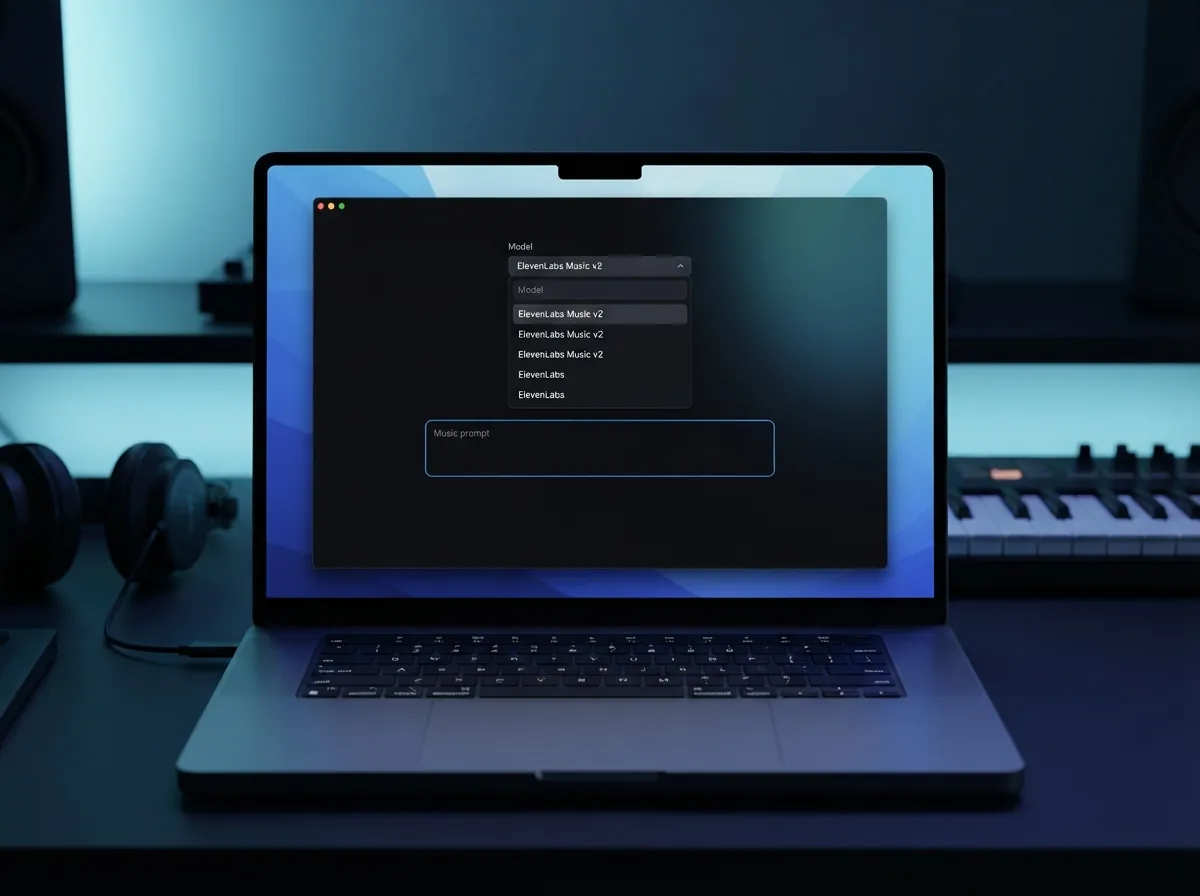
Open ElevenLabs Music v2
Choose ElevenLabs Music v2 in OnMusic AI, then start a new music project. This sets the model before you add your idea, style, or lyrics.
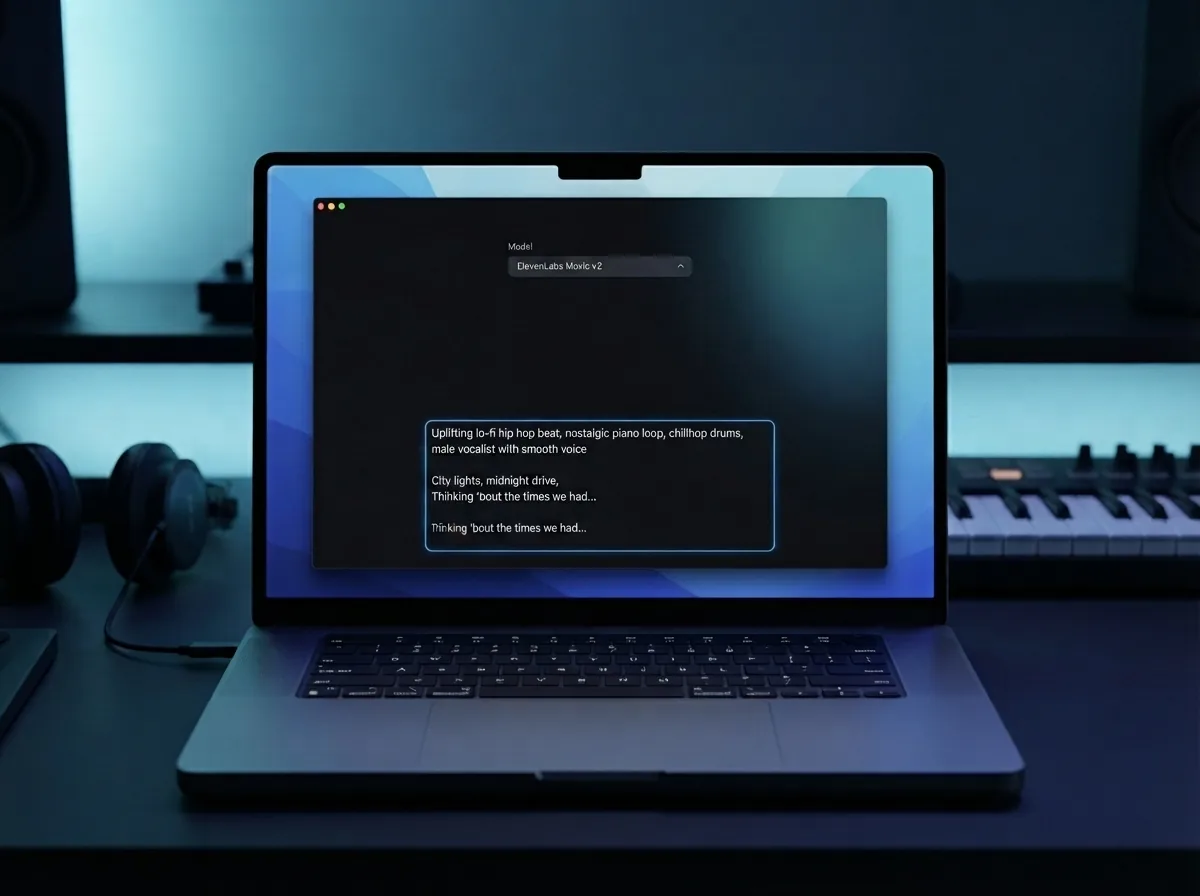
Enter your prompt and lyrics
Type the mood, genre, and vocal idea you want, then paste lyrics if you have them. ElevenLabs Music v2 works best when your prompt names the feel clearly, such as pop, rap, lo-fi, or cinematic.
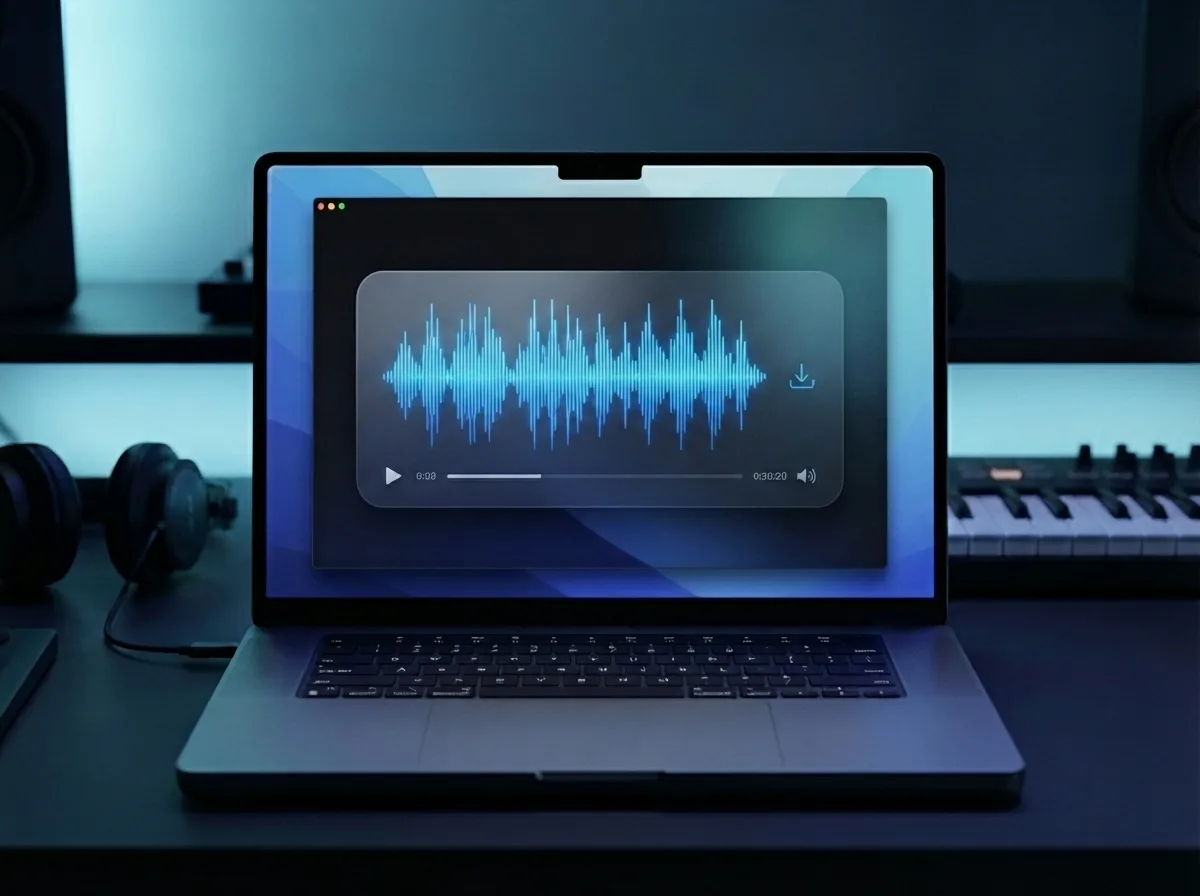
Generate and download your song
Run the model, preview the result, and download the finished song when it sounds right. You can keep the vocal version or use the output as the base for more editing in your workflow.
Create licensed music with lifelike vocals from one prompt
Use ElevenLabs Music on OnMusic AI to turn a text idea or your own lyrics into studio-quality music with multilingual vocals.
Frequently asked questions
What does ElevenLabs Music v2 do?
Who makes ElevenLabs Music v2?
How does ElevenLabs Music v2 work?
Is ElevenLabs Music v2 free to use?
What audio quality does ElevenLabs Music v2 offer?
Does ElevenLabs Music v2 create vocals, instrumentals, or both?
Can ElevenLabs Music v2 create multilingual AI music?
What input types does ElevenLabs Music v2 support?
How do I use ElevenLabs Music v2 on OnMusic AI?
What is ElevenLabs Music v2 best for?
What are the limits of ElevenLabs Music v2?
How fast is ElevenLabs Music v2?
Is licensed AI music commercial use allowed with ElevenLabs Music v2?
Can I download and sell music made with ElevenLabs Music v2 on Spotify?
What should I do if ElevenLabs Music v2 gives me weak results?
Ready to create with this model? Make a finished song you can keep or share
Use ElevenLabs Music v2 on OnMusic AI, switch models in one place, and start with a simple prompt at no cost.