Stable Audio 2.5
by Stability AI
Fast, high-quality instrumental tracks up to 3 minutes, royalty-free.
- Output
- Fast instrumental tracks
- Vocals
- Instrumental (no vocals)
- Max length
- Up to 3 minutes
- Licensing
- Royalty-free output
- Cost
- Free to start on OnMusic AI
What is Stable Audio 2.5?
Stable Audio 2.5 is an AI music model from Stability AI that creates fast, high quality instrumental music and sound design from text prompts. Its defining strength is short form music that sounds polished without a long setup. You can run Stable Audio 2.5 inside OnMusic AI's free AI music generator and compare it with other music models in one workspace.
Learn more
Using Stable Audio 2.5 for better music
See what Stable Audio 2.5 does well, where it fits best, and how to prompt it for cleaner instrumental results.
Built for fast instrumental music
What is Stable Audio 2.5 in practice? It is Stability AI’s instrumental music model for creating royalty-free audio from prompts, with a clear focus on polished backing music and sound design instead of vocal songs. Stable Audio 2.5 is strongest when you want a finished music bed, loopable cue, or cinematic piece without writing melodies for singers. It creates instrumental output only, and that matters because the model stays focused on arrangement, texture, rhythm, and tone rather than splitting attention between lyrics, singing, and accompaniment. In real use, that makes it a strong fit for creators who need background music for videos, podcasts, short films, ads, menus, trailers, and game scenes. It also handles non-song audio ideas well, such as ambient tension, transitions, pulses, drones, and branded sonic textures. If your goal is to create music that feels clean, fast, and ready to place under content, this model is built for that lane. If your goal is a sung pop song with verses and chorus vocals, choose a vocal-first model instead.

Prompting and inputs that shape better results
An AI sound design generator works best when your prompt names the mood, instrumentation, pace, and intended use in one sentence. With Stable Audio 2.5, start with a text prompt that describes genre, energy, key instruments, and scene, such as “warm lo-fi beat with dusty drums, mellow Rhodes, late-night study mood” or “tense cinematic pulse with low strings and metallic impacts for a thriller intro.” OnMusic AI lets you run that prompt without opening a separate account for each model, and it is an easy place to test this model beside a broader text to music workflow. Keep prompts concrete because vague requests like “make cool music” lead to generic output. Add structure through descriptors like intro swell, steady groove, sparse middle, or clean ending. Mention use context too, such as podcast bed, game menu, travel reel, or trailer underscore. This model is instrumental-first, so do not feed it lyrics and expect sung results. If you want quick drafts for beats and backgrounds, OnMusic AI’s free AI music generator setup makes prompt testing simple.

When to choose this model over vocal-first options
Stable Audio vs Suno comes down to the kind of music you need finished first. Choose Stable Audio 2.5 when you want instrumental output, quick background music, or sound design elements that do not depend on vocals. Choose Suno when you need a full song with sung lyrics, clear verse and chorus structure, and a more songwriter-centered flow. Stable Audio 2.5 is the better pick for underscore, mood beds, branded audio, ambient scenes, and beat-led drafts that stay lyric-free. If you want to compare platform differences in more detail, the Stable Audio vs OnMusic comparison explains what changes when you use the model inside a broader music workspace. Stable Audio 3 is the sibling to check when you want newer generation direction from the same maker. Stable Audio Open is the relevant option if your interest is openness and experimentation around the model family. For a wider scan of options beyond one brand, the models page helps you compare music tools by output type. Pick the model by outcome, not by hype.

Output styles that fit this music best
A Stable Audio instrumental generator is best for music that needs atmosphere, motion, and clean production without a singer at the center. The strongest outputs are background-oriented styles such as lo-fi beats, ambient pads, cinematic tension beds, electronic grooves, trap instrumentals, chill study music, retro synth cues, drum-forward loops, and soft acoustic underscoring. It also fits content music categories well, including podcast intros, streamer backgrounds, ad music, menu themes, workout instrumentals, meditation soundscapes, and travel montage beds. For sound design, it can create textures like suspense drones, swelling impacts, pulsing bass layers, airy transitions, and game-like environmental moods. That range makes it useful for creators who think in scenes instead of lyrics. If your goal is bars, hooks, and vocal performance, use an AI song generator built for sung results. If your goal is instrumental-first music with a usable mix and clear mood, this model lands closer to the brief. For people exploring beat-led output, the AI instrumental generator page is the most relevant follow-up.

Is Stable Audio 2.5 free to try, and what are the limits?
Free Stable Audio music is available to start on OnMusic AI, and the key limit to understand is that Stable Audio 2.5 creates instrumental output only. You can try the model through OnMusic AI without setting up a separate account for each tool, which lowers the barrier for casual creators who just want to test ideas. The verified output length goes up to 3 minutes, so this model is suited to cues, beats, background pieces, and compact compositions rather than long-form albums or hour-long mixes. The output is royalty-free, which is a practical advantage for content creators who need music they can place under videos, podcasts, or posts. Free access does not mean unlimited capability. You still need a clear prompt, and you should expect to create a few versions to get the mood right. The model also does not produce vocals, so it is not the right pick for lyric-based songs. If your priority is fast online access to a music generator, the process is straightforward and beginner-friendly.

How good the audio sounds in real use
A Stable Audio 2.5 review should say this clearly: the model is good at polished instrumental music and useful sound design, not all-purpose hit songwriting. Its results are strongest when the prompt asks for atmosphere, groove, or scene support, because the model can keep the arrangement coherent without handling vocal phrasing. High quality AI audio here means cleaner timbre, more usable texture, and better background-music fit than many rough draft generators, especially for non-vocal content. In practical listening, the music often feels ready for social content, presentations, podcast beds, and concept demos after light selection rather than heavy repair. That does not mean every render is perfect. Some prompts still produce output that feels repetitive, too safe, or less distinctive than a human-composed piece. The model also has a narrower creative lane than vocal-first platforms, so expectations should match the tool. If you judge it by instrumental usefulness, speed, and royalty-free output, it performs well. If you judge it by singing, lyrical emotion, or radio-pop identity, it is the wrong category.

Getting the best results from Stable Audio 2.5
Stable Audio 2.5 gives better results when your prompt reads like a production brief, not a vague wish. Name the genre first, then add tempo feel, instruments, mood, and context. A strong prompt says “uplifting indie electronic instrumental with crisp drums, bright synth plucks, and a clean ending for a travel video,” while a weak one just says “fun background music.” Put the most important detail early because the model responds best to a clear leading idea. Ask for instrument families, not only emotions. “Muted guitar, soft piano, brushed drums” works better than “nostalgic and nice.” Keep one central mood instead of stacking contradictions like dark, happy, epic, minimal, and chaotic in the same line. If a result is close but too dense, simplify the prompt and remove extra descriptors. If it feels generic, add scene details such as sunset drive, cozy café, sci-fi menu, or suspense reveal. For beginners who want to test multiple prompts fast, the OnMusic AI home page is a simple entry point before you refine a final instrumental.

Features
Inside Stable Audio 2.5 that matters in practice
Stable Audio 2.5 focuses on fast, high-quality instrumental music and sound design, with up to 3 minutes per output. These capabilities show where this AI music generator fits best, especially if you want royalty-free music without vocals.
Stable Audio 2.5 creates instrumental-only music
Stable Audio 2.5 creates instrumental music only, with no vocals or sung lyrics in the output. That makes the result cleaner when you want background music, beat ideas, or cue-like arrangements without a voice taking over. It matters most for creators who need music for videos, podcasts, games, or personal listening where an instrumental fits better than a full song.
Stable Audio 2.5 creates up to 3-minute pieces
Stable Audio 2.5 can create instrumental pieces up to 3 minutes long. That gives you enough room for a full intro, build, and payoff instead of a very short loop. It is useful when you want music that feels complete for a short film, social post, demo, or practice session.
Stable Audio 2.5 gives clear prompt control
Stable Audio 2.5 responds to text prompts that describe mood, genre, pacing, and instrumentation. You can ask for lo-fi keys, tense percussion, warm synths, or cinematic ambience, then refine the wording based on what you hear. This matters when you want to create music from an idea instead of building every part by hand.
Stable Audio 2.5 covers music and sound design
Stable Audio 2.5 is built for both instrumental music and sound design. That means it can serve two common jobs: creating listenable music pieces and creating texture-driven audio for scenes, intros, transitions, or mood beds. It matters when one project needs more than a standard beat and you want a broader sound palette from the same model.
Stable Audio 2.5 delivers polished instrumental audio
Stable Audio 2.5 delivers high quality AI audio with a polished, production-ready feel for instrumental output. The benefit is not just clarity, but a result that holds up better when you replay it, share it, or place it under spoken content. This is where Stable Audio 2.5 stands out for people who want stronger sound from an AI song generator without chasing vocals.
Stable Audio 2.5 gives royalty-free output you can try on OnMusic AI
Stable Audio 2.5 gives you royalty-free instrumental output, and free Stable Audio music is available to start on OnMusic AI. That makes it easier to test ideas before you commit to a bigger project or workflow. It matters for hobby creators and small teams who want to create music legally and keep the process simple in one place.
All models
Every AI music model, one place
Hear a sample, then switch between the latest models and compare results — free to start on OnMusic AI.
Suno v5.5
by Suno
Full songs with natural, expressive vocals from a single prompt.
Udio v4
by Udio
48kHz stereo songs up to 10 minutes with licensed, studio-clear sound.
ElevenLabs Music v2
by ElevenLabs
Licensed, commercial-ready songs with lifelike multilingual vocals.
Google Lyria 3 Pro
by Google DeepMind
Full-length, structured songs with lyrics and tempo control.
MiniMax Music 2.6
by MiniMax
Its strongest vocals yet, with an AI cover mode and auto lyrics.
Stable Audio 3.0
by Stability AI
Instrumental tracks and sound design up to 6 minutes, royalty-free.
Stable Audio 2.5
by Stability AI
Fast, high-quality instrumental tracks up to 3 minutes, royalty-free.
Who uses Stable Audio 2.5 and what they make
Everyday creators use OnMusic AI to turn prompts into instrumental music for videos, podcasts, study sessions, demos, and sound design ideas with Stable Audio 2.5.
Songwriters sketching instrumental ideas with Stable Audio 2.5
Stable Audio 2.5 helps lyric-first creators turn a mood, tempo, or genre note into instrumental music they can write over. It works well when you want to create music for a demo, chorus idea, or practice session without adding vocals.
Podcasters using an AI sound design generator
An AI sound design generator is useful for podcasters, video editors, and indie makers who need short instrumental beds, transitions, and mood cues. Stable Audio 2.5 fits this job because it creates royalty-free instrumental audio, so you can make custom background music instead of searching stock libraries.

Video creators making clean background music with Stable Audio 2.5
Stable Audio 2.5 gives video creators instrumental music for travel edits, explainers, intros, and short branded pieces when lyrics would get in the way. OnMusic AI's music generator makes it easy to test different styles, then keep the version that matches the pacing of your edit.
Made by music fans every day music fans
People use OnMusic AI to create original music, try new styles, and share ideas fast.
How to create with Stable Audio 2.5
You end up with a finished instrumental music file after you open Stable Audio 2.5 in OnMusic AI's free AI music generator, describe the sound you want, and download the result.
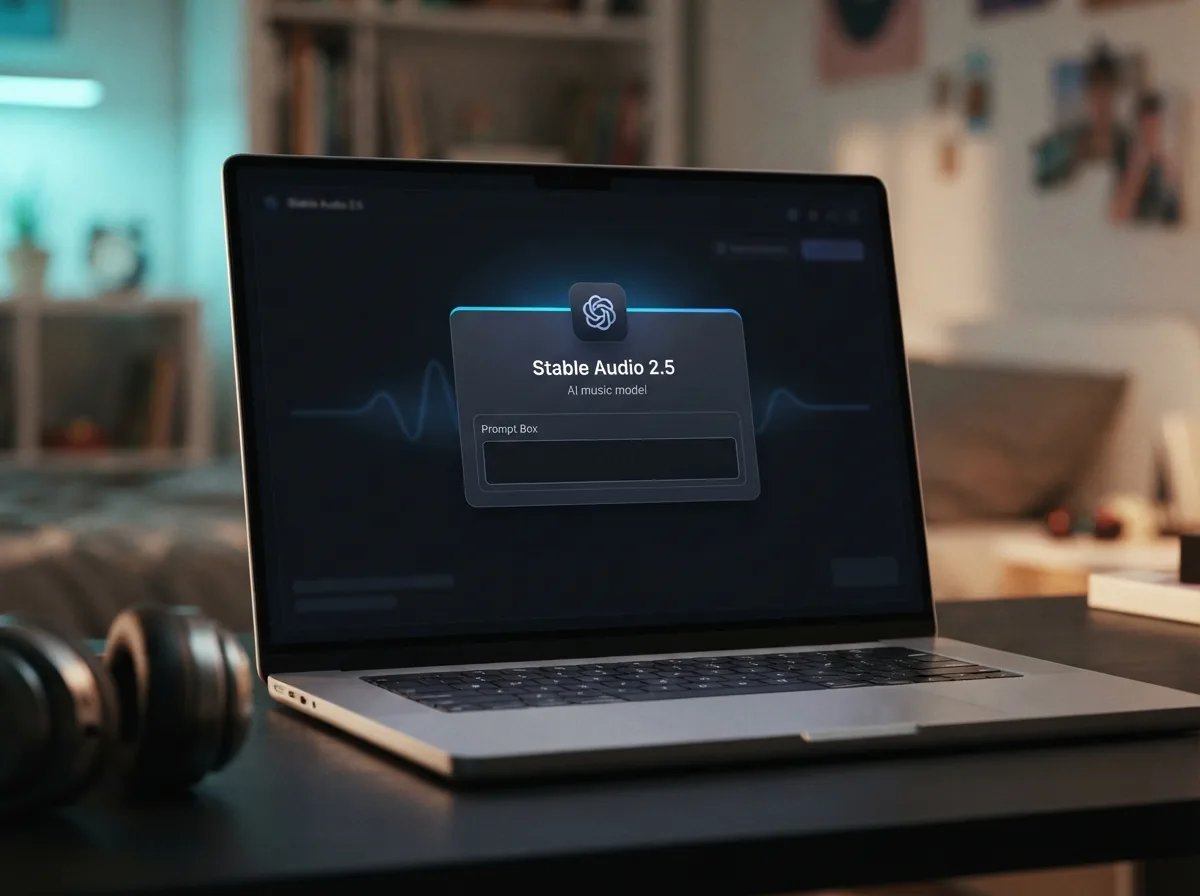
Open Stable Audio 2.5 in OnMusic AI
Choose Stable Audio 2.5 from the model list so you are working with the right setup for instrumental music. This model is built for fast, high-quality audio output without vocals.
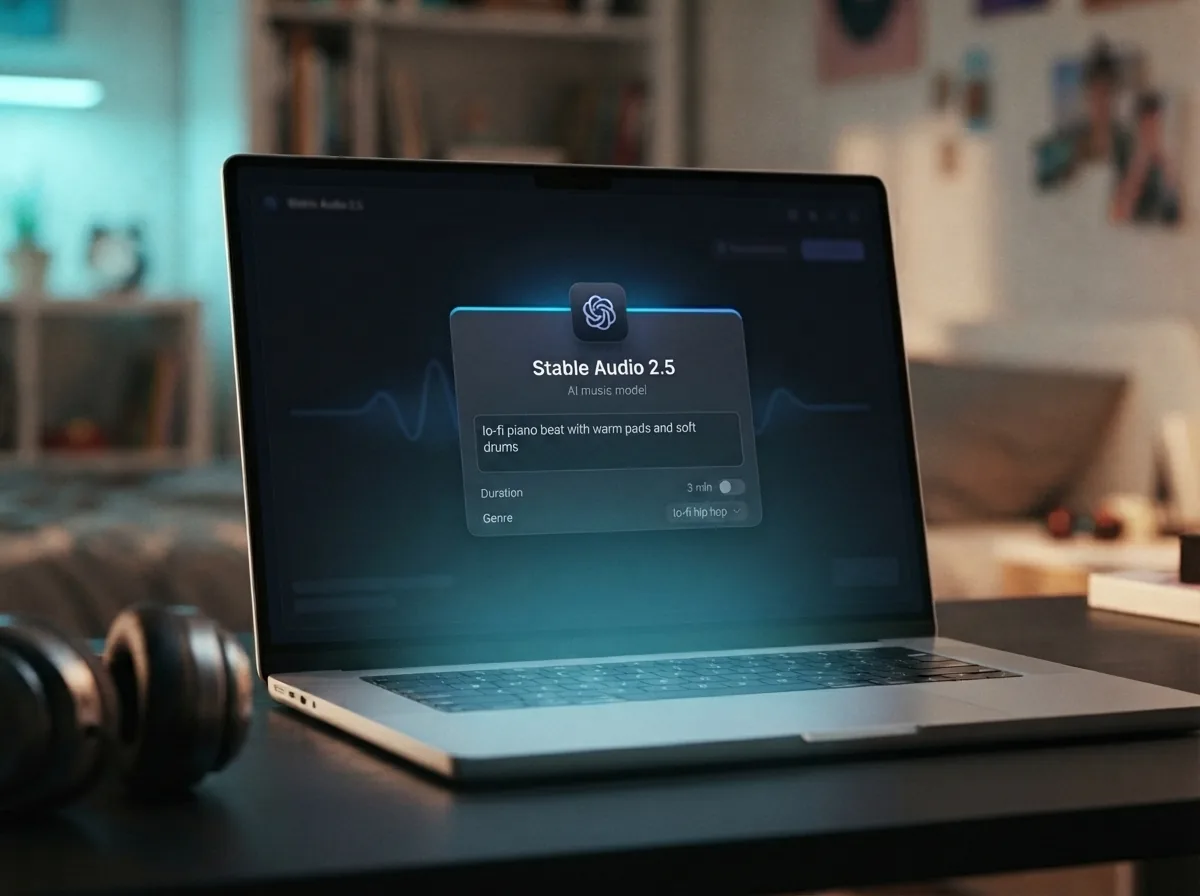
Write a text prompt for your instrumental music
Type the mood, genre, tempo, and instruments you want to hear. A clear prompt like "lo-fi piano beat with warm pads and soft drums" gives the model a strong direction.
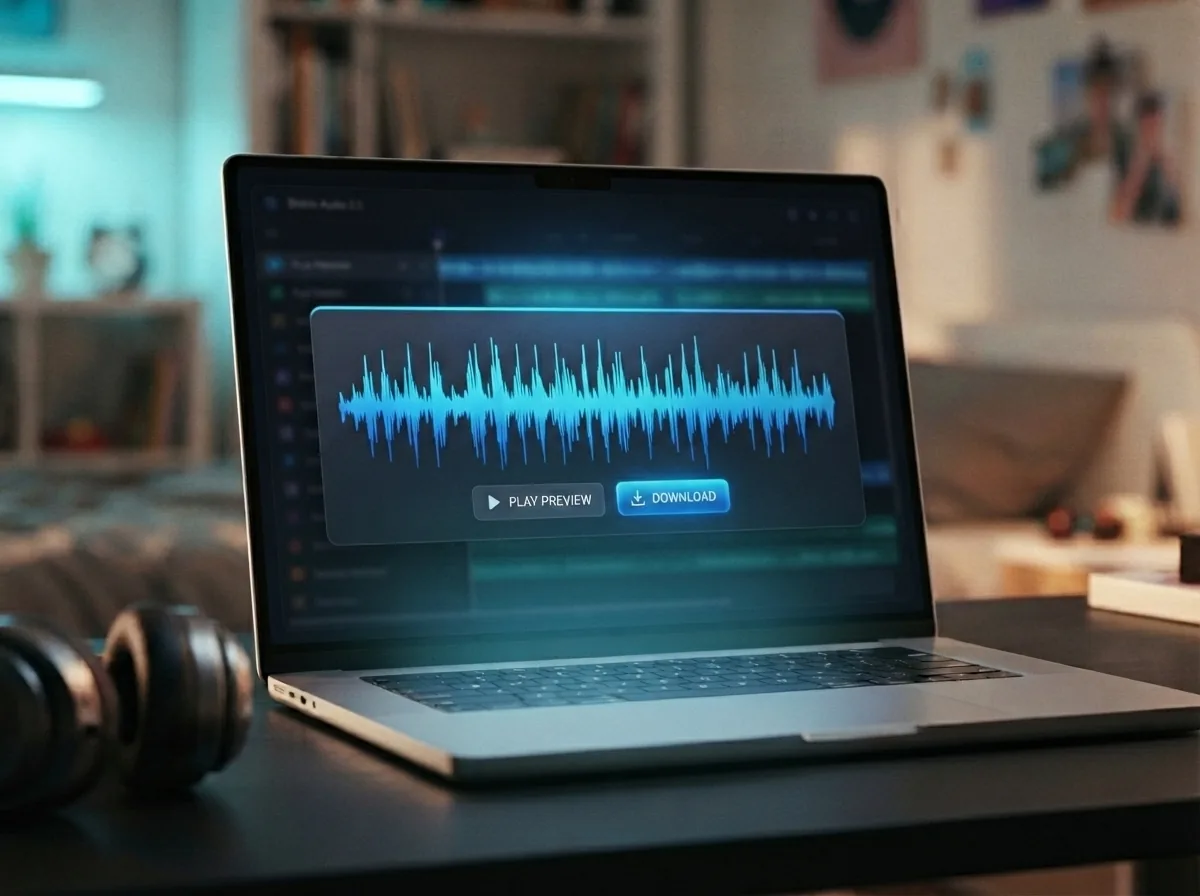
Create and download your instrumental song
Run the model, preview the result, and download the music file you like best. If the first version is close but not perfect, edit the prompt and create another take.
Create instrumental music from one prompt and download it royalty-free
Use Stable Audio 2.5 on OnMusic AI to create fast, high-quality instrumental music for background scores, beat ideas, and sound design.
Frequently asked questions
What does Stable Audio 2.5 do?
Who makes Stable Audio 2.5?
How does Stable Audio 2.5 work?
Is Stable Audio 2.5 free?
What is the maximum length for Stable Audio 2.5 output?
Does Stable Audio 2.5 create vocals or lyrics?
What input does Stable Audio 2.5 support?
What styles is Stable Audio 2.5 best at?
How do I use Stable Audio 2.5 on OnMusic AI?
Is Stable Audio 2.5 a Stable Audio instrumental generator?
How does Stable Audio compare with Suno for music creation?
Can I use Stable Audio 2.5 for AI sound design generator tasks?
Can I sell music made with Stable Audio 2.5?
Can people tell if a song is AI-generated?
What are the limits in a Stable Audio 2.5 review?
Where can I try Stable Audio 2.5?
Ready to create with this model? Make instrumental music you can keep and share
Create with Stable Audio 2.5 on OnMusic AI, switch models in one place, and start free with a simple text prompt.