AI Mastering

Free tool

Upload your mixed song, use AI mastering to balance loudness and tone, then download a polished WAV or MP3.

Why us

Finish your music with a final polish

You upload your mix and hear a cleaner, fuller, more balanced version that feels ready to share.

A more finished sound

Your song comes back tighter, clearer, and more even from intro to outro. That last layer of polish helps the whole mix feel complete instead of sounding like a rough draft.

More confidence to share

A polished master helps vocals, drums, bass, and melody sit together better. You can send your music to friends, post a clip, or keep a personal version that sounds like a real finished song.

Better playback on everyday devices

Your music should still feel solid on phones, earbuds, laptops, and car speakers. A balanced final version makes it easier for the song to hold together when people listen outside your setup.

More songs actually completed

Finishing matters. When the last step feels simple, you spend less time second guessing levels and more time wrapping up demos, trying new versions, and moving on to your next idea.

One studio · eight models

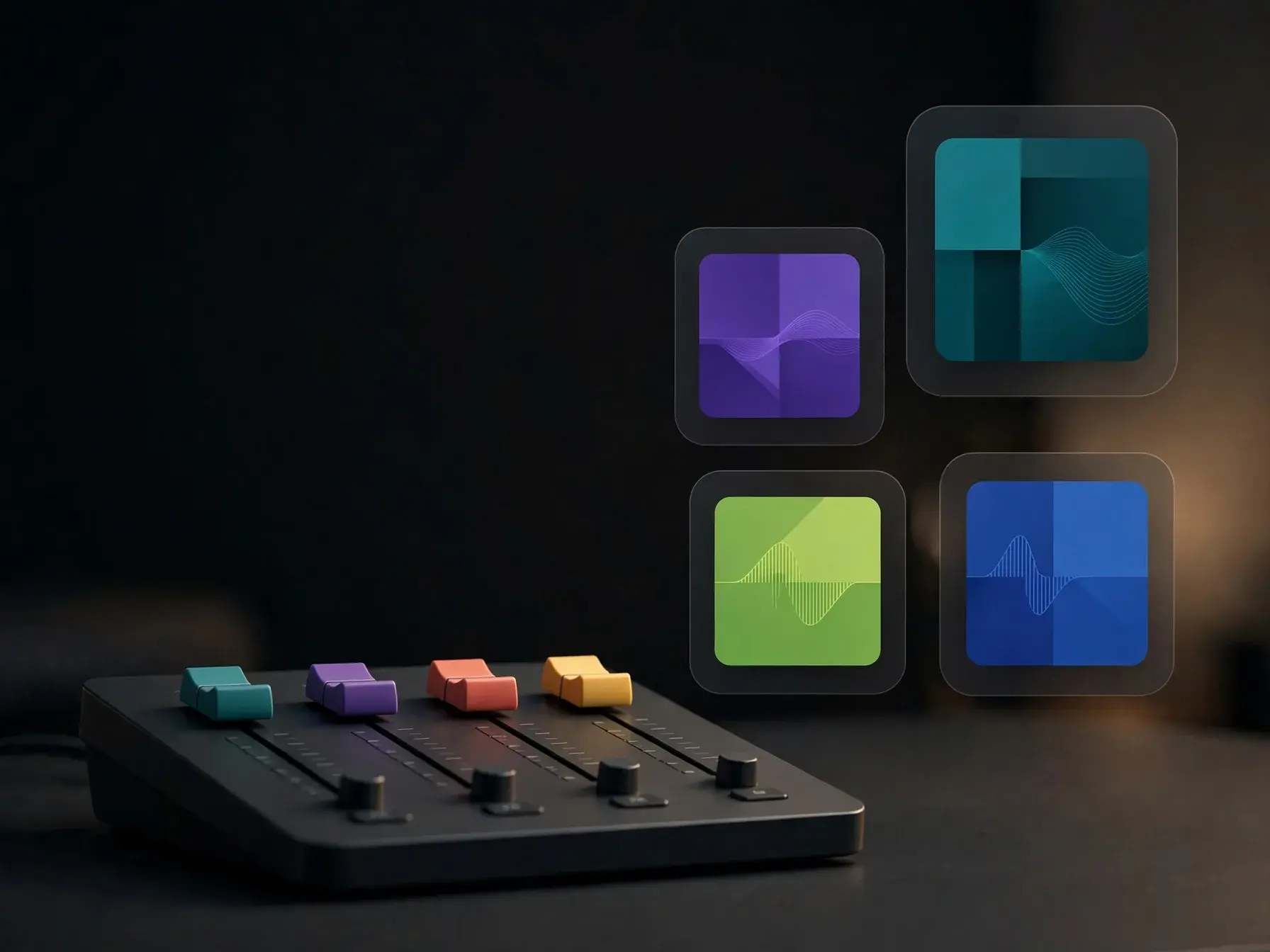
Pick the right model for the sound

Metered in simple credits — from 3 to 15 per song. Your free trial includes 10 credits. Hover any model to hear it.

10 credits included · no card required · new models added regularly

Learn more

What AI mastering does to your song

These topics explain what AI mastering changes, how the tool handles loudness and balance, and what kind of file you can expect before you download and share your song.

ai mastering — topic section inline 0

Master song online free

Master song online free by uploading one finished stereo mix, previewing the result, and downloading the version that feels right. This works best when your levels, edits, and arrangement are already set, since mastering polishes the whole song rather than rebuilding the mix. If you still need to create the song itself, start with the OnMusic AI song generator first.

Laptop screen comparing two mastered audio versions

AI audio mastering choices

AI audio mastering lets you compare a few final feels without reopening the mix. You can test a louder pop finish, a softer lo-fi balance, or a cleaner vocal-forward result and keep the version that fits the song. It is a simple way to hear how small mastering moves change the energy of the same song.

ai mastering — topic section inline 2

Free AI mastering online

Free AI mastering online lets you polish audio in a browser on a phone or laptop without extra software. It fits demos, podcast intros, and finished songs that need better level and balance before you share them. If the song is not written yet, create one in the music generator first and come back when the mix is ready.

Person previewing before and after mastering result

How to master a song online

How to master a song online is simple with AI song mastering when the mix is finished: upload the file, preview the change, and listen for steadier loudness, clearer highs, and tighter low end. The tool keeps your arrangement and performance the same while polishing the final sound. If something still feels off, go back to the mix before you export the master.

ai mastering — topic section inline 4

Fix mix issues before mastering

Mastering can polish a mix, but it will not fix clipping, heavy distortion, or a vocal that sits far above the music. If the balance is off, clean it up first with an AI vocal remover or separate problem parts with an AI stem splitter. Then run mastering on the improved mix so the final file sounds more consistent across speakers and headphones.

How it works

Using AI mastering in 3 steps

Upload one mixed song file, let AI mastering polish loudness and balance, then download a mastered audio file you can play, post, or share.

Person uploading a mixed song file on a laptop
1

Step 1: Upload your mixed song

Start with a finished mix, such as a demo, beat, or full song with vocals. Add your audio file so the tool can work on the whole song as one stereo master.

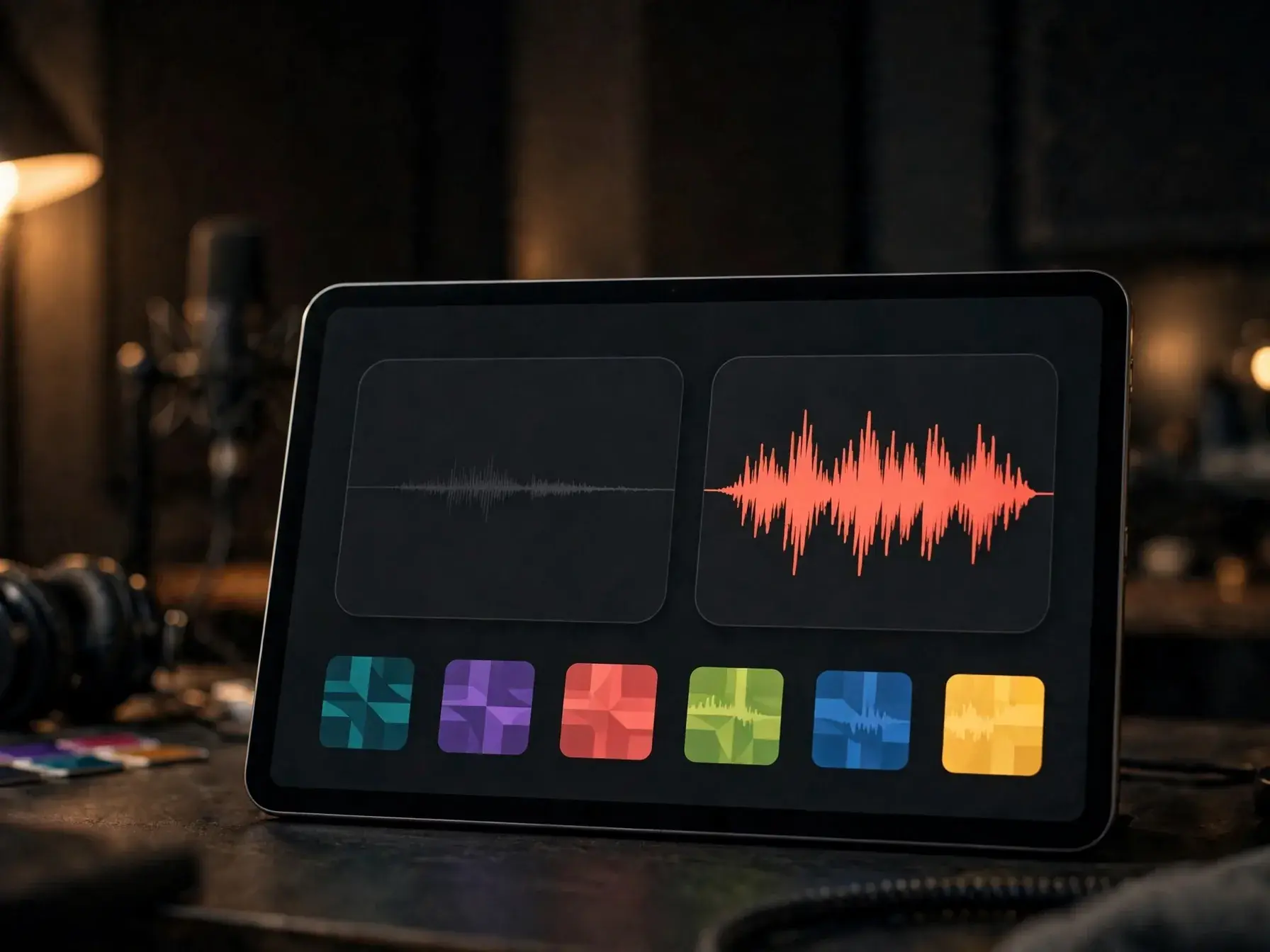
Before and after mastering view for one song
2

Step 2: Let the tool refine the sound

The tool adjusts overall level, tone, and dynamics so your song feels more even and easier to play on everyday devices. You keep the same performance and arrangement, but the final file sounds cleaner and more controlled.

Mastered song ready to preview and download
3

Step 3: Preview and download the final master

Listen to the mastered version, then save the finished audio file. You get one polished master of your uploaded song, ready for sharing, posting, or using in your next project.

When your mix is done and ready to share

Use this tool when your song sounds quiet, uneven, or flat and you want a louder, cleaner file for video, posting, or sending to friends.

Bedroom songwriter checking a mastered song on a laptop

Bedroom songwriters

Bedroom songwriters use this when their mix sounds quiet, flat, or uneven next to other music. A quick master helps the same song feel fuller and more ready to share with friends, collaborators, or a small release.

Content creator preparing polished music for an online post

Creators using online music mastering AI

Video creators, streamers, and small artists use this to make their music sound more balanced before posting it online. It is a practical fit when you want a cleaner final file for YouTube, TikTok, or a portfolio link.

Beginner producer comparing before and after mastered audio

First-time producers

First-time producers use this to hear what a more polished version of their mix sounds like before they learn deeper mastering moves. It helps when you want a better reference, a cleaner demo, or a simple way to compare before and after.

Features

What AI mastering can improve

Upload your mix, shape the final sound, and export a louder, cleaner song that is ready to share.

Instant track mastering for uploaded songs

Upload one finished audio file and the tool checks level, peaks, and tonal balance before applying a full master in one pass. It is made for a completed song or beat, not separate stems, so you can hear a polished version quickly.

AI mix mastering tool with adaptive processing

This AI mix mastering tool adjusts EQ, compression, and limiting based on the file you upload instead of forcing one fixed setting on every song. Busy choruses, softer verses, and vocal-heavy sections can be treated differently so the whole master feels more even.

Loudness mastering online with peak control

Loudness mastering online raises overall level while catching clipping and sharp transients that can make a song feel harsh. You get a louder, cleaner result that is easier to play back on phones, headphones, and laptop speakers.

Tone shaping for vocals and instrumentals

The tool rebalances low end, mids, and highs so muddy bass, boxy mids, or brittle top end do not overpower the song. If you created a beat, an instrumental, or a vocal song, mastering helps the file feel more finished before you share it.

Before and after preview with final export

You can compare the original audio to the mastered version before you download the result. If you want a clean instrumental first, use an AI vocal remover, then bring that file into mastering and export the finished song.

By the numbers

Trusted by everyday creators around the world

People use OnMusic AI to make music, polish audio, and share songs in every kind of style.

10M+

Songs created

Songs made by creators like you

5M+

Happy creators

Everyday people making music for fun

4.8★

App rating

Loved by our community

Turn your mix into a polished master

Upload your song, hear a clearer, louder version, and compare it before you download.

Compare your original mix and mastered version
Useful for demos, releases, and quick revisions
Works with beats, vocals, and full songs

AI mastering questions, answered

How does AI mastering change a rough mix into a finished master?
AI mastering applies final polish to a finished mix. With AI mastering, you upload one audio file and get back a louder, more balanced song with clearer EQ, controlled dynamics, and a playback-ready level for phones, headphones, and speakers. It improves the master, but it does not rebuild a weak mix from scratch.
Can AI mastering fix a quiet song with uneven volume?
Yes, AI mastering can help a quiet song feel more even and easier to hear. It can raise level, tame peaks, and smooth tonal balance, but AI mastering works best when clipping, distortion, and major mix problems are fixed first. Think of it as finishing your song, not rescuing every issue.
Is free AI mastering online good for demos and social posts?
Yes, free AI mastering online is useful for demos, previews, and quick shares. It gives your song a more finished level and cleaner balance without extra software, which is often enough for sending ideas to friends, posting short clips, or checking how your mix translates on everyday devices.
What does loudness mastering online actually adjust?
Loudness mastering online mainly adjusts perceived volume while keeping the song controlled. It can raise overall level, limit sudden peaks, and help the master play back more consistently across earbuds, phones, and laptops. Good mastering should still leave some dynamics, so the song does not feel flat or crushed.
Can AI mastering replace a human mastering engineer for every song?
No, AI mastering is not a full replacement for every project. It is a strong option for fast results, rough releases, and testing versions, while complex songs, detailed creative notes, or formal delivery needs may still benefit from a human engineer. The right choice depends on your goal and how much control you want.
When should you use AI audio mastering instead of changing the mix?
Use AI audio mastering after the mix is finished and the song already sounds right on its own. If vocals are too loud, drums disappear, or instruments mask each other, fix the mix first, then master. That order gives AI mastering a much better file to work with.

Hear your mix with a final polish

Upload your audio, compare the original and the master, then download a cleaner version you can keep or share.

Free to try in your browser
Made for finished mixes and demos
Upload audio and download your master