What is MiniMax Music 2.5?
MiniMax Music 2.5 is a professional music model for creating full pieces from text or lyrics, with strong structure control and notably natural-sounding vocals. The MiniMax name tells you who built it. OnMusic AI gives you a simple place to try it, compare outputs, and create music without setting up a separate workflow.
Learn more
Getting real results with MiniMax Music 2.5
See what MiniMax Music 2.5 does well, where it falls short, and how to create better songs with it on OnMusic AI.
Why MiniMax Music 2.5 stands out for structured music creation
What is MiniMax Music 2.5 in practice? It is a professional AI music generator built to turn a single prompt into music with clearer structure, stronger section changes, and more human sounding vocals than many casual music tools. Its main strength is control at the song level, not just clip creation. That matters when you want a verse, chorus, and bridge to feel connected instead of stitched together.
MiniMax Music 2.5 is widely noted for following paragraph style prompts well, so you can describe mood, pacing, instrumentation, and vocal feel in one input and get music that reflects those choices. It is especially good when your idea needs an arc, such as a soft intro, a bigger chorus, then a cleaner outro.
OnMusic AI gives you a simple place to try that model without needing a separate setup for one maker. If you want a fast overview of similar options before choosing, the models page is the natural place to compare available music engines side by side.
Prompting and input tips for better first results
Hailuo AI music searches often point to the same MiniMax ecosystem, but the practical question is how to prompt the music model well so your first result is usable. Start with four things in one prompt: genre, tempo feel, vocal style, and song structure. A better prompt says “warm indie pop, female vocal, reflective verse, bigger hook, light drums and synth bass” instead of “make a sad song.”
If you already wrote words, use lyrics as the anchor and keep line lengths consistent so the melody has room to breathe. If you do not have lyrics yet, draft a short theme first, then build from there in OnMusic AI’s AI song generator. Keep references descriptive, not brand based. Name textures like airy, punchy, dry, intimate, bright, or lo-fi.
For a simpler workflow, many people move between the AI song generator and text to music tools depending on whether they want lyrics first or music first. The goal is not a perfect prompt. It is a specific prompt that gives the model enough musical direction.
When MiniMax Music 2.5 fits better than other music models
MiniMax vs Suno is really a choice between different strengths, not a simple winner. Choose MiniMax Music 2.5 when your priority is structured music with strong paragraph level direction and convincing vocal phrasing from a detailed prompt. Choose Suno v5.5 when you want a very streamlined consumer flow and quick idea testing with less prompt work. Choose Mureka v9 when your use case leans toward a different creative balance in style interpretation and you want another music engine for alternate takes on the same idea. If you already like the MiniMax sound but want to compare the newer branch of the same family, MiniMax Music 2.6 is the clearest next stop.
The useful takeaway is this: MiniMax Music 2.5 rewards specificity. It tends to shine when you care about arrangement and vocal feel, while some peers are better for faster drafts or broader everyday convenience. OnMusic AI helps here because you can switch models without rebuilding your whole workflow or opening a new account for each one.
The music styles and output types that fit MiniMax Music 2.5 best
MiniMax AI song generator results are strongest when the prompt asks for complete, vocal led music with a clear emotional arc. In real use, that means pop hooks, melodic rap, cinematic ballads, electronic mood pieces, lo-fi songs with a vocal center, and polished demo style music that sounds meant to be listened through, not just sampled. It also works well for birthday songs, tribute songs, short concept singles, and lyric first ideas that need melody and arrangement. Instrumental only outputs can work too, especially for background music or beat sketches, but the model’s reputation is tied most closely to full music with singing.
Good prompts often specify section energy, such as low key verse, lifted pre chorus, and wide chorus with layered harmonies. That gives the model room to shape progression instead of repeating one mood. If your goal is a casual draft, a music generator can handle broad prompts. If your goal is memorable music with a personal stamp, this model performs better when you define narrative and vocal intent up front.
Free access, availability, and the limits to expect
Free MiniMax AI music is best understood as access through OnMusic AI, where you can try the model without setting up a separate account for every music platform you want to test. That is the useful distinction for most people. Free access usually means trying a limited number of creations, comparing outputs, and seeing whether the model fits your idea before paying for heavier use. It does not mean unlimited exports, endless retries, or access to every advanced setting at all times. Honest limits still apply.
Output quality depends on prompt quality, lyrical pacing, and how much structural detail you give the model. Very vague prompts often produce generic music. Very dense lyrics can force rushed phrasing.
If you want broad discovery before committing, OnMusic AI’s home experience is the easiest place to start, then you can move into a dedicated session once you know the sound you want. A music maker is most useful when the free layer helps you learn the model’s behavior, then upgrade only if the results match your project.
How MiniMax Music 2.5 quality holds up in real use
A MiniMax Music 2.5 review should start with the clearest truth: the model is respected for polished arrangement control and notably natural vocal delivery, especially when the prompt is detailed. It does not win every scenario, but its quality ceiling is high for prompt based music creation.
For MiniMax vocals quality, the practical expectation is human-like phrasing that often feels smoother and less robotic than lightweight consumer music tools, though results still vary by genre, lyric density, and vocal style requested. Softer pop, emotional ballads, melodic hip hop, and atmospheric electronic songs are usually the safest fit. Harder edge styles with extremely dense words or aggressive vocal tone can need more retries.
The biggest quality difference comes from prompt discipline. When users describe section changes, instrument palette, and vocal mood clearly, the music sounds more intentional. If you want a broader take on strengths and tradeoffs before testing it yourself, the best follow up read is the MiniMax Music review article, which is where most people go after hearing one good example and wanting context.
How to get stronger music from every prompt
Better results from MiniMax Music 2.5 come from writing prompts like a producer brief, not a casual wish. Name the genre first, then define tempo feel, lead vocal type, emotional tone, and section map. A prompt such as “dreamy synth pop, mid tempo, intimate female vocal, sparse verse, larger chorus, bright pads, soft sidechain pulse” gives the model clear instructions it can act on.
If you are using your own lyrics, keep syllable count reasonably even between similar lines and label parts clearly. Short lines usually sing better than packed paragraphs. Ask for one central hook instead of three competing ideas. Avoid vague requests like “make it epic” without saying what creates that feeling, such as drums, choir texture, or wider harmony. Do not overload the prompt with artist names. Describe sound traits instead.
After the first result, change one variable at a time, such as chorus energy or vocal intensity, so you learn what actually improved the music. That testing habit is usually more valuable than rewriting the whole prompt every round.
Features
Inside MiniMax Music 2.5 that matters
MiniMax Music 2.5 stands out for strong vocal fidelity, clearer song structure, and more control over style from a single prompt. These capabilities help you judge whether this AI music generator fits your workflow before you create music on OnMusic AI.
MiniMax Music 2.5 gives paragraph-level song structure control
MiniMax Music 2.5 stands out for paragraph-level control over music structure. You can describe sections such as an intro, verse, chorus, and outro in plain language, and the model follows that shape more closely than a basic prompt-only system.
That matters when you want a song to build, drop, or change mood at the right moment. It gives an AI song generator more usable creative direction from the start.
MiniMax Music 2.5 is known for MiniMax vocals quality
MiniMax Music 2.5 is known for MiniMax vocals quality, especially in how natural the singing tone and phrasing can sound. The vocal output aims for human-like delivery instead of a flat, robotic read.
That matters most for pop, rap, and other lyric-led music where the voice carries the hook. Stronger vocal realism makes demos easier to judge before you keep editing or remake the song.
MiniMax Music 2.5 can create a full song from one prompt
MiniMax Music 2.5 can turn one detailed prompt into a more complete piece of music with recognizable sections and flow. Instead of only producing a loop or loose sketch, it is designed to create a finished song shape with melody, rhythm, and arrangement working together.
That helps when you want something shareable, not just an idea starter. It is a stronger fit for users who want music that feels composed, not randomly assembled.
MiniMax Music 2.5 works well with lyrics-aware creation
MiniMax Music 2.5 works well when your prompt already includes lyrics, themes, or a section-by-section brief. The model uses that language to guide vocal rhythm, emotional tone, and overall music direction.
That matters when you already wrote lines for a birthday song, a rap verse, or a chorus idea. A music maker is more useful when your own words can shape the final result instead of being ignored.
MiniMax Music 2.5 handles many genres with strong style guidance
MiniMax Music 2.5 handles a wide range of music styles, and it responds well to clear genre and mood instructions. You can ask for polished pop, melodic rap, lo-fi, cinematic, or other style mixes, then refine the prompt to push the arrangement in a clearer direction.
That matters because style control affects instruments, pacing, and vocal feel at the same time. It makes the model practical for both playful experiments and more targeted demos.
MiniMax Music 2.5 is available as free MiniMax AI music on OnMusic AI
MiniMax Music 2.5 is available as free MiniMax AI music on OnMusic AI, so you can test the model without setting up a separate workflow for it first. That gives you a simple way to hear how the music generator handles your prompt, lyrics, or genre idea before you decide to keep iterating.
The benefit is not a new model capability, but easier access to a strong one. It is useful when you want to compare results quickly and start creating right away.
All models
Every AI music model, one place
Hear a sample, then switch between the latest models and compare results — free to start on OnMusic AI.
Suno v5.5
by Suno
Full songs with natural, expressive vocals from a single prompt.
Udio v4
by Udio
48kHz stereo songs up to 10 minutes with licensed, studio-clear sound.
ElevenLabs Music v2
by ElevenLabs
Licensed, commercial-ready songs with lifelike multilingual vocals.
Google Lyria 3 Pro
by Google DeepMind
Full-length, structured songs with lyrics and tempo control.
MiniMax Music 2.6
by MiniMax
Its strongest vocals yet, with an AI cover mode and auto lyrics.
Stable Audio 3.0
by Stability AI
Instrumental tracks and sound design up to 6 minutes, royalty-free.
Stable Audio 2.5
by Stability AI
Fast, high-quality instrumentals up to 3 minutes, royalty-free.
Who uses MiniMax Music 2.5 and what they make
Everyday creators use this AI music generator to turn lyrics, moods, and rough ideas into personal music they can share, remix, or keep for themselves.
MiniMax Music 2.5 for lyric writers making a finished vocal song
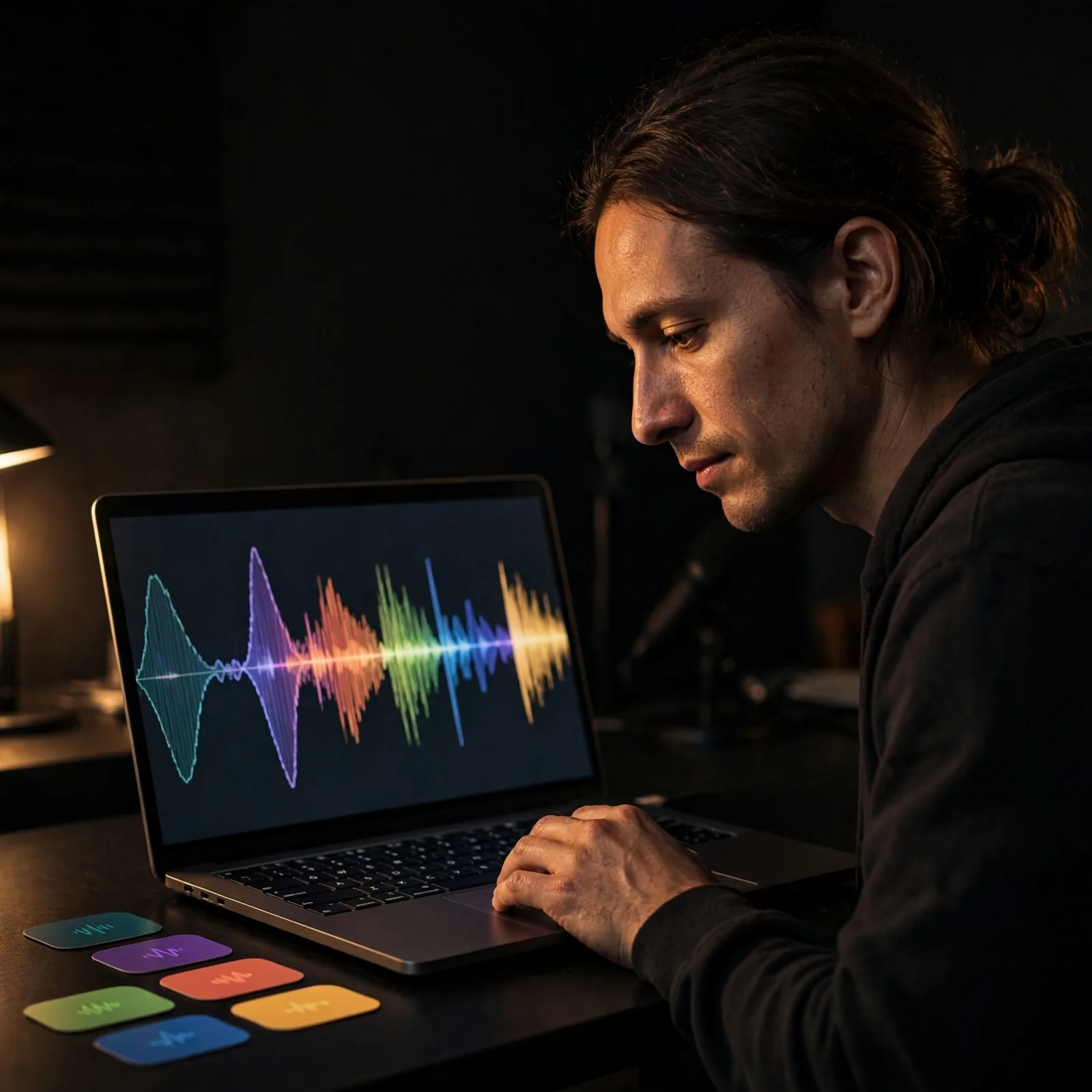
MiniMax Music 2.5 fits people who already have lines in their notes app and want to hear them as real music with verses, a chorus, melody, and vocals. OnMusic AI gives that lyric-first flow inside its AI song generator, so you can paste words, shape the mood, and create a song that feels personal instead of generic.
Beat makers testing Hailuo AI music against new genre ideas
Hailuo AI music is a common comparison for people who want to sketch pop, rap, lo-fi, or cinematic ideas fast, and MiniMax Music 2.5 is a strong fit when the goal is fuller song structure and human-like vocals.
This audience uses a music generator to try the same idea in different styles, then keeps the version with the strongest hook, groove, or chorus.
MiniMax Music 2.5 for people making a custom song gift or personal moment
MiniMax Music 2.5 works well for everyday users who want music for a birthday, inside joke, love note, or one-time memory they can share with friends. Instead of learning production tools first, they use a music maker to describe the person, pick a style, and create a full song they actually made themselves.
How to create with Minimax Music 2.5
You end up with music you can play and save, using OnMusic AI with MiniMax Music 2.5 in a simple three-step flow.
Open MiniMax Music 2.5
Choose MiniMax Music 2.5 inside OnMusic AI before you start. This sets the model for the song you want to create, whether you want vocals, an instrumental, or a certain mood.
Enter a prompt or your lyrics
Type the style, mood, tempo, or scene you want to hear, or paste lyrics you already wrote. The clearer your input is, the easier it is to get verses, a chorus, and vocals that match your idea.
Create and download your song
Run the model, preview the result, and save the version you like. You can keep the full song, share it, or go back and tweak the prompt for another style.
Create studio-style music from one prompt
Use MiniMax Music 2.5 on OnMusic AI to turn a text idea or your own lyrics into structured music with vocals, genre control, and fast retries.
Frequently asked questions
What does MiniMax Music 2.5 do?
MiniMax Music 2.5 creates full music from text prompts, with strong structure control and notably realistic vocals. It is designed as an AI music generator for people who want songs that sound more deliberate and studio-shaped, not just quick loops or rough sketches.
Is MiniMax Music 2.5 free to use?
Yes, you can try MiniMax Music 2.5 through OnMusic AI with a free starting option. Access and limits depend on the current plan inside OnMusic AI’s AI music generator, so the simplest way to check is to open the model and see the live usage options.
How long can a MiniMax Music 2.5 song be?
MiniMax Music 2.5 supports substantial song creation rather than only tiny clips, but exact maximum length can vary by platform and current implementation. The practical takeaway is that it is built for complete music with meaningful structure, not just a few seconds of audio.
How strong is MiniMax vocals quality?
MiniMax vocals quality is one of the main reasons people seek out the model. MiniMax Music 2.5 is widely recognized for human-like vocal tone, smoother phrasing, and better emotional delivery than many earlier AI song generator options, especially when the prompt gives clear style and lyrical direction.
How do I use MiniMax Music 2.5 on OnMusic AI?
You use MiniMax Music 2.5 on OnMusic AI by choosing the model, writing your prompt or lyrics, and creating the music inside the same workspace. OnMusic AI’s AI music generator keeps model access simple, and you can also explore the AI song generator or the full models catalog from there.
Can I download and use MiniMax Music 2.5 music commercially?
Commercial use depends on the rights and terms attached to the platform where you create and download the music. Before publishing or monetizing MiniMax Music 2.5 output, review the current usage rules inside OnMusic AI so you know what is allowed for personal, client, and business projects.
Ready to create your own music? Start with a prompt and leave with a finished song
OnMusic AI lets you create with MiniMax Music 2.5, then switch models in one place, with a free option to get started.