Mureka V9
by Skywork AI
Studio-quality songs in 50+ styles and 10+ languages.
- Output
- Studio-quality songs
- Styles
- 50+ styles, 10+ languages
- Extras
- Voice cloning
- Inputs
- Text prompt · lyrics
- Cost
- Free to start on OnMusic AI
What is Mureka v9?
Mureka v9 is an AI music generator from Skywork AI that creates studio-quality music from a text prompt. Its standout strength is pairing polished vocals with broad style coverage across 50+ styles and 10+ languages. You can use Mureka v9 on OnMusic AI when you want to turn a simple idea into a finished song fast.
Learn more
Your guide to Mureka v9 on OnMusic AI
See what Mureka v9 does well, where it struggles, and how to get better songs from a simple prompt.
The songwriting style that sets Mureka v9 apart
What is Mureka v9 in practice, and how does the mureka ai song generator work? It is a music model from Skywork AI that is known for building complete, studio-quality songs from a short text prompt, with vocals, melody, and structure arriving in one pass. Its standout idea is composition that feels planned instead of loosely stitched together. That matters when you want music that lands with a clear verse, chorus, and emotional arc, not just a loop with a vocal layer on top. Mureka v9 also supports 50+ styles and 10+ languages, so it fits simple pop prompts, heavier rap ideas, and softer lo-fi moods without forcing one fixed sound. The O1 chain-of-thought approach is part of why the music often feels more deliberate. It helps the model map lyrical intent, phrasing, and arrangement into a more coherent result. If you want an AI music generator that starts with a few words and returns a polished song draft, this is the core reason people seek out Mureka v9 in the first place.

Prompting for better first outputs
Mureka AI song generator works best when your prompt gives three things up front: genre, mood, and song purpose. Start with a line like “warm acoustic birthday song with female vocals, gentle chorus, thankful mood” or “late-night rap with deep bass, steady flow, reflective lyrics.” Then add any lyrics you already wrote, because the model can turn those words into music instead of forcing you to start from scratch. OnMusic AI is a simple place to use it because you can open the music tool, enter text, and hear a first version quickly without juggling separate model accounts. If you want tighter results, specify vocal type, language, pacing, and whether you want a full song or a shorter idea sketch. Keep prompts concrete. Name instruments, energy, and the listener moment, such as workout, birthday, or study session. You can also start from the AI song generator or the text to music flow if your goal is simple prompt-to-music creation. A good first draft usually comes from clear direction, not a long prompt.
How Mureka v9 compares with leading music models
Mureka vs Suno is a real decision point when you want a fast path from idea to finished music. Choose Mureka v9 when you care most about studio-style vocals, voice cloning, and a prompt flow that aims for a fully arranged song from the start. Choose Suno v5.5 when you want a widely known reference point for fast consumer song creation and you prefer its familiar ecosystem and community footprint. Choose Udio v4 when you want more emphasis on fine musical feel and iterative creative exploration, especially if you like shaping outputs through repeated variations. The honest view is that no single music maker wins every case. Mureka v9 stands out when personal vocal identity and polished, end-to-end song creation matter more than broad community familiarity. If you are comparing platforms instead of only comparing models, the Mureka vs OnMusic view is useful because OnMusic AI lets you test different model behaviors in one place. That saves time when you want to compare output quality directly instead of guessing from screenshots, comments, or recycled examples.
Song types, languages, and styles that fit best
Mureka v9 review discussions often focus on one practical point: the model is strongest when you want complete music with clear vocals and a defined style, not just an ambient sketch. It fits birthday songs, pop hooks, rap verses, lo-fi study music, emotional ballads, and upbeat social clips where the chorus needs to arrive quickly and feel memorable. Because it supports 50+ styles and 10+ languages, it also works well for multilingual ideas and culturally specific moods that many casual users want to test. A concrete example helps. A prompt for “soft piano apology song in English with male vocals and a heartfelt chorus” matches the model’s strengths. So does “high-energy gym anthem in Spanish with punchy drums and chant-style hook.” If you want to create music for sharing with friends, quick demos, or personal projects with a stronger vocal center, this model is a good fit. If your goal is only a bare instrumental loop, its biggest advantage, full-song structure, matters less than it does for lyric-led music.
Access, pricing reality, and current limits
If you are comparing options for the best free AI music generator, Free Mureka AI music is available through OnMusic AI, which means you can try this model without paying up front. The key point is simple: you can begin on OnMusic AI at no cost. That is the honest pricing claim supported for this page, and it matters because searchers often want to test output quality before committing to anything. What you should not assume is unlimited use, unlimited downloads, or unrestricted commercial rights unless the platform states those details clearly at the moment you use it. Pricing, credits, and export terms can change over time, so check the live plan details inside the app before you rely on them for client work or large-volume production. The practical limit to keep in mind is creative, not just financial. A first output may still need prompt edits, lyric cleanup, or a second pass to better match your idea. If you are browsing the wider models catalog on OnMusic AI, compare results side by side before you settle on one model for every project. Free access is best used as a test bed for fit, not as proof every use case is covered.

How good Mureka v9 sounds in real use
Mureka voice cloning is one reason Mureka v9 gets attention, but overall quality matters more than any single feature. The realistic takeaway from current search intent and reviews is that the model aims for studio-quality songs and often delivers polished vocals, strong structure, and a finished-listen feel straight from text. That makes it appealing for everyday users who want music that sounds closer to a complete release than a rough sketch. The quality ceiling is highest when the prompt is specific and the song concept is clear. Vocals are usually the headline strength, especially when compared with models that feel more experimental or more focused on broad variation than on a clean, radio-ready impression. The limit is also clear. Results are not automatically perfect, and highly nuanced songwriting choices, unusual lyrical phrasing, or very niche genre details may still need several tries. If your benchmark is a custom song that sounds personal and presentable without a DAW-heavy workflow, Mureka v9 is worth serious attention. If your benchmark is exact human-level artistic control, expect iteration rather than instant perfection.
Prompt habits that improve results fast
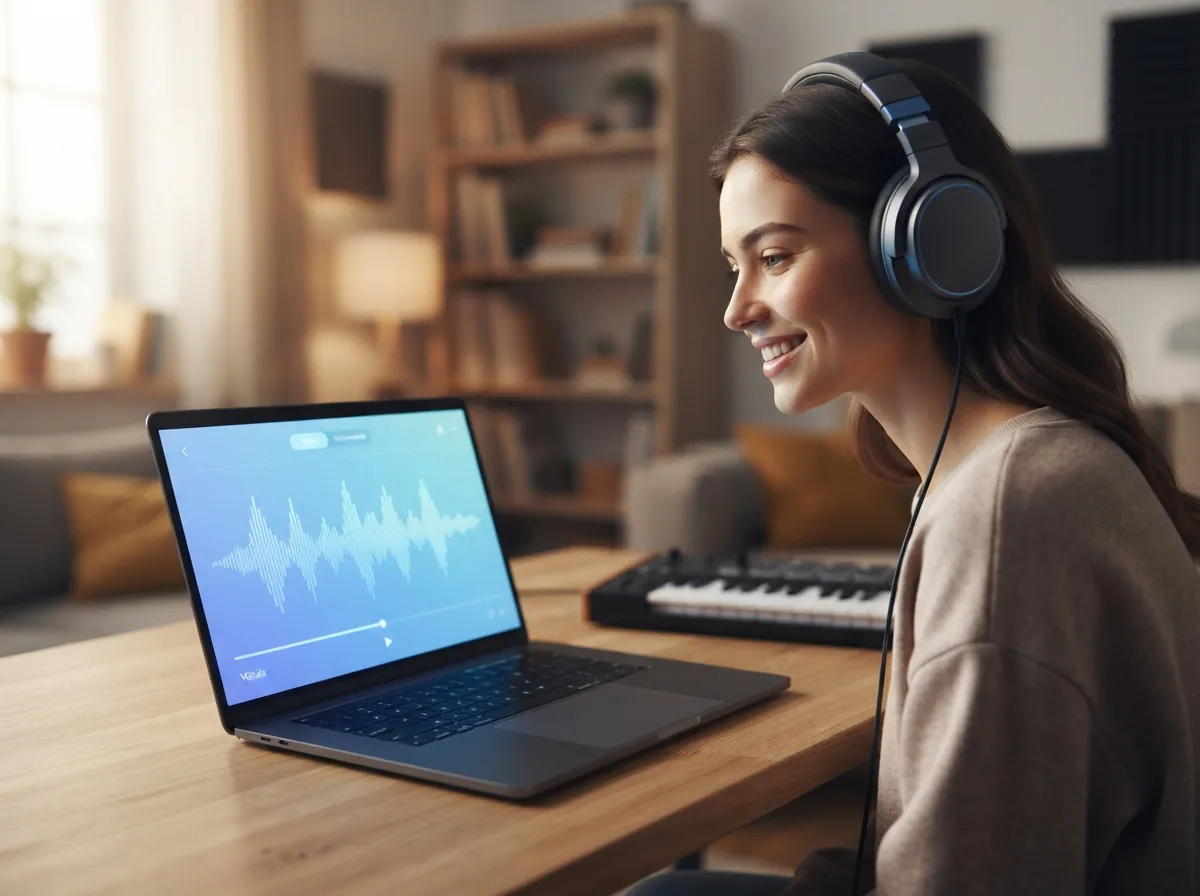
Mureka O1 chain of thought gives better results when you feed it prompt details that help the model reason through song structure, vocal delivery, and emotional pacing. The best prompt formula is short but specific: purpose, genre, tempo feel, vocal type, language, and one scene or emotion. For example, ask for “uplifting pop thank-you song with bright female vocals, medium tempo, clear chorus, for a graduation video.” That is far stronger than “make a nice song.” If you already have lyrics, paste them in and mark which lines belong in the chorus. If you do not, start with a simple theme and let the model draft the first version. Common mistakes are overloading the prompt with conflicting genres, asking for every instrument at once, or using vague words like “cool” and “epic” with no context. Another mistake is ignoring revision. Listen for one thing to fix each round, such as a stronger hook, slower delivery, or cleaner instrumental space. This AI song generator responds best when you guide one musical decision at a time, not ten at once.

Features
Inside Mureka v9 and what sets it apart
You are choosing Mureka v9 for its voice quality, style range, and prompt-to-song flow. This section breaks down the capabilities that matter most when you compare an AI music generator for real music creation.
O1 chain-of-thought composition
Mureka v9 uses O1 chain-of-thought generation to plan a song before it renders the final audio. That matters because the music can hold together better across verses, chorus, melody, and vocal phrasing. For an AI song generator, this is the part that helps rough prompt ideas turn into music with a more deliberate structure.
Mureka voice cloning
Mureka v9 supports mureka voice cloning for songs that need a more specific vocal identity. The feature is useful when you want the same singing style to carry across multiple ideas instead of starting from a random voice each time. For a music maker, that consistency matters most in demos, character songs, and repeatable artist-style workflows.
Studio-quality vocals from one prompt
Mureka v9 is built to create studio-quality vocals directly from a text prompt. That gives the finished music a clearer topline, stronger presence, and a more complete song feel than instrumental-first results. It matters most when you want lyrics, melody, and performance to arrive together instead of assembling each piece separately.
50+ styles and 10+ languages
Mureka v9 covers 50+ styles and 10+ languages, which makes it easier to create music without boxing your idea into one narrow sound. You can move from pop to rap to lo-fi, then switch language direction without changing tools. That range helps when the same lyric concept needs different moods, audiences, or cultural references.
Lyrics-first song building
Mureka v9 works well when your starting point is written lyrics instead of a production brief. The model can turn words into music with melody, sections, and vocal delivery that feel like a finished song rather than a loose sketch. This matters when the lyric is the heart of the idea, such as a birthday song, personal note, or chorus concept.
Free Mureka AI music access
Mureka v9 is available as free mureka AI music access on OnMusic AI, so you can test the model before paying for more music creation. That lowers the risk for people comparing models and deciding whether Mureka v9 fits their style. It matters most when you want to hear the model's vocals, language range, and overall music quality for yourself.
All models
Every AI music model, one place
Hear a sample, then switch between the latest models and compare results — free to start on OnMusic AI.
Suno v5.5
by Suno
Full songs with natural, expressive vocals from a single prompt.
Udio v4
by Udio
48kHz stereo songs up to 10 minutes with licensed, studio-clear sound.
ElevenLabs Music v2
by ElevenLabs
Licensed, commercial-ready songs with lifelike multilingual vocals.
Google Lyria 3 Pro
by Google DeepMind
Full-length, structured songs with lyrics and tempo control.
MiniMax Music 2.6
by MiniMax
Its strongest vocals yet, with an AI cover mode and auto lyrics.
Stable Audio 3.0
by Stability AI
Instrumental tracks and sound design up to 6 minutes, royalty-free.
Stable Audio 2.5
by Stability AI
Fast, high-quality instrumental tracks up to 3 minutes, royalty-free.
Who uses Mureka v9 and what they make
Birthday song makers, first-time beat creators, lyric writers, and casual hobbyists use Mureka v9 to turn a simple idea into personal music they can play, share, or keep.

Writers turning rough lyrics into a finished song
People who already have lines, hooks, or a chorus use Mureka v9 to create music that fits the words they wrote. OnMusic AI gives them an AI song generator path that starts with lyrics, then shapes melody, vocals, and structure around the idea.
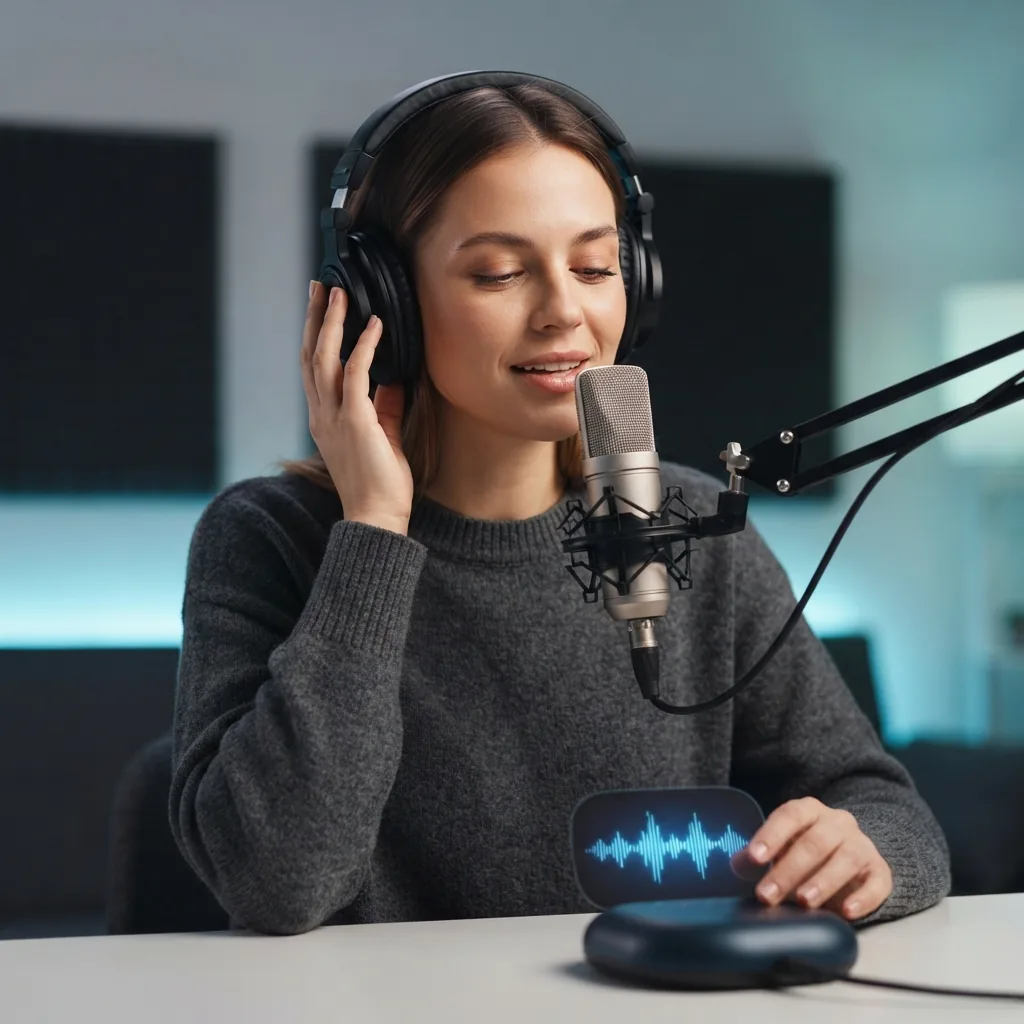
Singers testing Mureka O1 chain of thought for vocal ideas
Mureka O1 chain of thought helps singers and hobby artists shape a clearer music prompt before they create a song. They use Mureka v9 for demos, style tests, and personal voice-led ideas when they want studio-quality vocals without building the full music production by hand.

Friends making custom music for birthdays, jokes, and group chats
People who are not producers use Mureka v9 to create music for a birthday song, a funny rap, or a quick beat built from an inside joke. This music maker fits casual use well because they can try pop, rap, lo-fi, or instrumental ideas without learning software first.
Built for everyday music makers everywhere everyday music makers
People use OnMusic AI to create music fast, try new styles, and turn simple ideas into finished songs.
How to generate with Mureka v9
Follow these three steps to go from a written idea to finished music, using Mureka v9 inside OnMusic AI's free AI music generator.
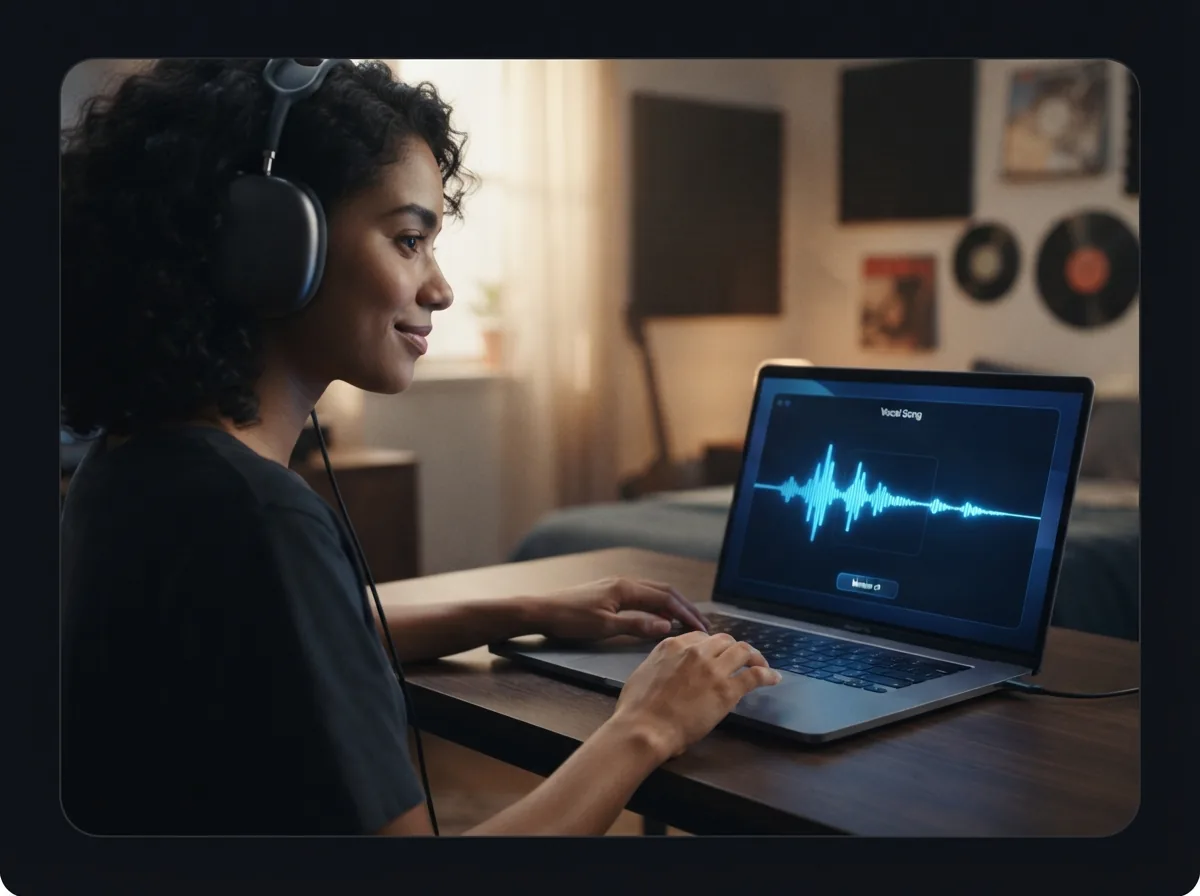
Open Mureka v9 and choose your song setup
Pick Mureka v9 in OnMusic AI, then choose the type of music you want to create, such as a vocal song or an instrumental. This sets the model before you add any words or lyrics.
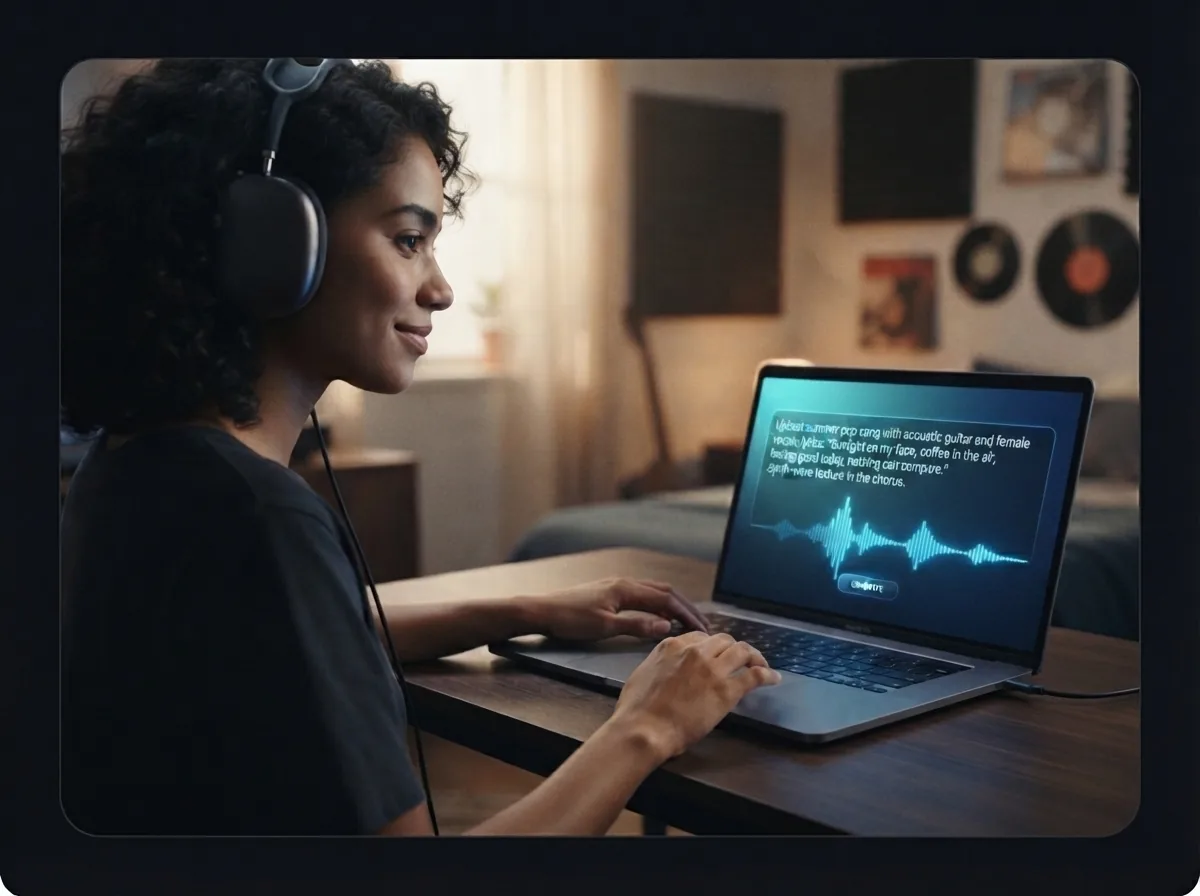
Enter a text prompt or paste your lyrics
Describe the mood, genre, voice, or scene you want, or paste in your own lyrics for Mureka v9 to shape into music. If you want a more guided result, add details like pop, rap, lo-fi, language, or vocal style.
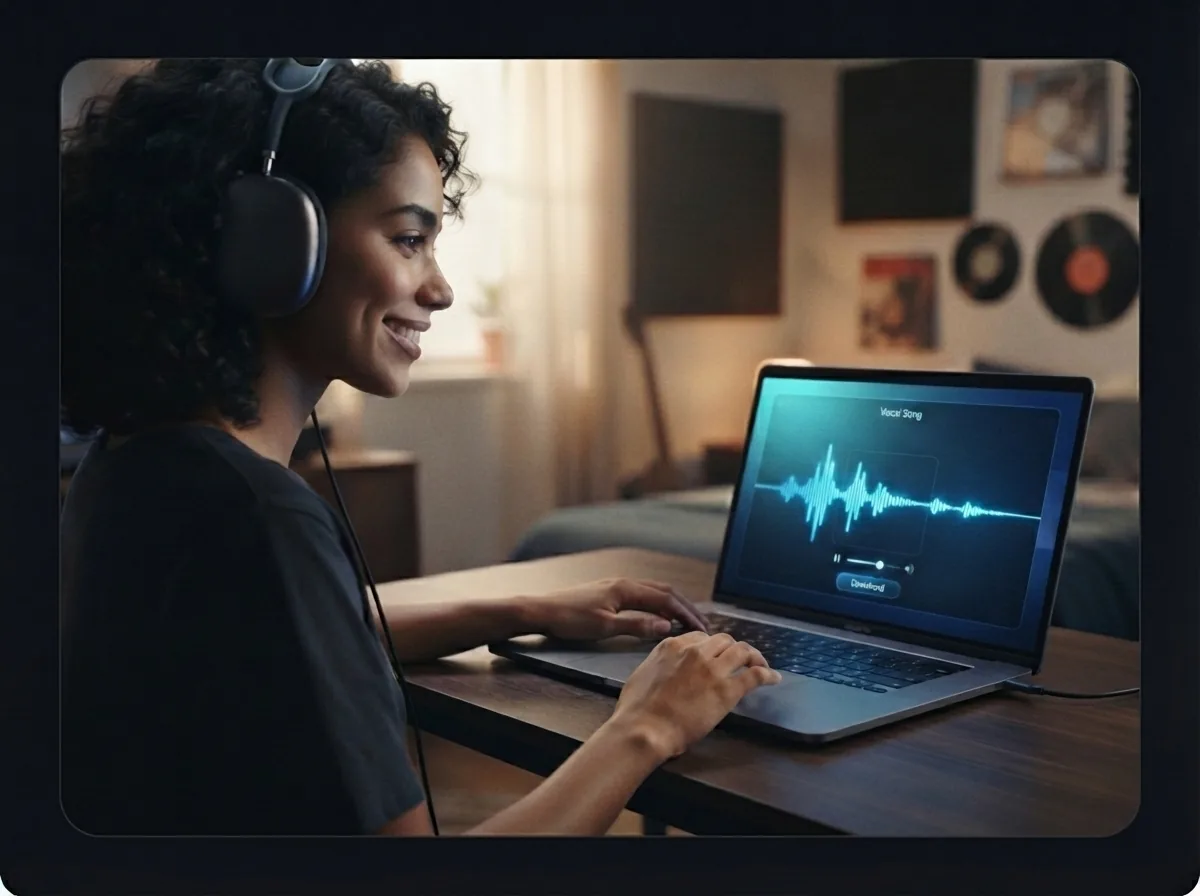
Generate, preview, and download your music
Run the model, listen to the result, and keep the version that fits your idea best. When you are happy with the music, download the finished file and share it or save it for later edits.
Create studio-quality music with Skywork AI's song model
Use Mureka v9 on OnMusic AI to turn one text prompt into music with vocals, lyrics, and style options in one place.
Frequently asked questions
What does Mureka v9 do?
Who makes Mureka v9?
How does Mureka v9 create music from a prompt?
Is Mureka v9 free to use?
What audio quality and output style can Mureka v9 deliver?
What is the maximum song length for Mureka v9?
Does Mureka v9 support vocals, instrumentals, and voice cloning?
What input types does Mureka v9 accept for music creation?
How do I use Mureka v9 on OnMusic AI?
Is Mureka better than Suno?
What is Mureka v9 best for?
What are Mureka v9's limits?
How fast is Mureka v9 when creating a song?
Can I download Mureka v9 songs and use them commercially?
What should I do if Mureka v9 gives weak results from my prompt?
Where can I try Mureka v9 for free?
Ready to create your own music? Start with a polished song
Create with Mureka v9 on OnMusic AI, switch between music models in one place, and begin with a simple prompt.