Google Lyria 3.5
by Google DeepMind
Songs with sharp vocals, lyrics, and tempo control.
- Output
- Songs with vocals + lyrics
- Vocals
- Sharp, clear
- Control
- Tempo control
- Inputs
- Text prompt · lyrics
- Cost
- Free to start on OnMusic AI
What is Google Lyria 3.5?
Google Lyria 3.5 is an AI music model from Google DeepMind that creates music with clear vocals, lyrics, and tempo control. It is built for people who want polished music from a simple prompt, not a complex production setup. You can run Google Lyria 3.5 on OnMusic AI's AI music generator and start creating without juggling separate model accounts.
Learn more
Using Google Lyria 3.5 on OnMusic AI
See where Google Lyria 3.5 stands out, where it falls short, and how it handles vocals, lyrics, genres, prompts, access, and licensing.
Google Lyria 3.5 stands out for vocal-first music creation
What is Google Lyria 3.5 in practical terms: it is a music model from Google DeepMind that is known for creating songs with sharp vocals, usable lyrics, and clear tempo direction from a simple prompt. In day to day use, its biggest strength is not just making background sound. It aims at full music, where melody, rhythm, vocal tone, and structure feel tied to the same idea. That matters if you want a complete result instead of a rough loop. Google Lyria 3.5 is especially strong when your prompt includes a mood, genre, and vocal role in one line. A request like “warm indie pop, female vocal, late-night city feeling, mid tempo” gives the model enough shape to produce music that feels intentional. It also handles genre switching well, so users can move from lo-fi to rap to cinematic pop without changing tools. If you are browsing OnMusic AI's models page, this is the model to notice when vocals matter as much as the instrumental. Its appeal is simple: you can start with plain language, and Lyria 3.5 turns that into music that already sounds like a real song idea instead of a sketch.
Prompting and inputs that work best
Lyria flow music is the common search path for people who want to know how to guide Google's music system, and the same prompt logic matters when you use the model on OnMusic AI. Google Lyria 3.5 works best when you give it three concrete inputs: genre, mood, and vocal intent. Add tempo if rhythm matters. “Fast pop punk, bright chorus, male vocal, 150 BPM” is stronger than “make a fun song.” Lyrics can also sharpen the result. If you already wrote a verse or chorus, paste the strongest lines first and keep the phrasing singable. Short lines, repeated hooks, and clear emotional words help the melody land better. If you do not have lyrics yet, you can draft them in the AI song generator, then bring the idea into this model. For practical use, start in text to music, choose Google Lyria 3.5, and make one focused version before testing variations. Change one thing at a time, such as tempo, genre, or vocal style. That makes it easier to hear what improved. Long prompts packed with conflicting directions usually weaken the output more than they help.

How Google Lyria 3.5 compares with nearby options
Lyria 3.5 vs lyria 3 pro is mostly a question of polish and control, with Lyria 3.5 positioned as the more advanced step when you want stronger vocals, lyrics, and more refined tempo handling. If your goal is a fuller, more radio-shaped piece of music, Google Lyria 3.5 is the safer pick. If you are comparing versions before you commit, the Lyria vs OnMusic page helps explain how model choice fits the platform workflow. Against other peers, the decision depends on the result you care about most. Choose Lyria 3 Pro when you want to stay in the same Google family but you do not need the newer model's stronger overall finish. Choose ElevenLabs Music V2 when your priority is testing a different creative flavor around AI-made music output and you want another reference point for vocal music behavior. The honest summary is simple. Pick Google Lyria 3.5 when your prompt needs to become a complete music piece with clear singing, defined sections, and steady pace. Pick a peer when you want to compare style character, not because this model lacks the basics.
Songs and styles where the model sounds most at home
Google lyria AI music is most convincing when you ask for finished song forms instead of abstract sound design. It works well for pop hooks, melodic rap, lo-fi vocal songs, upbeat dance sketches, and mood-led electronic pieces where the beat and the topline need to feel connected. Because the model supports tempo control and clear vocals, it is also a strong fit for birthday songs, parody songs, creator intros, and personal lyrics turned into shareable music. The style range is broad, but the prompts that win are specific. A slow R&B confession, a bright K-pop inspired chorus, a chill study beat with soft vocal layers, or a punchy rap idea with a simple repeated hook all fit the model's strengths. It also handles instrumental-forward directions, though the signature draw is still full music with singing. For people trying the OnMusic AI homepage for the first time, this model makes the most sense when the end goal is not just a beat. The best outputs usually sound like music written for a moment, a message, or a person. That is why it suits casual creators who want something personal instead of a generic background file.
Access, pricing, and real-world limits
Free lyria AI music is available as a starting point on OnMusic AI, which means you can try Google Lyria 3.5 on the platform without paying upfront. That is the practical answer most searchers want. You do not need to chase separate model accounts just to hear what the system can do. OnMusic AI gives you one place to test prompts, compare outcomes, and decide whether the model fits your style. The honest limit is that entry access is for trying the workflow, not an excuse to assume every use case is unlimited. Usage rules, export options, or credit boundaries can change by platform plan, so the right expectation is simple: you can test the model, learn the workflow, and then choose whether heavier use is worth it. There is also a difference between access and licensing. Search results often ask about API availability, commercial use, and rollout by Google, but those details depend on where the model is offered and under what terms. If you are mainly deciding whether to test it, the answer is easier than the licensing debate. You can start on OnMusic AI and judge the music quality before making a bigger commitment.

Where the quality lands in normal use
Lyria 3.5 review summaries across search results point to the same headline: the model is valued for stronger musicality, clearer vocals, higher lyric quality, and more flexible control than earlier Google music releases. That does not mean every prompt becomes a perfect song. It means the model is more likely to return music that feels shaped, singable, and ready for casual sharing without a lot of repair work. In real use, the clearest win is coherence. The vocals tend to sit with the instrumental instead of fighting it, and the tempo direction is easier to hear when the prompt is specific. That makes Google Lyria 3.5 a better fit for full-song drafts than for users who only want isolated production elements. If you want broad context before choosing, the best AI music models 2026 article is the smarter place to compare wider tradeoffs. The quality ceiling still depends on prompt discipline. Vague prompts produce generic music, and overloaded prompts can blur the mood. Expect a good first draft when the idea is focused. Expect to rerun versions when you want a very exact lyric rhythm or genre blend.

How to get stronger results from each prompt
Google deepmind music AI responds best to prompts that describe one clear musical scene, one vocal role, and one tempo feel. Start with a compact format: genre, mood, singer, energy, and a short lyric or hook. For example, “dreamy synth-pop, soft female vocal, hopeful breakup theme, medium tempo, big repeating chorus” gives the model enough guidance without boxing it in. The biggest quality lift comes from reducing contradictions. Do not ask for “minimal acoustic folk” and “huge festival drop” in the same prompt unless you truly want that contrast. Keep lyric lines short, concrete, and easy to sing. If a line feels hard to read aloud, it usually feels hard for the model to turn into smooth music too. The google lyria review article is useful if you want more examples of what clean prompting changes. A good workflow is to make one base result, then revise only one variable per rerun. Change tempo, swap vocal tone, or tighten the chorus words. Do not rewrite the whole prompt every time. That makes it easier to learn what Google Lyria 3.5 is reacting to, and it improves your odds of landing music that sounds deliberate.

Features
Inside Google Lyria 3.5 capabilities that matter
Sharp vocals, lyrics, and tempo control are the headline strengths, and Google Lyria 3.5 stands out when you want polished music across multiple genres without guessing what the model is built to do.
Google Lyria 3.5, sharp vocals with lyric-led song structure
Google Lyria 3.5 stands out for songs that pair clear vocals with built-in lyrical structure. It can shape verses, choruses, and melodic phrasing from one idea, which matters when you want a finished music result instead of a loose loop. The vocal tone stays defined enough for pop, rap, and melodic styles. That makes Lyria 3.5 useful when lyrics are the heart of the song.
Google Lyria 3.5, strong musicality from Google DeepMind
Google Lyria 3.5 is a Google DeepMind music AI model built for polished, listenable music output. Its strength is musicality, which means the parts feel more connected across rhythm, melody, and vocal phrasing. That matters when a prompt needs to become a full piece of music with fewer rough transitions. Google Lyria 3.5 is especially appealing for users who care about song feel, not just speed.
Google Lyria 3.5, tempo control across multiple genres
Google Lyria 3.5 supports multiple genres and gives you direct tempo control for the music you create. That helps when the same lyric idea needs a slow R&B mood, a fast rap bounce, or a steady lo-fi groove. Tempo control changes the energy without forcing you to rewrite the whole prompt. Lyria AI music is strongest when you want to test style and pace side by side.
Google Lyria 3.5, lyrics to music with clearer vocal delivery
Google Lyria 3.5 handles lyric-based music creation with a focus on sharp, clear vocals. That means written lines are more likely to come through as a real song idea, not just a backing bed with vague singing on top. Clearer delivery matters for birthday songs, personal messages, and story-led pop or rap. Lyria 3.5 is a good fit when the words need to stay front and center.
Google Lyria 3.5, prompted songs that keep arrangement and momentum
Google Lyria 3.5 is designed to turn a text prompt into music that holds together as a complete song. Its outputs are known for better continuity, so sections feel intentional instead of stitched together. That matters when you want a prompt to become something shareable with a beginning, middle, and hook. Google Lyria 3.5 works best when your idea includes mood, genre, and a simple scene or theme.
Google Lyria 3.5, easy access on OnMusic AI
Google Lyria 3.5 is available on OnMusic AI, which lets you try the model without starting somewhere else first. That matters for casual creators who want to test vocals, lyrics, and genre changes before committing to a bigger workflow. You can focus on making music, then switch approaches if your first prompt is not the one you want to keep. That low-friction setup makes experimentation much easier.
All models
Every AI music model, one place
Hear a sample, then switch between the latest models and compare results — free to start on OnMusic AI.
Suno v5.5
by Suno
Full songs with natural, expressive vocals from a single prompt.
Udio v4
by Udio
48kHz stereo songs up to 10 minutes with licensed, studio-clear sound.
ElevenLabs Music v2
by ElevenLabs
Licensed, commercial-ready songs with lifelike multilingual vocals.
Google Lyria 3.5
by Google DeepMind
Songs with sharp vocals, lyrics, and tempo control.
Google Lyria 3 Pro
by Google DeepMind
Full-length, structured songs with lyrics and tempo control.
MiniMax Music 2.6
by MiniMax
Its strongest vocals yet, with an AI cover mode and auto lyrics.
Stable Audio 3.0
by Stability AI
Instrumental tracks and sound design up to 6 minutes, royalty-free.
Stable Audio 2.5
by Stability AI
Fast, high-quality instrumental tracks up to 3 minutes, royalty-free.
Who uses Google Lyria 3.5 and what they create
From birthday songs and personal lyrics to rap ideas and study beats, people use Lyria 3.5 to turn simple prompts into music they can play, share, or keep for themselves.
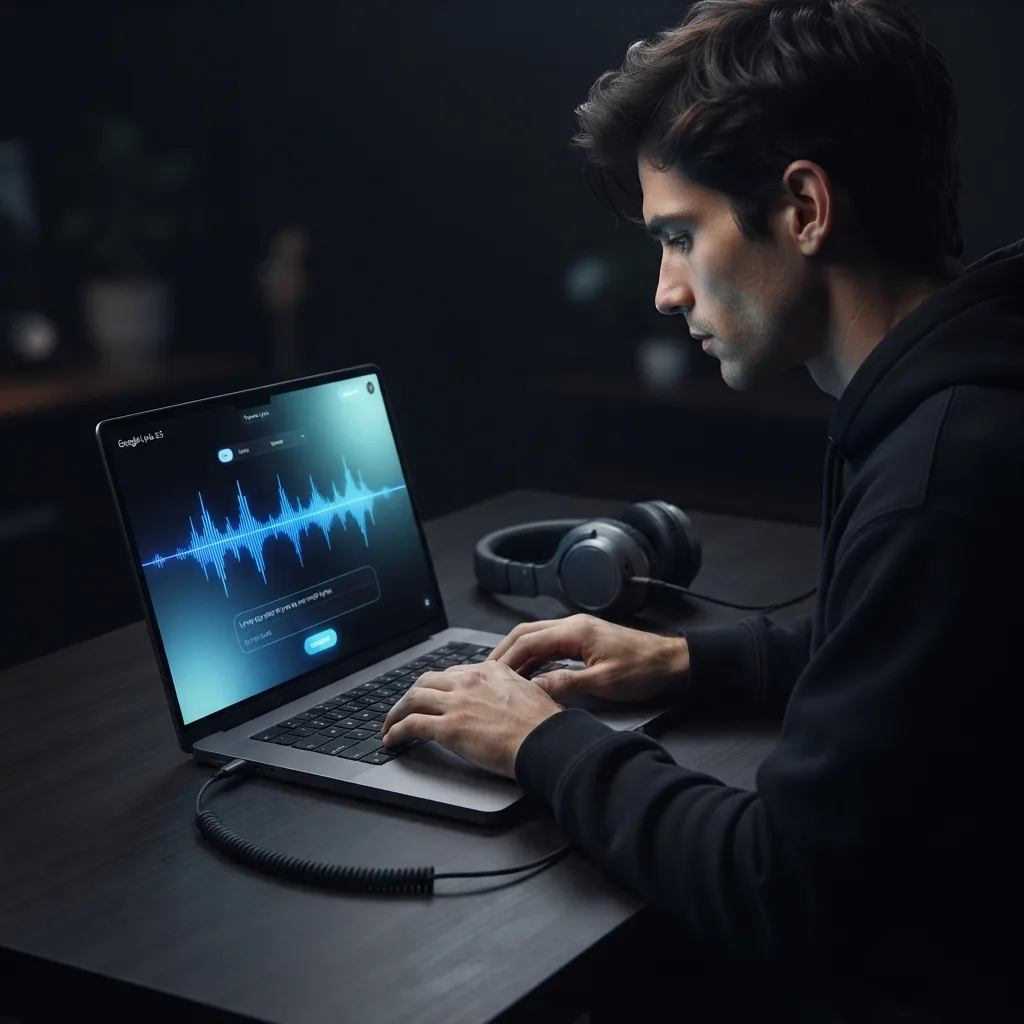
Writers turning raw lyrics into a finished song
Google Lyria 3.5 helps lyric writers hear their words as real music with clear vocals, melody, and structure. Paste a verse, pick a mood or tempo, and create lyria AI music that sounds personal instead of like a stock backing loop.

Fans exploring lyria flow music ideas at home
Lyria flow music is useful for people who want to test a vibe fast, such as a late-night lo-fi idea, a birthday chorus, or a pop hook for friends. Google Lyria gives them a simple way to try different genres and tempos without learning production software first.
Google Lyria 3.5 for demo makers and hook testers
Google Lyria 3.5 fits people who want a fast demo song before they record anything themselves. A singer, rapper, or hobby songwriter can test chorus ideas, tempo changes, and vocal style choices with Lyria 3.5 before sharing the music or revising the lyrics.
Used by millions of music makers millions
People use OnMusic AI to create music, test ideas fast, and share songs they made themselves.
How to create with Google Lyria 3.5
You end with a finished piece of music after three simple actions inside OnMusic AI's AI music generator, using Google Lyria 3.5 for vocals, lyrics, and tempo-aware results.
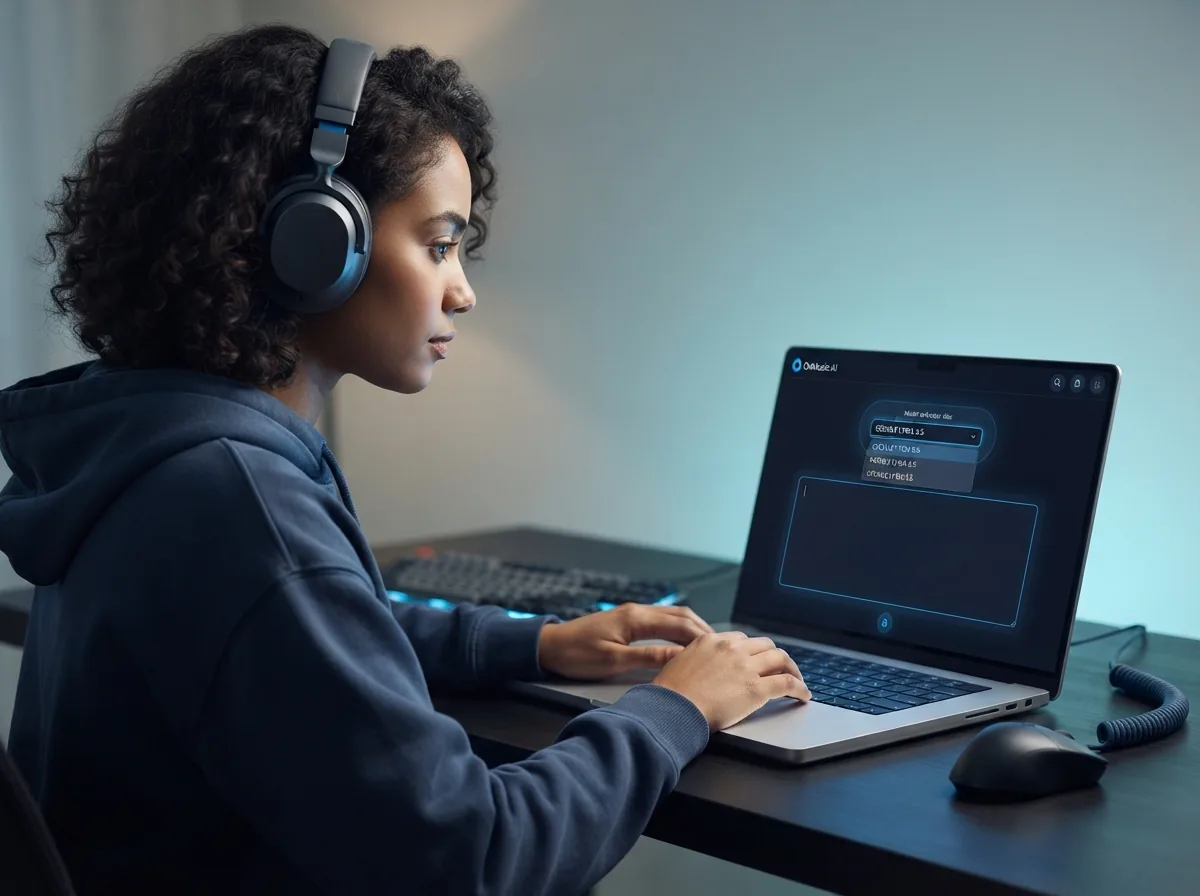
Open Google Lyria 3.5 in OnMusic AI
Choose Google Lyria 3.5 from the model list so you start with the right music engine. This sets up the workflow for lyric-led songs, clear vocals, and flexible genre choices.
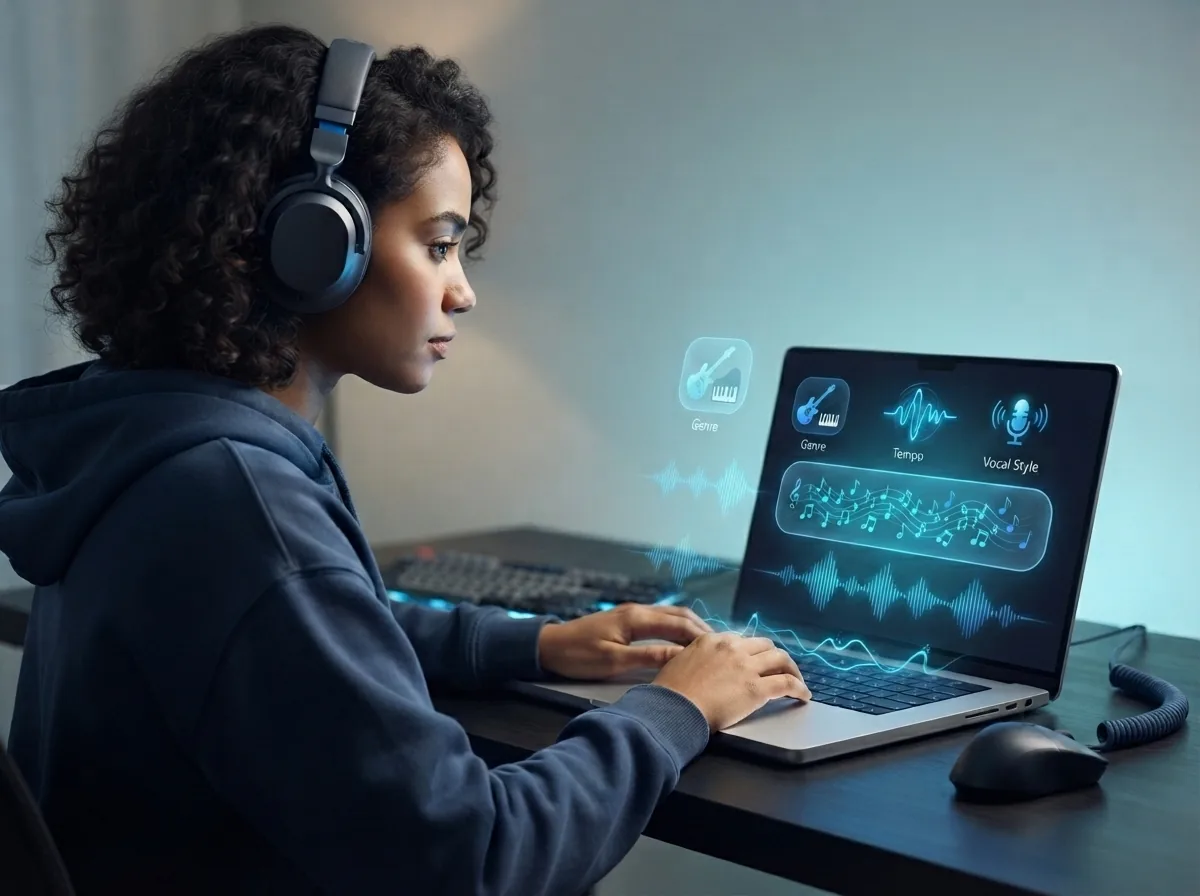
Enter a music prompt and lyrics
Type the mood, genre, tempo, and any lyric lines you want the song to use. You can keep it short, like birthday pop with bright vocals, or write a fuller verse and chorus idea.
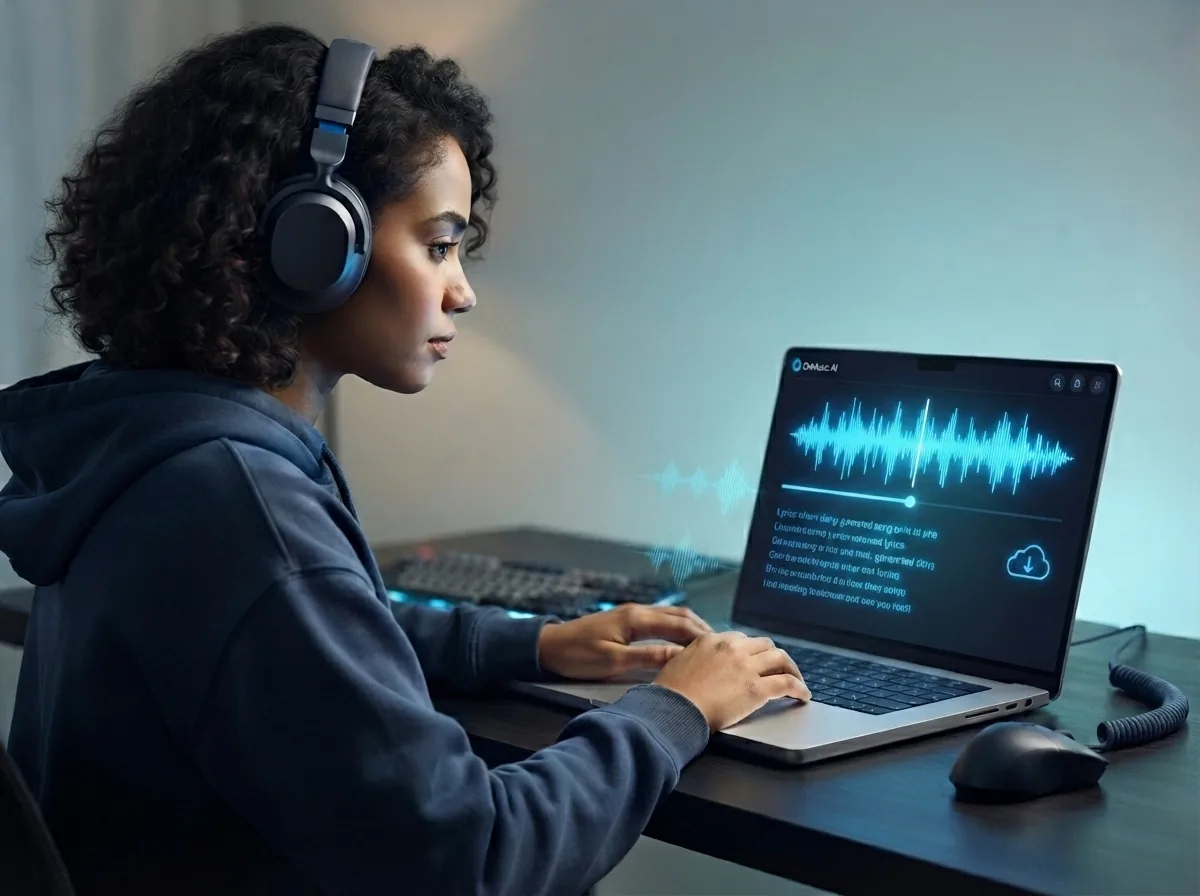
Create, preview, and download the music
Run the model, listen to the result, and save the version you like. If you want a different feel, adjust the prompt or tempo and create another song before you download.
Create your own music with clear vocals in one prompt
Use Lyria 3.5 on OnMusic AI to turn a text idea or lyric draft into finished music with vocals, lyrics, and tempo control.
Frequently asked questions
What does Google Lyria 3.5 do?
Who makes Google Lyria 3.5?
How does Google Lyria 3.5 work?
Is Google Lyria 3.5 free to use?
How do I use Google Lyria 3.5 on OnMusic AI?
What is Google Lyria 3.5 best for?
Can Google Lyria 3.5 create vocals and instrumental music?
What input types does Google Lyria 3.5 support?
Does Google Lyria 3.5 support different genres and tempo control?
What audio quality details are confirmed for Google Lyria 3.5?
What is the maximum song length for Google Lyria 3.5?
Is there a Google Lyria 3 API available?
What is Google Lyria AI music?
Can Google Lyria 3.5 create stems or multitrack exports?
What limits should I expect from Google Lyria 3.5?
Why did Google Lyria 3.5 create music that does not match my prompt?
Ready to create your own music? Start with this model on OnMusic AI
Create music with Google Lyria 3.5 on OnMusic AI, switch models in one place, and begin with a simple text prompt.