
When creators ask can you download songs from Udio today, the definitive answer is no. On October 29, 2025, the platform officially disabled audio, video, and stem exports for every user across all tiers. The official Help Center confirms this policy with the explicit statement that downloading of audio, video, and stems has been disabled. The restriction applies equally to free accounts and paid subscribers on standard or pro plans. This change caught many hobbyists and producers by surprise, as offline files were previously the primary way creators moved their music into external editors, video software, or DJ libraries. While you can still stream and generate audio inside the web player, extracting an offline file directly from your project catalog is no longer supported under any standard workflow.
What the Universal Music Group settlement changed
Creators discovered Udio downloads disabled across every tier on October 29, 2025, following a major legal settlement with Universal Music Group. The legal agreement resolved copyright litigation surrounding training datasets and established new operational rules for the platform. Following intense community feedback immediately after the shutdown, the company briefly reopened offline exports for a single 48-hour window starting November 3, 2025, allowing members to back up older projects. Once that temporary window closed, exports shut down permanently. As of October 2026, exports remain completely inactive with no restoration date announced. Under the terms of the settlement, the service agreed to transition toward a licensed model built exclusively on authorized music. This strategy creates an enclosed streaming environment where listeners enjoy creations in-app rather than storing standalone files on personal hard drives. Anyone attempting an Udio mp3 download today will find that the system restricts listening exclusively to direct web playback.
How export restrictions affect stems and mobile users
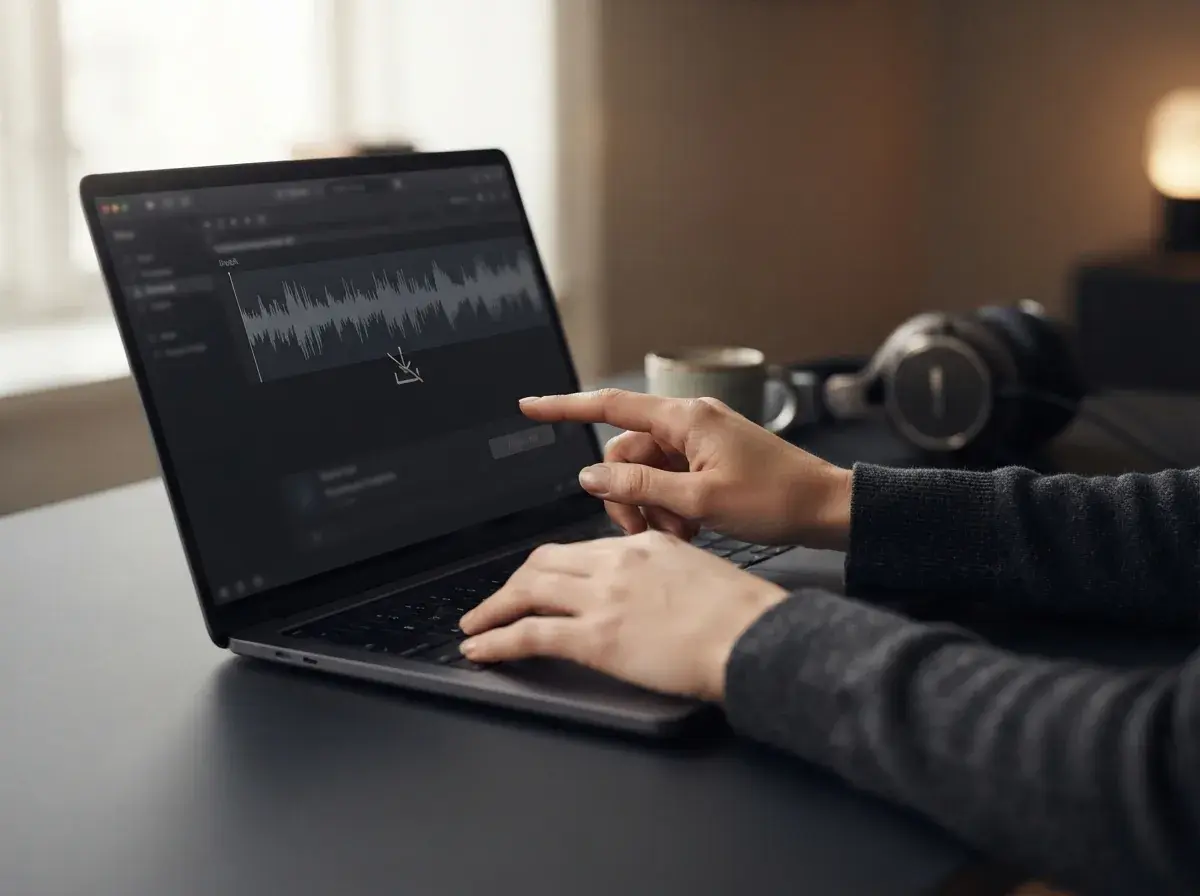
The removal of export functionality has reshaped how independent producers use artificial intelligence in their creative routines. Before the policy shift, many musicians relied on multi-track separation to isolate vocals, basslines, and percussion for remix projects in digital audio workstations. Because stem downloads were discontinued alongside master audio files, producers can no longer split and retrieve individual stems directly from their generated tracks. Mobile web visitors and users searching third-party app stores for offline download tools face similar barriers. Be careful with unofficial apps or browser extensions that claim to bypass the restriction: Udio has disabled downloads for everyone, and suspicious installers carry security risks. If you want to study separate instruments or build custom remixes, using a dedicated standalone tool such as an AI stem splitter on your own audio files remains the most reliable route.
Finding an Udio alternative with downloads
If your creative process relies on saving audio files directly to your device, exploring a practical Udio alternative with downloads is the most reliable solution. When evaluating creative options alongside a Suno alternative, everyday music makers often need MP3 files to add background tracks to family videos, assemble custom podcasts, or share finished creations with friends over group chats. Platforms like OnMusic AI provide an intuitive workspace where you can turn text descriptions or personal lyrics into complete music with vocals and clear arrangements. OnMusic AI is free to start after you sign up, and every song you generate can be downloaded as an MP3 file with no download caps on any tier. Paid plans start at $6.99 a week or $13.99 a month for Pro, offering 600 credits weekly, while the Max plan provides 2,000 credits weekly for $13.99 a week or $27.99 a month. Credits refresh every seven days, and failed songs refund their credits automatically. Paid plans include commercial use; read the OnMusic AI Terms of Service before you use a song commercially.

Steps to keep your music production workflow moving
When you need offline music for a personal project, establishing an efficient generation routine saves hours of trial and error. Step 1: Draft a concise concept prompt describing the genre, tempo, instruments, and emotional tone you want your song to capture. Step 2: Use an AI song generator to build your full arrangement with balanced verses and vocal melodies from that initial text prompt. Step 3: Preview the draft inside your player, check the lyrical phrasing, and click the export button to save your finished MP3 directly to your computer or phone. Having instant access to audio files keeps your creative work organized and lets you import music into video editors or presentation slide decks immediately. Producers who prefer to download Udio song archives can no longer rely on that workflow, making modern platforms with direct file exports essential for everyday music projects.
Future outlook for Udio download access
Looking ahead, the probability of offline exports returning to the platform remains low as the company reinforces its licensed streaming model. The music industry has steadily encouraged web services to operate as closed listening hubs, prioritizing in-app streams and social engagement over unmonitored file sharing. As artificial intelligence models incorporate catalog licenses from major record labels, contracts often restrict raw audio distribution to protect intellectual property. Creators who need shareable files should not plan creative deadlines around the expectation of an Udio music download returning to public accounts. Instead, establishing a workflow on open platforms that support clean MP3 exports ensures your hobby or content creation schedule remains uninterrupted. By selecting tools that provide immediate file access upon creation, you retain full flexibility to organize, share, and enjoy your original songs on any media player you choose.