AI Beat Maker

Free tool

An AI beat maker is a beat generator that turns text, style, or rhythm ideas into original drum patterns, loops, and song-ready instrumentals.

0 / 1200

Choose a genre

Mood
Length
Create a Beat Free

Why it matters

What AI beat creation unlocks

AI beat creation matters because it helps you turn a rough rhythm idea into something you can hear, refine, share, and build on.

Start with an idea, not a studio

The biggest payoff is access. You can begin with a mood, tempo, or reference and hear a usable beat take shape without learning drums, piano, mixing, or arranging first. That lowers the gap between wanting to create and actually creating.

Test more directions before you commit

A strong beat often comes from comparison, not from the first try. AI helps you hear multiple patterns, grooves, and textures quickly, so you can decide what fits your lyrics, video, or vibe before spending time polishing the wrong version.

Make music that feels personal

Custom beats solve a different problem than streaming music. Instead of settling for a song that is close enough, you can shape something around your own story, energy, and timing, whether it is for a freestyle, a birthday moment, or a late-night idea.

Learn by hearing choices side by side

AI can also teach beat structure through direct examples. When you compare kick patterns, drum density, swing, and arrangement changes, you start to hear what makes a beat feel tight, sparse, heavy, or melodic. Tools like OnMusic AI make that hands-on learning easier.

One studio · eight models

Pick the right model for the sound

Metered in simple credits — from 3 to 15 per song. Your free trial includes 10 credits. Hover any model to hear it.

10 credits included · no card required · new models added regularly

Learn more

How does AI beat maker fit real music making?

These sections explain what an AI beat tool does, how prompts shape rhythm and mood, and when it helps most. You will learn the basics before you pick a style or workflow.

ai beat maker — topic section inline 0

Why do people use AI for beats?

People want to make beats with AI online because it removes the slowest parts of beat building: sound choice, groove setup, and starting from silence. The real value is not only speed. It is getting a beat that matches a moment, like a birthday clip, a freestyle session, or a late night idea on your phone. If you also want words to fit the beat, an AI rap generator helps you sketch bars after the instrumental lands. For step by step basics, a guide on how to make a beat online for free can help you compare loop based methods with prompt based creation.
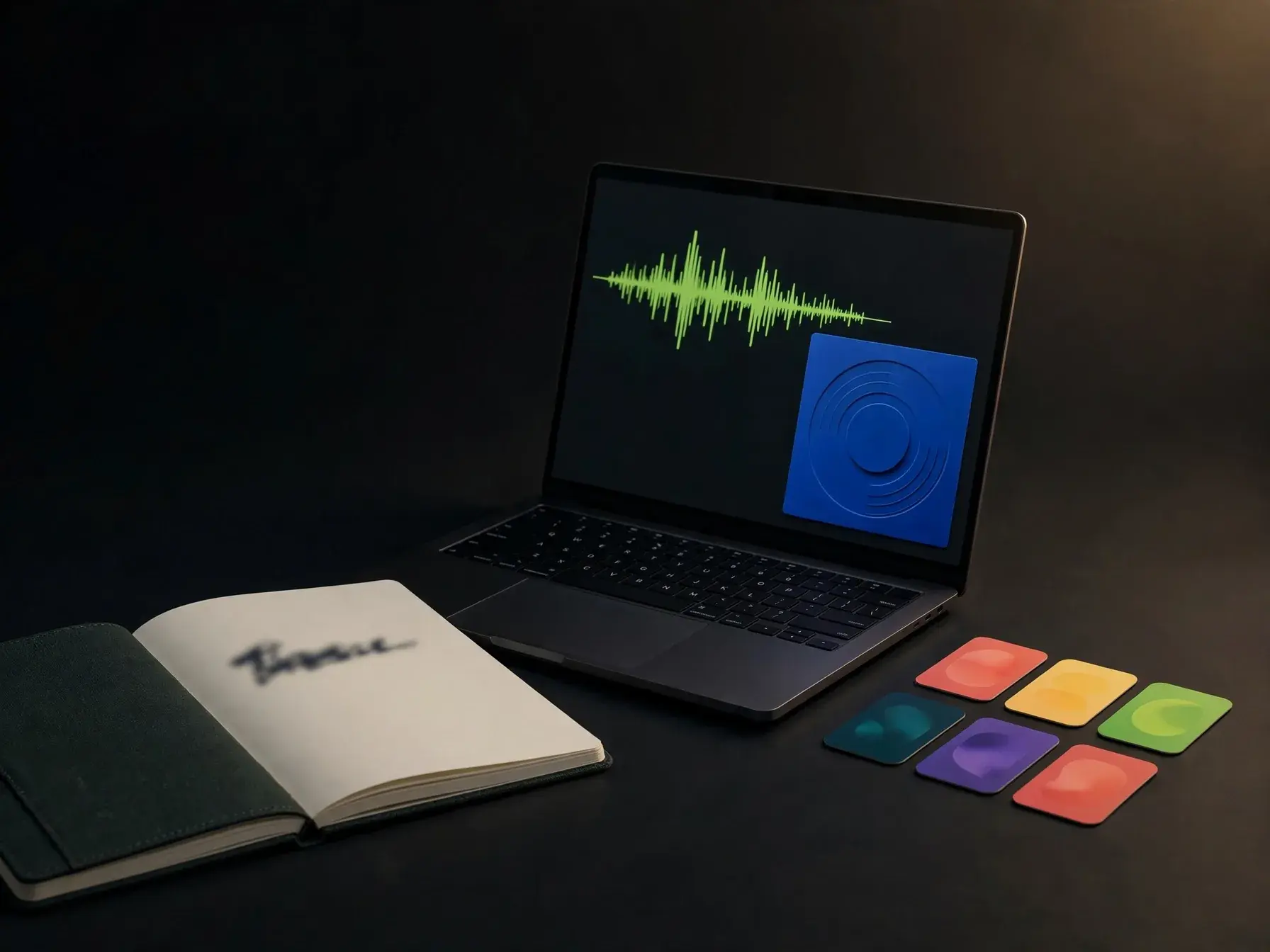
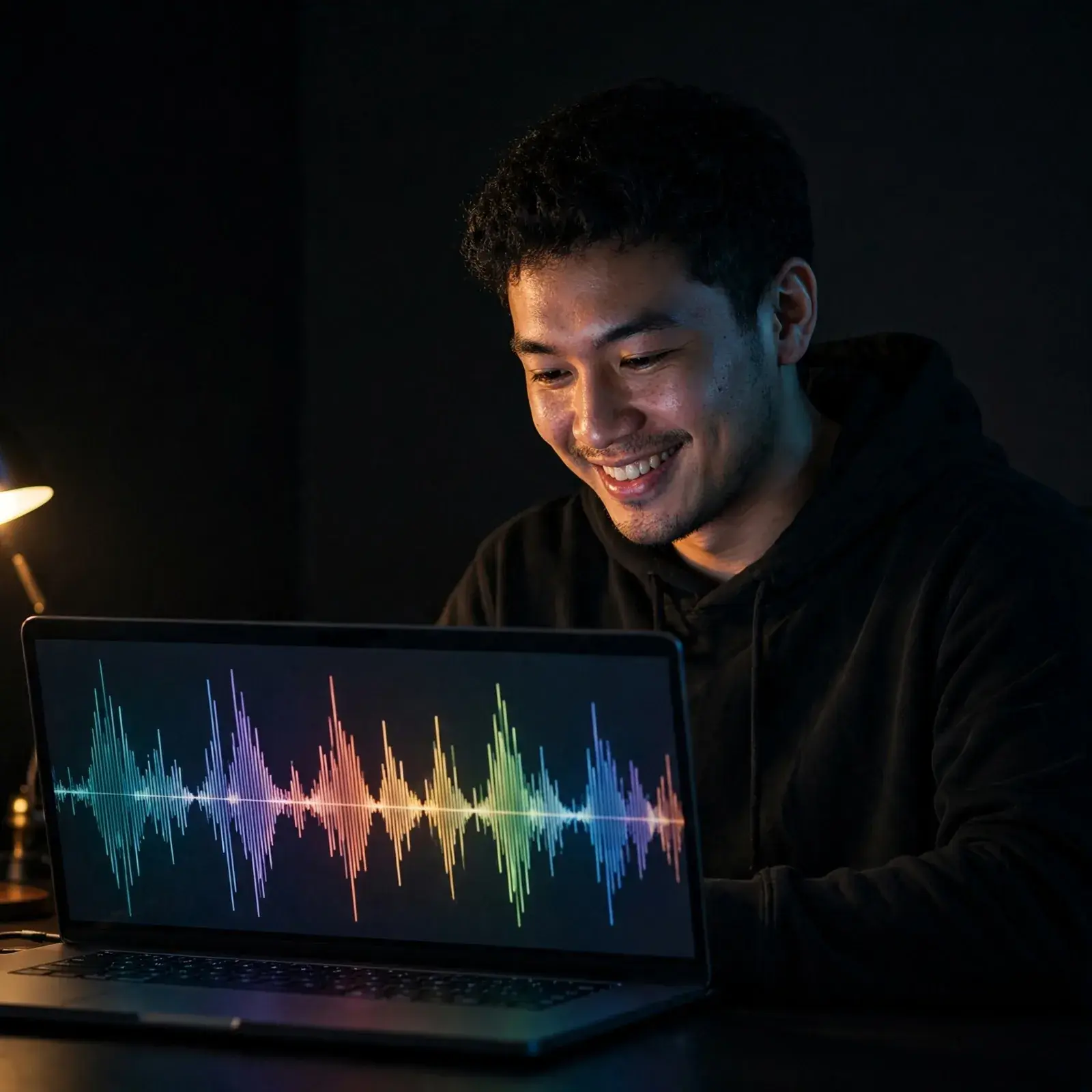
Beginner learning beat basics on a laptop

What should a beginner know first?

A free beat maker no signup usually means you can test core beat ideas before committing, which is useful when you are learning tempo, bars, swing, and section changes. Start with four terms: BPM controls speed, a bar measures the repeating count, swing shifts timing for bounce, and arrangement decides where the intro, verse, hook, and outro sit. A beat generator can suggest patterns, but you still need to hear where the groove should open up or hit harder. If you want a clearer starting path, AI beat maker for beginners explains the learning curve, and a hip hop music generator lets you hear how groove choices change the feel of a beat.

ai beat maker — topic section inline 2

What goes wrong with drum patterns?

An AI drum beat maker can save time, but weak results usually come from vague rhythm choices, clashing drum sounds, or too little variation between the verse and hook. Most beat problems are simple: the kick fights the bass, the snare lands with no pocket, the hi hats repeat the same grid for 16 bars, and there is no fill to signal a change. Good beats breathe in 4 or 8 bar units, so small drops, rolls, and mutes matter more than adding more layers. When you want to study why a commercial beat works, an AI stem splitter can separate drums and bass for closer listening.

Person creating a beat from a text prompt

How do you turn an idea into a beat?

An AI beat generator free option is most useful when it turns a short prompt into a usable beat, then lets you revise tempo, mood, and structure instead of starting over. A practical prompt looks like this: "140 BPM dark trap beat, sliding 808, crisp hats, short intro, 8 bar verse, wide hook, no vocals," and a solid result gives you a beat with clear sections, a stable groove, and room for a rapper or singer. OnMusic AI works well when you want to make a beat with AI, hear multiple versions, and keep the strongest one moving. If you are split between styles, a rap beat maker or a random beat generator can help you test focused ideas against unexpected ones.

ai beat maker — topic section inline 4

What should you explore after your first beat?

A trap beat maker AI approach makes sense when you want tighter hi hat rolls, heavier 808 slides, and the darker space that defines many modern trap beats. That next step matters because trap is less about adding more sounds and more about controlling tension, release, and silence inside the beat. If you want technique, a guide on how to make trap beats can show common drum patterns, bounce, and arrangement choices. If you are comparing tools before committing to one workflow, a best AI beat maker roundup helps you see where genre fit, prompt control, and export options matter most.

How it works

How does an AI beat maker work in practice?

It turns a plain language idea into a beat by choosing the groove, matching sounds to the mood, and arranging the parts into a finished instrumental.

Person writing a beat idea on a laptop with glowing waveform interface
1

Step 1: Set the brief

Start with a clear beat idea: genre, tempo, mood, and a few musical cues like punchy drums, dark bass, or bright keys. The stronger the brief, the easier it is for the system to map your words to rhythm, sound choices, and song energy.

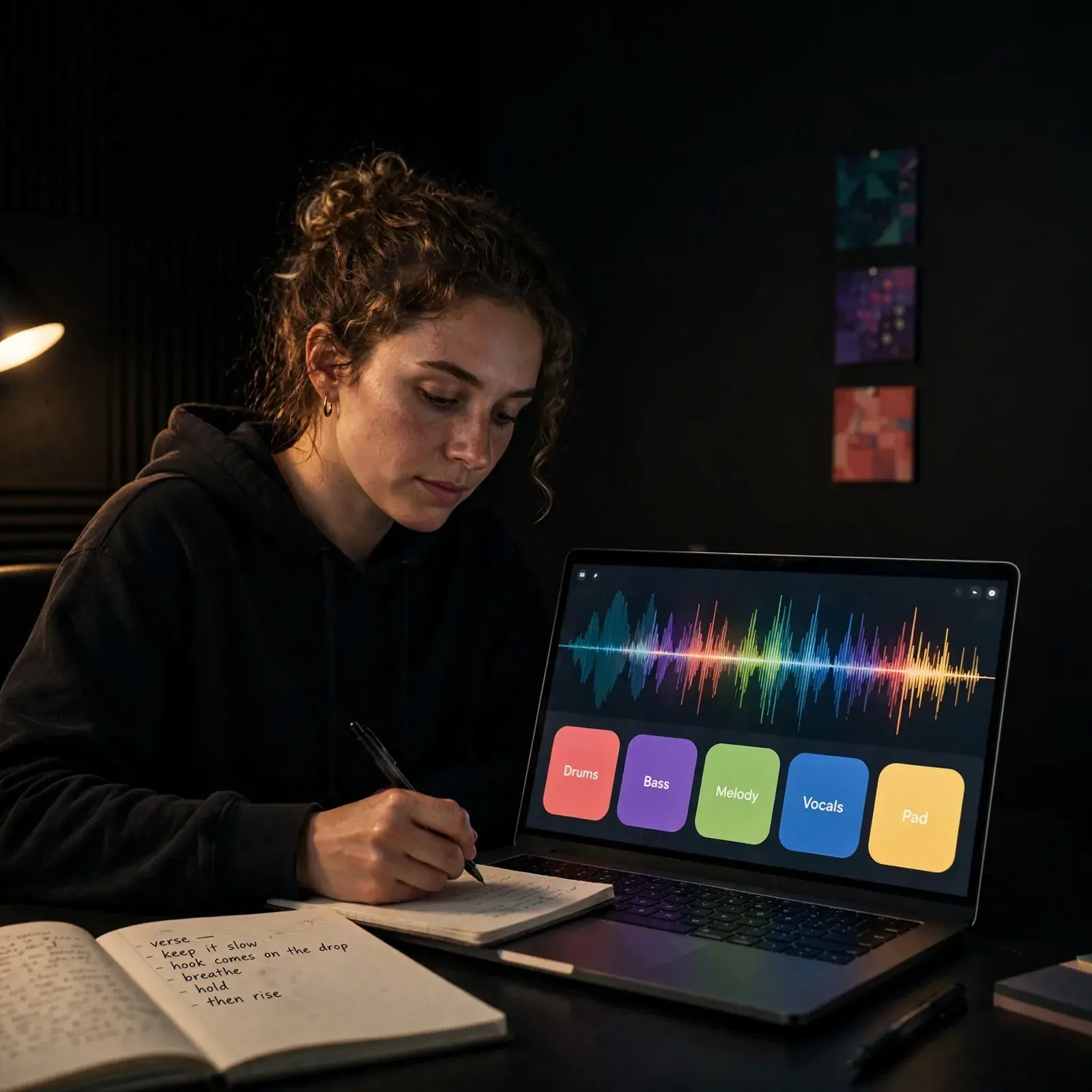
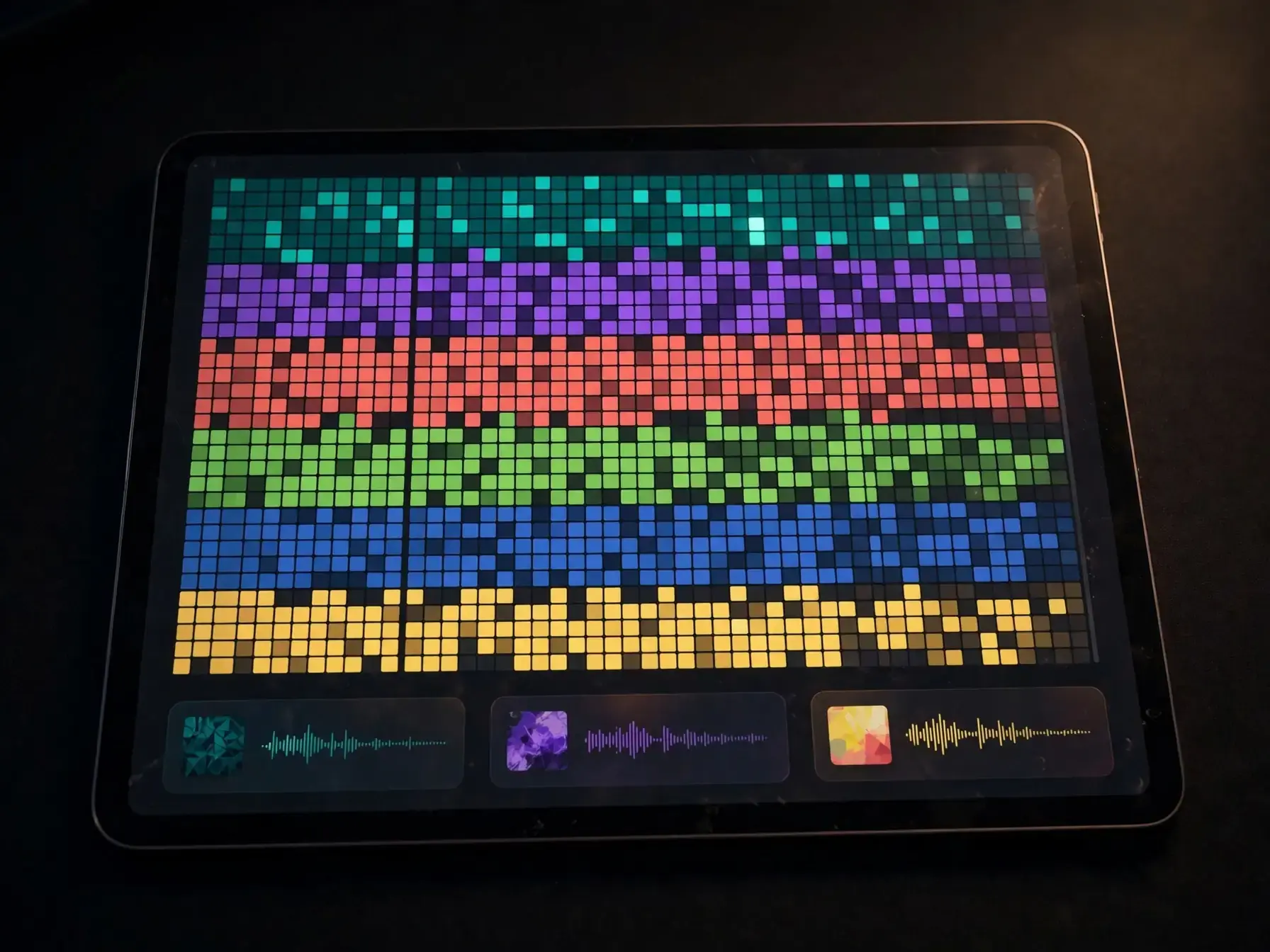
Beat elements coming together with drums bass and chords on a music screen
2

Step 2: Build the groove

Next, the beat takes shape from the core pattern: drums, bass movement, harmony, and texture. The system tests combinations that fit the brief, then locks in a pocket that feels consistent across bars instead of sounding like random loops stitched together.

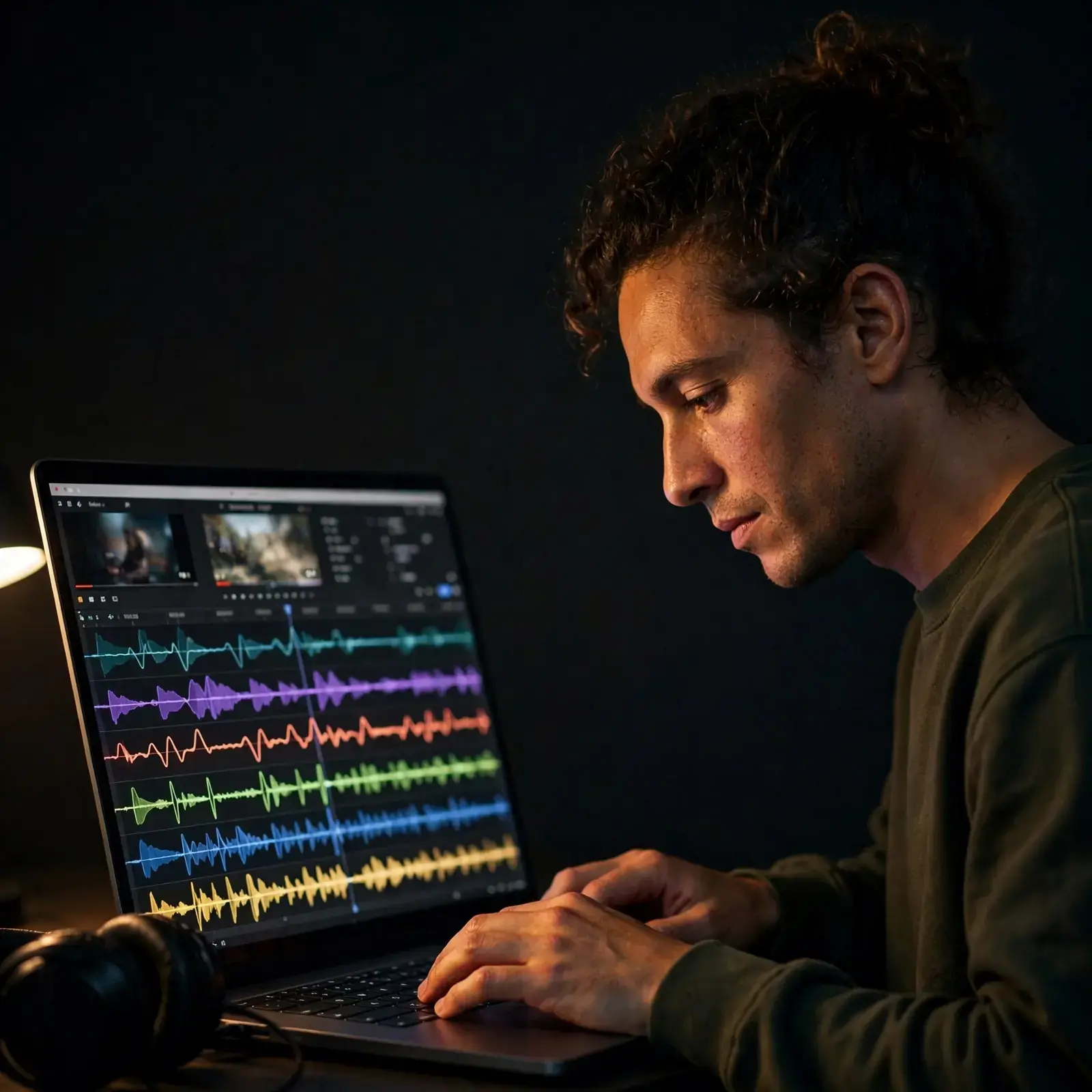
Arranged instrumental beat timeline with sections and a listener wearing headphones
3

Step 3: Shape the full beat

A useful beat needs more than a loop, so the last pass adds structure, variation, and polish. That can include an intro, section changes, fills, drops, and mix balance so the instrumental holds attention from the first bar to the last.

Ways you can use these beats for real projects

From quick demos to social clips, custom beats help you sketch ideas, practice flow, score short videos, and make music that feels personal.

Beginner making a beat on a laptop at home

First-Time Beat Makers

This is for people who want to make a beat for fun but have never learned an instrument or opened a DAW. You might have a mood, a tempo, or a rough idea in your head and want to hear it as real music without getting stuck on music theory first.

Person pairing written lyrics with a new beat idea

Lyrics-First Creators

This fits people who already wrote a hook, a verse, or a few lines and now need a beat that matches the words. It is useful when the emotion is clear but the drums, bass, and vibe are still missing.

Creator matching a custom beat to a personal video

Creators for Personal Videos

This works well for people making birthday videos, social posts, school projects, gaming clips, or small brand content that needs original music. A custom beat feels more personal than a generic library song and helps the final edit match your exact tone.

Features

Tools that shape your sound without extra setup

You can sketch rhythms, change mood, adjust parts, and export a clean instrumental from one simple workflow.

Prompt controls

Set the core beat details before you create: tempo, mood, genre, energy, and length. These controls help the model lock onto the right groove faster, so your first result is closer to the beat you actually want.

Drum and groove shaping

The engine builds drum patterns with kick, snare, hi-hat, and percussion parts that fit the style you choose. It can keep the rhythm simple for a clean loop or add extra swing and bounce when you want a harder pocket, and if you want a more focused hip-hop lane, the rap beat maker is a useful next step.

Arrangement variation

Instead of repeating one loop forever, the system can create section changes, drops, fills, and small pattern shifts that make a beat feel more alive. If you want fresh starting ideas before refining them, a random beat generator can help spark new directions.

Melody and bass matching

Melody lines, chords, and bass parts are built to sit on top of the rhythm without fighting it. That makes it easier to create a beat that feels coherent, especially when you switch between styles like trap, lo-fi, pop, or club.

Stem-ready exports

A good beat maker should not stop at one mixed file, because separate parts make editing much easier. When you need more control for remixing, muting, or study, an AI stem splitter can pull vocals, drums, bass, and other layers into cleaner pieces.

By the numbers

Used by music makers every day

People use OnMusic AI to turn small ideas into songs they can save, share, and come back to.

10M+

Songs created

Tracks made by creators like you

5M+

Happy creators

Everyday people making music for fun

4.8★

App rating

Loved by our community

Turn your idea into a beat you made

Use the mood, genre, and rhythm ideas you just learned to create a beat from text and shape it into something you want to hear again.

Start with a mood, tempo, or genre
Build drums, bass, and melody from one prompt
Keep it instrumental or grow it into a full song

AI beat maker questions, answered

How does an AI beat maker turn a text prompt into a beat?
An AI beat maker reads your prompt for genre, tempo, mood, and instrument cues, then builds a beat pattern, sound palette, and arrangement to match. Better prompts usually name BPM, style, and energy, so the result lands closer to your idea on the first pass.
Can an AI beat maker create usable first drafts for real songs?
Yes, an AI beat maker can create strong first drafts for verses, hooks, demos, or short-form content when you need a starting point fast. It works best when you treat the output as a base, then refine the sounds, trim sections, or add vocals to make the beat feel more personal.
Is AI beat generator free worth trying before you pay for anything?
Yes, AI beat generator free tools are worth trying when you want to compare sound, speed, and genre range before paying for anything. Focus on whether the tool gives you full beat previews, simple edits, and a clean export, because those details matter more than the word free.
Can you make beats with AI online if you do not know music theory?
Yes, you can make beats with AI online by describing mood, tempo, instruments, and reference styles in plain language. Simple prompts like lo-fi at 85 BPM with soft keys and dusty drums usually work better than vague prompts, because they give the system clearer musical limits.
Is free beat maker no signup a good option for quick tests?
Yes, free beat maker no signup tools are useful for quick tests when you want to hear ideas without filling out forms first. Before you keep a beat, check save limits, export quality, and whether you can return to the same project later, because instant access does not always mean good control.
What makes an AI generated beat sound less generic?
A beat sounds less generic when the drums change across sections, the bass has movement, and the sounds fit one clear mood. The strongest results usually come from specific prompts plus a few human edits, especially on transitions, fills, and melody spacing.

Create your first beat from a simple prompt

Type a mood, style, or idea, then create a beat you can play, tweak, and share in your browser.

Free to start
No music skills needed
Works right in your browser