Suno v5.5
by Suno
Full songs with natural, expressive vocals from a single prompt.
- Output
- Full songs with vocals + lyrics
- Vocals
- Natural, expressive
- Audio
- Studio-clear
- Styles
- Wide range of genres
- Inputs
- Text prompt · lyrics
- Cost
- Free to start on OnMusic AI
What is Suno v5.5?
Suno v5.5 is an AI music model from Suno that creates full songs with vocals and lyrics from a text prompt. It is known for natural, expressive vocals and studio-clear sound across many genres. You can run it on OnMusic AI's free AI music generator when you want one place to create music with this model and others.
Learn more
Your guide to Suno v5.5
See where Suno v5.5 shines, where it falls short, and how to get better song results with clear prompts in OnMusic AI.
The full-song style people actually notice
What is Suno v5.5 in practice? Suno v5.5 is known for turning a short prompt into finished music with vocals, lyrics, melody, and a clear verse-to-chorus shape, so the result feels closer to a complete release than a rough demo. Its biggest strength is cohesion. The vocal tone, instrumental bed, and lyric phrasing usually arrive as one connected piece instead of separate parts fighting each other. That matters when you want music that sounds intentional from the first play, whether you start with a mood, a scene, or a few lyric lines. Suno also has a wide genre range, so pop, rap, lo-fi, acoustic, and electronic ideas all fit the same workflow. Compared with many prompt-first tools, the appeal here is not just speed. It is the way the model aims for full musical structure, with expressive singing and studio-clear output that can feel ready to share. If you want a text to music experience that starts from an idea and ends with complete music, this is the capability people usually mean.

Prompting and lyric inputs that work
Suno AI lyrics work best when you give the model a clear role for the words, the vocal style, and the mood of the music in the same prompt. Start with the genre, tempo feel, and voice direction first, then add a short scene or emotion, and finish with any must-keep lines. A prompt like “warm indie pop, female vocal, reflective breakup theme, soft drums, catchy chorus” gives the model more usable guidance than a broad request like “make sad music.” If you already wrote lyrics, keep sections labeled so the structure is easy to follow. Verse, chorus, and bridge cues help the music land with stronger pacing. On OnMusic AI, you can run Suno v5.5 without juggling separate accounts for each model, then compare results inside one music maker workflow. If you want a simpler input path, the AI song generator and text to music tools on the platform are useful companion routes for rough ideas. The best inputs stay specific, musical, and brief enough to keep the core idea focused.
How Suno v5.5 stacks up against close rivals
Suno v5.5 vs Udio is usually a choice between fast full-song momentum and a different creative feel, not a simple winner-and-loser test. Pick Suno v5.5 when you want complete music with natural, expressive vocals from one prompt and you care most about getting to a polished listen quickly. Pick Udio when you want to explore another model flavor and compare how its musical phrasing, arrangement feel, or vocal interpretation handles the same idea. That is why the Udio v4 model page is worth checking when one output direction does not quite match your taste. If you want a platform-level view instead of a model-only view, the Suno vs OnMusic comparison explains the difference between using a single maker and using a hub that lets you switch models in one place. If your goal is broader discovery, the Suno alternatives page is the faster next step. The honest takeaway is simple: choose Suno v5.5 for fast, finished music creation, and reach for a peer when you want a different musical character more than the same default strengths.

Genres and output formats that land best
Suno AI song generator requests tend to land best when the target is a complete, listener-friendly piece of music in a familiar genre with a clear vocal identity. Pop hooks, melodic rap, lo-fi mood music, synthwave, singer-songwriter ideas, and upbeat birthday or celebration music all fit the model well because they benefit from strong structure and expressive singing. It is also a good fit for custom personal music, such as a joke anthem for a friend, a short love song, or a mood-based late-night piece with a clear chorus. The output strength is less about niche technical complexity and more about finished feel. When you ask for verse, chorus, vocal mood, and instrumental color, the model can shape music that sounds purposeful from start to finish. If you want broader browsing after one result, the models page helps you compare styles across the catalog. If you want to go straight into making music from a simple idea, the home page points you back to the main creation flow. Concrete prompts produce the most reliable style matches.

Using Suno v5.5 for free, and the real limits
Free Suno AI music access on OnMusic AI means you can try Suno v5.5 without paying upfront, but the exact rights and usage terms still follow Suno plan terms. That is the key reality to understand before you create anything you want to publish widely. Free access is ideal for testing prompts, exploring genres, and hearing how the model handles your lyrics or mood ideas. It is not the same as saying every use case carries the same licensing outcome. If you need commercial certainty, check the active plan terms tied to the model before release. Another limit is expectation management. Suno v5.5 can create full songs, but the result is still only as strong as the prompt, lyric structure, and style direction you give it. If your first output misses the mark, the fix is usually better input, not a different tool. OnMusic AI makes the trial process easier because you can access the model in one place, compare it with other music tools, and keep your experiments organized without opening a separate workflow for each one.

Where quality sounds strong, and where it still slips
Suno v5.5 review summaries usually agree on the main point: the model is strong at making polished, studio-clear music with natural vocals, but it still works best when the prompt stays focused and realistic. The clearest wins show up in catchy genre music, mood-led pieces, and personal songs that need a complete arrangement fast. Suno vocals quality is one of the reasons people seek it out, because the performances can feel expressive instead of flat, especially when the prompt calls for a specific emotional tone. Where quality slips is usually not in the basic finish, but in edge cases. Dense lyrical ideas, overstuffed prompts, or conflicting genre instructions can lead to awkward lines, uneven phrasing, or music that sounds less intentional. That does not make the model weak. It means the quality ceiling is high, but the control comes from clear direction. If you want a practical place to test that without friction, OnMusic AI’s free AI music generator is built for quick comparison and repeat prompting. Better instructions produce better music here, very consistently.

Getting better results from Suno v5.5
Suno vocals quality improves when your prompt tells the model who is singing, what emotion the voice should carry, and what kind of music should support that performance. Use a compact formula: genre, vocal type, emotional tone, tempo feel, key instruments, and one-line purpose. For example, “dreamy lo-fi pop, soft male vocal, wistful mood, slow beat, airy synths, chorus about missing summer” is easier for the model to honor than a paragraph full of mixed ideas. If you have your own words, keep the lyric sections short and labeled. Long blocks with no structure often weaken pacing. Avoid stacking too many genres in one prompt, because that can blur the musical identity. Avoid vague quality words like “epic” or “perfect” with no musical details, because they do not guide arrangement decisions. A better habit is to revise one variable at a time, such as only changing the vocal mood or only tightening the chorus concept. That makes it easier to learn what the model responds to and keeps each new music result measurable.

Features
What sets Suno v5.5 apart
Suno v5.5 stands out for full-song creation, natural vocals, and studio-clear audio from a single prompt. These core capabilities help you judge how well this AI music generator fits your style, workflow, and output needs.
Natural, expressive vocals
Suno v5.5 is known for natural, expressive vocals that sound more sung than spoken. That matters when you want a full song with emotion, not a flat demo. In an AI song generator workflow, stronger vocal phrasing helps verses, hooks, and ad-libs feel more believable across pop, rap, and melodic styles.
Full-song structure from one prompt
Suno v5.5 can turn one text prompt into a complete song with a clear structure. That usually means the music arrives with sections that feel like verses, a chorus, and a melodic arc instead of a loose loop. For everyday users, this makes text to music feel closer to finishing a real idea than sketching a fragment.
Studio-clear audio output
Suno v5.5 produces studio-clear audio that is polished enough to share right away. Clean output matters because muddy mixes can hide the melody, blur the beat, and weaken the vocal. When you want music for a birthday song, a quick demo, or a fun post, higher clarity makes the result feel more finished.
Wide genre range without starting over
Suno v5.5 handles a wide range of genres, from pop and rap to lo-fi and other mood-driven styles. That flexibility helps when one lyric idea could work as a soft ballad, a punchy club song, or a stripped-back instrumental. For a music maker, changing style is often faster than rebuilding the whole song from scratch.
Suno AI lyrics support for prompt-led writing
Suno v5.5 works well with Suno AI lyrics inputs, whether you start with a full verse or a rough chorus idea. That matters because many people have words first and need music to carry them. When the lyric direction is clear, Suno v5.5 can shape melody and vocal delivery around that writing more naturally.
Free Suno AI music access on OnMusic AI
Suno v5.5 is available through OnMusic AI as a simple way to try free Suno AI music creation without setting up a separate model workflow. The benefit is straightforward access to the model for prompt-based song making. For casual creators, that lowers the barrier between having an idea and hearing finished music.
All models
Every AI music model, one place
Hear a sample, then switch between the latest models and compare results — free to start on OnMusic AI.
Suno v5.5
by Suno
Full songs with natural, expressive vocals from a single prompt.
Udio v4
by Udio
48kHz stereo songs up to 10 minutes with licensed, studio-clear sound.
ElevenLabs Music v2
by ElevenLabs
Licensed, commercial-ready songs with lifelike multilingual vocals.
Google Lyria 3 Pro
by Google DeepMind
Full-length, structured songs with lyrics and tempo control.
MiniMax Music 2.6
by MiniMax
Its strongest vocals yet, with an AI cover mode and auto lyrics.
Stable Audio 3.0
by Stability AI
Instrumental tracks and sound design up to 6 minutes, royalty-free.
Stable Audio 2.5
by Stability AI
Fast, high-quality instrumental tracks up to 3 minutes, royalty-free.
Who uses Suno v5.5 and what they make
Everyday creators use this AI music generator to turn a lyric, mood, or quick idea into personal music they can share, save, or build on.

Lyric writers turning Suno v5.5 prompts into full songs
Suno v5.5 fits people who already have lines, a hook, or a mood and want to hear it as music with vocals. They can paste their words, add a style like pop, rap, or lo-fi, and use an AI song generator flow to hear a complete song take shape fast.

Fans checking Suno vocals quality on personal songs
Suno vocals quality matters most to people making a birthday song, love song, or inside joke they want to feel real, not robotic. Suno v5.5 is a strong fit for casual creators who care about expressive singing and want text to music that sounds polished enough to share with friends.
Beat makers sketching genre ideas with Suno v5.5
Suno v5.5 works well for people who want to test a chorus idea, a beat mood, or a genre switch before spending more time on edits. They can try a late-night lo-fi groove, a bright dance chorus, or a rap song draft in one music maker workflow and compare which version feels right.
Made for everyday creators everywhere everyday creators
People use OnMusic AI to create personal music fast, from first idea to a finished file they can play, share, or keep.
How to generate with Suno v5.5
Follow these three steps to go from an idea to finished music, using Suno v5.5 inside OnMusic AI's free AI music generator.
Open Suno v5.5 and choose your music setup
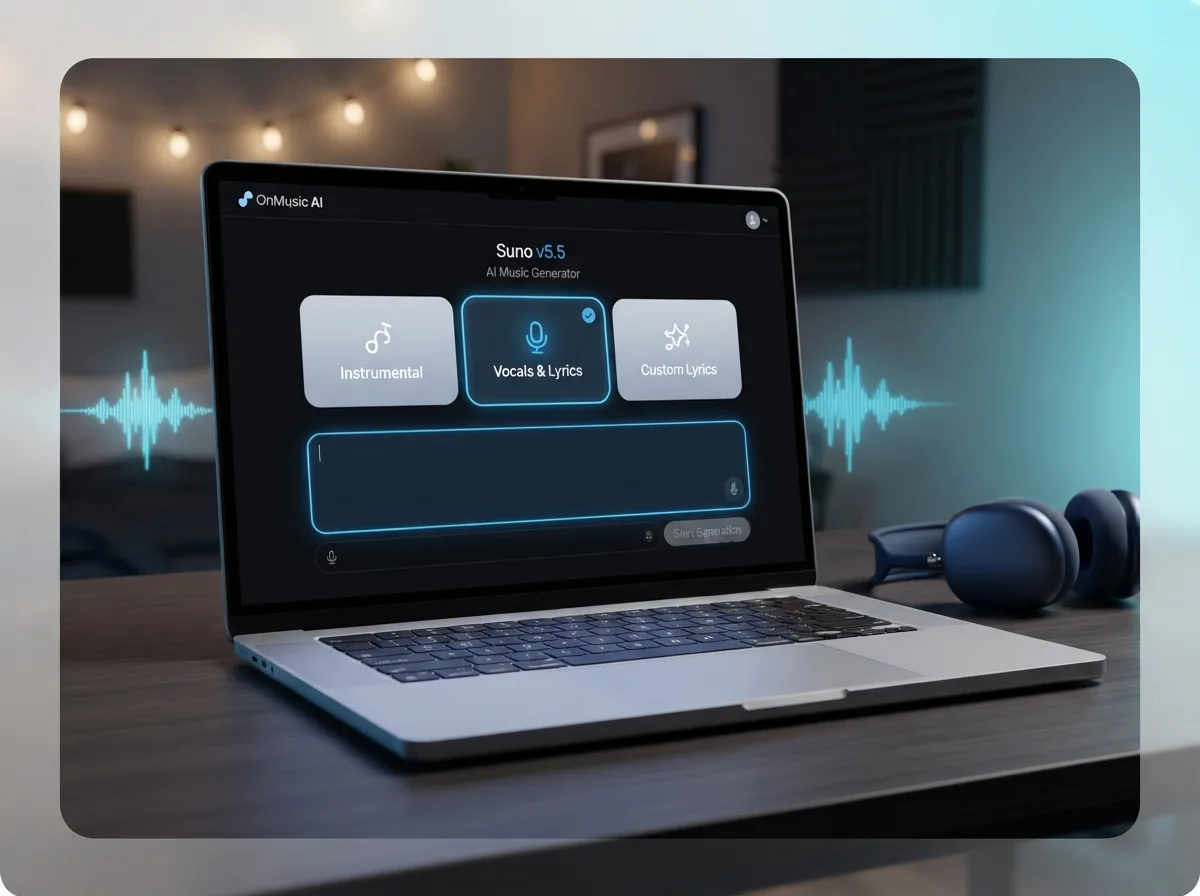
Select Suno v5.5 in OnMusic AI, then choose whether you want vocals, an instrumental, or a song built from your own lyrics. This sets up the kind of music you want before you write anything.
Type your prompt or paste your lyrics
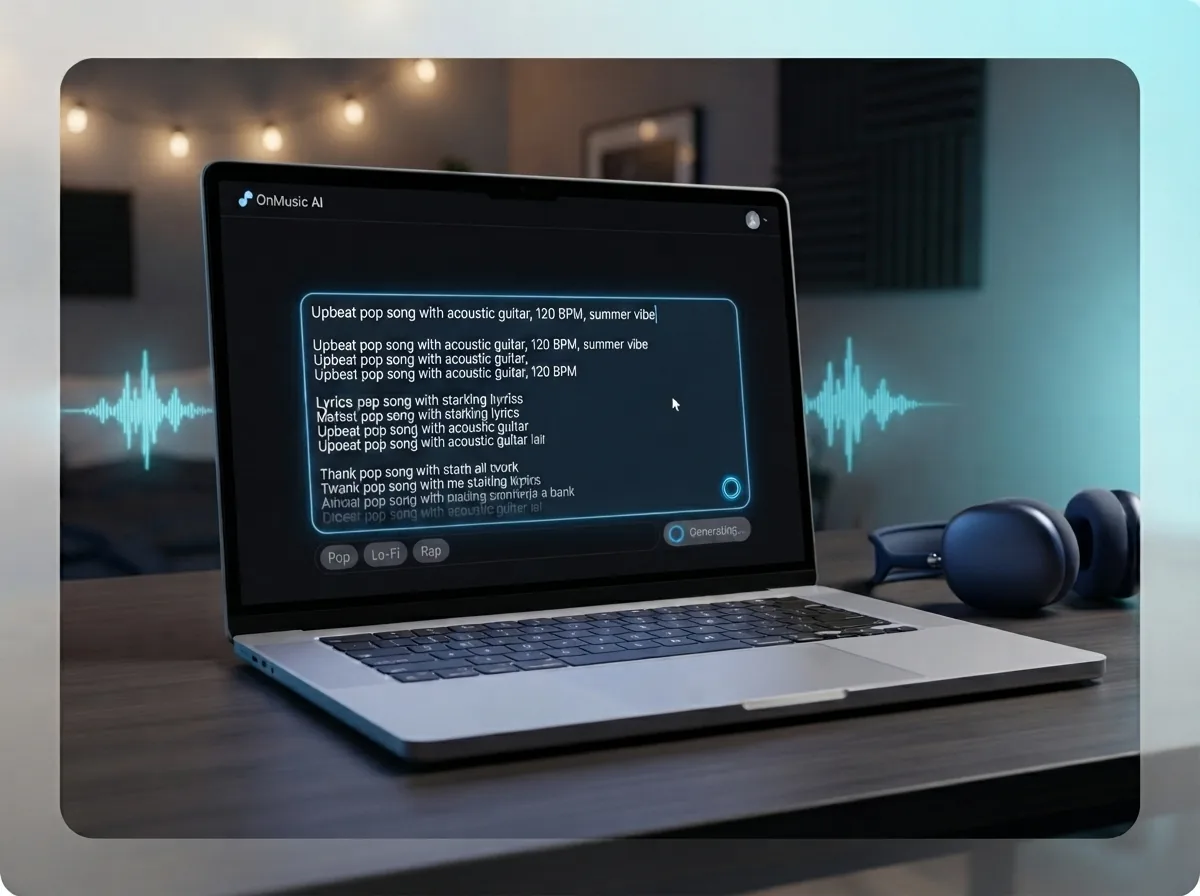
Describe the mood, genre, and idea you want, or paste in lyrics you already wrote. Suno v5.5 uses that input to shape the melody, structure, vocals, and overall sound of your music.
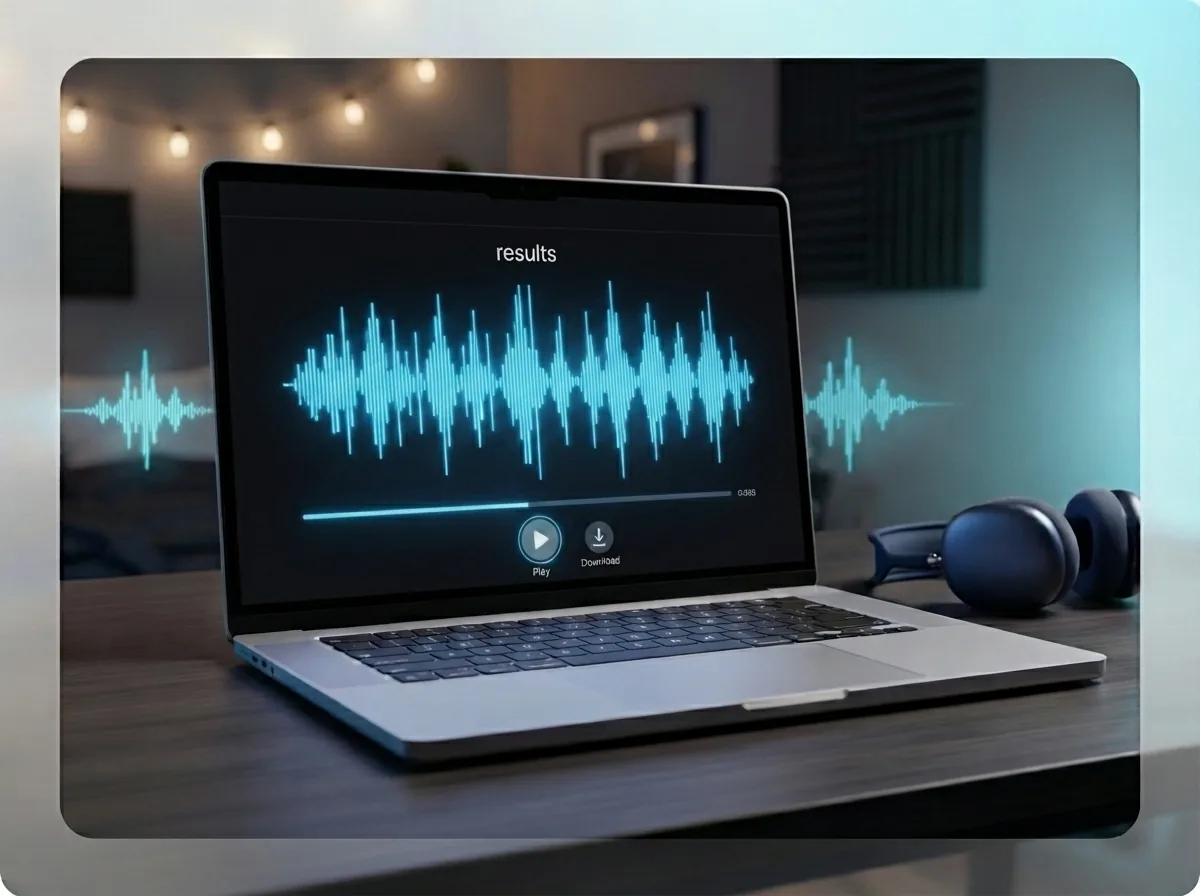
Generate, preview, and download your song
Run the model, listen to the result, and save the version you like. You end with a complete song you can download, share, or keep editing inside OnMusic AI.
Create studio-clear music from your prompt with vocals, lyrics, and genre range
Use Suno v5.5 on OnMusic AI to turn a text idea or lyric draft into full music without setting up a separate model account.
Frequently asked questions
What does Suno v5.5 do?
Who makes Suno v5.5?
What does v5 mean on Suno?
What is Suno v5.5?
How does Suno v5.5 work with a text prompt?
How can you use Suno v5.5 for free?
How do you use Suno v5.5 on OnMusic AI?
How is Suno vocals quality in Suno v5.5?
Can Suno v5.5 create instrumentals as well as vocal songs?
What song length can Suno v5.5 make?
How does Suno AI lyrics work in Suno v5.5?
How does Suno v5.5 vs Udio compare?
What is a fair Suno v5.5 review summary?
Can free Suno AI music be downloaded for personal or commercial use?
Who owns Suno AI?
How do you download Suno V5 for free?
Can you bypass Suno AI copyright filter?
Ready to create your own music? Start with a finished song
Use Suno v5.5 on OnMusic AI to create full music from a simple prompt, then switch models anytime with the same account.