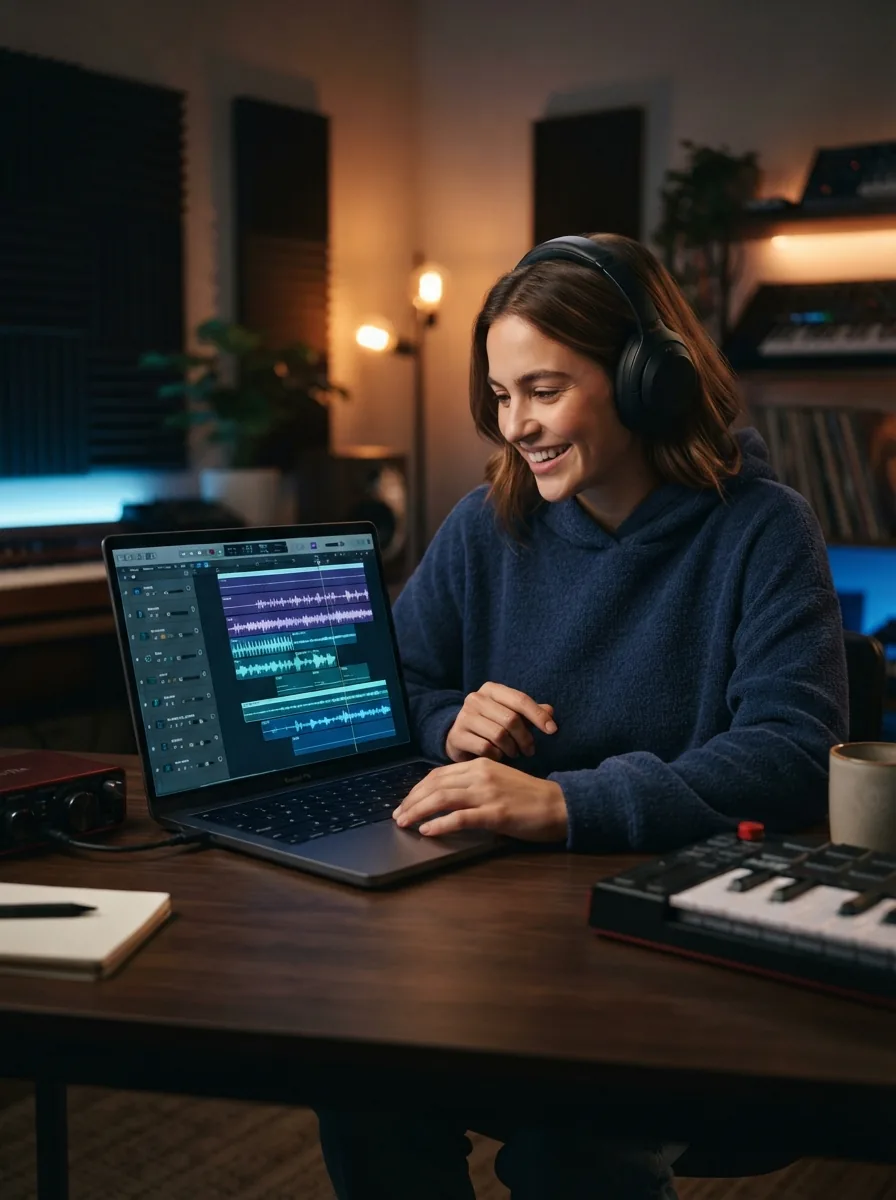
Udio v4
by Udio
48kHz stereo songs up to 10 minutes with licensed, studio-clear sound.
- Output
- Songs with vocals
- Audio
- 48kHz stereo
- Max length
- Up to 10 minutes
- Licensing
- Licensed, commercial-ready
- Inputs
- Text prompt
- Cost
- Free to start on OnMusic AI
What is Udio v4?
Udio v4 is an AI music model made by Udio for creating finished music from a text prompt, with studio-clear vocals as its standout strength. It can produce full songs in many styles, with 48kHz stereo audio and lengths up to 10 minutes. You can use Udio v4 inside OnMusic AI's free AI music generator, so you can test it without setting up a separate account for the model.
Explore
Getting real results with Udio v4
See what this music tool does well, where it needs more direction, and how it fits your style.
Where Udio v4 stands out in finished music
What is Udio v4 in practical use? It is the Udio model people look at when they want studio-clear music from a text prompt, especially songs with polished vocals, strong structure, and a more produced feel right out of the first pass. Its known strength is not just starting a melody. It is delivering a full piece of music that already sounds close to a finished song. That matters if you want verses, a chorus, and a vocal performance that feels intentional instead of rough or robotic. Udio says Udio v4 outputs studio-clear songs with vocals, supports a wide range of genres, reaches 48kHz stereo, and can make music up to 10 minutes long. Those are meaningful facts because they point to finished-listening quality, not just idea-sketch quality. In practice, Udio v4 is strongest when your prompt already names a mood, singer type, tempo, and genre. If you want to create music that feels complete enough to replay, share, or build on, this model is known more for polish than for bare-bones experimentation. That is the main reason people seek it out on a music maker platform.

Prompting and inputs that lead to better results
Udio AI song generator searches usually come from people who want to know what to type, what to upload, and how to get a usable first result fast. The core input for Udio v4 is a text prompt, and the best prompts are specific: genre, mood, instruments, vocal style, era, and song structure. "Upbeat pop birthday song with female vocals, bright synths, claps, short verse, catchy chorus" will usually guide the model better than "make a fun song." If you already wrote words, bring your own lyrics and shape the sections clearly. Label verse, chorus, and bridge so the model has a better map for flow and repetition. If the first result is close but not right, change one variable at a time, such as tempo, singer tone, or production style. That makes it easier to learn what moved the output. You can run it on OnMusic AI without juggling separate model accounts. If you want a simpler starting point before moving into model choice, OnMusic AI's free text to music flow is the easiest place to test prompt ideas, compare outputs, and refine your wording before you commit to a longer song.

How it compares with the closest alternatives
Udio vs Suno is a real comparison because both aim to turn prompts into finished music, but they do not feel identical in use. Pick Udio v4 when you care most about polished vocals, cleaner studio-style output, and longer-form song results that feel produced. Pick Suno v5.5 when you want a strong all-around prompt-to-song workflow and a familiar option many casual users already know. Choose other models for a specific reason, not just because they exist. ElevenLabs Music v2 is the better pick when your main interest is voice and speech-adjacent audio strengths from a company known first for voice technology. Lyria 3 Pro is worth looking at when you want to follow Google-backed music model progress and compare a different style of output philosophy. OnMusic AI is useful here because it lets you compare models in one place instead of treating any one model as the answer for every prompt. If you want a broader shortlist after that first comparison, the Udio alternatives page is the right next step. For a direct platform comparison, the Udio vs OnMusic page explains the difference between a model maker and a multi-model AI music generator.

The output styles that suit this model best
Udio v4 review discussions usually focus on one thing first: the model sounds best when the prompt asks for finished, vocal-led music rather than a rough musical sketch. Its sweet spot is full songs in mainstream and melodic styles where arrangement and vocal clarity matter. Pop, indie pop, rap hooks, lo-fi with sung toplines, R&B, cinematic ballads, and electronic crossover prompts all fit that pattern well. A useful way to think about it is by output type, not by hype. If you want a birthday song with custom lyrics, a soft acoustic love song, a moody alt-pop chorus, or a polished demo for a beat idea, Udio v4 lines up well with those goals. It also handles instrumentals, but its standout identity is songs with vocals, not just background loops. Concrete prompts tend to help the most. "Melancholic indie pop with male vocals, roomy drums, warm bass, emotional chorus" gives the model a clearer path than vague requests. If your main task is writing words first, OnMusic AI's free AI song generator is a practical companion because you can build lyrics, then send them into a model workflow built for finished music.

Is Udio v4 free to try, and where the limits start
Free Udio AI music is possible because OnMusic AI lets you start using Udio v4 without paying first, but free access is still a try-before-you-scale path, not an unlimited promise. The important reality is simple: you can test prompts, hear how the model handles your idea, and decide whether the output quality fits your goal before you move deeper into longer or more frequent creation. That matters because many searchers asking about Udio cost are really asking two separate questions. First, can I try it without paying? Second, what happens when I want more volume, more exports, or a steady workflow? OnMusic AI answers the first one clearly with free starting access. For the second one, limits depend on platform plan rules and usage volume, not on made-up claims about endless free generation. The other limit to understand is creative, not just pricing. Better prompts lead to better songs. A free first run will still sound generic if the instructions are vague. If you want to browse model options before choosing one, the models page is the cleanest way to compare what each music system is meant to do.

How good Udio v4 quality sounds in real use
Udio 48khz stereo is one of the clearest published facts tied to Udio v4, and it signals that the model is built for high-quality listening output rather than low-fi draft audio. In plain terms, Udio v4 is widely seen as a strong choice for polished music with clear vocals, balanced stereo space, and a finished feel that casual creators notice fast. The honest part is that quality still depends on prompt quality and genre fit. Udio v4 will not make every idea sound equally strong. It tends to shine more when you ask for structured songs and a defined singer style than when you ask for abstract, underspecified music with no arrangement guidance. Search results and reviews often describe it as impressive for end-to-end song creation, while also noting that technical benchmarks and deep public specs are limited. So what should you expect? Expect music that can sound surprisingly complete, especially for vocal songs, but not perfect consistency across every prompt. If you want to test whether its sound fits your taste, start with one clear genre prompt, one lyric-driven prompt, and one instrumental prompt. That gives you a fair three-way read on its actual strengths.
Getting better results from every prompt
Is Udio licensed is an important question because rights and readiness shape how confidently you use the music after creation. Udio states that Udio v4 is licensed and commercial-ready, which is useful if you are making music for content, brand use, or a project you plan to publish. That does not remove the need to review platform terms, but it does make the model easier to consider for real output instead of private experiments only. To raise output quality, write prompts like a short creative brief. Include genre, pacing, emotion, singer type, production cues, and structure. Good example: "Confident rap song, deep male vocal, punchy drums, dark synth bass, hook-first chorus, modern streaming mix." Bad example: "cool song with vibes." Specific prompts give the model more musical direction. Avoid three common mistakes. Do not ask for too many genres at once. Do not leave lyrics as one unbroken block. Do not change ten things after a weak first pass, because you will not know what fixed it. Start narrow, listen for one problem, then revise one variable. If you want the broadest view of available systems before settling on one, compare choices across OnMusic AI's model catalog from the main site.

Features
Inside Udio v4, the capabilities that matter
Udio v4 stands out for studio-clear vocals, 48kHz stereo audio, long song outputs, and broad genre range. This quick look shows how the AI music generator handles real music creation choices before you start.
48kHz stereo output
Udio v4 creates music in 48kHz stereo, which gives songs a clean, full sound with left and right channel depth. That matters when you want vocals, drums, and instruments to feel less flat on headphones or speakers. It is a practical strength for demos, social posts, and polished personal releases.
Studio-clear vocals
Udio v4 is built for studio-clear vocals from a text prompt, not just rough melodic ideas. That means the voice usually lands as the center of the song, with clearer phrasing and a more finished feel. It matters most when you want a singable pop chorus, a rap verse, or a personal song with words up front.
Long-form songs up to 10 minutes
Udio v4 supports music up to 10 minutes long, which gives you more room than a short hook or loop. You can shape longer intros, multiple verses, instrumental breaks, or a full storytelling format in one piece. That matters when your idea needs real structure instead of a quick sample.
Lyrics and prompt-driven song structure
Udio v4 can turn a written idea into a full song with vocals, melody, and clear sections from one prompt. You can start with a mood, a scene, or your own lyrics and guide the result toward verses and a chorus. As an AI song generator, it is strongest when you want words and music to arrive together.
Is Udio licensed for commercial use?
Udio v4 is licensed and commercial-ready, so the answer to is Udio licensed is yes based on the model facts provided here. That matters if you want music for content, client work, or brand use instead of keeping everything as a private experiment. Always check the current platform terms for your exact use case before publishing at scale.
Free Udio AI music on OnMusic AI
Udio v4 is available as free Udio AI music on OnMusic AI, so you can test the model without paying first. That lowers the barrier when you want to create music from a simple idea before committing to a workflow. It is useful for trying genres, comparing outputs, and seeing whether this music maker fits your style.
All models
Every AI music model, one place
Hear a sample, then switch between the latest models and compare results — free to start on OnMusic AI.
Suno v5.5
by Suno
Full songs with natural, expressive vocals from a single prompt.
Udio v4
by Udio
48kHz stereo songs up to 10 minutes with licensed, studio-clear sound.
ElevenLabs Music v2
by ElevenLabs
Licensed, commercial-ready songs with lifelike multilingual vocals.
Google Lyria 3 Pro
by Google DeepMind
Full-length, structured songs with lyrics and tempo control.
MiniMax Music 2.6
by MiniMax
Its strongest vocals yet, with an AI cover mode and auto lyrics.
Stable Audio 3.0
by Stability AI
Instrumental tracks and sound design up to 6 minutes, royalty-free.
Stable Audio 2.5
by Stability AI
Fast, high-quality instrumental tracks up to 3 minutes, royalty-free.
Who uses Udio v4 and what they make
From first-time music makers to hobby songwriters, people use Udio v4 to turn lyrics, moods, and beat ideas into finished music they can play, share, or build on.

Udio v4 for lyric writers making a real vocal song
Udio v4 fits people who already have lines, hooks, or a chorus and want music around their words. They use this AI song generator to turn lyrics into verses, a chorus, melody, and studio-clear vocals without opening a complex recording app.

People checking Udio 48kHz stereo for songs they want to share
Udio 48kHz stereo matters for listeners who want cleaner music for headphones, car speakers, or a post they send to friends. They use Udio v4 to create music that sounds polished, then compare versions across pop, rap, lo-fi, or instrumental styles before downloading.
Udio v4 for remixers pulling apart vocals and instrument parts
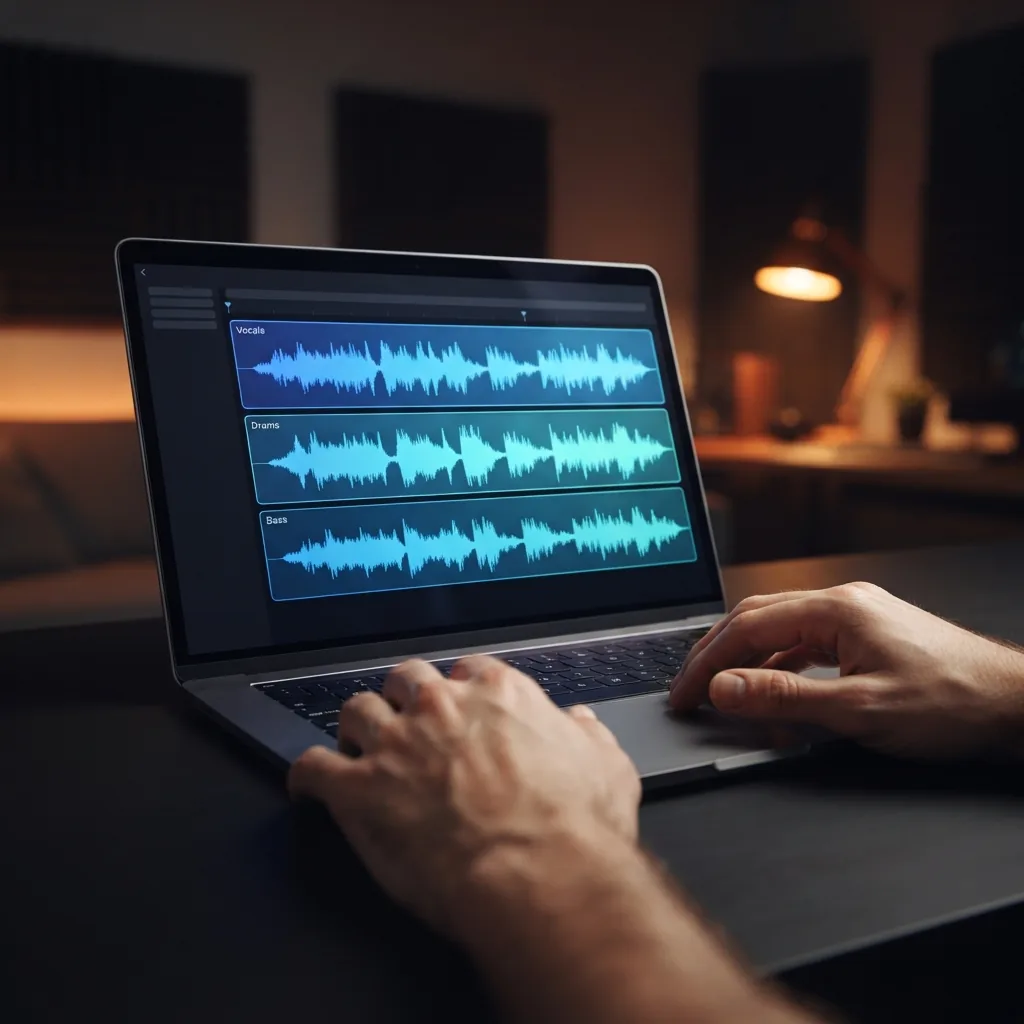
Udio v4 works well for hobby remixers who want fresh music ideas, clean vocal takes, or separate parts to study and rebuild. They start with a prompt or finished song, then use stem-style workflows to isolate elements and shape a new version inside one music maker flow.
Trusted by music makers every day music makers
People use OnMusic AI to create personal songs, beats, and lyric ideas for fun, sharing, and everyday projects.
How to generate with Udio v4
You end up with finished music after three simple steps inside OnMusic AI's free AI music generator, using Udio v4 to turn your idea or lyrics into a song with vocals.

Open Udio v4 in OnMusic AI
Select Udio v4 from the model list, then start a new music project. This sets the song style and output path before you add any prompt or lyrics.

Enter a prompt or paste your lyrics
Describe the mood, genre, and vocals you want, or paste your own lyrics if you already wrote them. Udio v4 uses that input to shape the structure, melody, and voice of your music.

Generate and download your song
Run the model, preview the result, and download the finished audio when it sounds right. You get studio-clear music output from your text or lyrics without needing separate recording software.
Put your prompt into music with clear vocals
Create 48kHz stereo music with Udio v4 on OnMusic AI, then test genres, lyrics, and song ideas in one place.
Frequently asked questions
What does Udio v4 do?
Who makes Udio v4?
How does Udio v4 work?
Is Udio v4 free to use?
How much does Udio cost?
What does Udio 48kHz stereo mean for sound quality?
How long can Udio v4 make a song?
Can Udio v4 create vocals and instrumentals?
Can the Udio AI song generator use my own lyrics?
Which genres does Udio v4 handle well?
How do I use Udio v4 on OnMusic AI's?
Which AI music platform is better, Udio or Suno?
Is there a better music AI than Suno?
Is Udio licensed for commercial use?
What are the main limits of Udio v4?
Why does Udio v4 sometimes miss the style I asked for?
Ready to create your own music? Start with a polished full song
Create with Udio v4 on OnMusic AI, switch between music models in one place, and start free from a simple text prompt.