What is YuE 7B?
YuE 7B is an open-source full-song model from the YuE research team that turns lyrics into finished music with synced vocals and instrumental backing. Its defining strength is long-form song creation with clear structure instead of short audio snippets.
OnMusic AI does not run YuE, but its AI music generator turns lyrics into full music with vocals using models like Google Lyria and ACE-Step, with no setup.
Explore
Inside YuE AI Music
See where YuE AI Music works best, where it falls short, and how to get better songs from your prompts.
Why YuE AI Music stands out for full-song creation
What is YuE 7B? It is the 7B-parameter version of YuE, an open-source model known for creating complete music with sung vocals and instrumental backing from lyric-led inputs, instead of only short loops or backing ideas. In practice, that matters because YuE aims at full-song structure: verses, chorus, melodic phrasing, and a more continuous sense of arrangement across a longer piece. That is the core reason people search for it. They are not only looking for a beat, they want music that feels like a finished song.
YuE is strongest when you already know the lyrical idea, mood, and style you want. It performs best as a lyric-first music maker, especially for users who want to turn written lines into something audible without opening a DAW.
Compared with many prompt-first tools, its reputation comes from handling lyrics and vocals as the center of the output. That gives it a different role inside an AI music generator workflow. If your goal is a complete vocal song draft with a clear structure, YuE is more relevant than a model built mainly for instrumental sketches or texture experiments.
How YuE AI song generator prompts work better with lyrics first
YuE AI song generator works best when you give it lyrics, a clear style cue, and a simple description of the mood, tempo, and vocal feel you want. YuE is not a broad image-to-music system, so the practical input is text: your lyric sheet, genre notes, and arrangement hints. Good prompts are specific but short. State the genre first, then vocal type, then emotional tone, then production details. For example: “Indie pop, warm female vocal, bittersweet chorus, soft drums, bright guitar, intimate verse, bigger hook.”
The same lyrics-first workflow works on OnMusic AI, which does not run YuE but lets you paste lyrics, add a style prompt, and refine from there. If you want a simpler starting point, the AI song generator page gives you a faster way to draft ideas before you lock in fuller lyrics for YuE.
Prompt discipline matters here. Keep sections labeled clearly, avoid mixed genres in one request, and write lyrics that scan naturally when sung. Short lines, repeated hooks, and a defined chorus usually produce stronger music than dense paragraphs. If the first result feels crowded, simplify the prompt instead of adding more adjectives.
How YuE AI Music compares with popular alternatives
YuE vs Suno is mainly a choice between open-source lyric-focused control and a more polished consumer-first creation flow. Pick YuE when you care most about experimenting with an open model that is built around full songs from lyrics. Pick Suno when you want a smoother mainstream product experience and fast consumer-friendly iteration. That is the clearest tradeoff, and it is why both tools attract different users.
For other alternatives, choose MusicGen when you need research-backed text-driven music creation and you are comfortable with more of an audio-model workflow than a singer-songwriter workflow. Choose Riffusion when your priority is fast, playful idea exploration and stylistic sketching rather than a lyric-centered vocal result. Choose ACE-Step when you want another open-source model that also turns lyrics into full music with vocals.
ACE-Step runs on OnMusic AI with no setup, alongside Google Lyria, ElevenLabs and MiniMax, so you can move between models without rebuilding your prompt. If you want to explore more options beyond one engine, the models catalog is the natural next stop. YuE is the better pick when your brief starts with words and ends with a full vocal song.
Which styles and outputs fit YuE 7B best
YuE 7B review discussions usually focus on one practical point: YuE is best when the goal is a complete vocal music output with recognizable sections, not just a background bed or a short motif. That makes it a strong fit for pop demos, rap songs with written verses, singer-songwriter drafts, lo-fi vocal pieces, and emotional concept songs where lyrics carry the idea. It is also useful for novelty songs, birthday songs, and personal projects that need a real vocal shape instead of a generic instrumental.
The clearest sweet spot is lyric-led music with a clear hook. A short chorus, repeated phrase, and one emotional direction often give better results than an abstract prompt with no written lines. Users tend to get more value from YuE when they ask for a coherent song identity, such as dreamy indie pop, melodic rap, moody R&B, or acoustic ballad, instead of highly fragmented genre mashups.
If your goal is purely instrumental background audio, a dedicated text to music workflow may be the simpler route. YuE shines most when the output needs vocals, narrative, and a sense that the music was built around the words.
How to access YuE 7B, use it free, and understand the limits
Free YuE AI Music access means the open-source code and weights its research team released, which you run yourself. OnMusic AI does not host YuE, but it is a free, no-setup alternative for turning lyrics into music. YuE is open source, but open source does not automatically mean friction-free for everyday users. Running raw model code locally or in a notebook still takes setup, compute, and patience. Most people searching for free access really want a simple interface for creating music, not a machine learning project.
The honest limit is that YuE is not magic, and it is not the fastest route for every user. Output quality still depends heavily on your lyrics, prompt clarity, and the platform workflow around the model. You may need more than one pass to get a strong chorus, a better vocal feel, or cleaner phrasing. Open models also tend to involve more hands-on iteration than fully productized consumer tools.
There is also a legal and distribution reality. AI-created music is generally legal to make, but rights, training-data questions, and commercial use rules depend on the source model, the platform terms, and how closely an output imitates a real artist. Always review usage terms before publishing or monetizing music.

How good the YuE music model output really is
YuE music model quality is strongest in the area that made it notable in the first place: open full-song creation with synchronized vocals and accompaniment from lyrical input. That is the real headline. The output can sound surprisingly complete for an open model, especially when the lyrics are singable and the style request is focused. The model is less impressive when the prompt is vague, overloaded with conflicting references, or written with awkward line lengths that fight natural phrasing.
A balanced read is important. YuE is impressive for accessibility and research value, but it does not erase the gap between a good AI draft and a professionally produced release. Expect some creations to feel more demo-like than release-ready. Vocal tone, diction, and arrangement coherence can vary from one result to the next. That is normal for this class of system.
Public questions about AI music also come up here. You can often spot an AI-created song by repeated phrasing, unusual diction, over-smooth transitions, or vocal artifacts that feel slightly synthetic. Spotify does not ban AI music as a category, but it does police fraud, impersonation, and rights issues. The biggest-selling or most famous AI songs change over time, which is why concrete claims on that point need current source checking.
How YuE 7B prompts lead to better final songs
Open source full song AI works better when your prompt reads like a production brief, not like a pile of adjectives. With YuE, start with four elements in this order: genre, vocal identity, emotion, and arrangement. Then add lyrics with clear verse and chorus labels. A strong example is: “Melodic pop rap, intimate male vocal, hopeful mood, mellow keys and crisp drums. Verse 1: … Chorus: …” That format gives the model a stable frame for the music.
Keep lyrics singable. Use short lines, internal repetition, and obvious hook words. Avoid long sentences, tongue twisters, and abrupt topic changes between sections. If the chorus matters most, write that part first and make it easier to remember than the verse. YuE responds better to one clear style than to “pop, trap, rock, orchestral, lo-fi” all at once.
The most common mistake is treating the model like a search box instead of a songwriting partner. Revise the prompt after each result. Change one variable at a time: mood, tempo feel, vocal type, or chorus wording. That simple loop helps you create music with AI that sounds more intentional and less random.
Where YuE 7B fits in the current AI music landscape
YuE AI Music matters because it gives the AI music generator market something many people want but few systems balance well: open access, lyric-centered creation, and a path to full vocal music instead of only short audio ideas. That is why it shows up so often in searches, Reddit threads, and download discussions. People are trying to understand whether it is a serious tool, how to run it, and whether it can replace a more polished consumer app for personal music projects.
The practical answer is that YuE fits best as a model for experimentation, learning, and lyric-to-song drafting. It is useful for creators who want transparency and flexibility from an open model, and for hobbyists who want to compare outputs across engines instead of committing to one closed system.
It also helps answer common search questions around AI music legality, artist identity, and authenticity, because YuE sits right at the center of the current debate about how real, useful, and publishable AI-created music can feel. If you want lyric-to-music results without building your own setup, OnMusic AI’s AI music generator is a free alternative that runs models like Google Lyria, ElevenLabs and ACE-Step.
Features
YuE 7B capabilities that matter
YuE 7B stands out for full-length music creation from lyrics, vocal and instrumental song building, and open-source flexibility. This section breaks down where YuE AI Music is strong, and what to expect before you create with it.
YuE 7B lyric-led full-song composition
YuE 7B is built to turn written lyrics into complete music, not just short loops or backing ideas. It maps lines into verses, choruses, melody, and accompaniment in one creation flow. That matters when you want a finished song shape from words you already wrote. It is especially useful for demos, personal songs, and concept-first songwriting.
YuE 7B open-source long-form music creation
YuE 7B stands out as an open model focused on full-length music creation with vocals and instruments working together. Unlike many research demos that stop at short clips, it is known for aiming at longer, structured outputs.
That makes it relevant if you want complete listening pieces instead of fragments. It also gives developers and hobbyists a model they can inspect and build around.
YuE 7B vocals and accompaniment in one song
YuE 7B is a YuE music model designed to create sung music with instrumental backing from the same prompt or lyric input. The key strength is coordination between voice, phrasing, and arrangement, so the result feels like one piece instead of separate layers.
That matters most for pop, ballad, rap, and other vocal-first formats. It gives the AI song generator a clearer songwriting focus than a beat-only system.
YuE 7B prompt and lyrics input flexibility
YuE 7B accepts creative direction in the form of lyrics and style guidance, which gives you more control over the final music. You can steer genre, mood, pacing, and vocal intent through plain language instead of technical production steps.
That helps when you have words, a theme, or a chorus idea but no recording setup. It fits people who want to create music with AI from a simple concept.
YuE 7B genre-aware arrangement and style control
YuE 7B is suited to style-driven music prompts, where the arrangement needs to reflect genre as well as lyrics. It can follow cues for pop, rap, lo-fi, and other common directions by shaping rhythm, tone, and vocal delivery together.
That matters because genre is more than instrument choice alone. A music maker needs the structure and feel to match the idea, not just the tempo.
YuE 7B access and a free alternative
YuE 7B is open source, so you can download the model and run it yourself if you have capable hardware and some technical setup.
Many people still want a simple place to test prompts, lyrics, and outputs without that work. OnMusic AI does not run YuE, but it is a free, no-setup alternative that turns lyrics into full music with models like Google Lyria, ElevenLabs and ACE-Step.
All models
Every AI music model, one place
Hear a sample, then switch between the latest models and compare results — free to start on OnMusic AI.
Suno v5.5
by Suno
Full songs with natural, expressive vocals from a single prompt.
Udio v4
by Udio
48kHz stereo songs up to 10 minutes with licensed, studio-clear sound.
ElevenLabs Music v2
by ElevenLabs
Licensed, commercial-ready songs with lifelike multilingual vocals.
Google Lyria 3 Pro
by Google DeepMind
Full-length, structured songs with lyrics and tempo control.
MiniMax Music 2.6
by MiniMax
Its strongest vocals yet, with an AI cover mode and auto lyrics.
Stable Audio 3.0
by Stability AI
Instrumental tracks and sound design up to 6 minutes, royalty-free.
Stable Audio 2.5
by Stability AI
Fast, high-quality instrumentals up to 3 minutes, royalty-free.
Who turns ideas into finished music with YuE 7B
People use birthday lyrics, rap drafts, mood notes, and beat concepts here, then an AI music generator helps turn them into music they can play, share, or keep.
Lyric writers turning verses into finished music
YuE AI Music fits people who already have words on the page and want to hear them as full music with vocals and structure. They use this AI song generator to turn a birthday verse, breakup hook, or late-night chorus idea into something they can play back and revise.
Open source full song AI for model testers and hobby producers
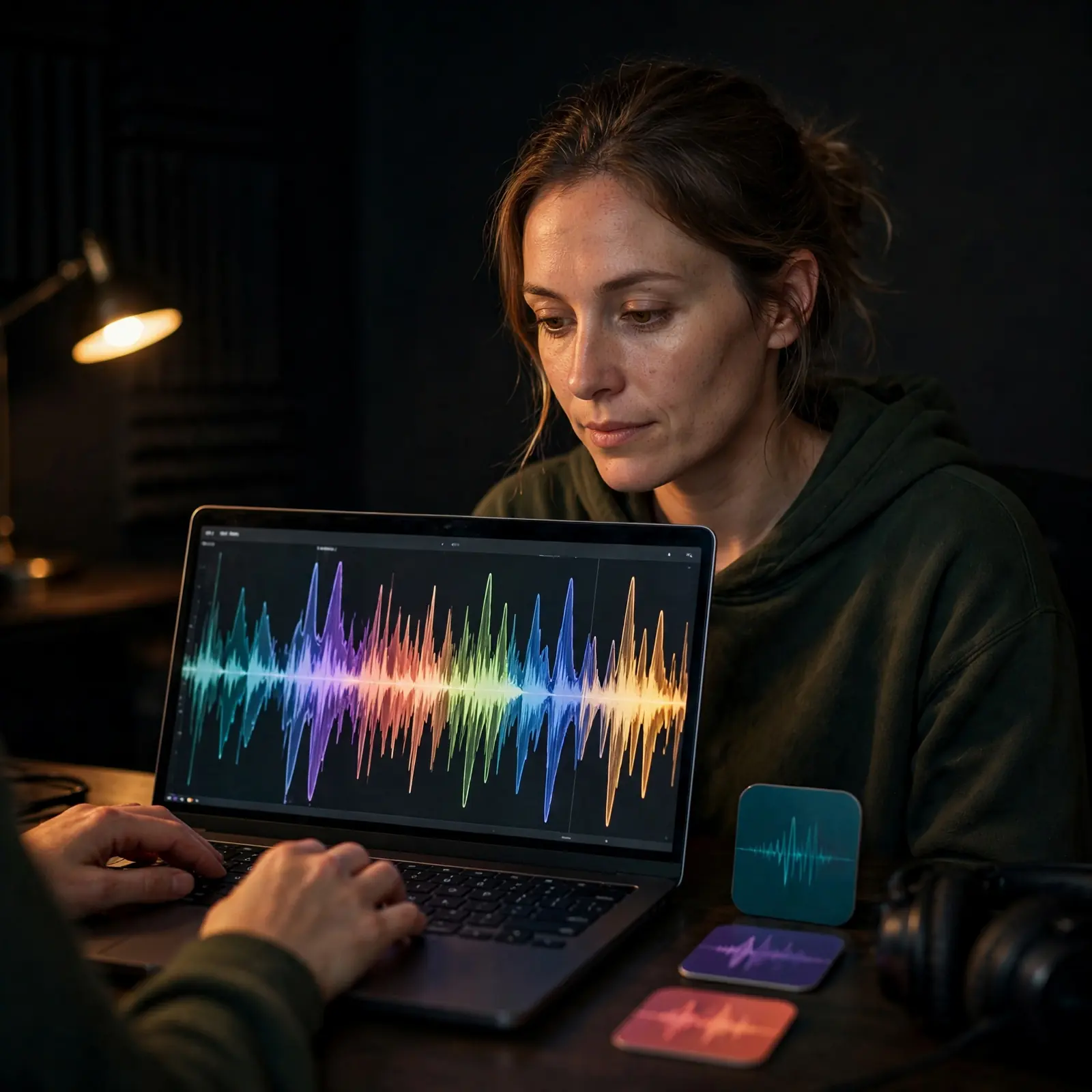
Open source full song AI appeals to people who want to explore how YuE AI Music handles lyrics-first music creation compared with closed models. They use a music maker workflow to test genre prompts, vocal phrasing, and song structure before deciding what kind of music they want to keep building.
Prompt-first creators making personal songs from a mood
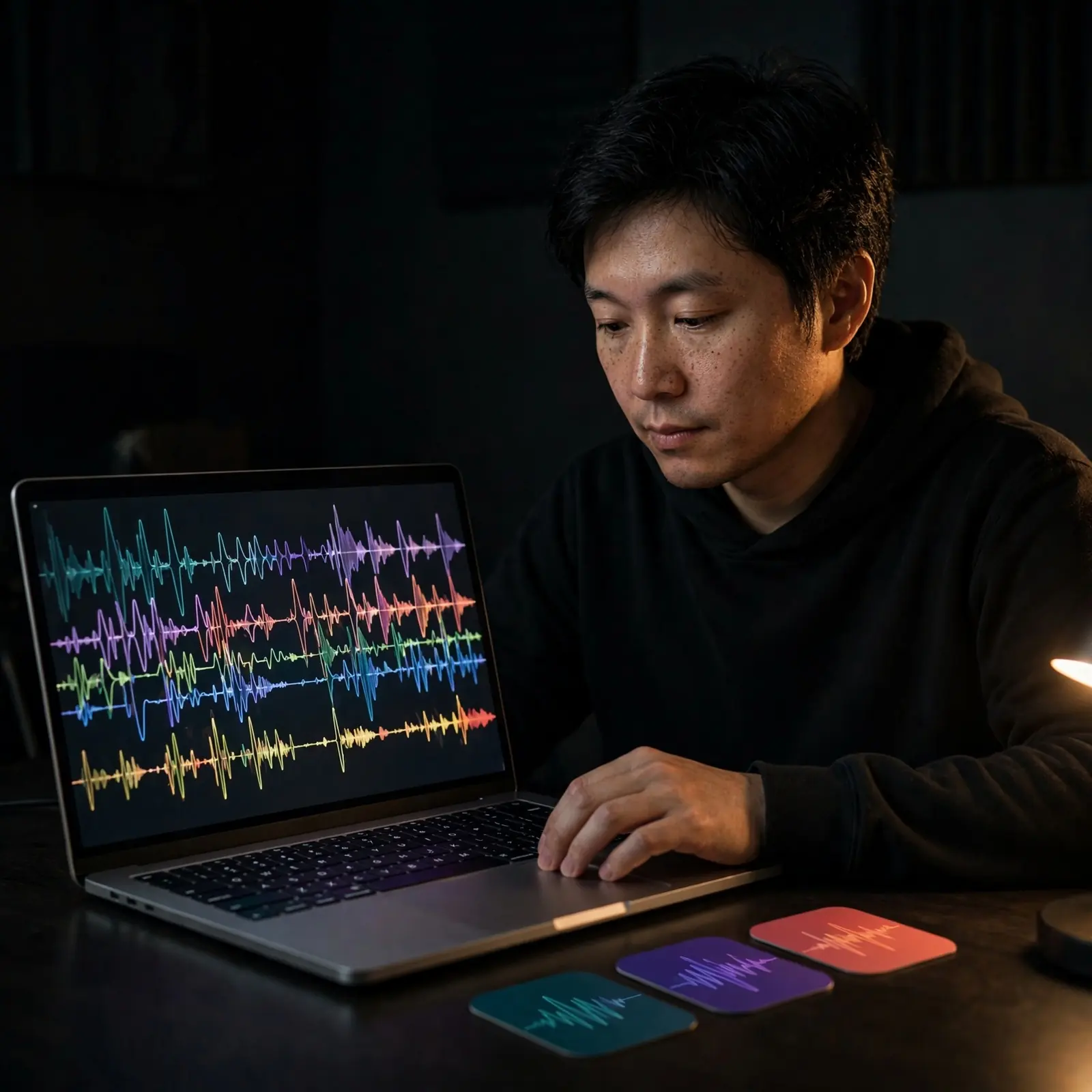
YuE AI Music works for people who do not play an instrument but know the feeling they want, such as warm lo-fi, sad pop, or fast rap. They create music with AI by describing a mood, a voice, and a style, then listening for a version that sounds personal enough to share with friends.
How to make music like YuE 7B
OnMusic AI does not run YuE 7B, but these three steps get you similar full music with vocals from your prompt or lyrics, using models like Google Lyria and ACE-Step.
Open the music generator and choose your idea
Open OnMusic AI's music generator, then decide what kind of music you want to create. Start with a mood, genre, scene, or occasion such as a birthday song, lo-fi study music, or melodic rap.
Enter a prompt or paste your lyrics
Type a clear prompt that describes the sound you want, or paste in your own lyrics if you already wrote them. Add useful details like pop with warm female vocals, acoustic guitar, and a catchy chorus so the music maker has stronger direction.
Create, preview, and download your song
Create your music, listen to the result, and keep the version that fits your idea best. When your song is ready, download it or make another pass with small prompt edits to change the vibe, vocals, or arrangement.
Turn your lyrics into a finished song
Use the same music maker flow covered above to write lyrics, shape a style, and create full music with vocals or instrumentals in one place.
Frequently asked questions
What does YuE AI Music do?
YuE AI Music creates full music pieces from lyrics and prompts, with vocals and instrumental accompaniment aligned into a song structure. It is aimed at long-form music creation rather than short loops, so it fits people who want verses, choruses, and a more complete result.
Is YuE AI Music free to use?
Yes, YuE is open source, so its research team's code and model weights are free to download and run yourself, though you need capable hardware and some setup. OnMusic AI does not run YuE, but it is free to start and makes full music with vocals using models like Google Lyria and ACE-Step.
Can YuE AI Music create vocals, instrumentals, or both?
YuE AI Music is known for creating both vocals and instrumental accompaniment in the same music output. That makes it useful when you want a finished song feel, but output style and vocal realism still depend heavily on your lyrics, prompt detail, and the version you are running.
What audio quality and song length should people expect from YuE AI Music?
YuE AI Music is designed for full-song music creation, but published quality details can vary by release, workflow, and hosting platform. The safest expectation is stereo music output built for listenable song drafts, while exact sample rate, export options, and maximum length depend on the implementation you access.
Can you use YuE AI Music on OnMusic AI?
No, OnMusic AI does not run YuE. OnMusic AI runs other music models such as Google Lyria, ElevenLabs, MiniMax and ACE-Step, where you add lyrics or a prompt, pick a style, and create your music with no setup.
Can I download YuE AI Music outputs and use them commercially?
Yes, you can usually keep the music you create, but commercial use depends on YuE's license and your rights in the lyrics, voice style, and source material. Check the current license terms before publishing client work, ads, or songs for paid distribution.
Ready to turn your lyrics into music? Hear your idea as a finished song
OnMusic AI does not run YuE, but you can turn a simple prompt or your own lyrics into full music with Google Lyria, ElevenLabs, MiniMax and ACE-Step in one place.