
What is AI music generation?
AI music generation is the process of using software models to create music from inputs like a text prompt, lyrics, a melody idea, or reference audio. In simple terms, a music generator reads your input, predicts sounds, rhythm, song structure, and tone that fit what you asked for, then turns that prediction into audio you can play.
Some tools only create instrumental music. Others can build a whole song with sections like verses and chorus, plus vocals or lyric support. That is why the topic matters to regular people, not just producers. You can test an idea quickly, hear different styles, and shape something personal without recording every part yourself.
An AI music generator does not think like a human writer or performer. It works by learning patterns from large sets of music, then using those patterns to create new outputs that match your prompt. The result can be useful for demos, fun personal projects, practice, or background music. The quality depends most on three things: the model, the detail in your prompt, and the edits you make after the first version.
How do music models turn a prompt into sound?
The short answer to how does AI music work is this: a model learns patterns from many pieces of music and predicts what should come next based on your input. That input might describe genre, mood, instruments, tempo, structure, or even the kind of voice you want to hear.
In a text to music workflow, your words are converted into internal instructions the model can use. It looks for relationships between things like "lo-fi," "soft drums," "sad piano," or "female vocal," then builds audio that fits those relationships. Some systems work more directly with raw audio. Others work with compressed audio tokens, spectrogram-like representations, or symbolic note data before converting everything back into music.
This is why prompts matter so much. If your prompt is vague, the output may feel generic. If your prompt includes details like pace, era, arrangement, and mood changes, the result usually feels more intentional. Most tools also have limits. They can lose consistency over a long piece, repeat ideas, or miss subtle emotional direction that a human producer would catch.
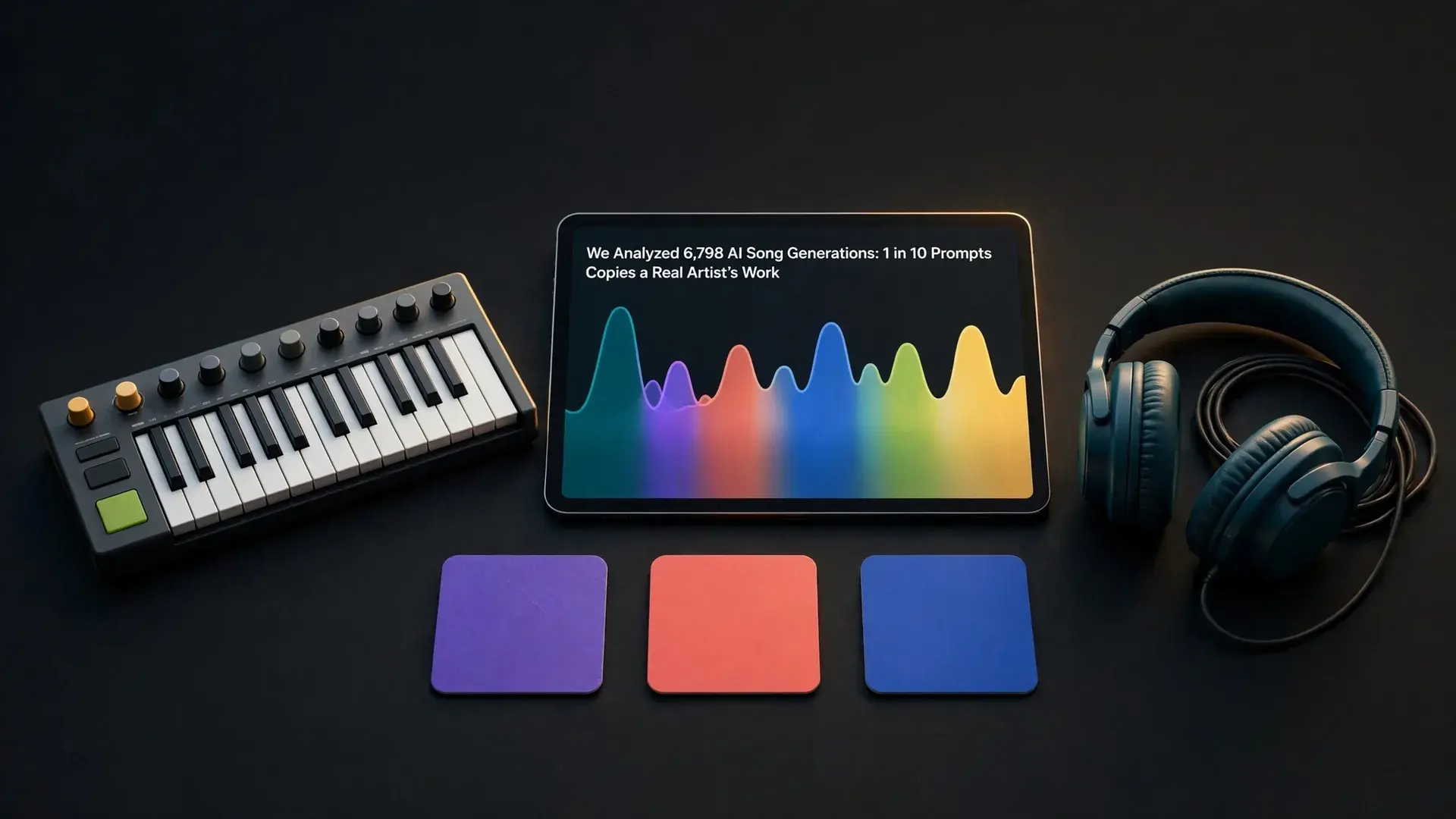
Describing the sound works better than naming an artist. In our analysis of 6,798 AI song generations, about 1 in 10 prompts named a real artist or pasted existing lyrics, and the strictest models rejected roughly the same share.
From idea to finished music in 4 steps
How AI creates songs becomes easier to understand when you break the process into a few clear steps.
Step 1: Give the model direction
Start with the basics, such as genre, mood, tempo, instruments, and whether you want vocals or instrumental music. A prompt like "warm acoustic pop with light drums and a hopeful chorus" gives the model much more to work with than "make a song."
Step 2: Let the model create a draft
The system uses your prompt to build structure, melody, harmony, rhythm, and sound texture. If the tool supports lyrics, it may also fit words to melody and phrasing.
Step 3: Review the first output
Listen for the hook, pacing, clarity, and whether the music matches your idea. This is where you decide what to keep and what to refine.
Step 4: Revise and export
Change the prompt, edit lyrics, try a new genre, or ask for a shorter or longer version. If you want a practical walkthrough after this overview, the guide on how to make AI music shows the same process in more detail.
What is AI music generation used for?
AI music generation is most useful for fast drafts, personal songs, creative experiments, and simple content music where speed matters more than deep manual production. It helps when you have an idea but not the time, gear, or skills to build every part from scratch.
A few common uses stand out. People create birthday songs, joke songs, beat sketches, study music, podcast intros, and rough demos for lyrics they already wrote. An AI song generator can also help when you want to hear the same idea in several styles, such as pop, rap, lo-fi, or acoustic, without rebuilding the whole arrangement each time.
Its strengths are speed, variety, and accessibility. Its weak spots are control, consistency, and fine detail. Long-form music can drift. Vocals may sound less natural on some prompts than others. Mix choices can also be broad rather than precise. That means AI works best as a creative starting point, a fast way to test ideas, or a simple way to make music for everyday use, not as a perfect replacement for every part of human production.
AI generated music explained in practical terms means treating the first result as a draft, not the final answer. Before you share anything, check whether the music matches your goal, sounds clear, and avoids obvious repetition or awkward vocals.
Start with the basics. Does the intro take too long? Does the chorus feel strong enough? Are the lyrics easy to understand? If the music sounds cluttered, shorten the prompt and remove conflicting instructions. If you want the model to create music with a clearer arc, ask for specific changes such as a softer intro, a bigger chorus, or fewer instruments in the verse.
It also helps to think about rights and use rules before publishing. Do not assume a song is royalty-free just because AI helped create it. If that matters for your project, read is AI music legal so you understand ownership questions, platform policies, and where extra caution makes sense. The best habit is simple: listen, revise, compare versions, and only keep the one that sounds intentional. AI can create music quickly, but your judgment is still what turns a rough output into something worth sharing.