AI Song Cover Generator

Free tool

Upload a song and hear it in a new voice with our AI song cover generator, then make your cover in a few taps.

Why us

Make a song that feels personal

Start with an idea, a lyric, or a voice you want to hear, then turn it into something you can play, save, and share.

Bring your idea to life

A joke, tribute, parody, or heartfelt message can become real music you made yourself. Instead of searching for the right song, you create one that fits the moment, the person, and the voice in your head.

Turn lyrics into something you can hear

If you already wrote lines in your notes app, this gives them melody, structure, and a finished sound. Your words stop being unfinished text and become music with emotion, pacing, and replay value.

Make music that sounds like you mean it

People want more than background noise. They want music with a point of view. This helps you create songs that feel specific, funny, emotional, or surprising, so what you share sounds made for a reason.

Keep creating after the first song

One good result often leads to another idea. A birthday song turns into a duet, a lyric draft turns into a finished vocal, or a beat idea becomes a full release. You get room to keep making, not just try once.

One studio · eight models

Pick the right model for the sound

Metered in simple credits — from 3 to 15 per song. Your free trial includes 10 credits. Hover any model to hear it.

10 credits included · no card required · new models added regularly

Learn more

Using an AI song cover generator

These topics explain what an AI cover tool does, how the input turns into a new vocal version, and what to check before you download and share your music.

ai song cover generator — topic section inline 0

How the cover workflow works

A free cover generator starts with one clear input, your source song and the voice you want to hear on it. You upload audio, choose a voice style, and let the tool create a new vocal performance over the same music. That gives you a fast first result without opening a DAW. If you want the basics first, read the guide on how to create an AI song cover.

Person comparing different AI singing voice styles on one song

How the AI song cover generator works

It keeps the core music, then swaps the vocal identity so the same melody and timing are heard in a different voice. The useful part is exploration: try a softer pop tone, a brighter indie feel, or a more dramatic delivery without remaking the whole song. If you want voice-first experiments, explore an AI voice cloner for custom voice setup.

ai song cover generator — topic section inline 2

Free, online, and no signup

Free online access means you can try a cover idea in your browser instead of setting up studio software. That makes it easier to test a birthday joke song, a parody, or a quick demo from your phone or laptop. A good song cover maker should feel simple on the first try, with clear inputs and a result you can hear right away.

Before and after view of an AI-created song cover result

Getting the best results from an AI song cover generator

The best results are easy to judge because the before and after are obvious. You start with one known song, then hear the same phrasing and melody recast in a new voice that fits your idea. That makes it useful for sharing drafts with friends, testing character-style concepts, or planning a fuller remake with an AI singing voice generator.

ai song cover generator — topic section inline 4

What makes a cover sound more natural

Natural covers come from clean inputs and a voice that matches the song's range, pace, and mood. A noisy file, crowded backing vocals, or a voice style that fights the melody will sound less convincing. If you want to go beyond covers and build something original from scratch, an AI music generator or an AI song generator is the better next step.

How it works

Use the cover maker in 3 steps

Upload a song, choose the voice, and get a new cover audio file with the same music and a different vocal performance.

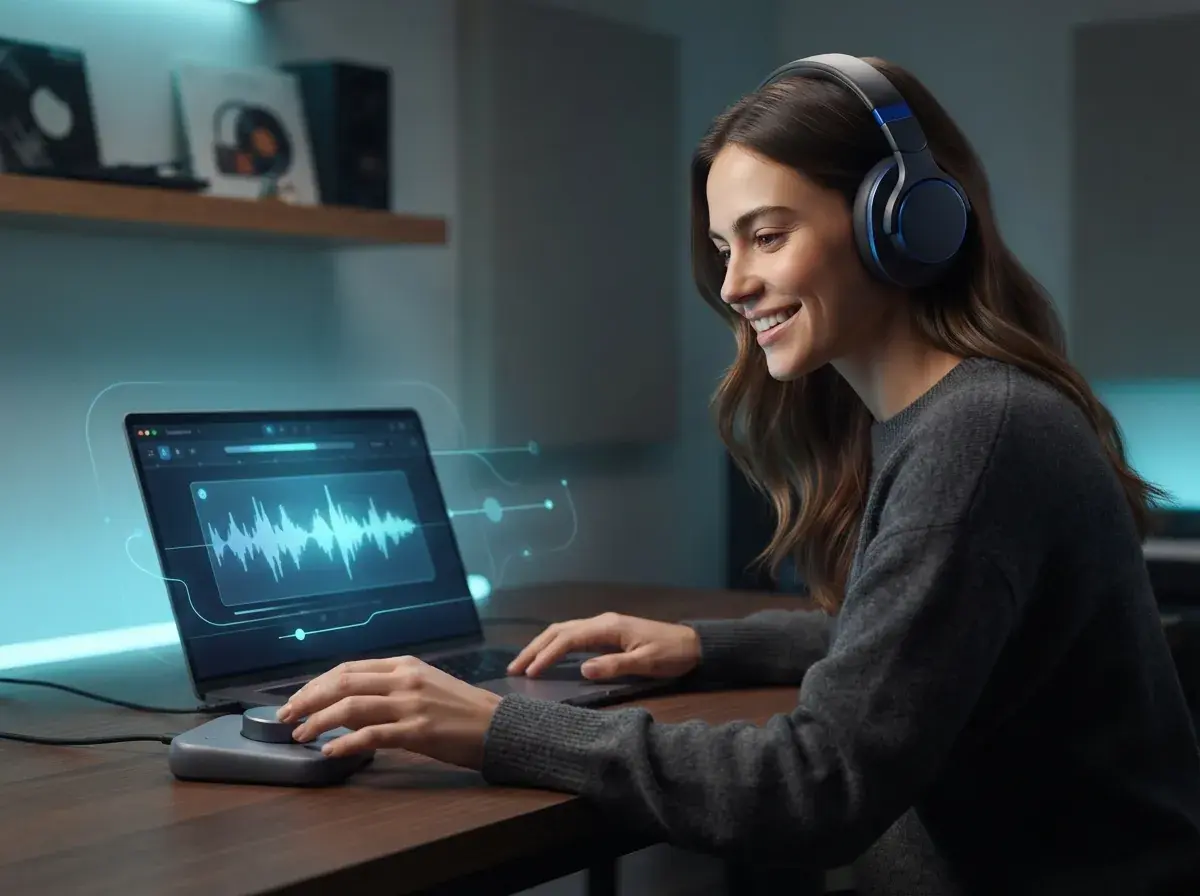
Person uploading an existing song on a laptop for an AI cover tool
1

Step 1: Add the song you want to cover

Upload the audio you want to transform, or paste in the song details if the tool supports a source reference. Start with a clear song file so the tool can map the vocal timing, melody, and structure before it creates the new version.

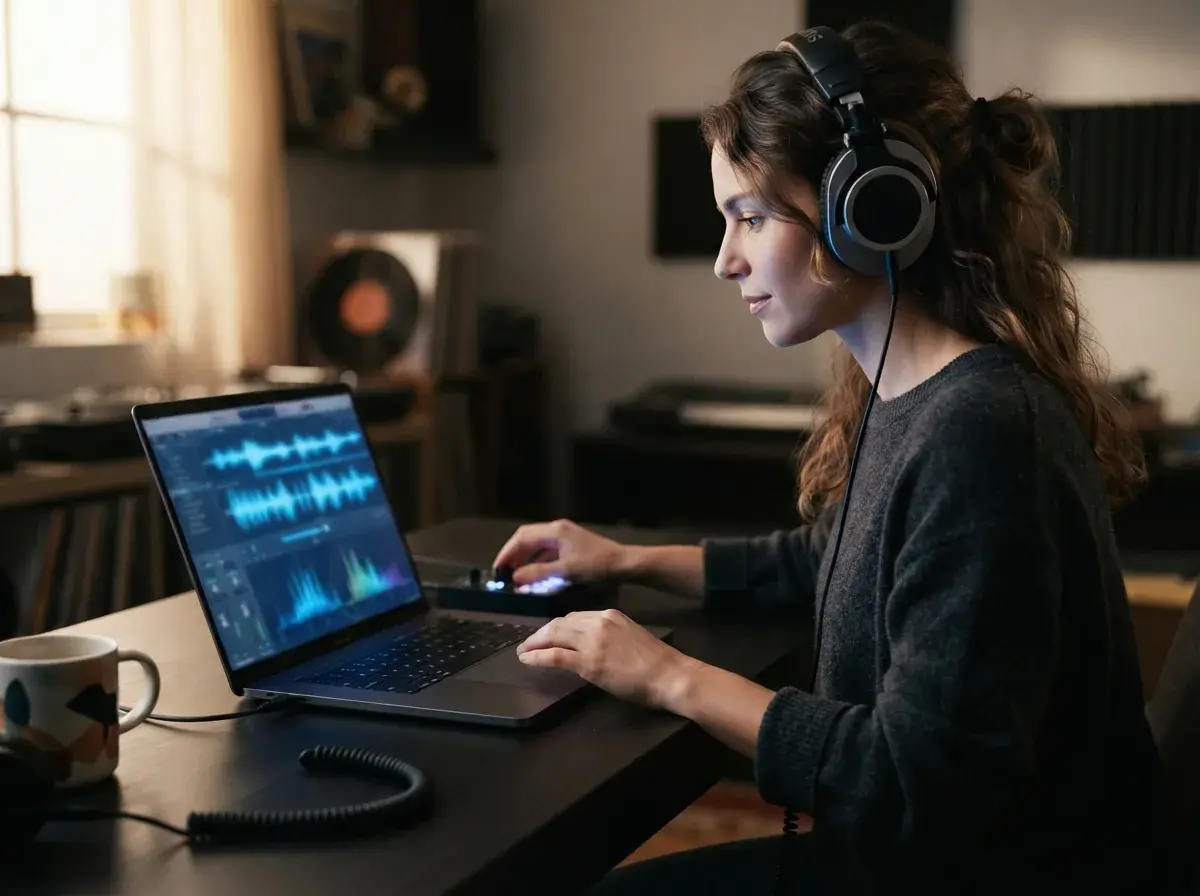
Person selecting a new singing voice and cover settings on a laptop
2

Step 2: Choose the new voice and settings

Pick the voice you want to hear on the cover, then set the style options available in the tool. This is where you decide how the new vocal should sound before the music is processed.

Person previewing and downloading a finished AI song cover audio file
3

Step 3: Preview and download your cover

Listen to the finished result, then download the new audio file. The output is a completed cover version of your original song, with the instrumental and song structure kept in place and the vocal changed to the voice you selected.

Make covers for fun, practice, and sharing

Use it for parody songs, personal gifts, voice experiments, and quick music ideas you want to hear in a new style.

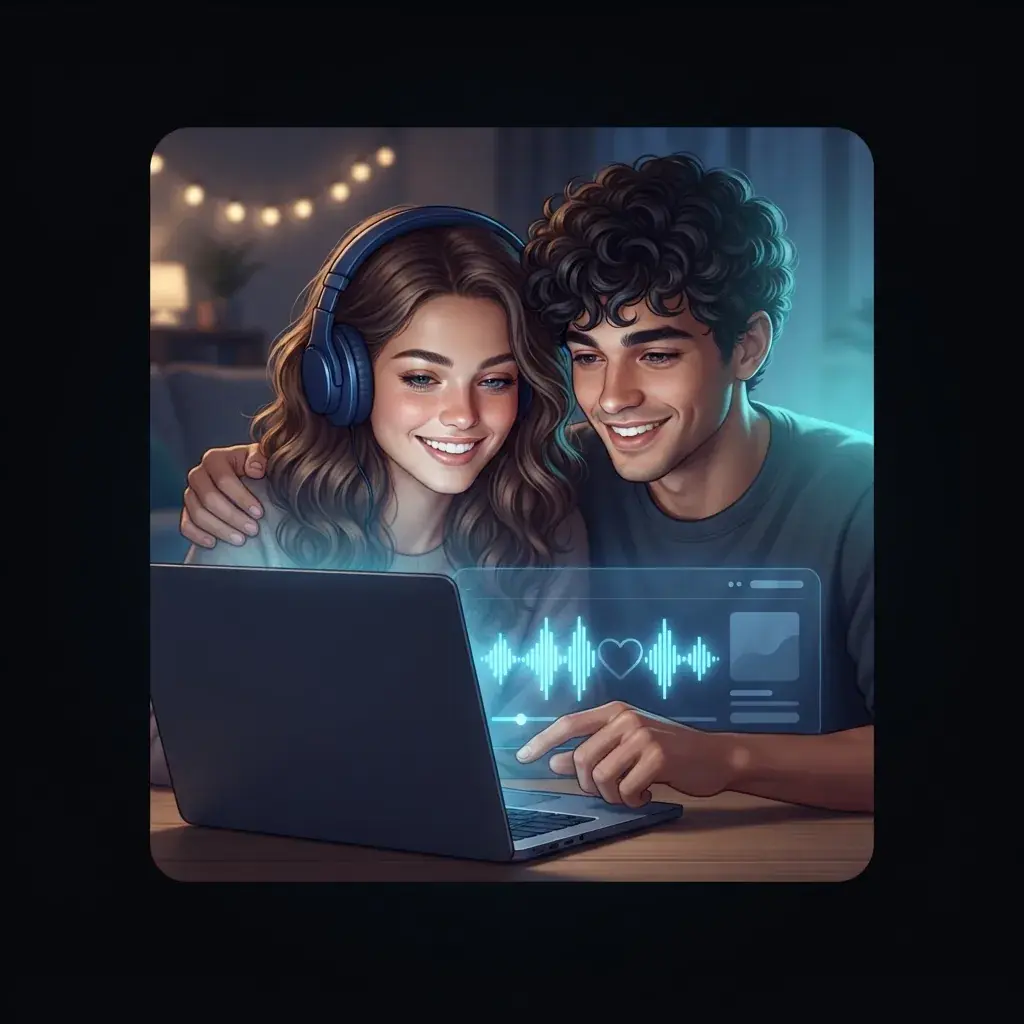
Friends creating a personal music cover on a laptop

Friends making personal covers

You can use this tool to remake a familiar song in a fun new voice for a birthday, inside joke, or group chat surprise. A song cover maker fits people who want something personal to share, without learning recording software first.

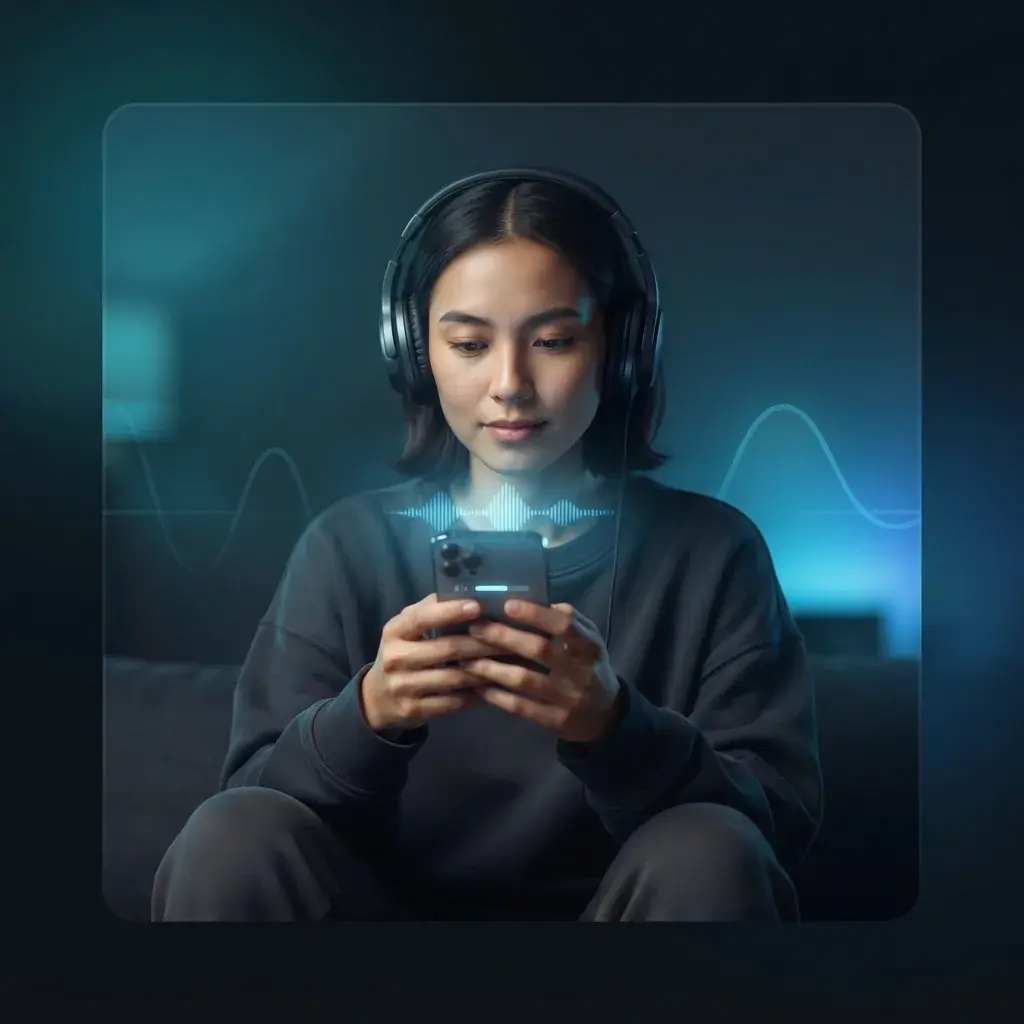
Solo creator trying a voice cover tool on a phone

Creators who want covers with no signup

This is for people who want to test a music idea fast and hear the voice change right away. It also helps first-time users who are curious about an AI cover generator but do not want a complicated setup before they try it.

Content creator making a fun cover for short video

Short-form video and parody makers

This tool works well for people making clips for social posts, parody ideas, and character-style remakes for fun. If you already use an AI music generator for original songs, this cover tool gives you a separate way to remake a known vocal style for a new version.

Features

Tools that make voice covers simple from upload to download

Use the controls that matter most for cover creation, then get a new audio file with the voice changed and the music kept in place.

Upload a song and swap the lead vocal

The tool takes an existing song as the input and creates a new version with a different singing voice as the output. You keep the song’s core performance while changing who sounds like they are singing it.

Keep the melody, phrasing, and structure intact

A cover only works if the new vocal follows the same melody, timing, and section layout. This tool is built to match verses, hooks, and line breaks so the new vocal stays locked to the music instead of sounding pasted on.

Start with a ready-made voice

Pick from preset voices for fast results — no voice setup needed. For a specific voice identity, our separate AI voice cloner lets you create a custom voice.

Create cleaner covers with separate vocal tools

Some songs need prep before the voice swap sounds right. If you need a fresh sung part instead of a transformed one, the related singing voice tool helps you create a new vocal performance that fits the instrumental more naturally.

Download the finished cover as a listenable audio file

The concrete result is a new audio version of your song with the replaced vocal rendered and ready to play, save, or share. Your before and after is simple: one original song in, one rewritten vocal cover out.

By the numbers

Made for music fans everywhere

People use OnMusic AI to create personal songs, try new styles, and finish ideas fast.

10M+

Songs created

Tracks made by creators like you

5M+

Happy creators

Everyday people making music for fun

4.8★

App rating

Loved by our community

Turn Any Song Into A New Voice Cover

Upload a song, pick the voice you want, and hear your cover with the vocal changed while the music stays in place.

Upload a song and swap the vocal
Great for parody songs, tributes, and personal covers
Works with simple prompts and fast editing tools

AI song cover generator questions answered

How does the tool work?
It changes the vocal identity of a song while keeping the core music and melody in place. You pick a ready-made voice, upload audio or record a vocal, then the system processes the performance into a new cover you can preview and download.
Can an AI song cover generator make a full cover with a different voice?
Yes, it can create a full vocal cover in a different voice when you provide the source audio and target voice. The result is a new audio file where the vocal performance is transformed, while the instrumental and song structure stay recognizable.
Is there an AI song cover generator free online?
Yes, many people look for an AI song cover generator free online so they can test a cover idea before paying. Free access often comes with usage limits, fewer export options, or credit caps, so check what audio length, queue priority, and downloads are included.
What makes a free cover generator worth trying first?
A free cover generator is worth trying when it lets you test voice quality, speed, and ease of use before committing. The best first test is a short chorus or verse, because it quickly shows how the voice handles pitch, tone, and pronunciation.
Does it work with uploaded audio and recorded vocals?
It works in two common ways: you upload an existing song file, or you record a vocal and convert it into a new voice. Uploaded audio is faster for full-song covers, while recorded vocals give you more control over phrasing, lyrics changes, and timing.
What should I expect from the best results?
The best AI song cover generator gives you clean vocal conversion, simple voice selection, and fast previewing without a complicated studio workflow. It should also explain output limits, supported formats, and rights clearly, because cover creation is not only about sound quality.
Can no-signup AI cover tools be trusted?
Yes, no-signup tools can be useful for quick tests, but they often limit file length, queue speed, saved history, or download quality. If you want repeat edits, voice training, or a stored library of past covers, an account-based tool is usually better.
Can AI cover tools replace lyrics or change genre style?
Yes, some AI cover tools support lyric changes, parody lines, or style shifts such as turning a pop vocal into a lo-fi or rap feel. Results depend on the source performance and tool design, so test a short section first if you want heavy genre changes.
Are AI song covers legal to share or use commercially?
Copyright rules still apply to AI song covers, especially when you use a protected composition, a recognizable artist voice, or a commercial release. For a plain explanation, read the site guides on creating AI covers legally and beginner cover basics before you post or monetize anything.
What file do I get back from an AI song cover tool?
You usually get a playable audio file of the converted cover, most often as an MP3 or similar download format, depending on the tool. Some workflows also let you keep the original instrumental, create a clean vocal version, or move to a singing voice tool or voice cloner next.

Create your cover in a new voice

Upload a song, pick the voice you want, and make a shareable music file that sounds like your idea, not the original vocal.

Free to try in your browser
No singing or music skills needed
Works from a simple upload and voice choice