Free tool

Free AI Music Generator

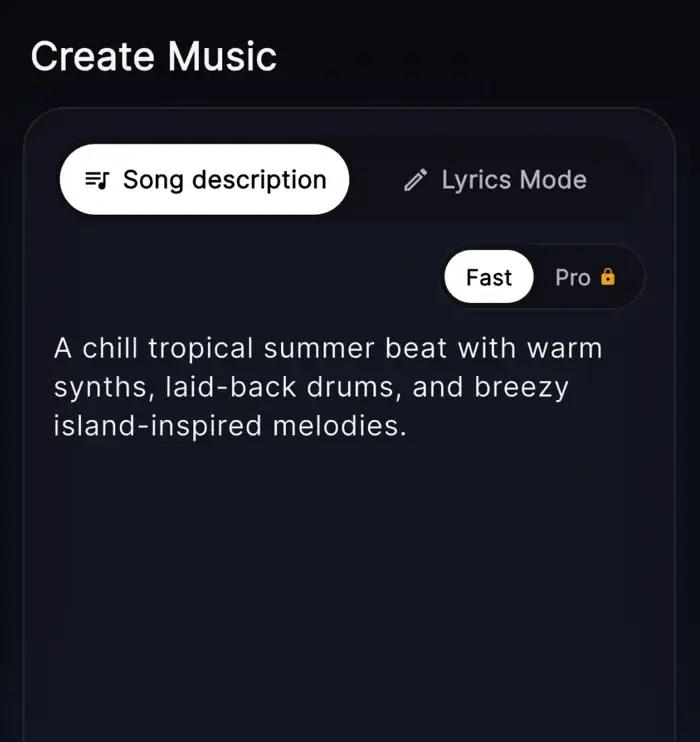
Type a mood or paste lyrics, and our free AI music generator creates music with vocals in minutes.

  • Start with one idea

    Type a mood, moment, or lyric and hear your music take shape.

  • Make full songs with vocals

    Create verses, hooks, and melodies in one simple flow.

  • Edit without the hard parts

    Try new styles, swap parts, and shape the sound with easy tools.

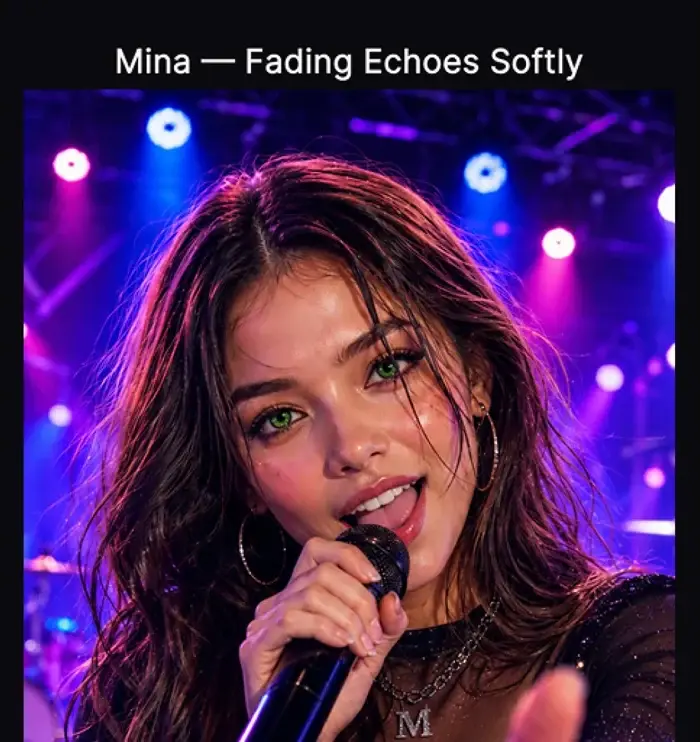
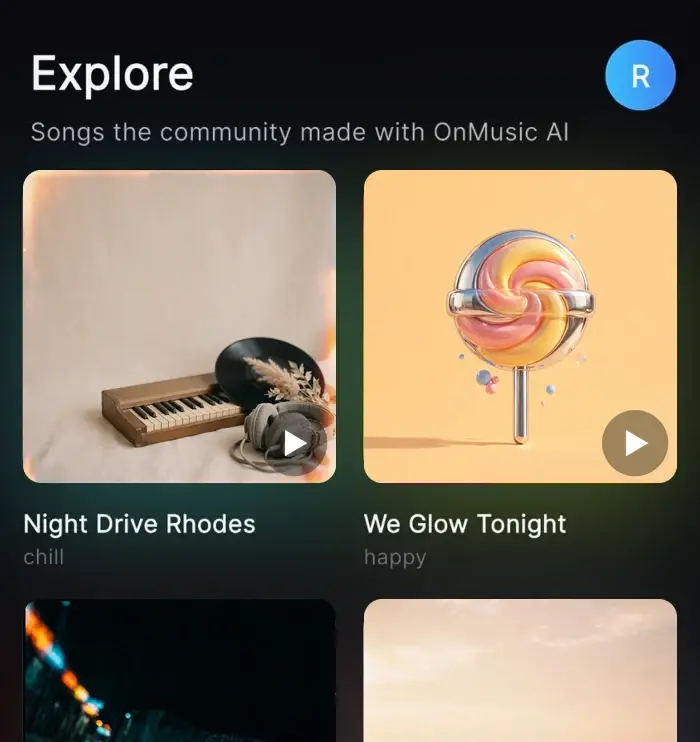
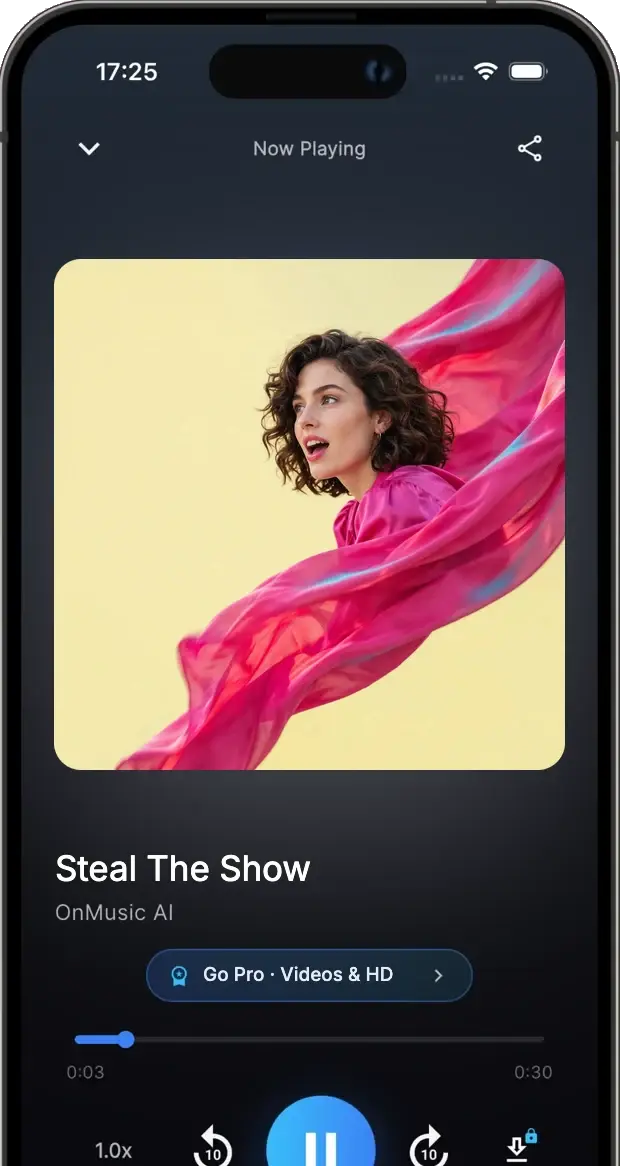
Hear real songs made with OnMusic AI

Fresh from the community explore feed — tap any track to play it right here.

Why us

Make music that feels like yours

You bring the idea, mood, or lyrics. OnMusic AI turns it into music you can play, edit, and share without a long learning curve.

Start with a real idea

A birthday message, a late-night hook, or a few lines from your notes can become a finished piece of music. You do not need to learn chords, arrange parts, or piece together loops just to hear your idea come alive.

Keep the personal parts

Your words, your mood, and your style stay at the center. Instead of settling for background music that sounds like everyone else, you can create something specific to a person, moment, joke, memory, or feeling.

Try new directions fast

If one version feels too slow, too bright, or too polished, you can make another and compare. That makes it easy to explore different sounds, reshape the vibe, and land on music that matches what you meant.

Finish something worth sharing

The goal is not just a rough sketch. It is a complete piece of music you made yourself, with enough polish to send to friends, post online, save for later, or keep as a personal idea you finally turned into sound.

Learn more

How to use a free AI music generator

These topics show what you can create, how the tool works, and what good results look like. Read them to go from a simple idea to music that feels personal and worth sharing.

AI music generator online

AI music generator online

An AI music generator online lets you start with the simplest input: a mood, a genre, a lyric idea, or a short prompt. Type something practical like “upbeat birthday pop with female vocals” and you get music with structure instead of a blank project. You can make a first version fast, then change the vibe, length, or vocal style without rebuilding everything.

Person exploring different music styles on a laptop

How to make AI music

How to make AI music is simple when the flow is built for everyday use. Start with a clear idea, pick a style like pop, rap, or lo-fi, then describe the mood, tempo, and whether you want vocals or instrumental only. You can try several directions from the same idea, which makes it easy to explore genres without starting over each time.

Free online AI music generator

Free online AI music generator

A free online AI music generator removes the usual barriers that stop people from making music. You do not need instruments, studio gear, or music theory to hear your idea as real music. Because it runs in a simple online flow, you can go from thought to playable result on your phone or laptop without learning pro software first.

Person sharing a song they made on their phone

Free AI music maker online

A free AI music maker online is useful when you want something personal you can actually keep or share. Instead of settling for a playlist song that is almost right, you can make music that matches your own lyrics, joke, memory, or mood. The result is concrete: a finished song draft with melody and vocals, or a clean instrumental you can play again and revise.

What makes a prompt work

What makes a prompt work

Good results usually come from prompts that name four things: genre, mood, vocals, and scene. For example, “warm lo-fi music with soft piano, no vocals, late-night study mood” gives clearer direction than a single word like “chill.” If you already wrote lyrics, keep them organized by verse and chorus so the music can follow a stronger shape from the start.

How it works

From idea to music in three steps

Describe what you want, shape the result, and save a finished piece you made yourself.

Person entering a music prompt on a laptop
1

Step 1: Describe your music idea

Start with a simple prompt, a mood, or your own lyrics. You can name a style, tempo, instruments, or the kind of vocals you want.

Music app showing different song versions to choose from
2

Step 2: Pick a version you like

The app creates a complete result with structure, melody, and sound. Try a different mood, swap the vocal feel, or adjust the length until it fits.

Creator downloading and sharing a finished song
3

Step 3: Edit, download, and share

Tidy up lines, keep the full mix, or export an instrumental. When it sounds right, download your music and send it to friends or keep it for yourself.

Make music for real everyday moments

Use it for birthday songs, beat ideas, personal lyrics, fun remixes, and casual music projects you want to share or keep.

Person making a personal birthday song on a phone at home

Make personal songs for real moments

This is for people who want music that feels like theirs. You can make a birthday song, an inside-joke chorus, or a simple love song that says more than a playlist ever could.

Person turning written lyrics into music on a laptop

Turn written lyrics into music with an AI music generator app

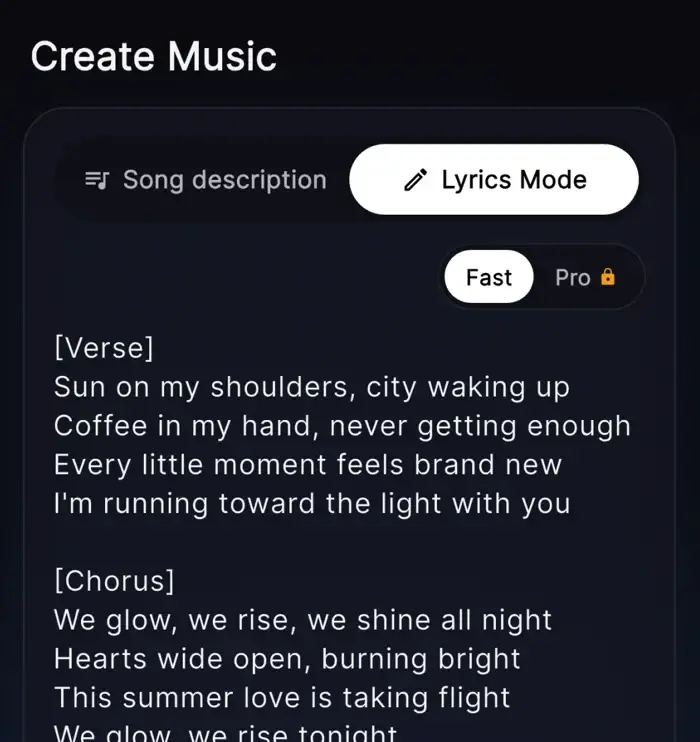
This fits anyone who already has words in a notes app, journal, or message draft. Instead of staring at unfinished lines, you can hear your lyrics as music with melody, structure, and vocals.

Person in headphones sketching a music idea on a laptop

Sketch music ideas without studio skills

This works for people who have a mood, beat idea, or genre in mind but do not play an instrument. You can try pop, rap, lo-fi, or something unexpected and keep the versions you like most.

Features

Tools that help you finish your music

Create music from a prompt, add vocals, shape lyrics, and clean up instrumentals with simple built-in tools.

Create from one prompt

Type a mood, scene, or style, and the tool builds the music in one flow. It maps your prompt into structure, tempo, and sound so you can go from rough idea to a finished piece without setting up instruments or a DAW.

Add vocals and song sections

You can create music with built-in vocals, plus clear verse and chorus sections when your idea needs a full song shape. This helps your music feel complete instead of sounding like a short loop or sketch.

Write lyrics, then send them into music

Start with your own words or draft fresh lines inside the editor, then turn them straight into music. You can adjust lines before you create, which makes it easier to fix rhyme, pacing, or tone without starting over.

Remove vocals for clean instrumentals

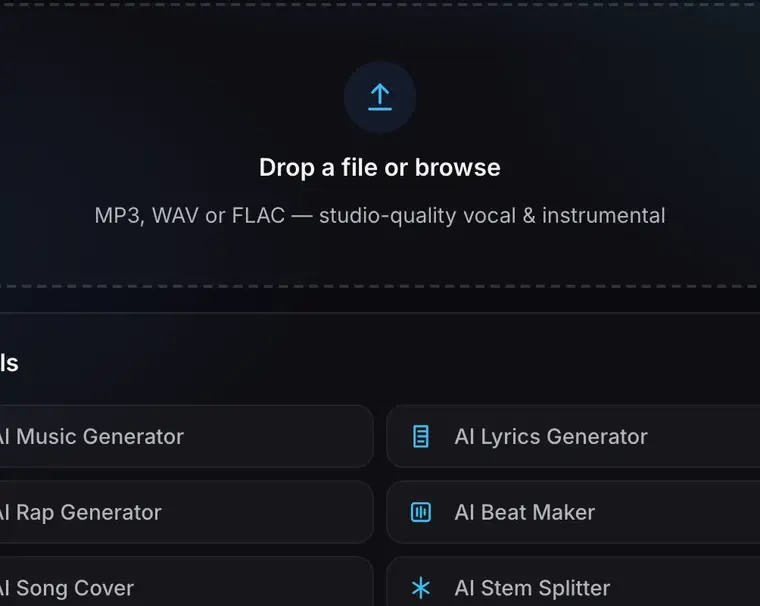
Upload an MP3 to strip out vocals and keep the instrumental when you want a backing version. It is a simple way to make karaoke-style audio, study arrangements, or reuse the music part for practice and editing.

Split stems for remix and study

Separate key parts like vocals, drums, and bass so you can hear each layer more clearly. This gives you more control when you want to remix, sample ideas, or learn how the music is put together.

Styles

Create music in the style you want from pop to lo-fi

Pick a genre, describe the mood, and make music that sounds personal instead of generic.

  • Person creating upbeat pop music on a laptop with blue waveform glowPopMake bright, catchy music for a birthday song, a love note, or a fun hook that sticks.
  • Casual music creator making rap beats on a phone with glowing blue audio interfaceRapBuild hard drums, clear flow, and space for lyrics that hit right away.
  • Relaxed person making lo-fi music in a cozy room with soft blue waveform lightLo-fiCreate laid-back music for studying, relaxing, or late-night ideas.
  • Everyday person creating rock music on a laptop with guitar-inspired blue visualsRockTurn a rough idea into energetic music with guitars, drive, and a strong chorus.
  • Person creating warm acoustic music with soft blue waveform and piano cuesAcousticMake warm, simple music that feels personal and lyric-first.
  • Everyday person creating electronic music with neon blue synth-style waveform visualsElectronicTry fast builds, synth textures, and bold drops for high-energy music.
By the numbers

Trusted for everyday music creation

People use OnMusic AI to turn ideas, lyrics, and moods into music they can play, edit, and share.

10M+

Songs created

Tracks made by creators like you

5M+

Happy creators

Everyday people making music for fun

4.8★

App rating

Loved by our community

Loved by creators

Made by real people shared with pride

See how people use OnMusic AI to create personal music for birthdays, ideas, jokes, and everyday moments.

Turn your idea into music with vocals, lyrics, or an instrumental

Type a mood, genre, or lyric idea, then create a full song in one simple flow.

Write a prompt and hear your music take shape fast
No credit card required
Works on mobile

Free AI Music Generator questions answered

Is there a free AI music generator I can use without music skills?
Yes. A free AI music generator lets you describe a mood, style, or idea in plain words, then creates music for you. OnMusic AI is built for casual creators, so you can start with a simple prompt, your own lyrics, or a beat idea and shape it from there.
What can a free AI music generator make?
A free AI music generator can create full music ideas from text, including vocals, instrumentals, and song structure. With OnMusic AI, you can make birthday songs, rap hooks, lo-fi beats, pop choruses, or personal music made from lyrics you already wrote.
Can I use a free online AI music generator on my phone or laptop?
Yes. A free online AI music generator works in your browser, so you can create music on a phone or laptop without installing complex studio software. That makes it easy to try ideas quickly, whether you are at home, commuting, or just making music for fun.
How does an AI music generator online turn text into music?
It works by reading your prompt and building music around the style, mood, tempo, and theme you describe. A good prompt can include details like pop with female vocals, sad piano intro, or upbeat birthday chorus, then the tool arranges the parts into a finished song.
How to make AI music if I already have lyrics?
Start by pasting your lyrics, then add the style you want and any details about vocals or mood. OnMusic AI can help turn those words into music with melody and structure, and you can edit lines first if you want a better rhyme, flow, or chorus.
Is an AI music generator app better for quick ideas than traditional music software?
Yes, for quick ideas it usually is. An AI music generator app is faster when you want to test a mood, turn lyrics into music, or make a simple song without learning a full DAW, setting up plugins, or recording instruments from scratch.

Your next song starts with one prompt

Type a mood, lyric, or idea, then create music with vocals, melody, and style choices right in your browser.

Free to try
No music skills needed
Works on phone or laptop