AI Music Video Generator
Turn your music into a shareable video fast with our AI music video generator, then preview and export in a few clicks.



See the AI music video generator in action
Every clip was generated from a track and cut to its beat. Swap in your own and watch it move.
What the AI music video generator can make
Start from a style, then direct it in plain language. Every mode syncs to your track.
Lyric video
Captions timed to your lyrics, styled to match the mood.
Visualizer
Abstract motion and particles that move with the sound.
Cinematic scenes
Animated scenes that follow your song's energy from verse to drop.
Photo slideshow
Your own photos and clips, cut to the beat.
Social short
Vertical layouts sized for TikTok, Reels, and Shorts.
Looping visual
A short seamless loop for covers, headers, and profiles.
Three steps to a finished video
No editing software, no footage of your own. The engine reads your audio and builds the cut.
Add your music and visuals
Upload the song you want to use, then add photos, clips, or cover art for the video. This sets the exact music and media the video will be built from.
Choose the look and timing
Pick a visual style, set the format, and line up scenes to match the beat and mood. You can keep it simple with one look or build a fuller video with multiple images and clips.
Preview and export the video
Check the final cut, then download your finished music video as a shareable video file with your music and visuals combined. The result is a complete video you can post, send to friends, or keep for yourself.
Make videos that feel like yours
Start from your song, a mood, or a few words, then make a music video that feels personal instead of generic.
◈Turn a song into a real video
You start with your track, or a simple prompt, and OnMusic AI builds a music video that matches its beat, mood, and energy, so the result feels made for your song instead of pulled from a template.
◈Bring your own track to life
Upload a song you already have and turn it into a beat-synced video, or generate the music first and make its video in the same flow. You stay in control while the app handles the editing.
◈Try different looks without starting over
One song can become many videos. Try a different style, mood, or format while keeping your track, which makes experimenting feel fun instead of frustrating.
Give any track a face
Music videos for personal songs
For anyone who wants a personal video to match a song made for a birthday, anniversary, or inside joke. A simple music video maker turns a fun idea into something easy to share with friends and family.
Quick visuals for new music ideas
For people who write hooks, chorus lines, or beat ideas and want a fast visual to go with them. An AI music video generator shows the mood of your music before you post it or send it to a friend.
Music that looks finished on social
For anyone who wants their music to feel more personal than a static image. Pair your song with video for TikTok, YouTube, or private sharing when you want the post to look finished and feel like your own.
Questions, answered
What is an AI music video generator?+
An AI music video generator is a tool that turns your music and visual inputs into a finished video you can save and share. OnMusic AI focuses on making the process simple, so you can pair music with visuals faster and create a video that feels personal instead of generic.
How does an AI music video generator work?+
An AI music video generator works by taking your music, images, clips, or prompt, then arranging them into a video that matches the sound and mood. You upload or choose your inputs, adjust the style, and export a finished music video file that is ready to post or keep.
Is there a free AI music video generator online?+
Yes, a free AI music video generator online is useful when you want to make a music video without installing heavy editing software. OnMusic AI is free to start, and if you already need music first, you can create it with the music generator before moving into video-making tools.
What can an AI music video maker create from my song?+
An AI music video maker can create a video built around your song's pace, mood, and theme. That can include lyric-style visuals, simple animated scenes, slideshows, or short video layouts for social sharing, depending on the inputs and editing choices you want to use.
How do I make AI music video with AI if I only have lyrics or a rough idea?+
You start by making the music first, then build the video around it. If you only have lyrics, use the song creation flow to turn those words into music with vocals or an instrumental, then move into video tools that match visuals to the finished audio.
How can I sync visuals to music better in a music video maker?+
You get better sync when your audio is final before you start arranging visuals. If you want practical tips on timing cuts, matching beat changes, and choosing clips that fit the rhythm, the guide on syncing music to video is the best next step.
Explore more
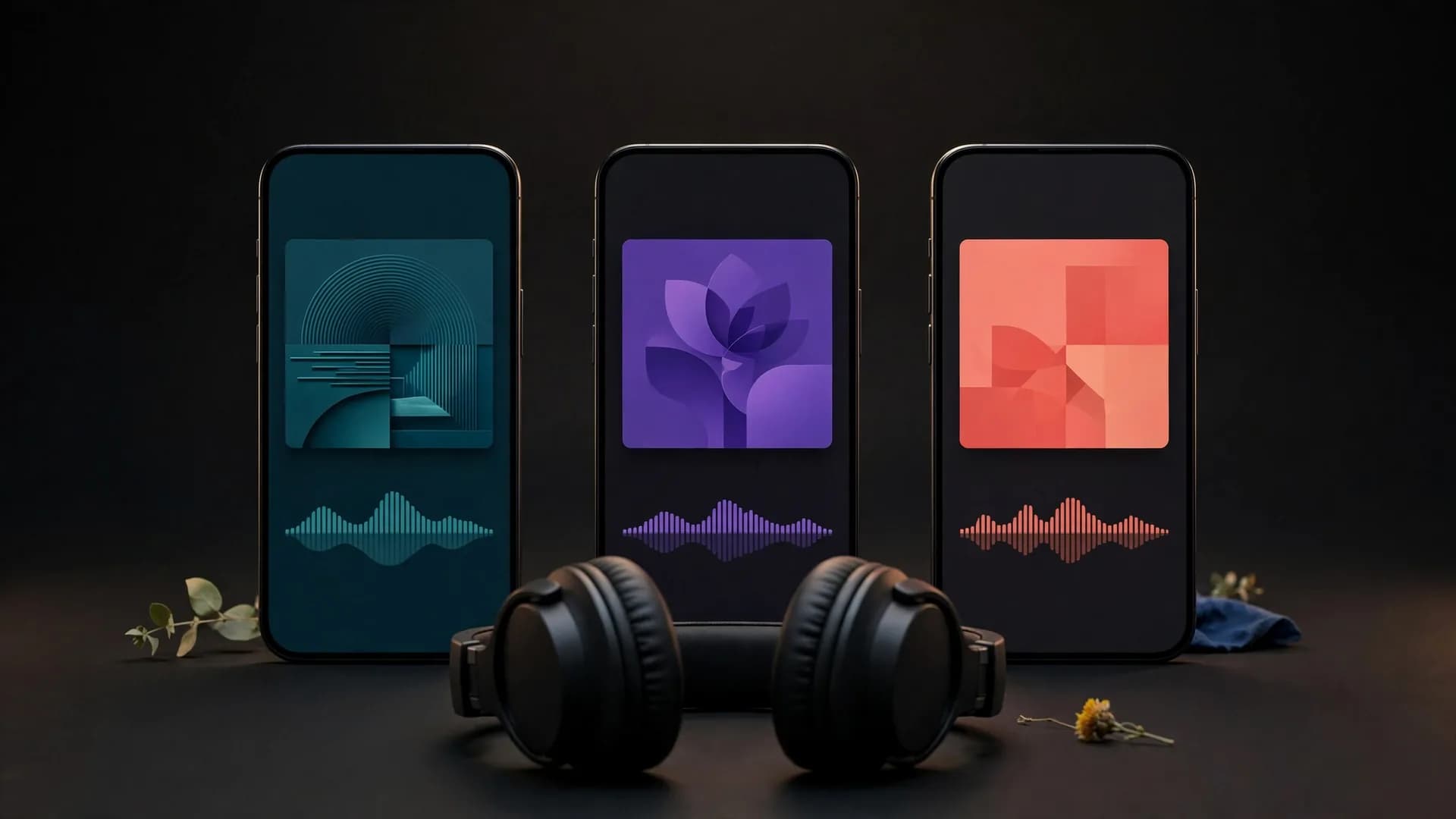
Make your music video in a few clicks
Turn your track into a beat-synced music video, preview it, and export in 4K for YouTube, TikTok, and Reels.
Create a music video