The basics
How does a metal music generator work for you?
These topics explain what a metal music generator does, how OnMusic AI's free AI music generator turns your prompt or lyrics into finished music, and what to expect before you create your first heavy song.
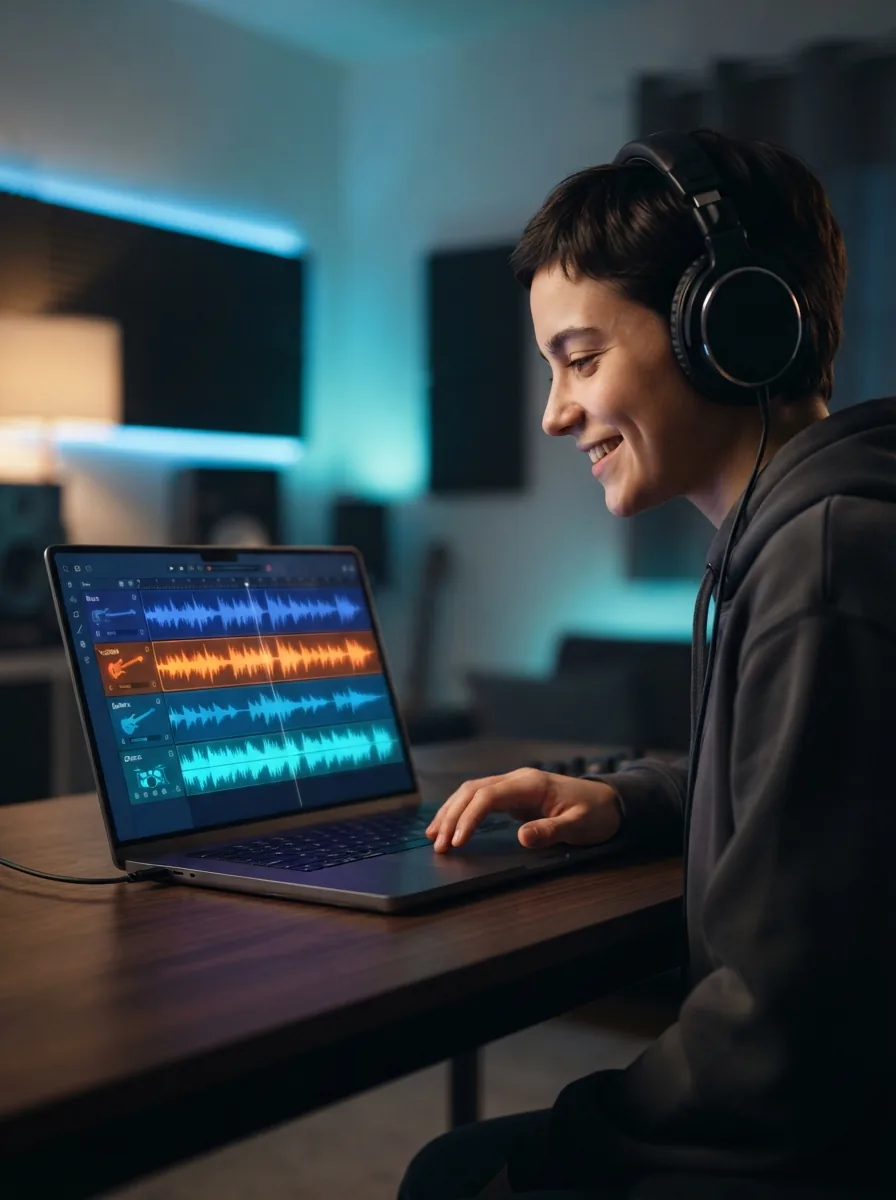
How does a metal music generator start from one idea?
A free metal music AI workflow starts with one clear input: your mood, subgenre, tempo, and whether you want vocals or instrumental music. Type something like “fast thrash metal about late-night driving, distorted guitars, double-kick drums, shouted hook, 2 minutes,” and OnMusic AI turns that prompt into structured music with riffs, drums, and sections. This kind of AI metal generator matters because it removes the hardest first step, which is getting music out of your head and into a playable form. If you want a broader starting point first, text to music helps you shape the same idea before narrowing it into metal.
What can a metal music generator make across styles?
An AI metal song maker lets you explore subgenres by changing only a few details in your prompt, such as vocals, tuning feel, pace, and mood. One prompt can lean toward thrash, death, doom, metalcore, or power metal music without rebuilding the whole song idea from scratch. The key concept is control through description: name the riff energy, drum intensity, vocal tone, and chorus shape you want. If your idea starts as words on a page, an AI song generator can also help you turn rough lyrics into a full metal song with verses and a hook.

Is a metal music generator online easy to use?
A metal music generator online is easy to use because the main job is describing the music you want, not learning recording software or music theory. The benefit is speed and access: you can test riff ideas, chorus moods, and vocal styles from a phone or laptop without setting up instruments, plugins, or a full studio. OnMusic AI works well when you keep prompts practical, for example by naming a subgenre, energy level, instruments, and song length. For extra help with prompt structure, the guide on how to generate music with AI shows what details usually improve the first result.
What do you get from a metal music generator?
Royalty free metal music gives you a usable result for personal projects, videos, demos, and sharing, as long as your use follows the platform’s terms. The outcome is not just an abstract idea, it is finished music you can play back, revise, and export after you hear what works. A common challenge is making heavy music sound personal instead of generic, so the best prompts include a scene, emotion, and arrangement note, such as a slow intro before the drums hit. If you are building your first lyric idea too, the article on how to write a song for beginners can help before you create the next version.
Where should metal beginners go after the first result?
Metal beginners should refine one element at a time after the first result, usually the riff feel, vocal style, chorus strength, or song length. That practical solution works better than rewriting everything, because each new prompt teaches you what details shape the music most. If your first version is close but not right, try a clearer subgenre label and one mood image, then compare the new output to the old one. You can also branch into adjacent sounds with a rock music generator or study extra prompting ideas in AI song generator tips before using OnMusic AI as your regular metal song maker.
Features
Create heavy riffs and full-vocal metal fast
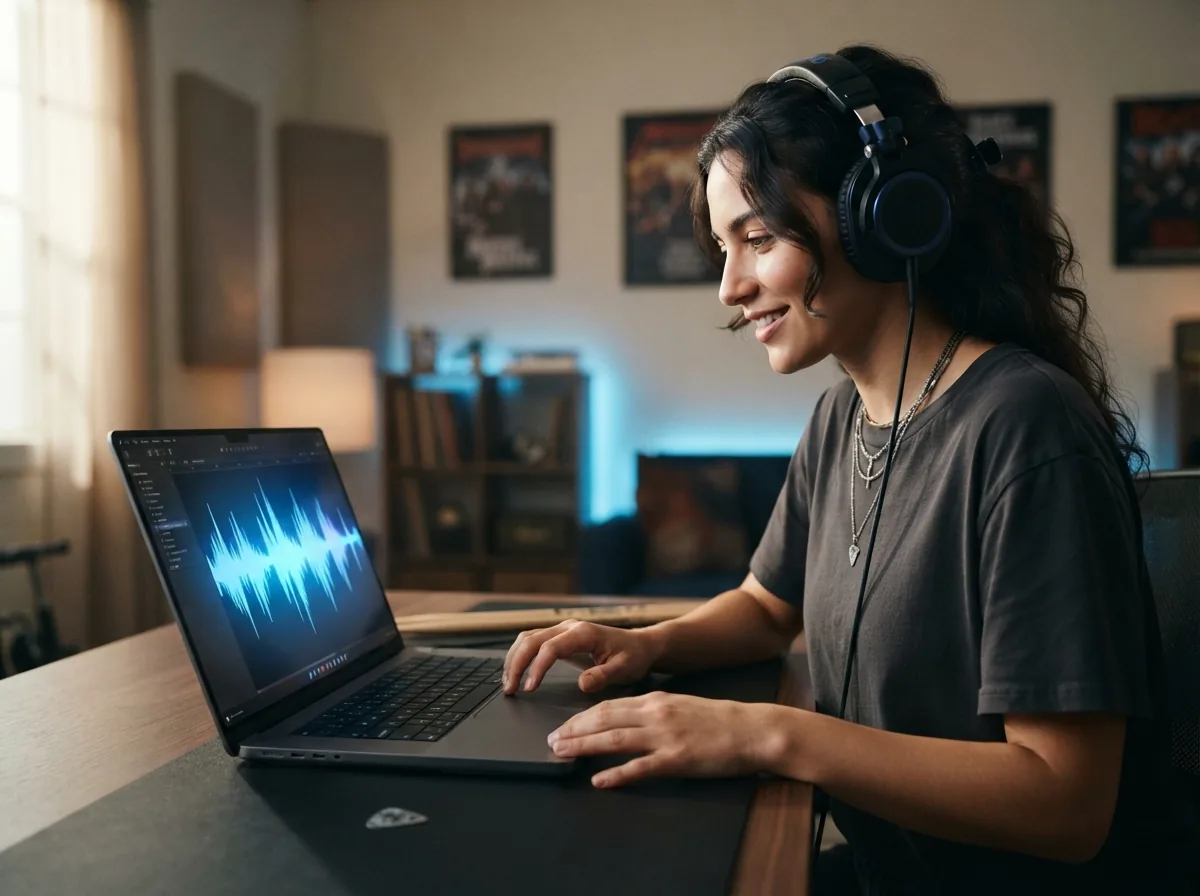
You can turn a short prompt, a mood, or your own lyrics into original metal music in styles like thrash, doom, death, and power metal. OnMusic AI's free AI music generator builds the music, structure, and vocals in one flow, so you get a finished song you can play, edit, and share.
Turn prompts into heavy music
OnMusic AI's metal music generator turns a short text prompt into original music with riffs, drums, and structure. You can describe tempo, mood, subgenre, and instruments in one input, such as thrash with fast palm-muted guitars and double-kick drums. This matters when you have an idea in your head but no band, studio, or recording setup. The result is a finished music draft you can play, refine, and share right away.
Shape subgenres with simple cues
The metal music generator lets you guide the sound with clear style cues like death metal, doom, metalcore, black metal, or power metal. You can also add details such as slower BPM, darker guitar tone, shouted vocals, or a melodic chorus to push the output in the right direction. This helps when one metal idea needs to feel raw and aggressive, while another needs more atmosphere or melody. Your music comes out closer to the exact lane you want instead of sounding broad or generic.
Build full songs from lyrics
A metal song generator works best when you already have lines, themes, or a chorus and want to hear them as real music. You can paste your own lyrics, then create a complete song with sections that sound written for metal, including verses, hooks, and vocal phrasing. This matters for personal songs, band demos, and concept ideas that need more than an instrumental loop. The output is full music with a stronger sense of arrangement, not just disconnected parts.
Test riffs, moods, and lengths
The metal music maker gives you a fast way to compare versions of the same idea without rebuilding everything from scratch. You can try one prompt as fast thrash, then switch to a slower doom feel, or keep the same theme and change only the vocal energy or song length. This helps when you want to hear which direction fits your lyrics, video, or personal taste before you commit. If you want a nearby style shift, a rock music generator or punk music generator can help you compare adjacent sounds.
Create instrumentals for remix practice
An AI metal generator is useful when you want heavy instrumental music for writing practice, content backgrounds, or remix ideas. You can prompt for guitar-led intros, breakdown sections, drum-forward arrangements, or fuller backing music without asking for lead vocals. This makes it easier to sketch ideas for study, jam over a part, or build a darker soundtrack feel for a project. If you want a softer branch after that, an indie music generator can help you move from dense metal textures to lighter guitar music.
Who uses this metal music generator and what they create
Fans, writers, gamers, and curious beginners use this metal music generator to turn a riff idea, lyric draft, or mood into heavy music they can play, share, or build on.

Metal music generator for people writing their first heavy song
Metal music generator users often start with a simple idea, like breakup lyrics, a gym mood, or a fast double-kick beat. They use a metal song generator to turn that prompt into a full piece of music with vocals, riffs, and a chorus they can play for friends the same day.

People who want to make metal music with AI from lyrics or riff ideas
Make metal music with AI when you already have a verse, a hook, or a rough theme like thrash, doom, or metalcore. OnMusic AI's free metal music maker helps turn those words into finished music you can keep as an instrumental, build into a vocal song, or use as a royalty free metal music demo.
Video makers who need heavy music that fits their edit
Metal music generator fans also include YouTube editors, gaming clip makers, and trailer hobbyists who need custom heavy music instead of generic library audio. An AI metal generator lets them create short, aggressive music for intros, boss-fight montages, workout reels, or horror-themed posts without hunting through playlists.
Made for everyday creators everywhere everyday creators
People use OnMusic AI to write lyrics, create music, and share personal songs without needing studio gear.
How to make metal music from a prompt
These three steps use OnMusic AI's free metal music generator to turn your idea, lyrics, or mood into a finished music file you can play, download, and share.
Type your metal idea or paste your lyrics
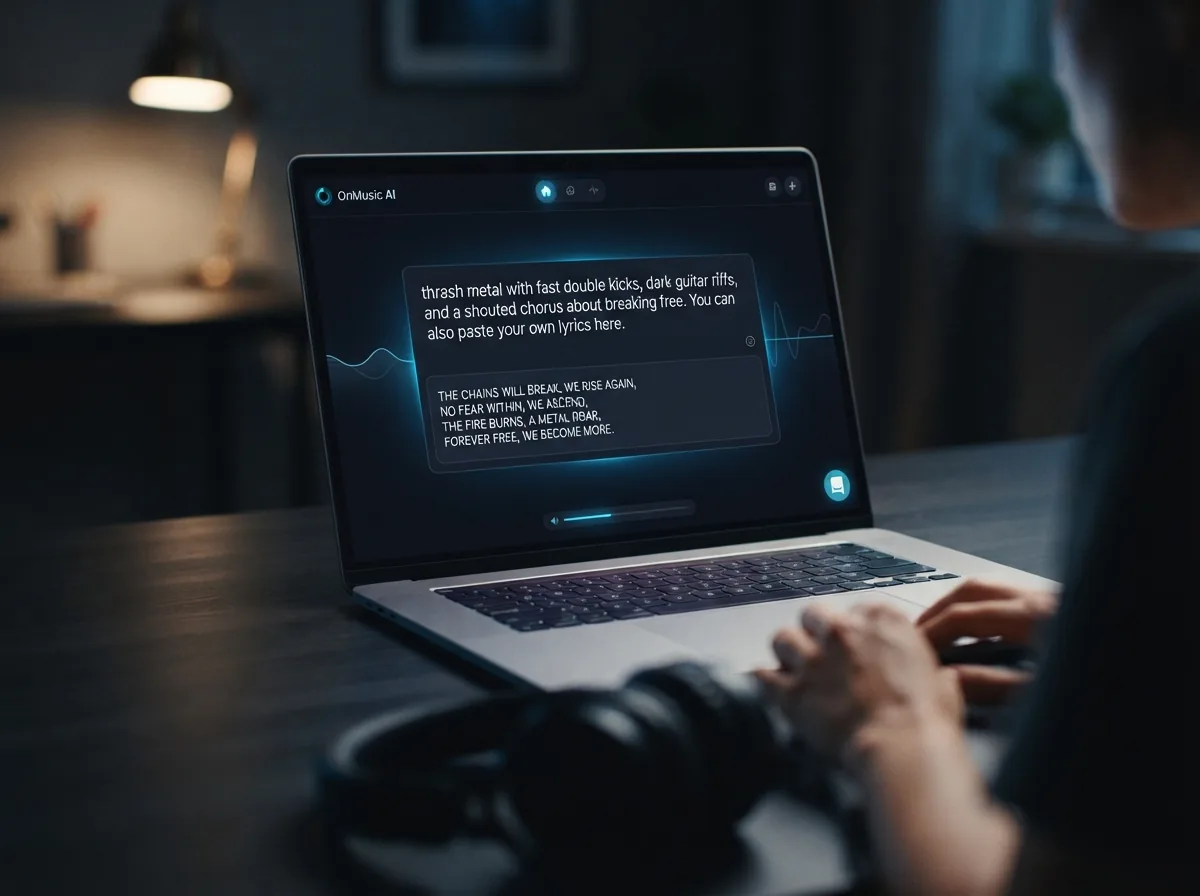
Start with a clear prompt, such as thrash metal with fast double kicks, dark guitar riffs, and a shouted chorus about breaking free. You can also paste your own lyrics, then choose if you want vocals or an instrumental-only result.
Pick the style, length, and vocal setup
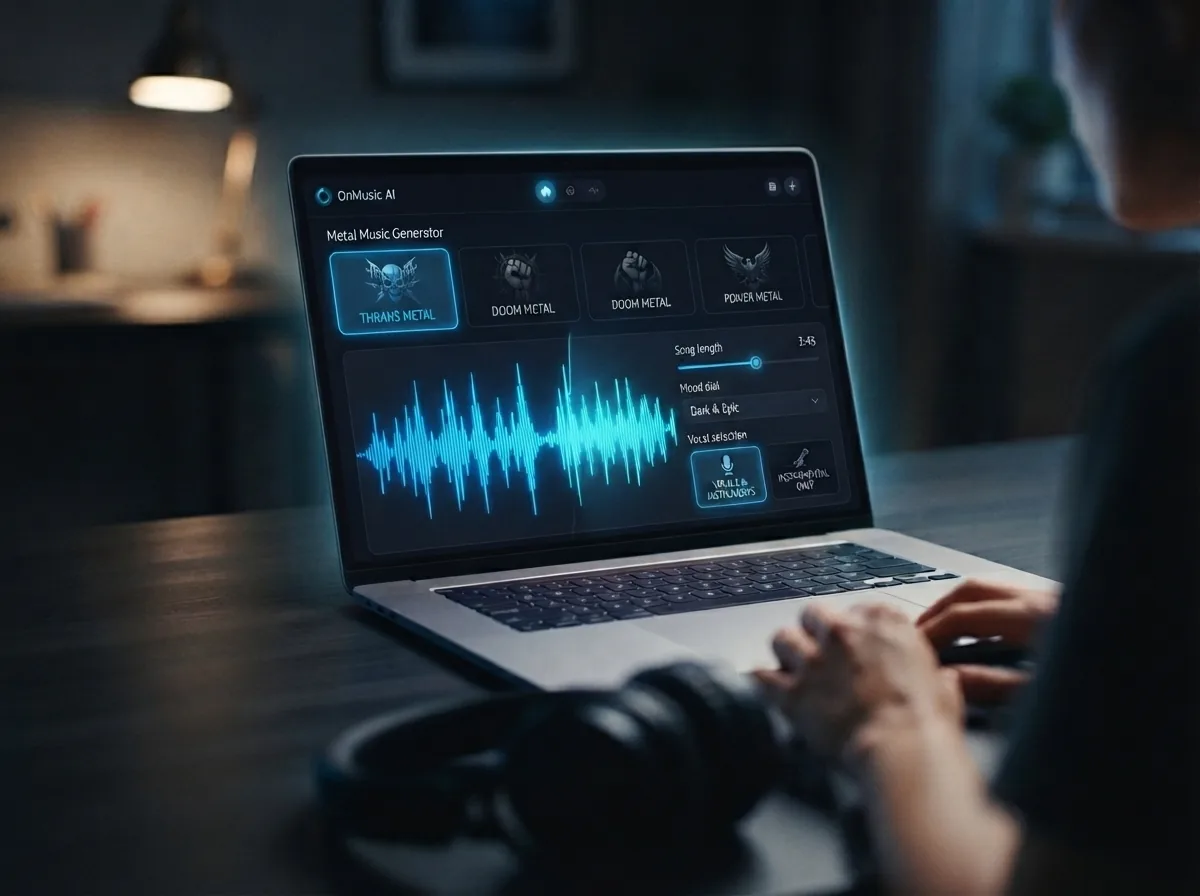
Choose the sound you want, like doom, power, death, or classic heavy metal, then set the song length and mood. OnMusic AI's metal song maker builds the arrangement from your input, shaping riffs, drums, melody, and vocal placement in one flow.
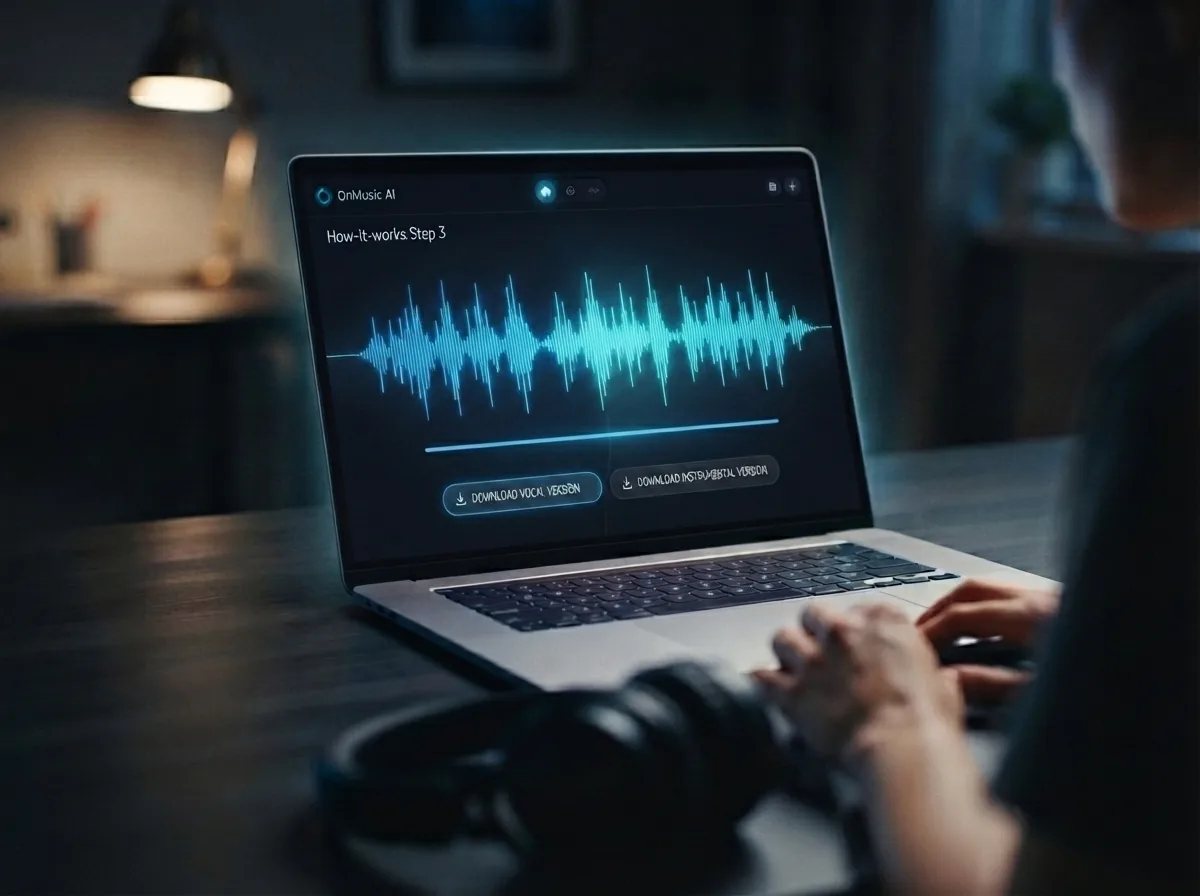
Preview and download your finished song
Listen to the result, then download the completed file that OnMusic AI creates from your prompt. The final output is a full metal song, with vocals if selected or a clean instrumental version if not, ready to keep, replay, or share with friends.
Create your metal song from one prompt
Write a riff idea, mood, or full lyrics, and OnMusic AI's free metal song maker turns it into finished music with vocals or instrumentals.
Frequently asked questions
What does a metal music generator create?
How does the metal music generator work on OnMusic AI?
What inputs can the metal music generator use?
How long can music from a metal song generator be?
Can the metal music generator create vocals and lyrics too?
Can free metal music AI create different metal subgenres?
Why does metal music from an AI metal generator sometimes sound wrong?
How is a metal music generator different from other genre prompts?
Is metal music generator online free to start?
Who uses an AI metal song maker?
Can I download and use royalty free metal music from OnMusic AI?
How fast can OnMusic AI make metal music with AI?
What prompt tips help a metal music maker create better songs?
What can a metal music generator not do yet?
Is music from a metal music generator legal to use?
Does Spotify ban AI music?
Your first metal song is one prompt away make heavy music your way
Write a prompt, pick a metal style, and create a full song with riffs, drums, vocals, and lyrics you can play, download, and share.