Free tool

AI Background Music Generator

AI background music is a music bed created from prompts or settings to support video, podcasts, games, or study time without taking over.

  • Match any scene

    Create sound for intros, vlogs, ads, lessons, and podcast clips with the right mood from the start.

  • Control mood and length

    Shape tempo, energy, and duration so the music supports your voice instead of fighting it.

  • Ready to use fast

    Preview, tweak, and export a polished instrumental without learning complex production tools.

Why it matters

What background music adds to your project

The right music does more than fill silence. It shapes emotion, supports pacing, and helps your work feel finished.

Shape the mood

Background music gives silent moments a clear emotional direction. A soft piano bed can make a story feel personal, while a light beat can keep a tutorial moving without pulling focus from the main idea.

Hold attention

Good music helps people stay with a video, stream, slideshow, or podcast longer because the pacing feels intentional. It fills dead air, smooths rough transitions, and makes scene changes feel connected instead of sudden.

Match the message

Choosing music that fits the job keeps the point clear. Calm ambient layers suit focus content, simple grooves fit vlogs, and sparse instrumentals leave room for dialogue, voiceover, or text that needs to be heard and understood.

Reduce rework

Testing a few music directions before you publish can save hours of revision later. Tools like OnMusic AI make it easier to compare moods, hear what fits the moment, and land on a version that feels personal.

Hear real songs made with OnMusic AI

Fresh from the community explore feed — tap any track to play it right here.

The basics

How does AI background music fit different projects?

These sections explain what this kind of music is, how it is made, and what shapes the final sound. You will see where it works best, what to avoid, and how to pick music that supports your content instead of distracting from it.

ai background music — topic section inline 0

Why does background music matter in video?

Free background music for videos helps hold attention, smooth cuts, and make simple footage feel intentional. Good music sits under the voice, supports the pace of each scene, and fills dead space without pulling focus from what people are watching. If you want a step-by-step way to create background music for videos, start by matching the music to your edit length and key moments. A separate guide on how to choose background music for videos is useful when you are deciding between upbeat, cinematic, calm, or playful moods. If you would rather not source tracks manually, the built-in AI ambient music generator and background music generator make it easy: describe a mood and OnMusic AI will generate background music sized to your edit, royalty-free.
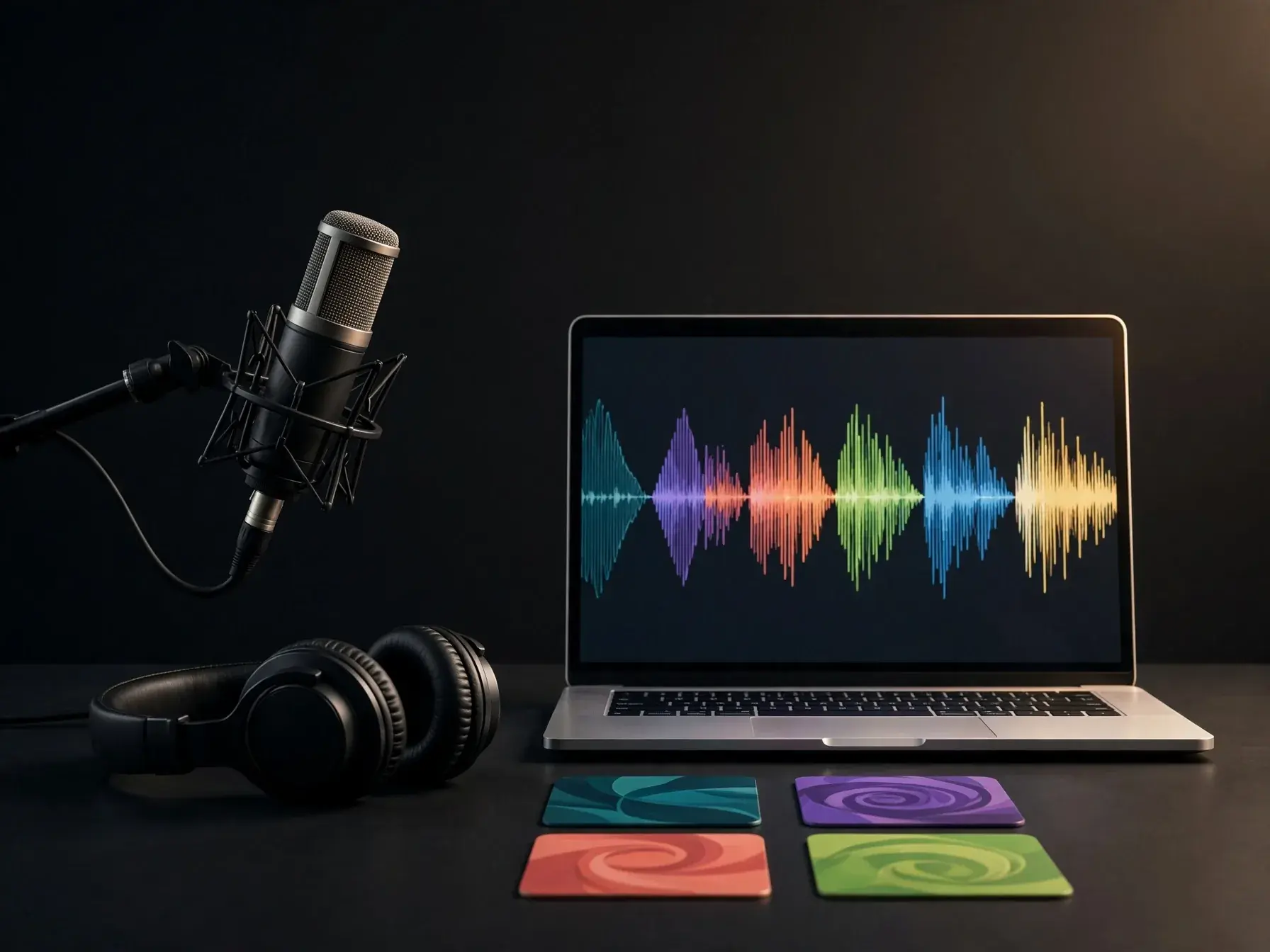
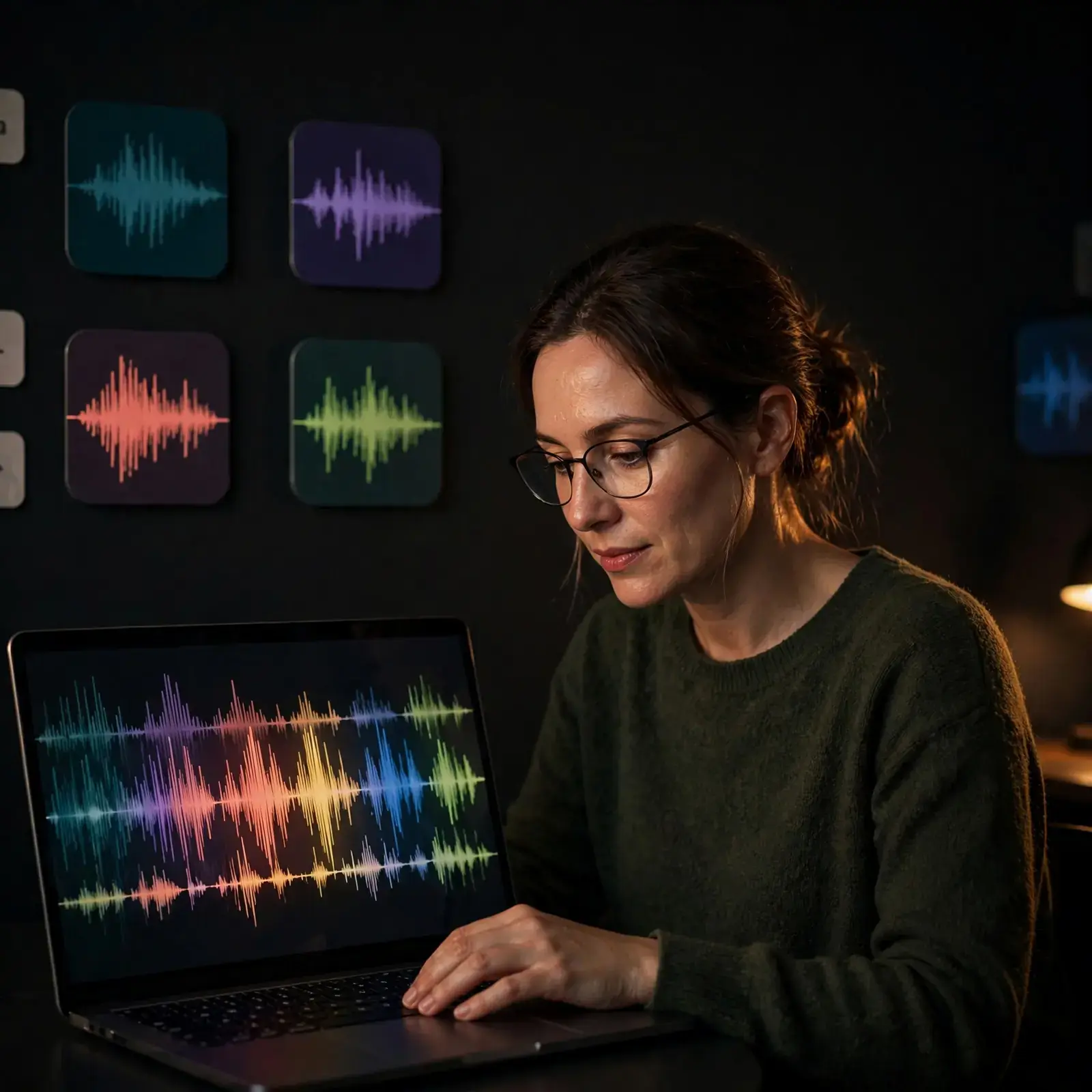
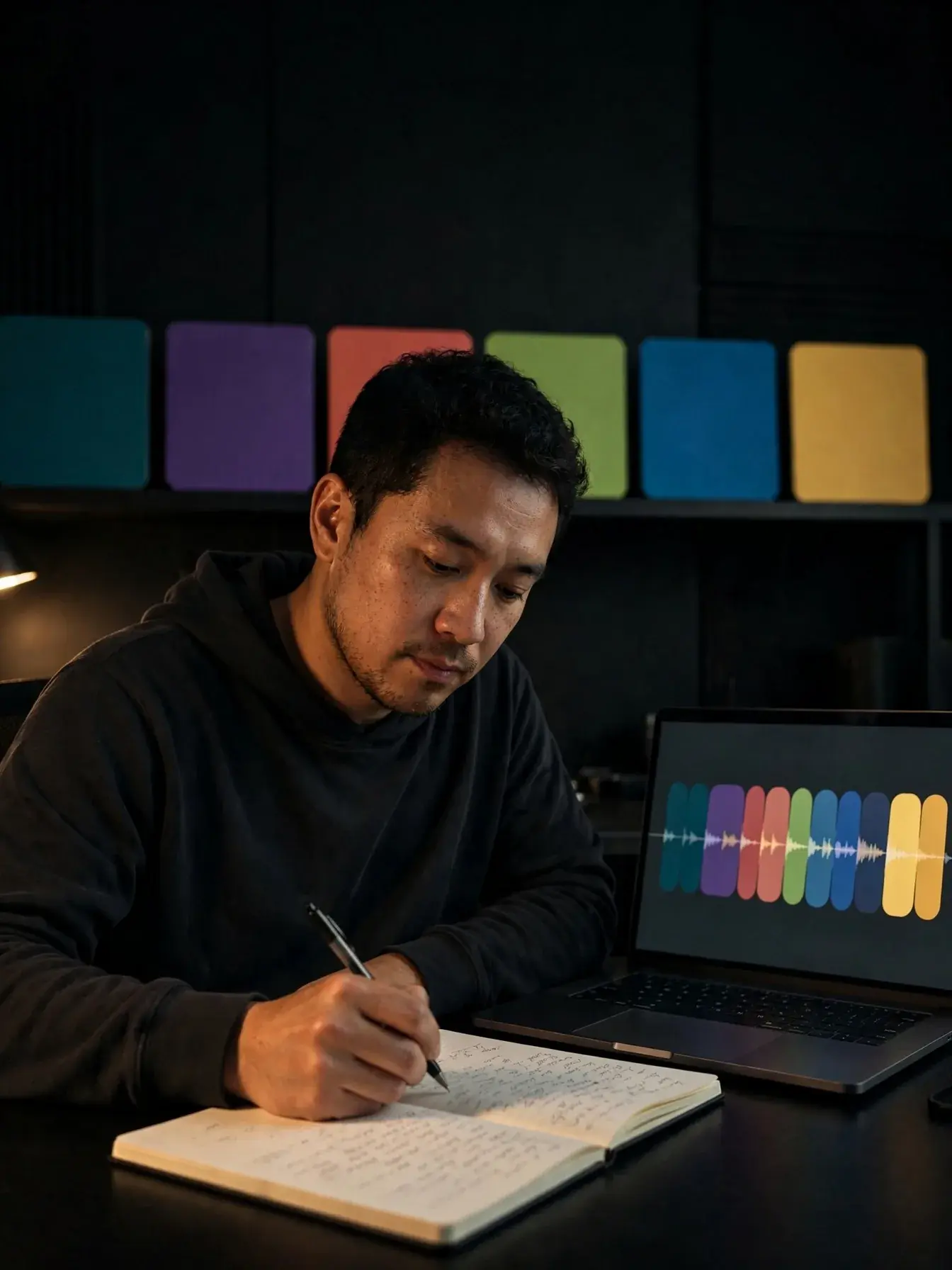
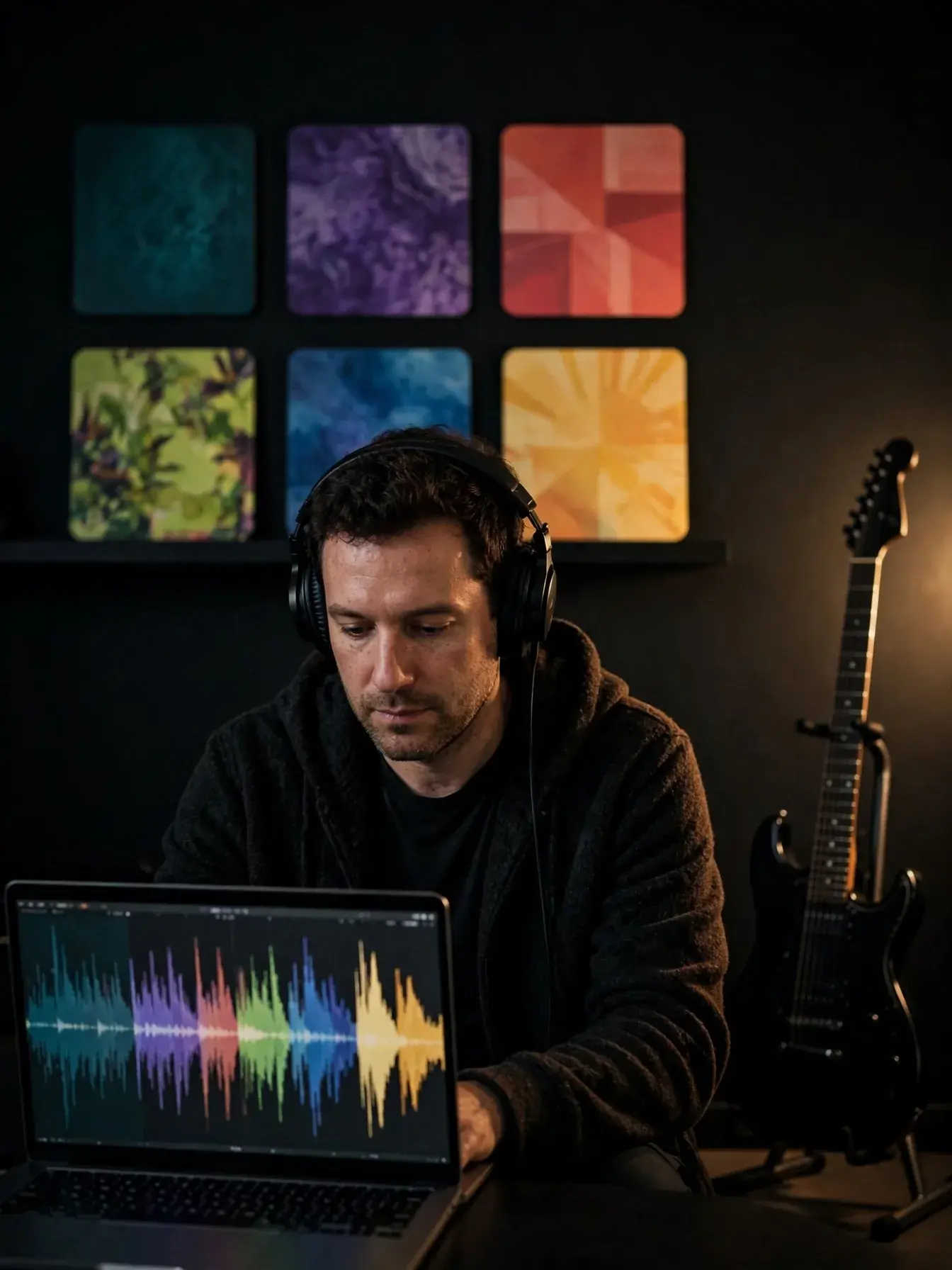
Creator shaping soft ambient background music on a laptop

What does ambient background music include?

An AI ambient music generator creates low-focus music built for mood, space, and continuity instead of a big vocal hook. The main building blocks are texture, tempo, movement, and mix density: a soft pad can make a scene feel open, a light pulse can keep time, and slow harmony changes prevent distraction. If you want to understand how parts are arranged, an AI music composer is a useful reference because it handles harmony, rhythm, and structure as one system. A background music remover is useful when you need to clear an old bed from spoken audio before testing a new instrumental.

ai background music — topic section inline 2

What mistakes make background music distracting?

Create background music with AI by setting limits first, because vague prompts often return music that is too busy, too bright, or the wrong length for the scene. Common mistakes are asking for epic music with no context, using strong lead melodies under narration, and forgetting endings, which creates awkward cuts or hard loops. If you publish often, a guide to AI music for YouTube can help you think about pacing, intros, and how music supports watch time rather than fights it. For punchier rhythm ideas, a rap beat maker is better suited to beat-led content than a broad ambient prompt.

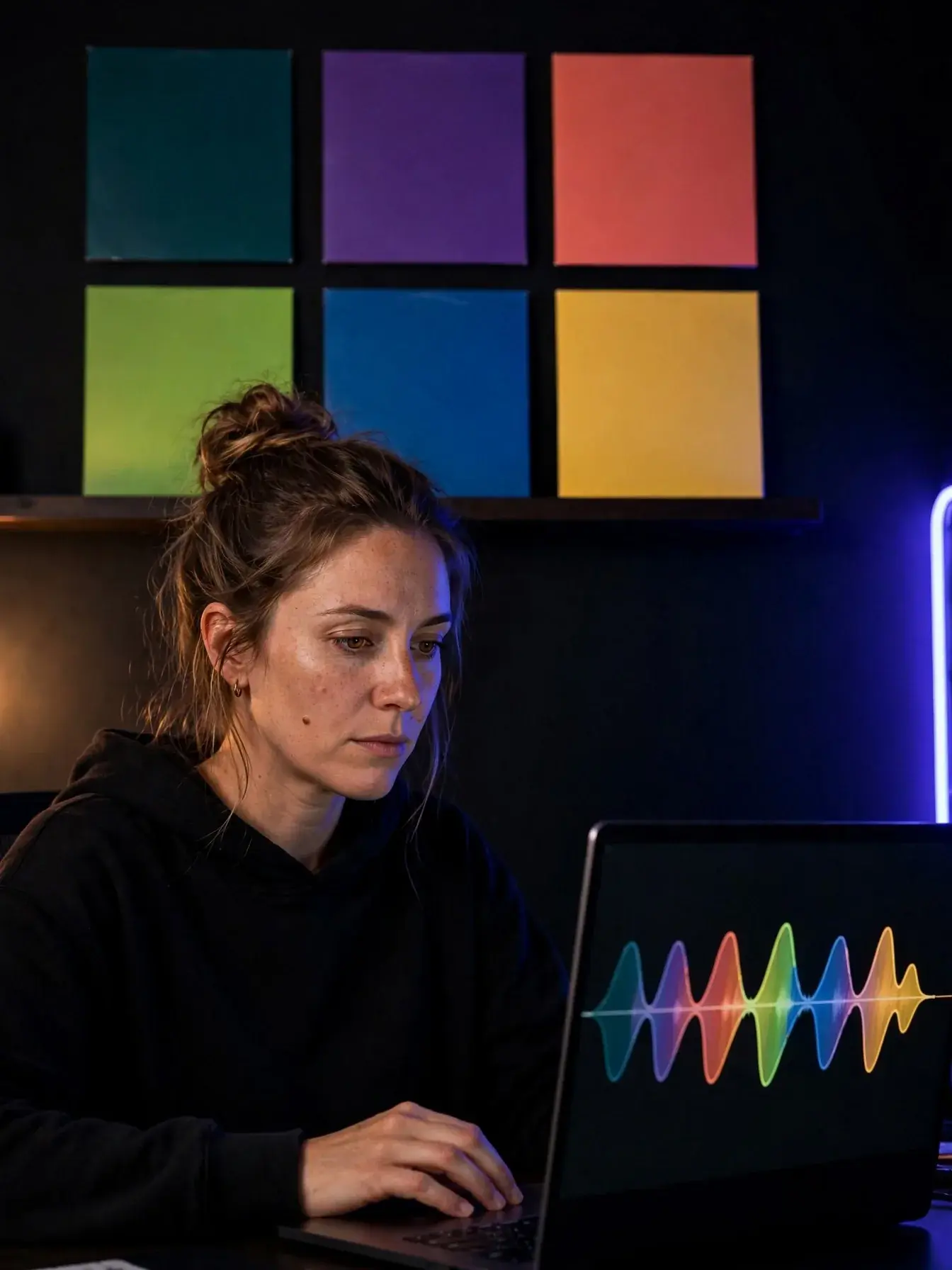
Person creating custom background music from a text prompt

How do you get usable music fast?

A background music generator AI can turn a short brief into usable music fast, especially when you specify scene, mood, instruments, and length. In OnMusic AI, a prompt like '45-second instrumental for a study vlog, lofi drums, warm keys, no vocals, soft intro, small lift at 15 seconds, clean ending' should create music with clear structure instead of a random loop. That prompt works because it tells the system what the music is for, how long it should run, and what should stay out of the way. If you already know the style, a lofi music generator or pop music generator can narrow the starting point even faster.

ai background music — topic section inline 4

What should you check before you publish?

Royalty free background music AI matters most when you plan to post, monetize, or reuse the same music across platforms. Before you publish, check the tool's license terms, whether vocals or samples add extra limits, and whether the music will be used in a client project, ad, livestream, or personal video. If you need a broader primer, read about royalty-free music first so you know the difference between ownership, permission, and reuse. For channel-specific questions, a guide to royalty free music on YouTube explains the common claims and checks creators should make before uploading.

How it works

How does AI background music work?

It works by turning your brief into a music plan, building parts that match the pace and mood, then balancing the final sound so it supports the main moment instead of pulling attention away from it.

Person choosing the mood and purpose for background music
1

Step 1: Define the job of the music

Start with the scene, purpose, and feeling. Good background music begins with clear direction such as calm study focus, upbeat cooking video energy, or soft suspense under spoken words.

Music layers forming to match pace, mood, and energy
2

Step 2: Build the mood in layers

The system shapes tempo, harmony, rhythm, and texture from that brief. A slow pulse, light pads, and sparse drums create a very different feel from bright synths, fast percussion, and a rising chord pattern.

Creator testing background music under video and voice
3

Step 3: Test the mix against the moment

Play the music under your voice, video, or scene and check that it supports the action. Then adjust length, loudness, and density so key words, cuts, and emotional beats stay clear.

Use it for everyday projects

See where subtle, supportive music fits best, from videos and podcasts to presentations, ads, streams, and personal posts.

Video creator editing a clip with glowing music controls on a laptop

Video creators

Video creators use background music to set pace, smooth jump cuts, and make short edits feel more complete. It helps vlogs, tutorials, travel clips, and social posts feel polished without taking attention away from the voice or scene.

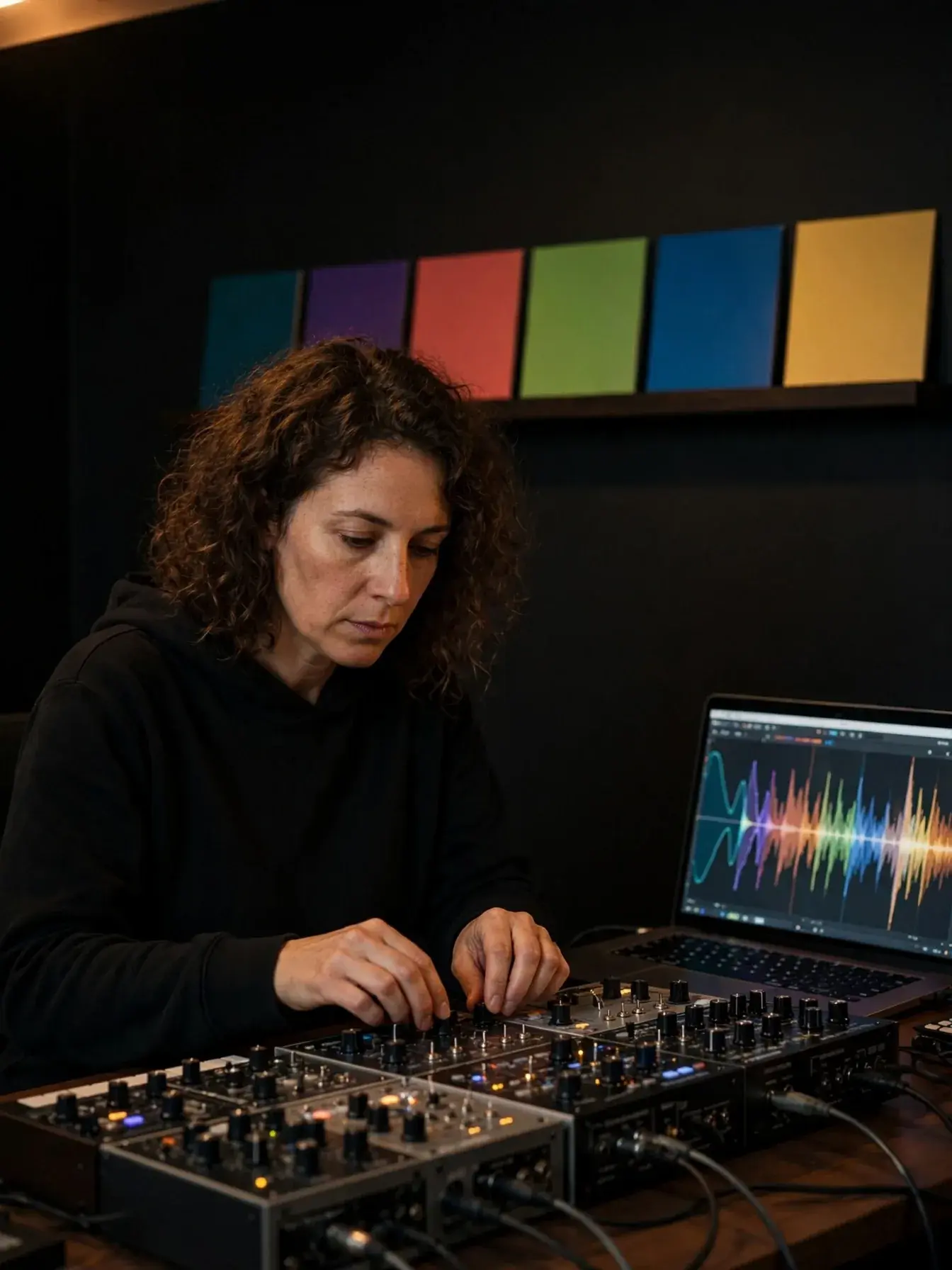
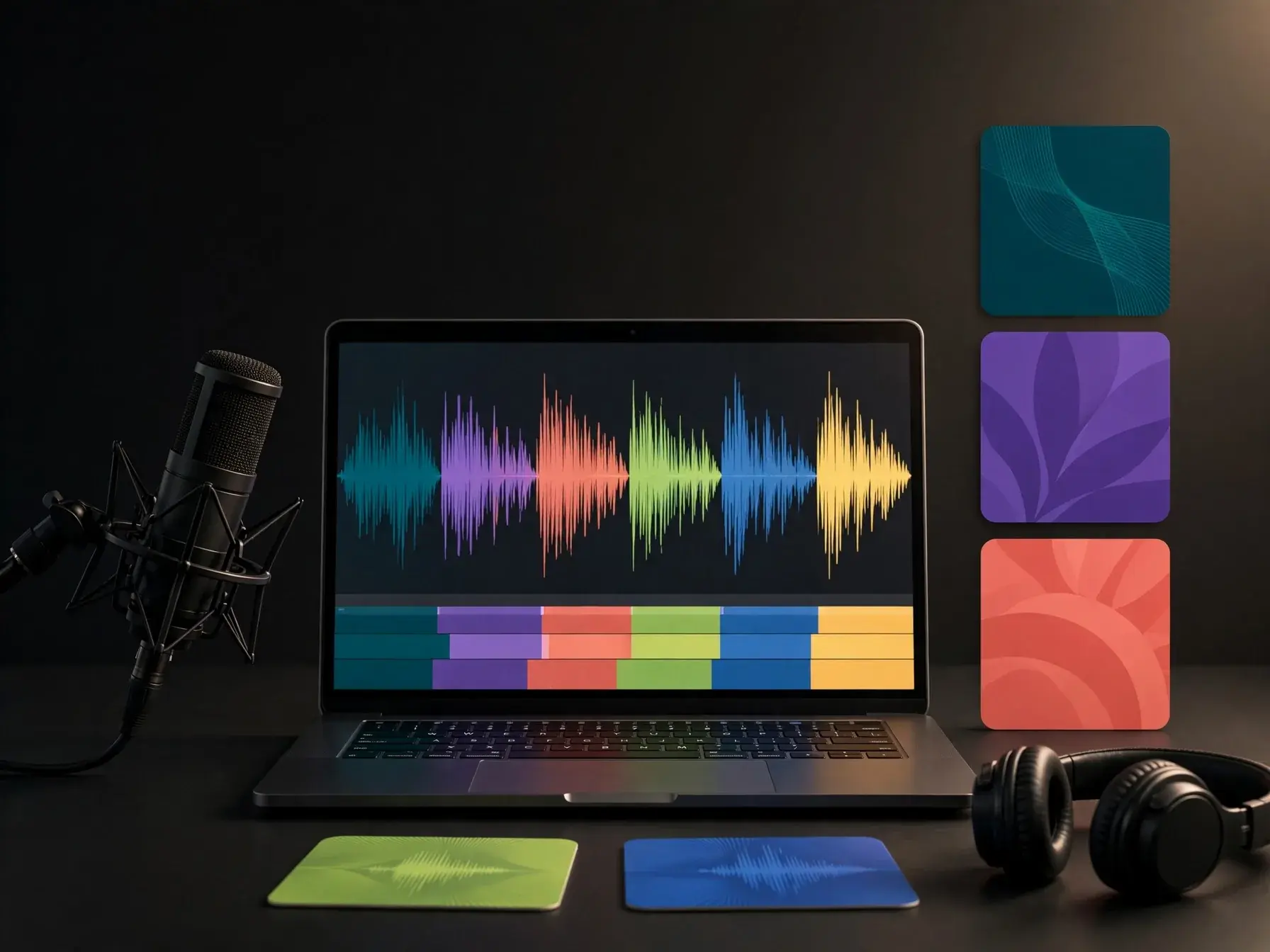
Podcaster recording with a microphone and subtle music waveform on screen

Podcasters and streamers

Podcasters and streamers use music for intros, transitions, waiting screens, and quiet beds under spoken parts. The goal is simple: keep the energy up and give the content a clear mood without fighting the voice.

Teacher or small team building a presentation with subtle music in a casual workspace

Teachers and small teams

Teachers, marketers, and small teams use background music in slides, explainers, product demos, and event recaps. It adds rhythm and tone to simple visuals, which can make a presentation feel more watchable from start to finish.

Features

What you can control before you export

Shape the music by mood, length, energy, and instruments so it fits your video, podcast, stream, or presentation.

Prompt-aware composition

The system reads cues like mood, pace, instruments, and setting, then turns them into background music with a stable groove and controlled melodic movement. That keeps the music useful under video, voice, or live content instead of making it sound like a full spotlight song.

Scene-length timing

Length settings help the music fit a short intro, a 30 second ad cut, or a longer scene without losing flow. Repeated sections are varied with small changes in rhythm, harmony, and texture, so loops feel consistent but not copy-pasted.

Dialogue-friendly mixing

The mix can stay lighter in the frequency range where speech usually sits, which helps voiceovers stay clear. Drums, pads, and bass are balanced for support first, so the music adds energy without masking the words.

Editable layer exports

Separate parts make it easier to lower drums, trim intros, or keep only the instrumental bed after the first draft. If you want a harder drum foundation before building the full piece, a rap beat maker gives you a focused starting point for rhythm-heavy music.

Genre-specific rhythm maps

Style logic changes chord movement, drum density, and sound choice based on the kind of music you need. A lo-fi music generator works well for calm study, lifestyle, or ambient video beds, while a pop music generator fits brighter promos, recaps, and upbeat social clips.

By the numbers

Made for everyday creators everywhere

People use OnMusic AI to create songs, instrumentals, and quick music ideas for videos, posts, and personal projects.

10M+

Songs created

Tracks made by creators like you

5M+

Happy creators

Everyday people making music for fun

4.8★

App rating

Loved by our community

Make background music for your next video

Use a simple prompt to create music that fits your pace, mood, and scene without starting from scratch.

Start with a mood, genre, or short scene description
Create instrumentals for intros, tutorials, vlogs, and short clips
Adjust length and style until the music fits your edit

AI background music questions, answered

What is AI background music and when should you use it?
AI background music is music created to sit behind a video, podcast, stream, ad, or presentation without taking over the main message. You should use AI background music when you need a specific mood, length, or pace that stock library songs do not match well, especially for intros, explainers, vlogs, and short social clips.
Can AI background music sound natural instead of repetitive?
Yes, AI background music can sound natural when you give clear direction on mood, tempo, instruments, and scene length. The strongest results usually come from simple prompts like "warm acoustic intro for a family travel video" and then trimming or looping sections so the music follows the edit instead of fighting it.
How does background music generator AI help with video editing?
It helps by giving you music that fits the timing and tone of your cut instead of forcing your edit around a pre-made song. A background music generator AI workflow is most useful when you need quick drafts, alternate moods, or shorter sections for intros, transitions, and end screens.
Where can you find free background music for videos without digging through huge libraries?
You can find free background music for videos either in curated royalty-free libraries or by creating a custom piece from a prompt. If you want music matched to a scene, it is often faster to read a guide on creating background music for videos and then make a draft that fits your length, mood, and pacing.
Can royalty free background music AI be used on YouTube?
Yes, royalty free background music AI can be used on YouTube if the usage rights for the music allow that platform and type of upload. You should still check the license terms, keep proof of the source, and review a royalty-free music for YouTube guide before posting branded videos, ads, or monetized content.
What settings help you create background music with AI that fits a scene?
The best settings are scene length, energy level, tempo, instrumentation, and whether the music should stay in the background or feel more emotional. When you create background music with AI, start with one job for the music, such as building tension or adding warmth, then adjust volume space so dialogue stays clear.

Create your own background music

Turn a mood, scene, or simple idea into music you can use for videos, podcasts, streams, and everyday projects.

Free to try
No music skills needed
Works right in your browser

Explore more