How to make AI music if you only have an idea?
If you want to make AI music free online, start with a prompt that gives the model enough direction to create a real song. The easiest way to begin is to name four things in one sentence: genre, mood, pace, and subject. That could be upbeat pop, warm and playful, medium tempo, birthday song for a friend. That works much better than asking for cool music or a nice song. Most people get better results from an AI music generator or a text to music tool when they describe the feeling and the job of the song, not just the style. If you have lyrics, say whether you want the exact words used or only the theme. If you do not have lyrics, say if you want vocals or music only. You can also add details like male or female voice, acoustic or electronic sound, short intro, or catchy chorus. A good prompt acts like a simple brief. It does not need music theory. It just needs enough detail to point the song in the right direction on the first try.
What to decide before you press create
To make instrumental AI music, decide the role of the song before you create it. Music for a birthday message needs different energy than music for studying, a vlog intro, or a rap verse. When you know the job, the rest gets easier. Pick the length first. A 30 second idea, a 90 second loop, and a full 3 minute song all need different structure. Then choose vocals or no vocals, fast or slow energy, and whether the song should feel polished, rough, dreamy, dark, or playful. If you wrote lyrics, break them into verse and chorus sections before you paste them in. That helps the music follow a clear shape. An AI music generator usually works better when you set limits. Choose one main genre and one supporting influence instead of asking for five styles at once. You can still try variations later, but a focused first version gives you a stronger base to edit.
The workflow that turns a prompt into a full song
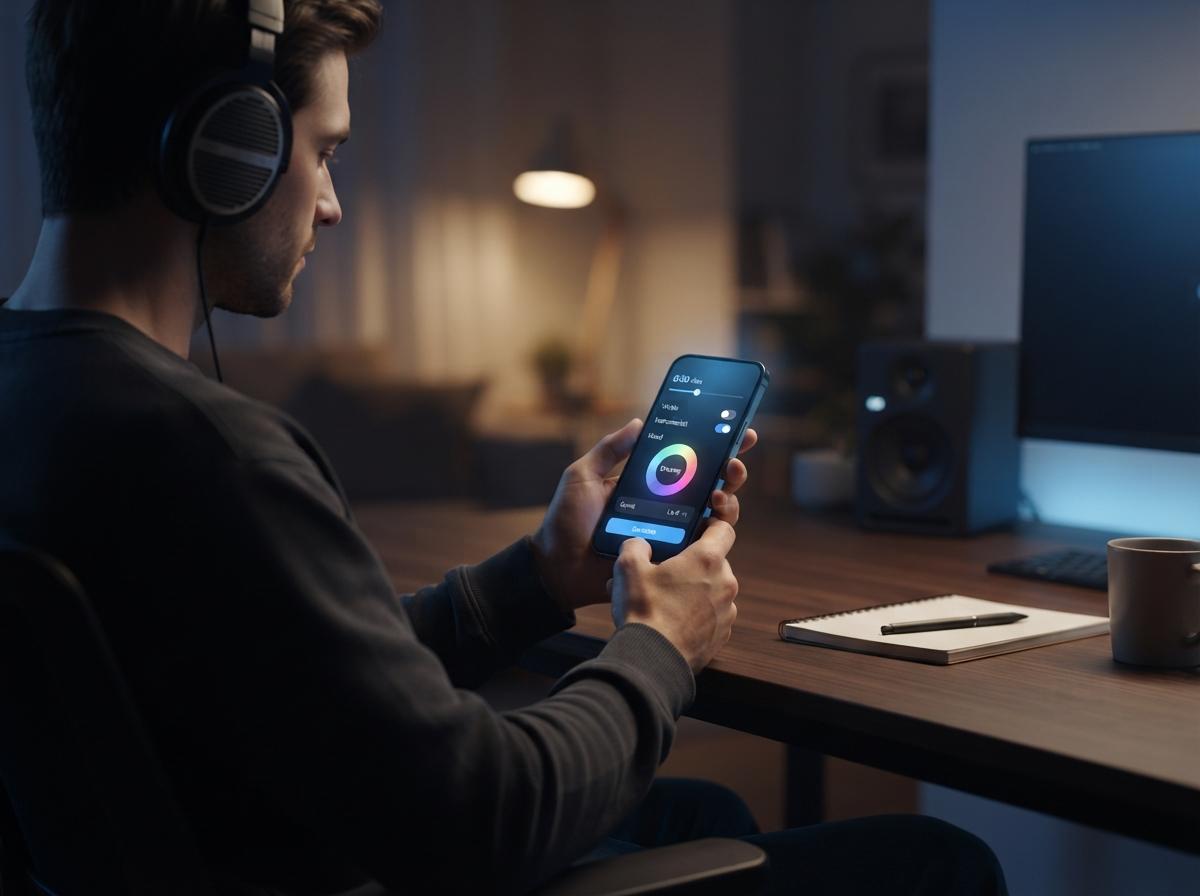
The easiest workflow is prompt, review, refine, and export. If you want melody, sections, and singing from one idea, an AI song generator is the right place to start.
Step 1: Write one clear prompt
Include genre, mood, tempo, vocal preference, and the topic of the lyrics. If you already wrote lyrics, label the parts as verse, chorus, and bridge so the music can follow them.
Step 2: Create the first version and listen for structure before you judge the details
Ask: does the intro fit, does the chorus arrive at the right time, and does the voice match the mood? Do not stop at whether one line sounds perfect.
Step 3: Refine one variable at a time
Change the genre, shorten the intro, ask for stronger drums, or soften the vocal style. Small changes are easier to judge than a completely new prompt every time.
Step 4: Save the best versions, export the one that fits your goal, and keep one alternate
Two strong versions are more useful than ten random ones.
How to make AI music sound more like you
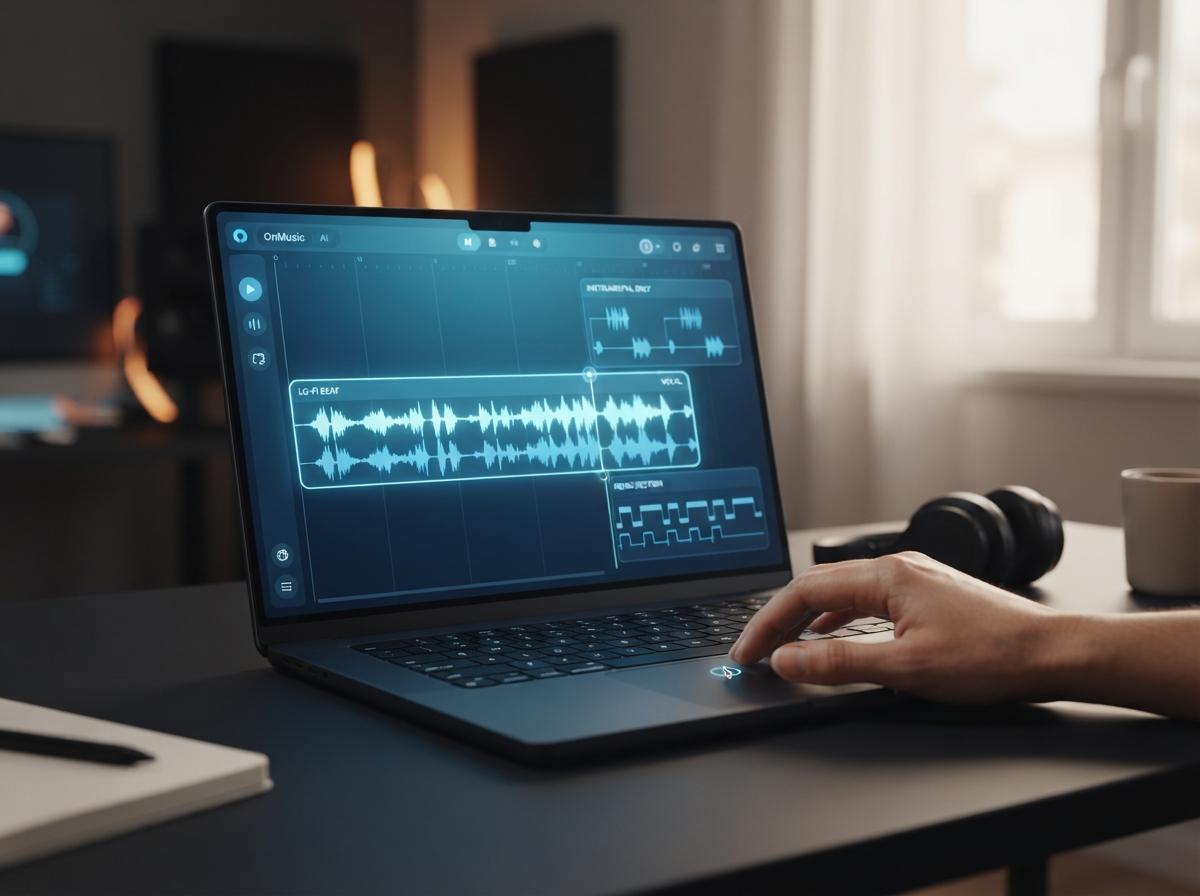
For AI music for youtube, the best results usually have a clean intro, steady energy, and enough space for speech, cuts, or sound effects. The same idea applies to personal songs too: keep the purpose clear, then shape the details around it. To create music that feels less generic, keep one element constant while you test variations. That could be the same lyrics in different genres, the same beat with a different voice, or the same chorus with a slower tempo. This makes it easy to hear what actually improved the song. Use simple editing tools for the last pass. If the vocal is too busy, try an instrumental version. If you want to remix a section, split the song into parts and work with just the drums, bass, or vocal. Small edits often make the result feel more personal than a full restart. The goal is not to chase perfection. It is to get closer to the sound you had in your head.
Common mistakes that make songs feel generic
Most weak results come from vague prompts, mixed signals, or stopping after the first version. The song usually improves fast when you fix those three problems. The first mistake is asking for too much at once. A prompt that says pop, rap, cinematic, lo fi, sad, hype, and funny gives the model no clear lane. The second mistake is pasting lyrics with no structure. When verse and chorus are not marked, the music may wander. The third mistake is judging the song too early. A first pass is there to show direction, not to be the final version. Another common error is copying an artist too closely instead of describing musical traits such as warm piano, punchy drums, airy vocal, or fast rap cadence. That gives you clearer music and a safer prompt. Finally, do not change five settings between versions. If you only change one thing at a time, you learn what actually makes the song better.
A final check turns a rough song into something you will actually want to share. Before you export, listen once on headphones and once on phone speakers. If the vocal disappears, the bass is too heavy, or the intro feels too long, fix that before you save the final file. Trim any dead space at the start or end. Name the file clearly so you can find the right version later. If you plan to post the song with video, test how the first 10 seconds feel under speech or visuals. If the music is meant to sit behind narration, keep it simpler and less crowded than a full vocal song. Keep one full version and one shorter cut. A long song is useful for sharing, while a short version works better for clips, intros, and quick feedback from friends. Good finishing habits make every future song easier to create.