What is Riffusion?
Riffusion is a neural network created by Seth Forsgren and Hayk Martiros that makes music from images of sound called spectrograms. Riffusion stands out for fast, playful text to music results that help you sketch ideas quickly. It is known more for creative exploration than for polished, finished production.
Learn more
Your guide to Riffusion
See what Riffusion can create, where it falls short, and how to try the same idea with OnMusic AI.
From spectrogram roots to fast music sketches
What is Riffusion in practice? Riffusion is best known for turning prompts into short, continuous music ideas by generating images of sound, then converting those images back into audio. That origin matters because it helps explain the model’s signature feel: quick stylistic shifts, surprising textures, and a strong bias toward mood-first results instead of polished radio-ready songwriting. The project was created by Seth Forsgren and Hayk Martiros, and it became notable for using spectrogram images as the path to generate music.
In real use, that means Riffusion often feels more like an experimental music maker than a strict composition engine. It can land on catchy loops, ambient beds, electronic grooves, and unexpected transitions very quickly. It is less about detailed arrangement control and more about discovering an idea you want to keep building.
If you want to try a similar prompt-first approach online, OnMusic AI runs models like Google Lyria and ElevenLabs, so you can test prompts, compare outputs, and move from a rough concept to usable music. Some creators also search for Riffusion AI song generator.
Prompting for usable results
Riffusion AI song generator works best when you treat the prompt like a short creative brief, not a paragraph of vague adjectives. Start with genre, tempo feel, key instruments, and mood. A stronger prompt is “lo-fi hip-hop beat, dusty drums, mellow piano, late-night mood” than “make something cool and emotional.”
Riffusion also has roots in prompt-driven exploration, so text is the clearest starting point for most people. The same habit works in OnMusic AI’s free text to music workflow: compare a few prompt variations instead of trying to perfect one line on the first try. Small changes, like swapping “bright synth” for “warm analog synth,” often matter more than adding extra words.
Keep expectations aligned with the model’s strengths: short ideas, evolving textures, and style discovery. If you want to write lyrics first, start with the AI song generator for a more song-focused workflow, then come back to Riffusion when you want inspiration, alternate moods, or a fresh musical direction from the same basic concept.
When to pick Riffusion over other music models
Riffusion vs Suno is mostly a choice between exploratory music generation and more complete song construction. Pick Riffusion when you want fast stylistic experiments, atmospheric ideas, and unusual textures that can spark a direction. Choose Suno when you need fuller, more structured songs with clearer vocal and lyric-oriented output. Choose Udio when you want stronger control over song coherence and a polished listening result across longer sections. Choose MusicGen when you care about an open research model and promptable instrumental generation for testing ideas in a more developer-friendly ecosystem. Choose Stable Audio Open when your priority is open source audio experimentation rather than a consumer-first song flow.
If you want to compare several options in one place, OnMusic AI’s models page makes that easier than hopping across separate sites. The honest Riffusion advantage is speed of discovery. Its honest tradeoff is consistency. It often gives you the interesting first spark faster than peers, but it is not always the model you pick for the final, most structured production-ready music output.
Where the model sounds most at home
Riffusion review discussions usually land on the same point: the model shines most when the goal is vibe, motion, and texture, not strict songwriting precision. The strongest output types are electronic sketches, ambient beds, lo-fi loops, synth ideas, cinematic backgrounds, experimental blends, and beat-first pieces that can later be extended or rebuilt. It also works well for fast concepting when you want to hear how one mood changes across genres, like turning “rainy night” into chillhop, dream pop, or dark synthwave.
In practical terms, Riffusion is a strong AI music generator for creators who want inspiration before refinement. It is less convincing when the brief depends on clear verse and chorus planning, exact lyric delivery, or highly stable vocal performance.
A good example is a creator testing “jazzy boom bap with vinyl crackle and upright bass” for a social clip intro or podcast theme. Another is someone trying “spacious ambient piano with soft pulses” for studying, journaling, or background listening. Those are the zones where Riffusion’s character often feels useful instead of limiting.
Free access, availability, and real limits
Riffusion has been free to try in public demos and on its own site at different times, but OnMusic AI does not run it. If you just want to hear an idea fast without hunting for a working version, OnMusic AI's free AI music generator is a simpler place to start. The bigger point is that free access does not erase the model’s real limits.
Riffusion is historically tied to open experimentation, and people still search for Riffusion Classic, Riffusion beta, and older versions because the project changed over time. Availability can shift by platform, and unofficial downloads such as APK searches are not the best signal of supported access.
The practical limit is output control: you are trading some predictability for speed and surprise. Another limit is song completeness. Riffusion is more reliable for sketches, loops, and mood studies than for fully planned commercial-style music with exact structure. If your goal is a finished vocal song from lyrics, YuE or a dedicated lyrics-first workflow may fit better. If your goal is instant exploratory music for free, Riffusion remains appealing.
How good the audio really is
Open source AI music generator conversations often use Riffusion as the example of an inventive model that matters historically, even when newer systems surpass it on polish. That is the fairest quality read. Riffusion is important, recognizable, and still fun, but it is not the benchmark for the most complete modern song output. Its best results feel imaginative and immediate. Its weaker results feel blurry, repetitive, or less structured than current leaders.
People also ask whether Riffusion can generate vocals, and the realistic answer is that Riffusion is better known for instrumental and texture-led music than for stable, convincing vocal songwriting. It can suggest musical direction very well, yet it is not the first pick when your standard is a fully arranged pop song with strong lyrical clarity.
The older Riffusion fuzz model is part of that story because it reflects the project’s experimental roots rather than a polished commercial endpoint. If your measure of quality is originality per prompt, Riffusion scores well. If your measure is finished-song consistency, newer closed models usually score higher.
How to get stronger prompts and fewer weak generations
Riffusion gives better music when the prompt describes sound, not just emotion. Use a structure like genre plus instruments plus mood plus pace. For example: “dreamy indie electronic, soft female vocal texture, pulsing bass, slow build, midnight atmosphere.” If you only write “sad but hopeful,” the model has too much room to guess.
The second fix is prompt contrast. Ask for one dominant idea and one supporting idea, not six competing styles in one line. “Lo-fi drums with warm Rhodes piano” is cleaner than “lo-fi trap jazz orchestral rock.” The third fix is iteration. Change one variable at a time so you learn what actually improved the music.
If you need more polished lyric writing before you prompt, use ChatGPT for words, then bring the finished concept into OnMusic AI. If you need stems or cleaner post-work after a good idea appears, move that output into tools like vocal remover or stem splitter instead of forcing Riffusion to solve every production job itself. Strong prompts are specific, audible, and simple enough for the model to interpret clearly.
Features
Why Riffusion still stands out for music creation
Riffusion is known for fast text to music results, a distinct real-time feel, and an unusual image-based approach to sound. These capabilities matter if you want to compare the model’s style, speed, and practical limits before you choose a model.
Riffusion fuzz model roots
Riffusion started with a Riffusion fuzz model approach that turns spectrogram images into playable audio. That design gives the music a distinctive synthetic texture, especially on guitars, pads, basses, and noisy electronic layers. It matters when you want rougher, more experimental sound instead of polished radio-pop production. The classic demos made that character part of Riffusion’s identity.
Free Riffusion AI music access
Riffusion became widely known because people could hear free Riffusion AI music in public demos before many music models reached mainstream users. That history matters because Riffusion has long appealed to curious hobbyists, coders, and remix-minded creators.
It feels closer to an open experiment than a closed studio suite. For casual users, that lowers the barrier to trying an AI music generator.
Blend genres inside one prompt
Riffusion responds well to descriptive prompts that combine mood, instruments, and genre cues in one instruction. You can ask for lo-fi drums with dreamy synths, or surf rock with sci-fi ambience, and hear how those elements mix.
That makes Riffusion useful for text to music experiments where the point is discovery, not strict songwriting. Hybrid styles are one of its clearest strengths.
Morph one musical idea into another
Riffusion is known for moving between prompts in a fluid way, which helps music evolve instead of stopping at one static loop. That can create transitions from calm to intense, acoustic to electronic, or sparse to full.
The result is especially useful for background music, mood sketches, and concept testing. Few early music models made prompt interpolation this central to the experience.
Instrumental textures with a clear synthetic character
Riffusion is strongest when you want instrumental music with an intentionally artificial, machine-made feel. Its outputs often shine as riffs, grooves, atmospheres, and layered ideas rather than fully produced commercial songs. That makes Riffusion a practical music maker for intros, game concepts, study beats, and quick inspiration. The model’s appeal is its character, not perfect realism.
Open-source music experimentation
Riffusion stands out because its early identity is tied to open-source AI music experiments, not just a polished consumer app. That gave creators a clear view of the method behind the sound, including the spectrogram-based workflow.
It matters if you want to understand how the music is made while you generate music. Riffusion has always attracted users who like to test, tweak, and compare outputs.
All models
Every AI music model, one place
Hear a sample, then switch between the latest models and compare results — free to start on OnMusic AI.
Suno v5.5
by Suno
Full songs with natural, expressive vocals from a single prompt.
Udio v4
by Udio
48kHz stereo songs up to 10 minutes with licensed, studio-clear sound.
ElevenLabs Music v2
by ElevenLabs
Licensed, commercial-ready songs with lifelike multilingual vocals.
Google Lyria 3 Pro
by Google DeepMind
Full-length, structured songs with lyrics and tempo control.
MiniMax Music 2.6
by MiniMax
Its strongest vocals yet, with an AI cover mode and auto lyrics.
Stable Audio 3.0
by Stability AI
Instrumental tracks and sound design up to 6 minutes, royalty-free.
Stable Audio 2.5
by Stability AI
Fast, high-quality instrumentals up to 3 minutes, royalty-free.
Who tries Riffusion and what they make
From first-time creators to curious beat makers, people use Riffusion to sketch music ideas, test styles, and turn a simple prompt into something they can play, share, or build on.
Lyric writers turning rough lines into a full song
Riffusion helps people who already wrote a verse, hook, or birthday chorus hear those words as real music with melody and vocals. OnMusic AI lets you move from text to music fast, then retry the same idea in pop, rap, or lo-fi without rewriting everything.
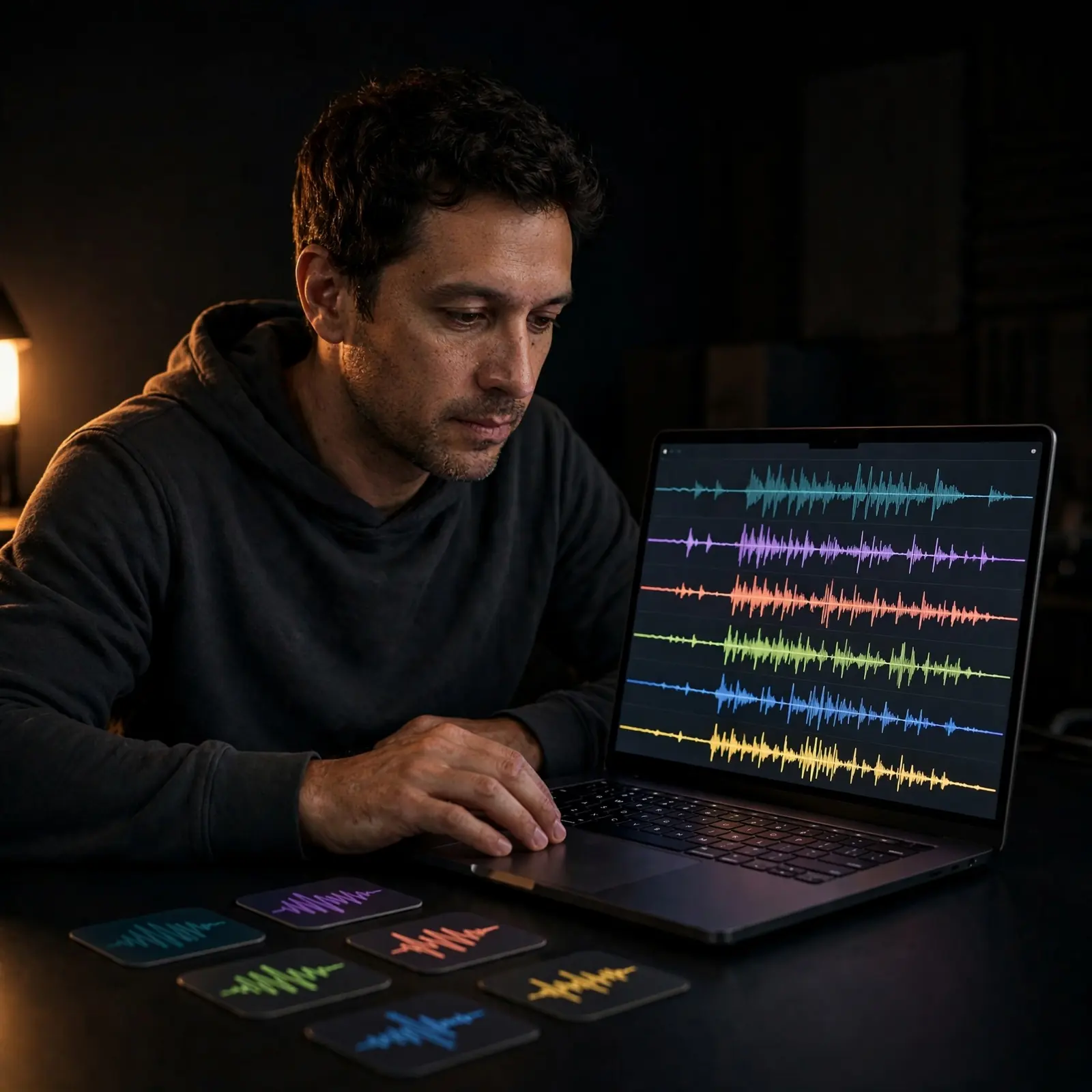
Fans of an open source AI music generator
An open source AI music generator appeals to people who want to explore Riffusion because of its unusual history and experimental feel. Riffusion fits curious makers who want to generate music from a mood, compare versions, and hear how prompts shape the result.
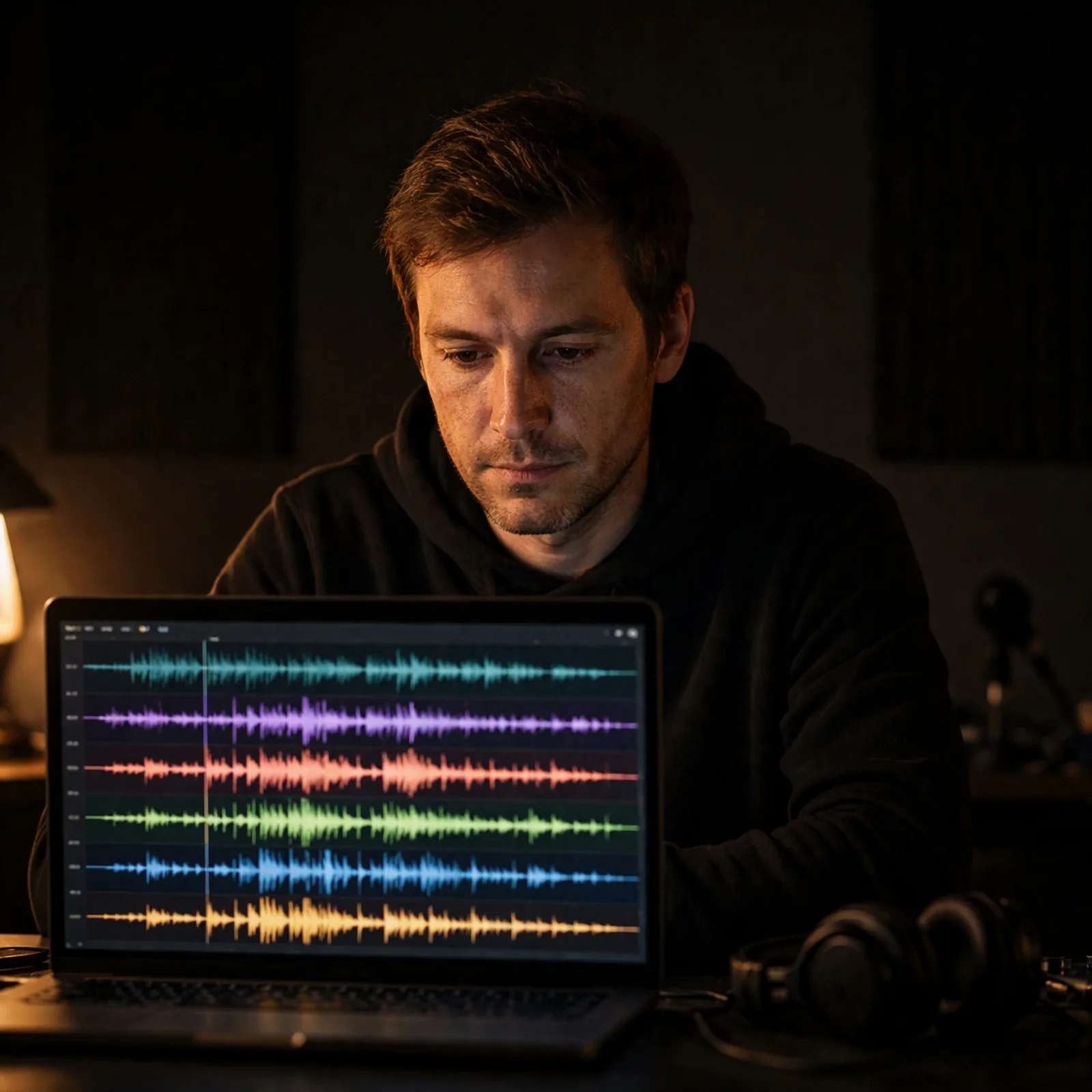
Beat sketchers testing genre ideas before they record
Riffusion works well for people who have a beat idea in their head but do not want to open a full DAW first. Riffusion gives them a quick music maker for trying tempo, mood, and style directions before they build a longer song or share the idea with friends.
How to make music like Riffusion
OnMusic AI does not run Riffusion, but these steps get you original music you can play and download from a prompt and your style choices, using models like Google Lyria and ElevenLabs.
Open the music generator and describe your music
Open OnMusic AI's music generator, then type the mood, genre, instruments, and pace you want. A simple prompt like "upbeat pop birthday song with bright synths and warm vocals" gives the model a clear starting point.
Add lyrics or refine the style
Paste your own lyrics if you want a vocal song, or keep the prompt focused on instrumental details for beat-first music. Then adjust the style with specifics such as lo-fi drums, rap flow, dreamy pads, or acoustic guitar so the output lands closer to your idea.
Generate, preview, and download the song
Create your music, listen to the preview, and save the version that fits your idea best. If you want a different feel, change a few prompt details and generate again before downloading your music.
Make your first AI music idea into a finished song
Want Riffusion style ideas as fuller songs? OnMusic AI turns a simple text prompt into music with real structure, style, and fast results.
Frequently asked questions
What does Riffusion do?
Riffusion creates music from prompts by turning visual representations of sound into audio. The search term "Riffusion" usually refers to the Riffusion project and model family, which people use as an AI music generator for quick ideas, loops, and style experiments.
Is Riffusion AI free?
Riffusion has been offered in free forms at different times, but access and limits can change by platform. OnMusic AI does not run Riffusion, but its free AI music generator is a simple place to make full songs with vocals from a prompt.
Can Riffusion generate vocals?
Riffusion can produce music that suggests vocal like textures, but it is not mainly known as a strong lyric driven vocal song model. If you want clear verses, chorus structure, and more direct singing results, newer AI music generator models are usually better suited.
How long can Riffusion create music for?
Riffusion is generally better for shorter musical outputs and evolving ideas than for long, fully structured songs. Exact maximum length can vary by version or platform, so the practical expectation is quick musical passages rather than a long radio ready composition.
Can you use Riffusion on OnMusic AI?
No, OnMusic AI does not run Riffusion. OnMusic AI runs other music models, such as Google Lyria, ElevenLabs and MiniMax, so you can enter a clear prompt and create full music with vocals in one place.
Can you use music from Riffusion commercially?
You can download and use Riffusion outputs only under the terms of the platform you used and the rights attached to your result. Commercial use is not a blanket yes for all cases, so check license terms, source restrictions, and whether your output includes protected material.
Ready to create your own music? Make a song you can play and share
Create music on OnMusic AI with models like Google Lyria and ElevenLabs, then switch models in the same place if you want a different sound.