Why a cinematic music generator is worth using
A cinematic music generator helps you turn a scene, mood, or story idea into music that feels big, emotional, and personal. With OnMusic AI's free AI music generator, you can create that kind of music from simple text, then shape it for trailers, videos, intros, study sessions, or your own creative projects.
The basics
How does a cinematic music generator work in practice?
These topics explain the inputs, outputs, and choices that shape better results, so a cinematic music generator feels simple to use and easier to control for your next piece of music.
How do you start cinematic music fast?
A free cinematic music AI starts with a short text prompt, then turns that idea into finished music with mood, pace, and structure already in place. You do not need instruments or theory, you just describe the scene you want, such as tense trailer build, quiet piano drama, or victory finale. A strong prompt names the emotion, instruments, tempo, and length in one line. If you want a broader writing workflow after the first result, an AI music composer can help shape themes before you refine the final music.

What can a cinematic music generator create?
An AI cinematic song maker can create many kinds of cinematic music, from soft ambient beds to big orchestral rises and percussion-heavy action cues. A cinematic music generator works best when you pair style with purpose, such as background music for a travel reel, a dramatic intro, or a fantasy story scene. You can steer the result toward trailer, emotional, suspense, heroic, or minimalist moods without rebuilding from zero. If you want more symphonic textures, an orchestral music generator is a natural next step for brass, strings, and bigger ensemble ideas.
Is a cinematic music generator online easy to use?
A cinematic music generator online is easy to use because the main job is choosing a mood, typing a prompt, and listening to the first music draft. You stay in one browser flow instead of opening a DAW, finding plugins, and routing instruments. That makes a cinematic music maker useful for quick ideas on a phone or laptop, especially when you want music for a video, podcast, school project, or personal post. The fastest prompts are concrete, for example: dark piano, slow strings, rising tension, 60 seconds, no vocals.

What does a finished cinematic result look like?
Royalty free cinematic music gives you a clear outcome: music you can preview, revise, and export for your project without hunting through generic libraries. A practical example prompt is: epic trailer music with deep drums, brass hits, rising strings, 90 seconds, instrumental only. The movie music generator can return a structured piece with an intro, build, climax, and ending instead of a random loop. If you want to learn the prompt patterns behind results like that, the guide on how to create cinematic music with AI walks through scene-based wording, pacing, and instrument choices.
Where should cinematic music beginners go next?
Cinematic music beginners should explore one variable at a time, then compare the music results by mood, instrument focus, and pacing. Start with the same scene idea and swap only one element, such as piano to strings, slow to fast, or intimate to epic. That simple method shows you why an epic music generator feels bigger, while a softer setup feels more personal and reflective. When you want to branch out, try classical-style writing for formal arrangements, piano-led cues for simple emotion, or vocals only after the instrumental direction already feels right.
Features
Create scored scenes with a cinematic music generator that shapes mood fast
Build tense, emotional, or epic music from a simple prompt, then refine the style, length, and energy for your scene. OnMusic AI's free AI music generator turns your idea into cinematic music you can preview, edit, and download in one flow.
Describe scenes and get cues
OnMusic AI's cinematic music generator turns a short text prompt into music built for scenes, trailers, and emotional moments. You can describe tension, wonder, victory, or suspense, then shape the result around that feeling. This matters when you have a visual idea in mind but no orchestra, instruments, or scoring setup. The outcome is a finished piece of music that fits the mood you wrote.
Build full arrangements from prompts
The cinematic music generator creates structured music from text, not just a loose loop or sketch. You can ask for a quiet opening, a rising middle, and a strong finale, so the music feels like it moves with a story. This is useful for intros, short films, game concepts, and dramatic background music. The result is music with progression, contrast, and a clear arc you can use right away.
Switch styles without starting over
A cinematic music maker should let you test different directions fast, and OnMusic AI does that from the same core idea. You can rewrite your prompt from dark piano tension to heroic strings, ambient sci-fi, or action percussion and hear the change in the music. This saves time when you know the scene but not the exact style yet. If you want a more specific sound family, you can also try the classical music generator or the orchestral music generator.
Shape length for real use
The cinematic song generator supports practical music lengths, so you can create a short cue, a fuller background piece, or a longer dramatic build in one flow. You write the mood, pacing, and target use, then guide the music toward an intro, underscore, or ending section that feels complete. This matters when you need music that fits a video segment, a podcast opening, or a personal project. The output is a usable piece of music, not just an isolated idea.
Start with piano-led ideas
A movie music generator often works best when you begin with one strong emotional anchor, and piano is one of the easiest ways to do that. You can prompt for soft felt piano, dramatic chords, or minimal repeating patterns, then build richer music from there. This is helpful when you want cinematic emotion without a huge arrangement at the start. For more focused keyboard-first writing, the piano music maker gives you a simpler path into that sound.
Who creates soundtracks and scene music
Everyday creators use this for birthday videos, short films, game ideas, podcasts, and mood pieces, and a cinematic song generator helps them create music that feels dramatic, emotional, and ready to share.
Filmmakers shaping scenes with cinematic music generator cues
Filmmakers use a cinematic music generator to create tense build-ups, quiet piano beds, and big final swells that match each scene. OnMusic AI's free cinematic music generator helps you score a trailer cut, short film, or title sequence with music that feels made for the moment.
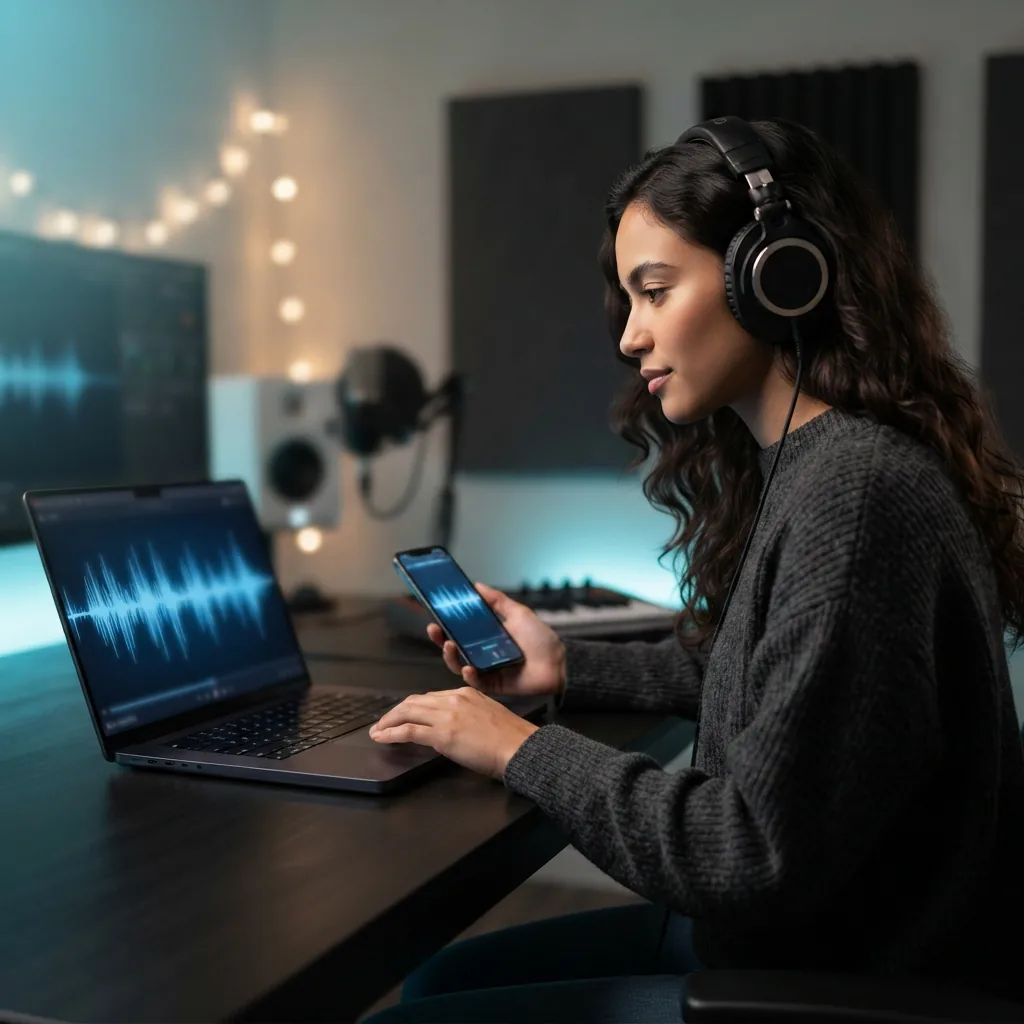
YouTubers who make cinematic music with AI
YouTubers make cinematic music with AI when they want an intro theme, travel montage score, or documentary-style background piece without hunting through libraries. A movie music generator fits creators who need music that feels personal to their story, not like a random stock pick.
Writers and hobby musicians turning story ideas into music
Writers, gamers, and hobby musicians use cinematic music generator prompts to turn a chase scene, fantasy world, or emotional ending into full music they can play back and refine. If you already write melodies or lyrics, you can also explore an epic music generator style before moving into an AI music composer for deeper arranging.
Made for everyday creators everywhere everyday creators
People use OnMusic AI to write lyrics, make music, and finish songs they can actually share.
How to create cinematic music from a prompt
Start with a scene, mood, or story beat, then use the cinematic music generator to shape the sound and export finished music you can play, download, and share.
Describe your scene and sound
Type the mood, pacing, and style you want, such as tense strings for a chase, soft piano for a memory scene, or big drums for a trailer moment. Add details like genre, length, tempo, and whether you want instrumental music or vocals.
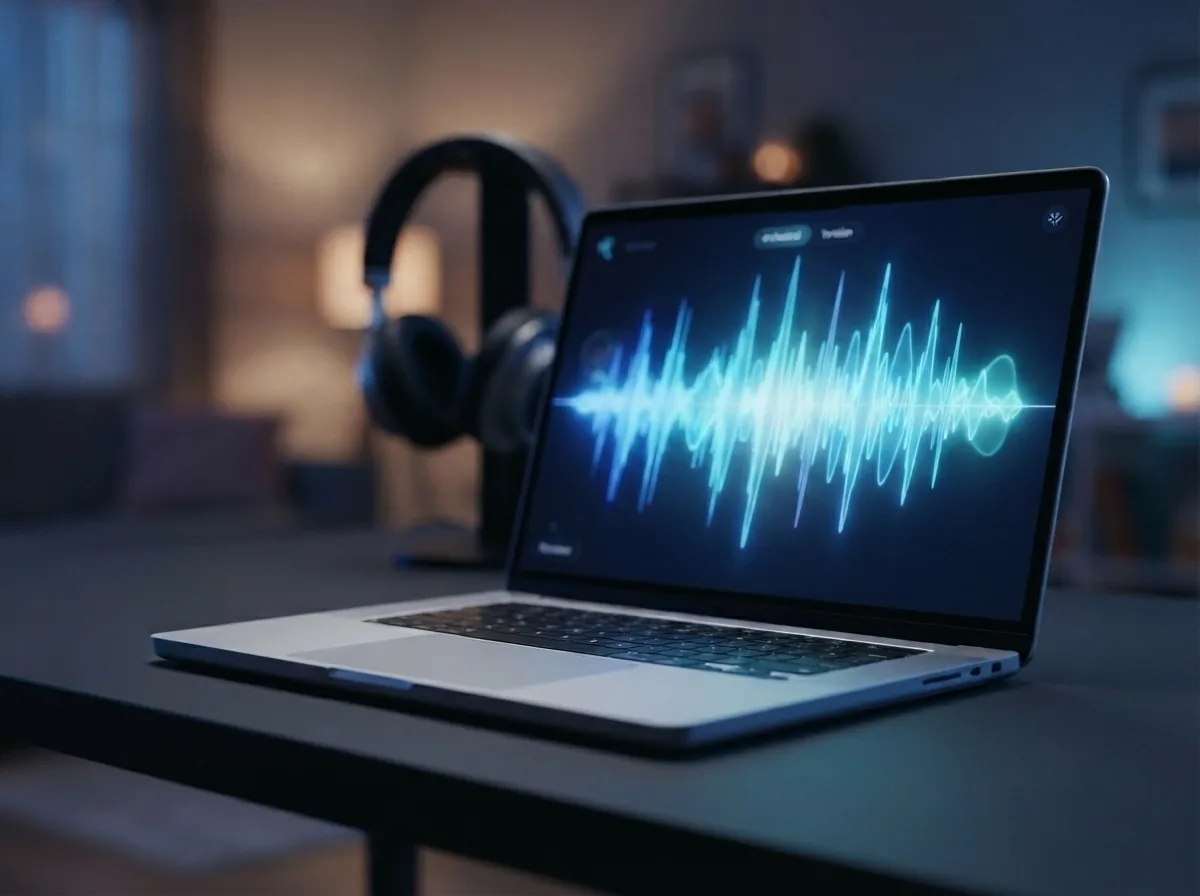
Choose the mood, genre, and length
Pick the feel that fits your scene, then refine the result with practical controls like duration and style. OnMusic AI's free cinematic music maker lets you try different directions fast, so you can compare a softer score, a darker build, or a bigger, more epic version.
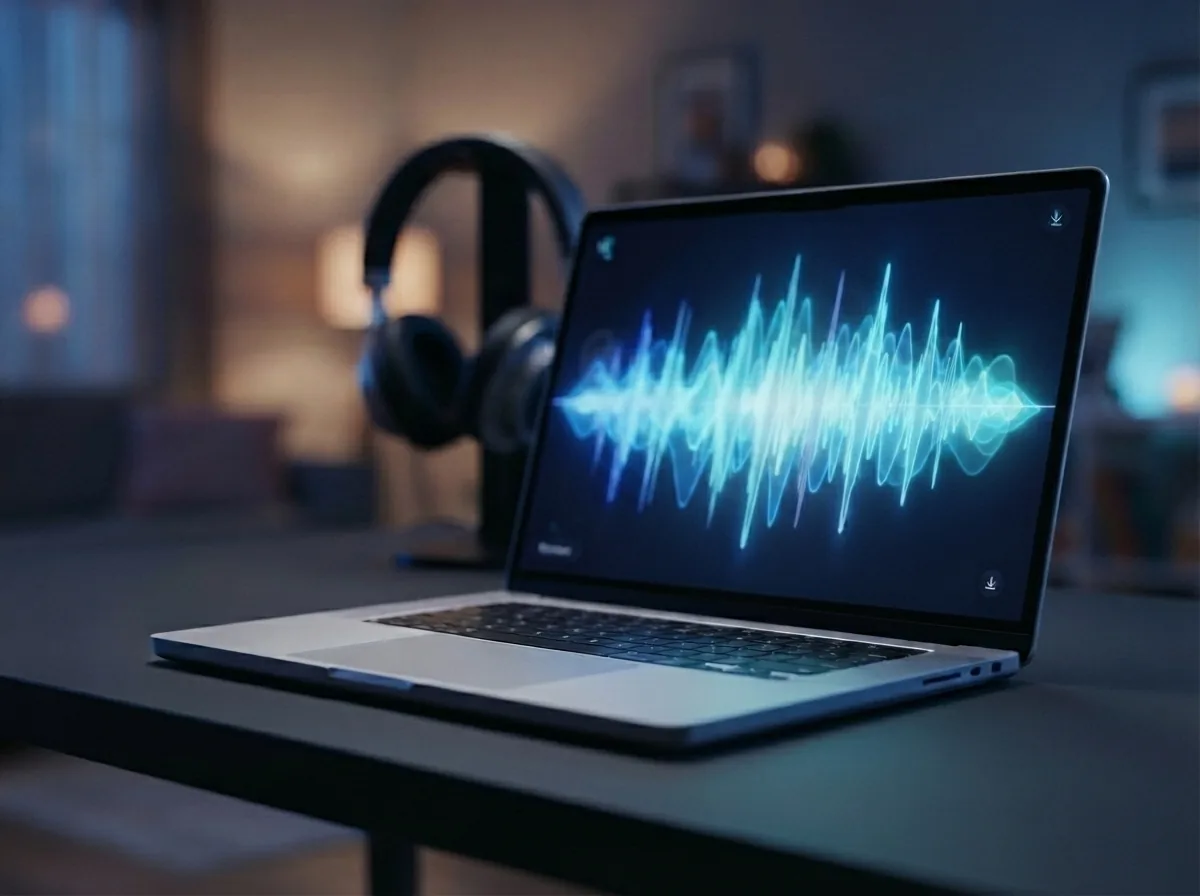
Preview and download your finished music
Listen to the completed piece, then keep the version that matches your scene best. You get finished music you can play right away and download as an audio file, with a clear before-to-after flow from text prompt to a complete cinematic song or instrumental score.
Create cinematic music from your prompt with mood, build, and drama
Write a scene, feeling, or story beat, then use OnMusic AI's free cinematic music maker to create music with a clear arc, rich atmosphere, and a downloadable song.
Frequently asked questions
What does a cinematic music generator create?
How does the cinematic music generator work?
What inputs does OnMusic AI's cinematic music generator accept?
How long can music from the cinematic music generator be?
Does OnMusic AI's cinematic music generator export MP3 files?
Can a cinematic music generator create vocals or voice-led songs?
Which styles can a cinematic music generator make?
Why does cinematic music from AI sometimes sound too generic?
How is a cinematic music generator different from other AI tools?
Is free cinematic music AI good enough for real projects?
How fast is cinematic music generator online for a first draft?
Can an AI cinematic song maker turn written lyrics into a dramatic song?
Can royalty free cinematic music be created with OnMusic AI?
How do creators make cinematic music with AI more effectively?
Who uses a cinematic music maker, and for what jobs?
What can a movie music generator not do yet?
Your first cinematic song is one prompt away Create music that feels made for film
Write a scene, mood, or story beat, then create dramatic music with buildup, tension, and release in OnMusic AI's free cinematic music maker.