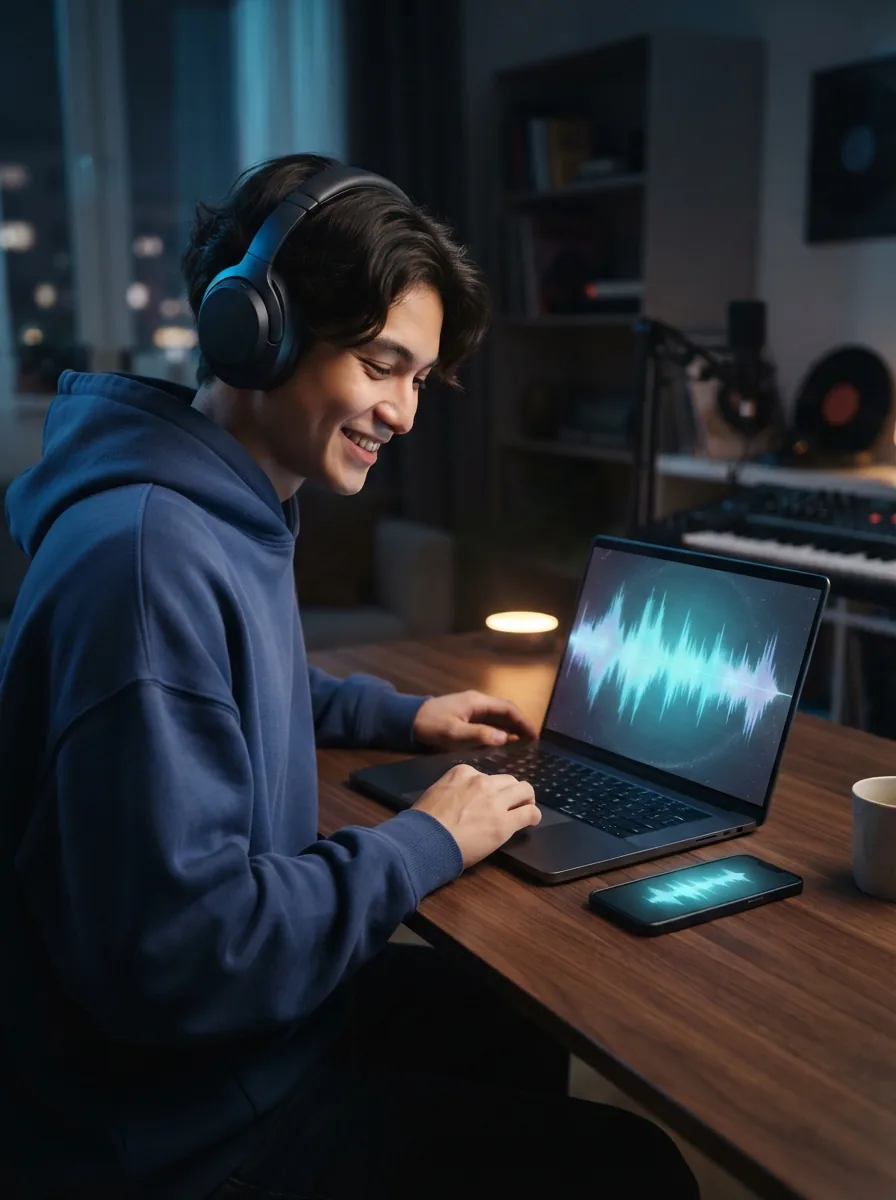
Why making lofi music is worth trying
Lofi music gives you a simple way to turn a mood, memory, or writing session into something you can actually hear. Using a lofi music generator makes that process faster because you can start with plain words instead of instruments or software menus. OnMusic AI's free AI music generator helps turn that low-pressure idea into finished music you can play, save, and share.
The basics
How does a lofi music generator work for beginners?
These topics explain what a lofi music generator does, what you can create with it, and how to get better results fast. You will also see where AI music fits, what files you get, and when a lofi song generator makes the process easier.
How do you start a lo-fi track fast?
A free lofi music generator lets you start with one simple input, a prompt that describes mood, tempo, and texture. You can type something practical like “sleepy piano, soft vinyl crackle, mellow drums, late-night study mood” and get music built around that idea instead of piecing sounds together by hand. OnMusic AI turns that starting point into a usable draft with structure, tone, and length options in one flow. That matters because most people do not need studio gear, they need a fast way to hear their idea as real music and adjust it from there.

How does a lofi music generator work?
How does lofi music generator work is a common question, and the short answer is that it turns written direction into arranged music with rhythm, melody, and atmosphere. A good system reads cues like “jazzy chords,” “rainy night,” or “90 BPM” and uses them to shape drums, keys, bass, and overall feel. This lofi song generator approach helps you explore variants without rebuilding the whole idea each time. If you want to start from words instead of audio, text to music is the most direct workflow for testing different moods quickly.

Is a lofi music generator free to use?
A lofi music generator free online means you can open the tool in your browser and create music without learning a full production setup first. That removes the biggest barrier for beginners, which is not creativity but complexity. An AI music generator also helps when you only have a rough idea, such as “coffee shop beat” or “calm focus loop,” and want a draft before spending time on edits. The real benefit is access: you can test styles, hear changes fast, and decide what works before you commit to anything more advanced.

What makes the best lofi music generator?
The best lofi music generator gives you a clear result you can hear, judge, and keep, not just a vague preview. A strong example is this prompt: “Lo-fi beat for studying, warm Rhodes, brushed drums, vinyl hiss, no vocals, 2 minutes.” The output should be finished music with a steady groove, soft texture, and a downloadable file you can replay or share. If you want to remake an existing piece into this style, a lofi converter is the right next step because it starts from audio instead of a text description.
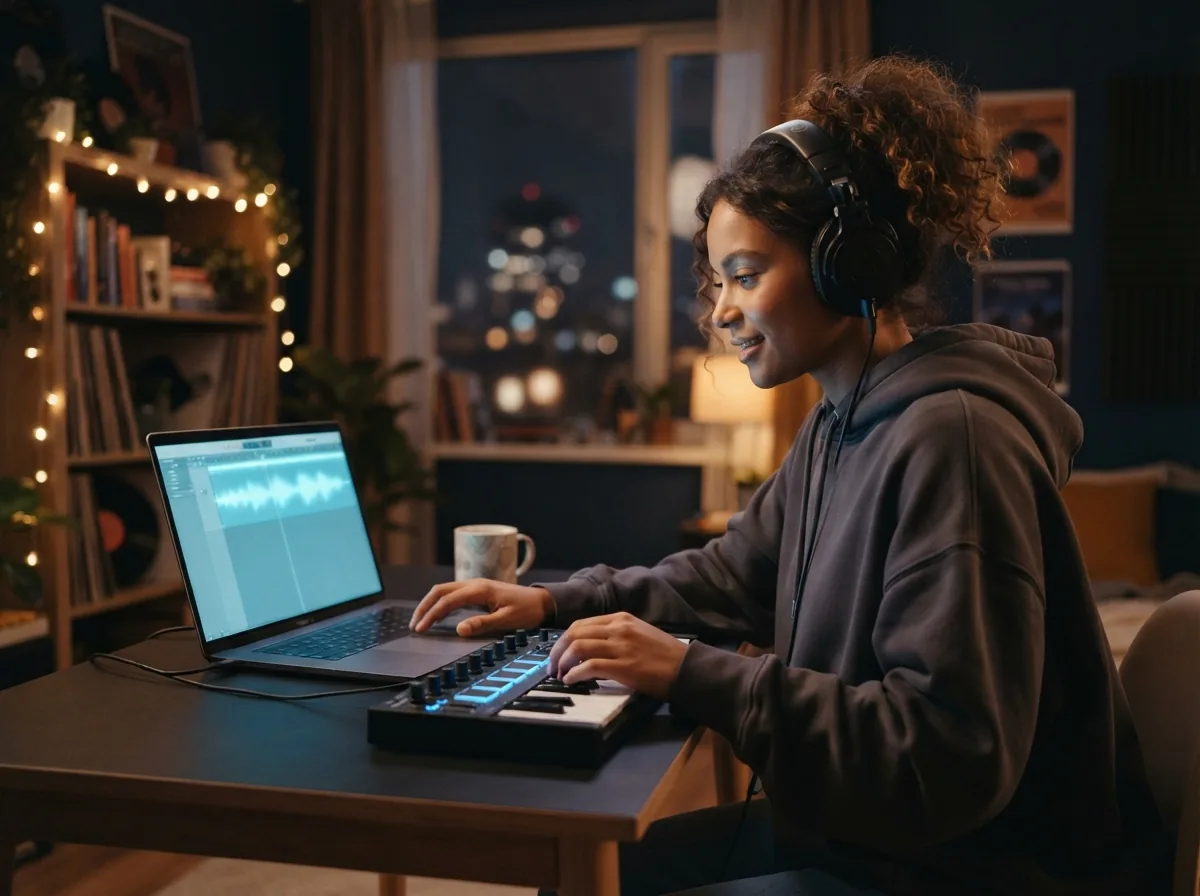
What should you try after your first mix?
The next step is to refine one idea on purpose, either by changing the prompt, switching the mood, or rebuilding the rhythm as a lofi beat maker. You can make lofi music that feels more personal by deciding what the music is for first, such as focus, sleep, background reading, or a quiet late-night vibe. If you want more hands-on guidance, how to make lofi music walks through the core parts that shape the sound. That extra context helps you edit with intent instead of guessing which change will improve the music.

Features
Create laid-back lofi beats from a prompt
Describe your mood, tempo, or late-night study vibe, then shape it into chill music with vocals or instrumentals. OnMusic AI's free AI music generator helps you make lofi music fast, try different styles, and keep editing until the sound feels right.
Create lofi music from text
The lofi music generator turns a short prompt into finished music with one flow. You can type a mood, scene, or vibe like late-night study beat with soft keys, dusty drums, and rain in the background. This works well when you have an idea in your head but no instruments, software setup, or music theory. The result is music you can play, save, and share without building each part by hand.
Shape lofi moods with prompts
The lofi music generator lets you guide the feel of the music by describing details in plain words. You can ask for calm piano, mellow bass, sleepy drums, vinyl crackle, or a warmer late-evening tone, then try a new version without starting over. This matters when you want focus music, background music, or a more personal sound than a generic playlist. OnMusic AI's free AI music generator makes that prompt-based workflow simple, so you can move from idea to music fast.
Turn lyrics into lofi songs
The lofi music generator can turn your own words into lofi songs with melody and vocals. You can paste lines you wrote, adjust rhyme or flow, and send them straight into the music-making step. This is useful for personal songs, quiet rap ideas, diary-style verses, or a gift that sounds made for one person. The outcome is a complete song that keeps the relaxed lofi feel while giving your lyrics a real musical shape.
Build lofi beats for focus
The lofi music generator helps you make lofi music that fits studying, reading, working, or winding down. You can prompt for steady drums, soft harmony, and a repeating groove that stays present without taking over the room. This makes the tool practical for people who want background music for attention and calm, not just a one-time song experiment. If you already have audio you want to soften and restyle, a lofi converter is the better next step than rebuilding from scratch.
Explore chill styles beyond lofi
The lofi music generator gives you a clear starting point, then makes it easy to branch into nearby styles. You can begin with a mellow beat and try a more spacious ambient feel or a brighter synth-led mood with a new prompt version. This helps when you want to compare sounds for videos, study sessions, or casual listening without learning a full production workflow. If you want a softer atmosphere, try an ambient music generator, and if you want more retro motion, try a chillwave music generator.
Who makes relaxed beats with a lofi music generator, and what they create
Students, writers, casual creators, and first-time music makers use a lofi music generator to create study beats, mellow background music, and personal songs that match a mood.

Students making focus music fast
A lofi music generator no signup setup helps students create calm background music for study sessions without getting stuck in a long setup flow. They use a lofi beat maker to make soft drums, warm keys, and vinyl-style texture for reading, homework, or late-night revision.
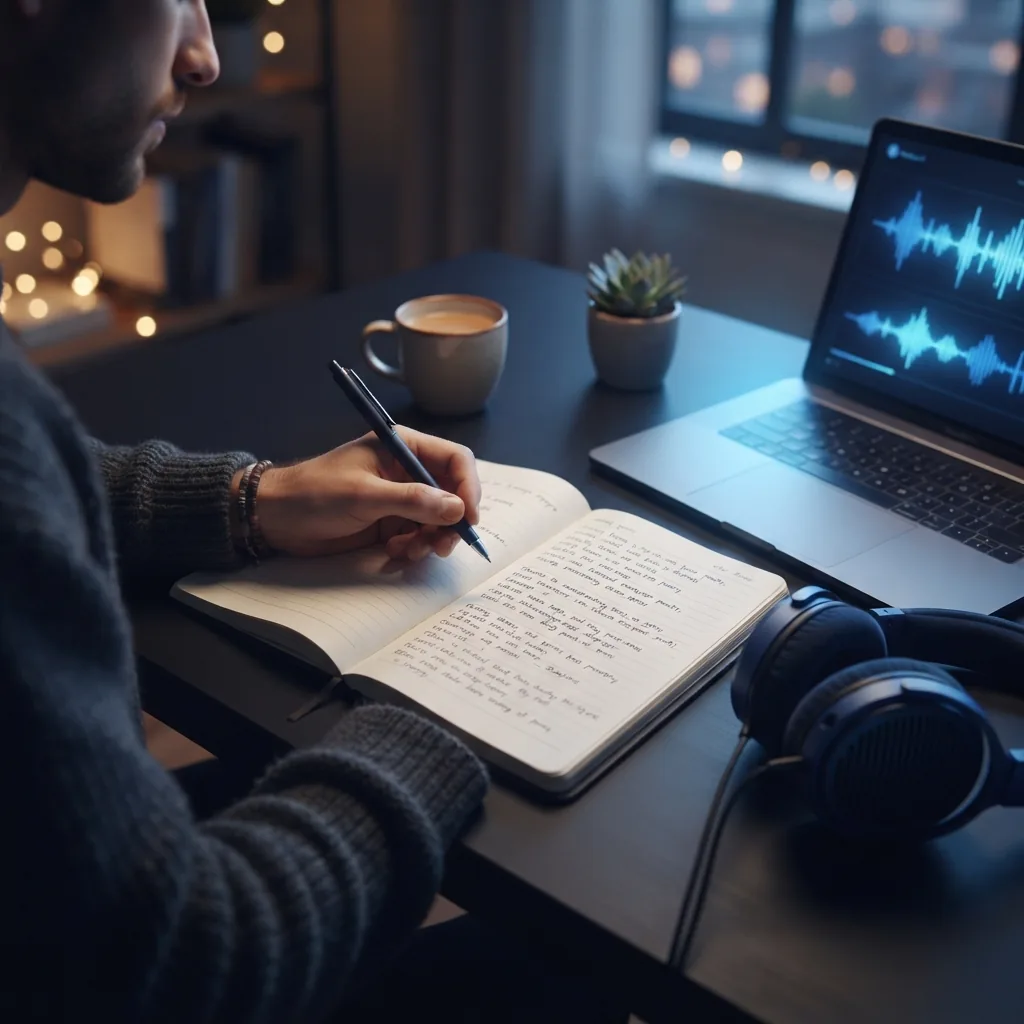
Writers turning moods into personal songs
A lofi music generator helps lyric writers turn a journal line, late-night thought, or short poem into mellow music that feels personal. They use OnMusic AI's free AI music generator to shape simple verses into chill songs with light vocals or keep them instrumental.
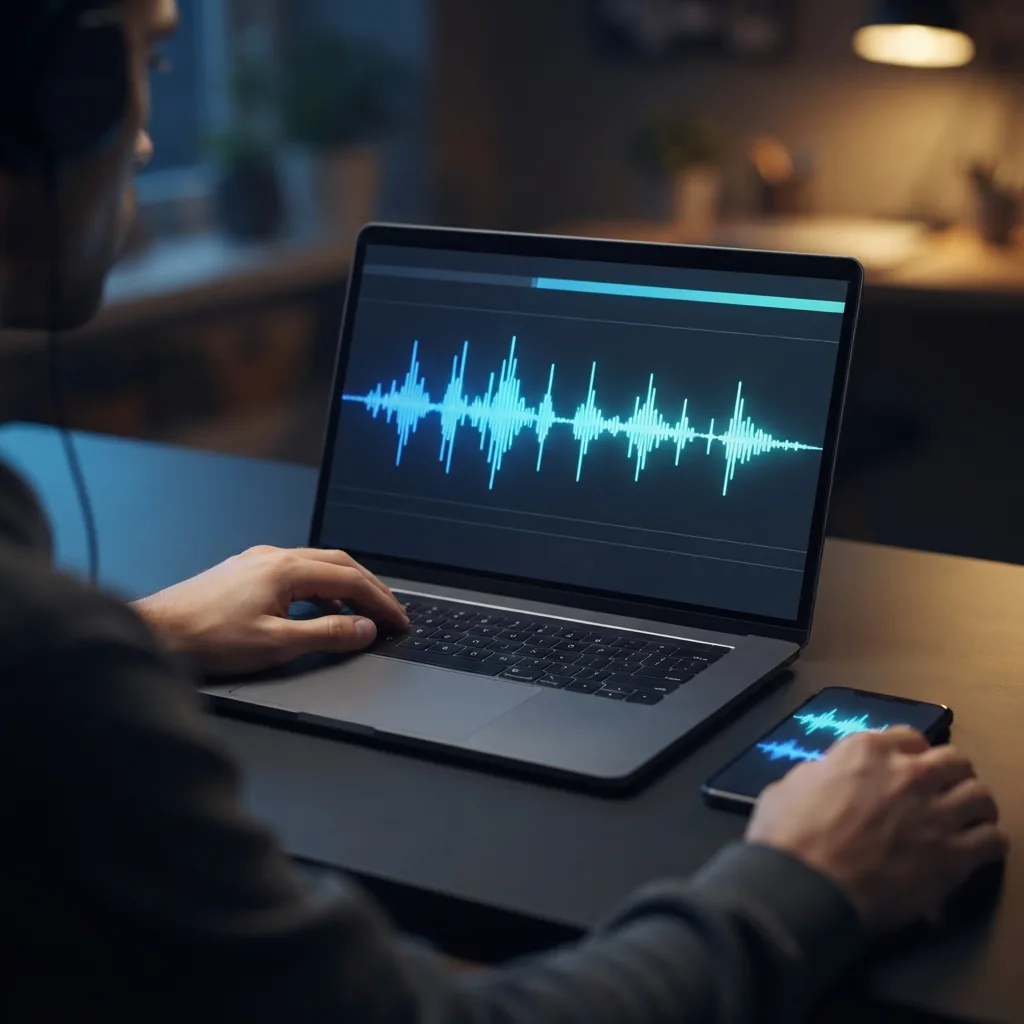
Creators adding chill music to short videos
Lofi music generator sessions are popular with people who post vlogs, montage clips, and quiet lifestyle edits because they need original background music that does not feel generic. They make lofi music for cooking videos, room tours, travel recaps, and simple voice-free uploads that need a warm, laid-back sound.
Used by music makers every day music makers
People use OnMusic AI to create music for fun, test ideas fast, and share songs they made themselves.
How the lo-fi generator works
You start with a mood, genre cue, or a few lyric lines, then the lofi music generator turns that input into finished music you can play and download.
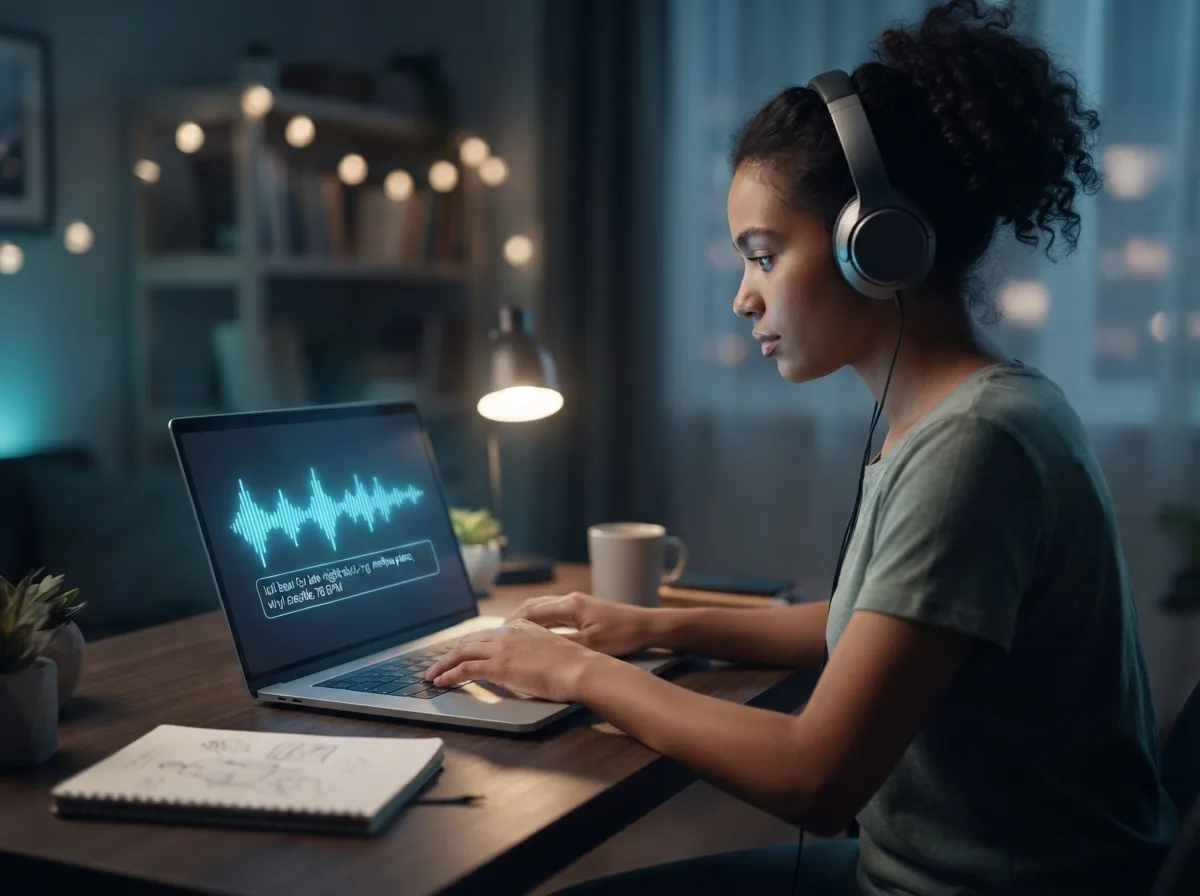
Type your lofi idea
Write a short prompt that tells OnMusic AI what you want to hear, such as sleepy jazz chords, dusty drums, vinyl crackle, soft piano, or late-night study vibes. You can also paste your own lyric lines if you want the music to follow your words.

Choose the style and create
Pick the length, mood, and whether you want instrumental music or vocals, then create your version. The music forms with lofi textures, relaxed rhythm, and a clear structure based on the prompt you gave.
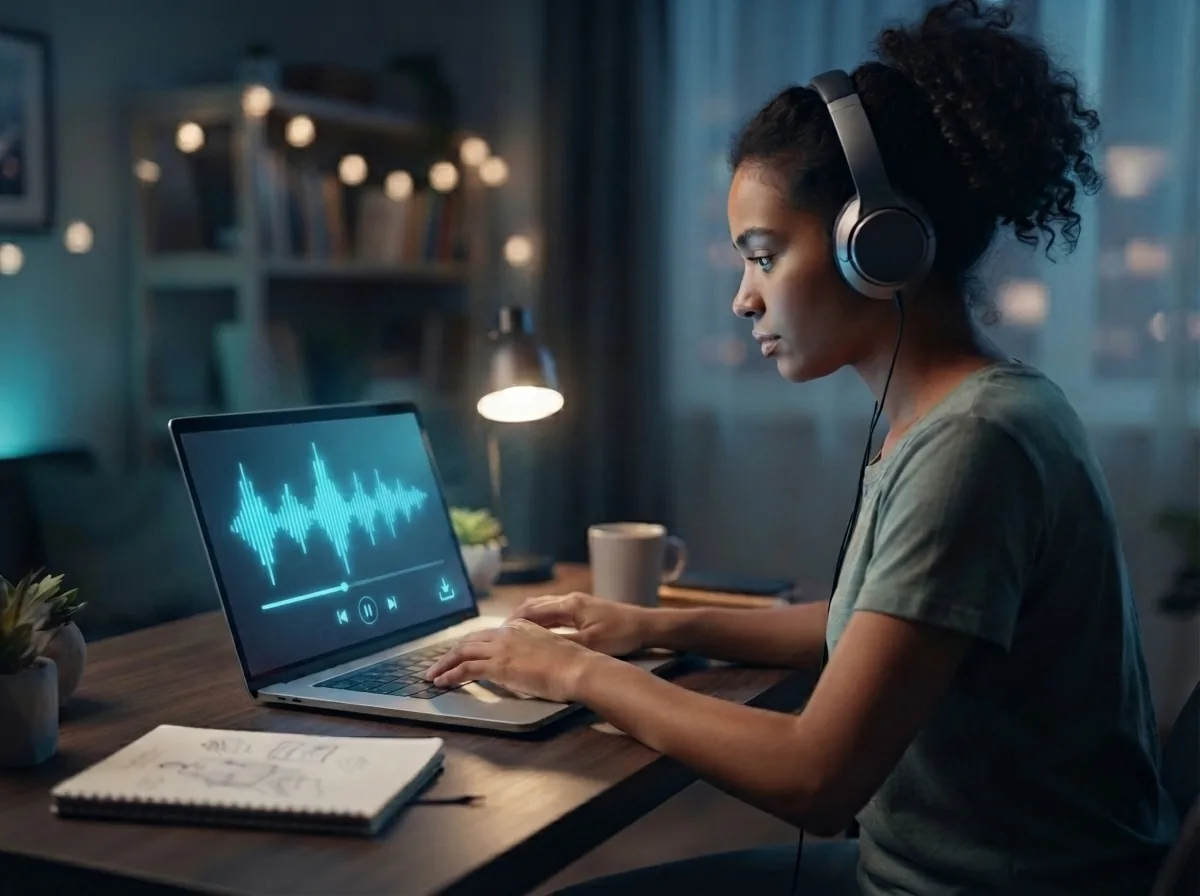
Play and download your finished music
Listen to the result, make quick edits if needed, and download the finished file. Your output is a complete lofi music file you can keep as an instrumental beat or a full song with vocals, depending on the setup you chose.
Make your own lo fi music from one prompt
OnMusic AI's free lofi beat maker turns your mood, genre, or lyric idea into finished music with soft drums, warm keys, and laid back vibes.
Frequently asked questions
What does a lofi music generator do?
How does lofi music generator work?
How can I create lofi music?
What inputs can OnMusic AI's lofi song generator take?
Can a lofi music generator create full songs with vocals?
How long can music from OnMusic AI's lofi beat maker be?
Is lofi music made by AI?
How can I convert a song to lofi music?
Is lofi music hard to make?
Why is lofi good for ADHD?
Is lofi good for your brain?
Is lofi music healthy?
Is making AI music legal?
What is the best lofi music generator?
Can a lofi music generator free online be useful for real projects?
Does a free lofi music generator need music theory or signup to start?
Your first lo-fi song starts with one idea
Type a mood, beat, or lyric, then create mellow music with drums, melody, and a finished song you can play and share.