
September 30, 2026
10 min read
Guide

Royalty Free Music For Podcasts

Royalty-free music for podcasts is copyright-cleared audio and background themes that creators can legally use without paying recurring per-listen broadcast fees. Choosing properly licensed production audio keeps your episodes monetized, compliant, and protected against automated content ID strikes across every major listening directory.

By Reviewed by Tomás ReyesHow we review
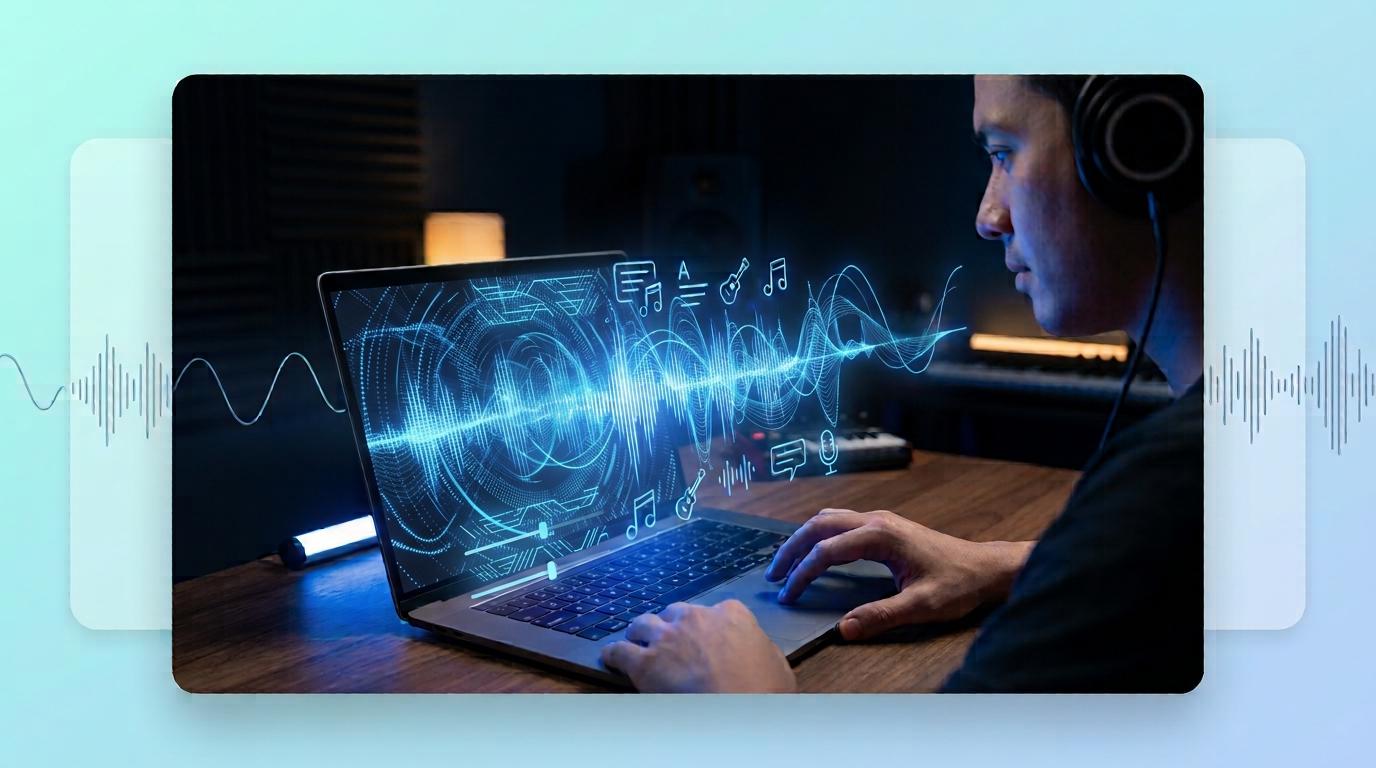
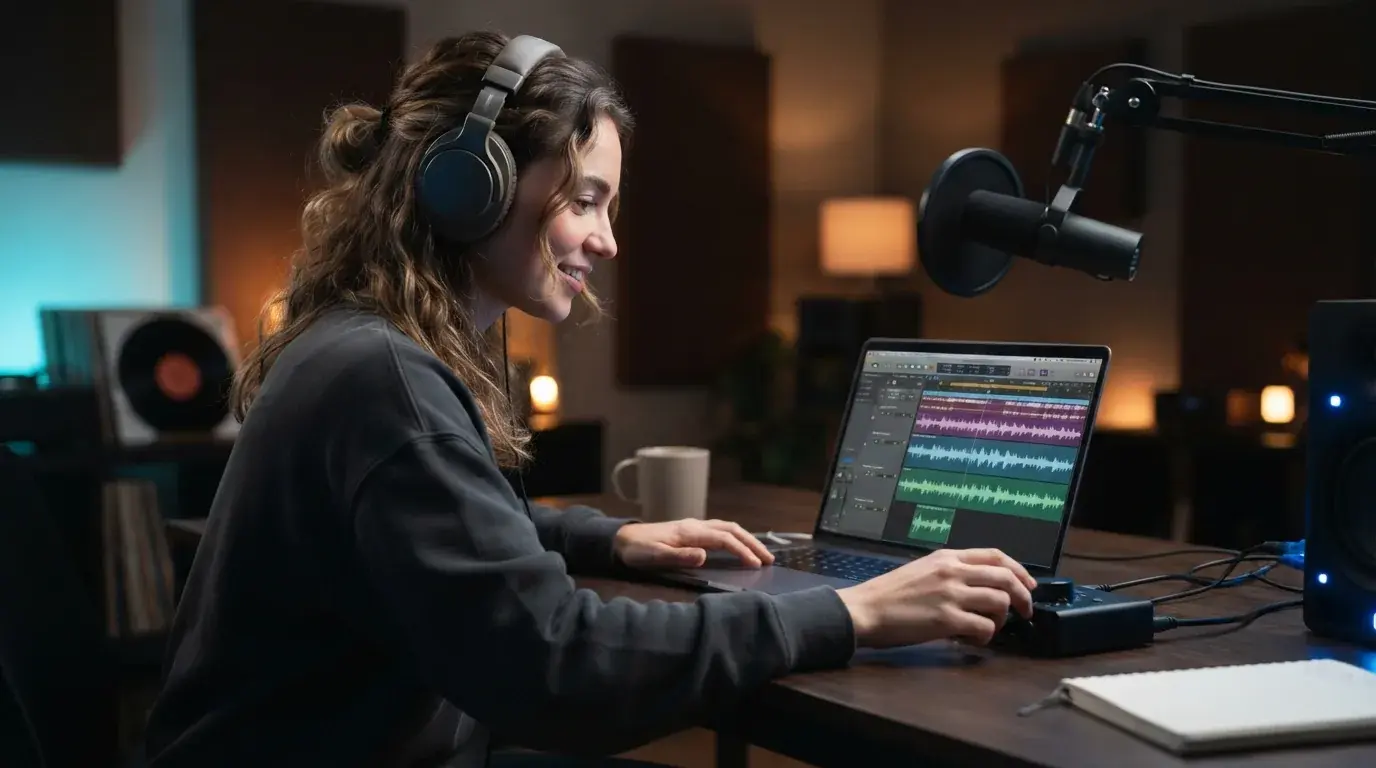
Podcaster editing podcast background music and audio tracks on a laptop in a dark studio

Understanding royalty-free music for podcasts

Royalty-free music for podcasts means you acquire the legal right to use an audio track in your audio episodes without paying recurring royalties each time someone hits play. Contrary to a common misconception, the term royalty-free does not always mean zero cost. Instead, it describes a licensing model where you pay once upfront, hold an ongoing subscription, or use an open license like Creative Commons, avoiding per-stream payouts to the original composer. Podcasters need cleared music for intro hooks, transition sweeps, ad markers, and mid-roll beds. If you drop a commercial hit from a major label onto your feed, hosting platforms and streaming distributors can flag, mute, or remove your show entirely through automated content matching systems. Securing genuine royalty free podcast music safeguards your podcast directory presence and lets you publish every episode with confidence.

Podcast creators source legal music across three main channels: curated subscription services, public domain repositories, and modern artificial intelligence composition platforms. Subscription libraries such as Epidemic Sound, Soundstripe, and PremiumBeat charge a monthly or annual fee that covers commercial rights for all published episodes while your plan remains active. If you operate on zero budget, free libraries like Free Music Archive, Incompetech, and the YouTube Audio Library provide tracks under specific Creative Commons terms. You must check each license closely, because some licenses demand spoken attribution in your show notes or ban commercial monetization. For complete creative independence without catalog browsing, you can also use an AI background music generator to build custom audio designed to fit the exact pacing of your discussion.
Podcast host editing episode tracks alongside royalty free music files in a home studio

Essential tips for using royalty-free music in podcasts

These tips help you integrate background audio without burying your voice. First, select instrumental arrangements that lack lead vocal melodies or complex synth leads, because busy mid-range instruments clash directly with human speech between 1 kHz and 4 kHz. Second, apply volume ducking in your digital audio workstation so your podcast background music automatically lowers by roughly 12 to 18 decibels whenever someone talks. Third, keep your intro theme punchy, limiting opening music to between five and ten seconds before introducing your topic. Finally, always download the uncompressed WAV version rather than a low-bitrate MP3 whenever the library allows it, ensuring your final mastered episode retains clean fidelity across Apple Podcasts, Spotify, and YouTube.

How to create custom podcast music in three steps

Creating an original audio bed gives your show an unmistakable brand identity without searching through generic catalogs. Step 1: Define your show mood and genre by picking descriptive adjectives like upbeat tech lo-fi, warm acoustic coffeehouse, or cinematic investigative synth. Step 2: Use OnMusic AI's free music generator to create an instrumental song from a text prompt, specifying the exact tempo and energy level you need for your segment. Step 3: Export your new song, trim it to your desired intro length, and drop it into your timeline as an exclusive theme that no other show shares. Producing custom music for podcasts this way keeps your audio entirely unique and completely cleared for any platform distribution.
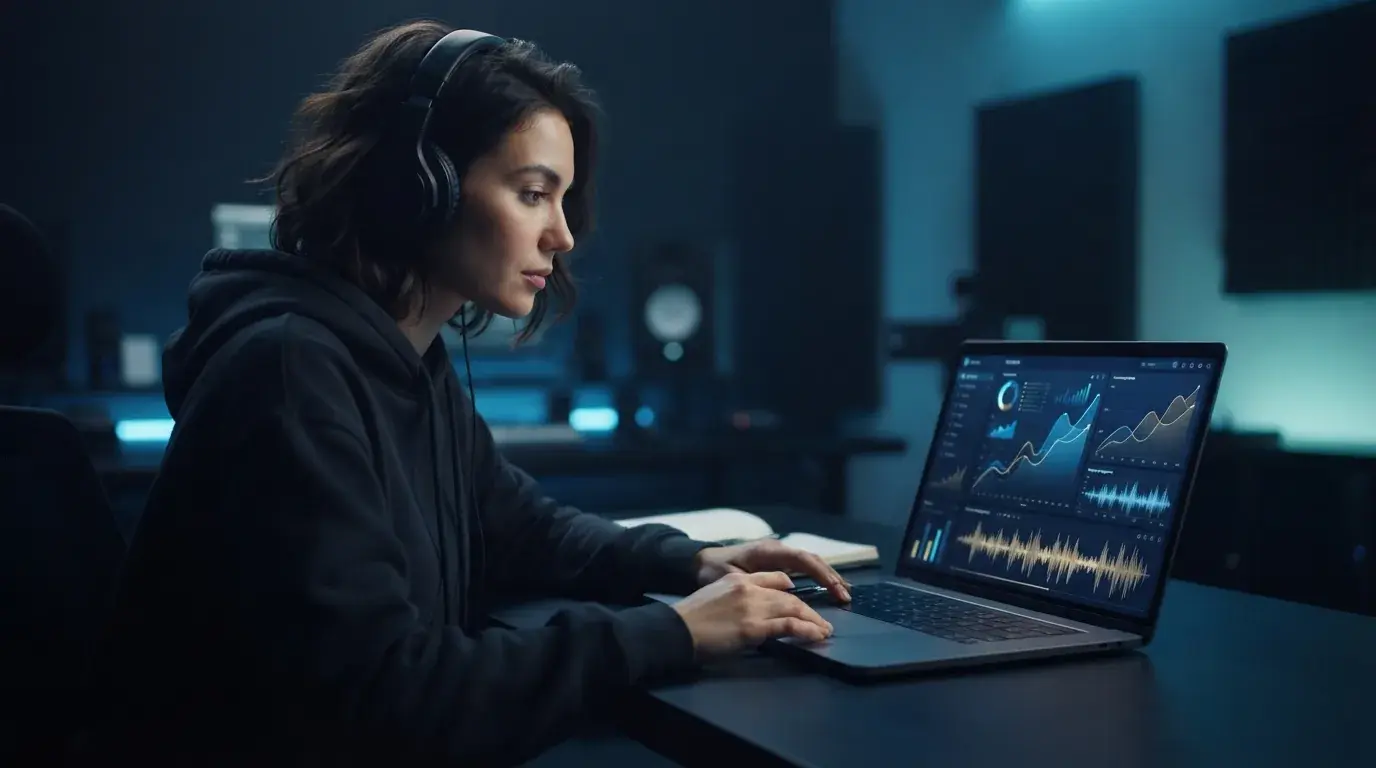
Audio mixing interface displaying custom podcast theme music levels and frequency curves

Top free podcasts tools for clean audio production

Managing your audio production becomes much simpler when you combine reliable free podcasts tools into a streamlined workflow. Audacity offers open-source multitrack recording and editing capabilities across Mac, Windows, and Linux, making basic arrangement accessible to anyone. For browser-based editing, tools like Podcastle and Riverside deliver clean speech capture with built-in leveling filters. When you discover an existing track with an overwhelming vocal hook, OnMusic AI provides an intuitive vocal remover to strip the vocal line cleanly, giving you an isolated instrumental track ready for voiceover use. Pairing a dependable audio editor with an online instrumental creator ensures your finished episodes sound cohesive, balanced, and broadcast ready without recurring software expenses.

Common licensing mistakes podcasters should avoid

The most frequent error new creators make is assuming that any song found online can serve as copyright free podcast music as long as proper credit appears in the show notes. Attribution does not replace an actual license, and fair use rarely covers decorative intro tracks or mood beds. Another common pitfall involves using tracks licensed strictly under Creative Commons Non-Commercial (CC-BY-NC) terms on a show that runs dynamic sponsor ads or accepts listener support through Patreon. Doing so breaches the license terms and exposes your show to copyright strikes. Creators exploring generated options can check is AI music legal to confirm ownership rights. Always store a digital receipt or copy of the license terms for every song you include in your episode library so you can resolve any automated platform dispute quickly.
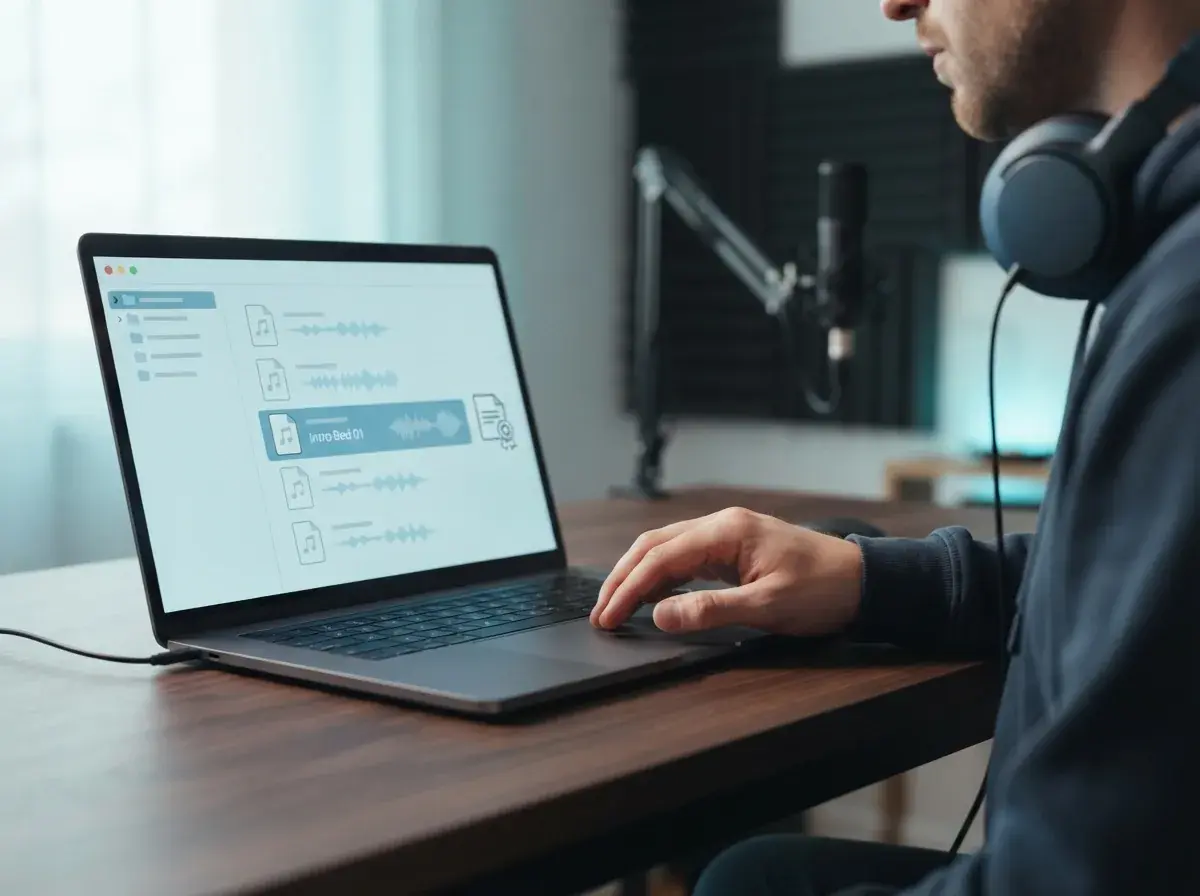

Podcast recording workstation with dynamic microphone and audio editing timeline illustrating copyright compliance

Key takeaways for selecting podcast audio

Finding reliable royalty-free music for podcasts comes down to matching your licensing terms with where your show distributes. Public domain archives, stock audio libraries, and custom generation tools each solve different budget needs for intros, background beds, and segment transitions. Always review your license terms for commercial rights and attribution requirements before publishing an episode to major streaming directories. To make your own intro or background bed, start with AI background music or a calm lofi track; if you're new to the genre, read what lofi music is.
FAQ

Frequently asked questions about Royalty Free Music For Podcasts

Find clear answers to essential licensing, distribution, and cost questions so you can pick the right music for your show without risking copyright claims on your feed.

Where can I find royalty-free music for podcasts without paying monthly fees?
You can find royalty-free music for podcasts on open public domain archives like the Free Music Archive, Creative Commons directories on Pixabay, or by producing custom sounds online. An AI music generator such as OnMusic AI lets you create a fresh intro in seconds; its Pro and Max plans include commercial use, so there are no per-track licensing fees.
Is royalty-free music for podcasts completely free to use?
Royalty-free means you do not pay ongoing royalties per download or broadcast, but it does not always mean zero upfront cost. Stock libraries often charge a one-time purchase price or require an active membership, while Creative Commons audio might demand attribution in your show notes. If you want zero recurring costs and unique ownership, OnMusic AI lets you create custom background songs instantly without licensing hurdles.
How can I create free music for my podcast intro?
You can create original podcast intro music using OnMusic AI's free AI music generator directly in your browser. Enter a text prompt describing your show theme, pick a style like lo-fi or funk, and produce a finished song with melody and rhythm in minutes. This gives your show a unique audio identity that no other creator shares.
What is the best workflow for royalty safe audio selection?
The best workflow for royalty music selection begins with defining your episode mood and listing needed cue lengths before you start browsing. Next, verify the commercial license terms on your chosen platform to ensure podcast distribution is explicitly permitted. Finally, archive the license certificate alongside your audio stems so you can resolve any hosting platform copyright flags quickly.
Do royalty free podcasts need to credit the artist in show notes?
Many royalty free podcasts must include specific artist attribution if they use tracks licensed under Creative Commons licenses such as CC BY. Paid royalty-free subscriptions generally waive this requirement, allowing clean distribution without mandatory credits. With OnMusic AI you don't need to credit anyone for the tracks you generate, and commercial use is included on the Pro and Max plans.
Where can I find absolutely royalty-free music?
You can find absolutely royalty-free music on platforms like YouTube Audio Library, Incompetech, and Pixabay Music. These platforms provide audio assets that do not require recurring payments per episode download. For completely original tracks tailored to your exact pacing, you can also use an online song generator to craft background beds on demand.
Can I use songs from Spotify in my podcast?
Not without a license. Songs in Spotify's streaming catalog are licensed for listening, not for use inside your episodes. Spotify's podcast hosting (now called Spotify for Creators) is free, but you still need your own licensed or royalty-free music for intros and background beds.
How much does a podcast with 5000 listeners make?
A podcast averaging 5,000 listeners per episode typically earns between $100 and $250 per episode through standard programmatic ad sponsorships. At an industry average rate of $18 to $25 CPM for mid-roll ads, four monthly episodes can yield around $400 to $1,000 in advertising revenue. Shows that sell direct sponsorships, affiliate products, or private listener memberships often earn significantly more.
Can you make a living off of a podcast?
You can make a full-time living from podcasting, but it usually requires diversifying your revenue beyond basic advertising. Successful creators combine ad sponsorships with Patreon subscriptions, merchandise, premium content tiers, and live events. Consistent episode releases and a loyal niche audience are much more important for revenue than broad listener numbers alone.
How many Spotify streams do you need to make $1000?
You typically need between 250,000 and 350,000 streams on Spotify to earn $1,000 in music royalties. Spotify generally pays music rights holders between $0.003 and $0.005 per eligible stream, depending on listener geography and subscription tiers. For podcast creators, revenue depends on advertising impressions and sponsorship deals rather than per-stream platform payouts.
Why do some podcasters choose independent hosts over Spotify?
Some creators prefer independent hosts such as Buzzsprout or Transistor for more control over their RSS feed, analytics and ad integrations, while others value Spotify's built-in audience tools. Either way the music rules are the same: only use tracks you have a license for.
Where can I find copyright-free music for podcasts?
You can source copyright-free music for podcasts through public domain archives like Musopen and the Free Music Archive. These repositories host older recordings and donated creative works whose rights have expired or been waived. If you want modern beats that match contemporary podcast production standards, OnMusic AI lets you create original tracks in seconds, and commercial use is included on the Pro and Max plans.
Is starting a podcast in 2026 too late?
It is not too late to start a podcast in 2026 because listener demand for niche, high-quality audio programming continues to expand globally. While general interview shows face heavy competition, hyper-focused podcasts in specialized topics like local news, career advice, and deep fandoms thrive. High audio standards and distinctive background music help new creators stand out immediately in modern podcast directories.
What happens if you use copyrighted music on a podcast without permission?
Using copyrighted music without a license can lead to takedown notices, host account termination, and potential copyright infringement lawsuits. Distribution platforms like YouTube and Spotify employ automated audio fingerprinting to identify protected tracks and block non-compliant episodes. Using properly licensed royalty-free music keeps your distribution feed safe across every major directory.
What is the difference between royalty-free and copyright-free music?
Royalty-free music still carries an active copyright, but the owner grants you a license that removes the need to pay recurring fees per play. Copyright-free music refers to audio in the public domain where legal copyright protection has expired or been explicitly waived under CC0 terms. In both cases, podcasters can safely incorporate the sound without paying ongoing distribution penalties.
Can I use royalty free podcast music on YouTube video podcasts?
Most royalty free podcast music licenses cover standard RSS podcast feeds and video hosting platforms like YouTube. However, you should always check whether your provider requires channel whitelisting to prevent automated Content ID claims. Tracks you create with OnMusic AI are original compositions rather than stock-library recordings, so they are not registered in Content ID libraries the way many stock tracks are.

See similar blogs

More from the blog

Ready to make custom music for your next podcast episode?

Describe your show's mood, pick an instrumental groove, and download original audio for your intros and transitions.

No music production experience required
Export high-quality audio in seconds
Free to start directly in your browser