Free tool

AI Music Composer

An AI music composer is software that turns prompts into arranged music, like a digital composition assistant.

  • Start with one idea

    Write a mood, scene, or lyric and shape it into music you can actually use.

  • Build full music fast

    Create vocals, melody, and structure in one flow instead of piecing parts together.

  • Try new styles easily

    Test cinematic, orchestral, lo-fi, rap, and more without starting over each time.

Why this matters

What composing with AI actually helps you do

It gives you a practical way to shape ideas into real music, test directions fast, and finish pieces that match a mood, scene, or personal moment.

Turn a rough idea into playable music

The biggest payoff is speed from thought to sound. Instead of staring at a blank timeline or trying to score every note by hand, you can turn a mood, scene, or melody idea into music you can hear, judge, and refine.

Try more directions before you commit

Composition gets easier when you can compare versions quickly. You can test tempo, harmony, texture, and arrangement choices without rebuilding the whole piece each time. That makes it simpler to find the version that fits your story, lyrics, or video.

Make music creation more accessible

You do not need formal training to begin composing. This matters for people with lyrics, a beat concept, or a scene in mind but no notation skills. Tools from brands like OnMusic AI lower the barrier between having taste and making music.

Finish more ideas instead of leaving them half done

A composition system is useful because it helps you move from fragments to structure. You can build around sections, transitions, and dynamics rather than a single loop. That means more complete pieces for sharing, practicing, studying, or keeping as personal drafts.

Hear real songs made with OnMusic AI

Fresh from the community explore feed — tap any track to play it right here.

The basics

How does AI music composer work in practice?

This section explains what an AI music composer is, how it builds music from prompts, and where it fits in real creative work. You will learn the core ideas first, so you can judge results, prompts, and tools with more confidence.

ai music composer — topic section inline 0

Why do people want to compose music this way?

AI compose music free matters because most people have a mood, scene, or lyric idea long before they have instruments, recording gear, or arranging skills. An AI music generator lowers that first barrier by turning a plain description into music you can hear, judge, and revise. That makes composing feel less abstract, especially when you want something personal instead of another playlist pick. It also helps you test ideas quickly: a birthday chorus, a suspense intro, or a soft piano bed can go from concept to a usable draft without learning notation first. If you want a deeper primer, see how to compose music with AI and how those first prompts become structure.

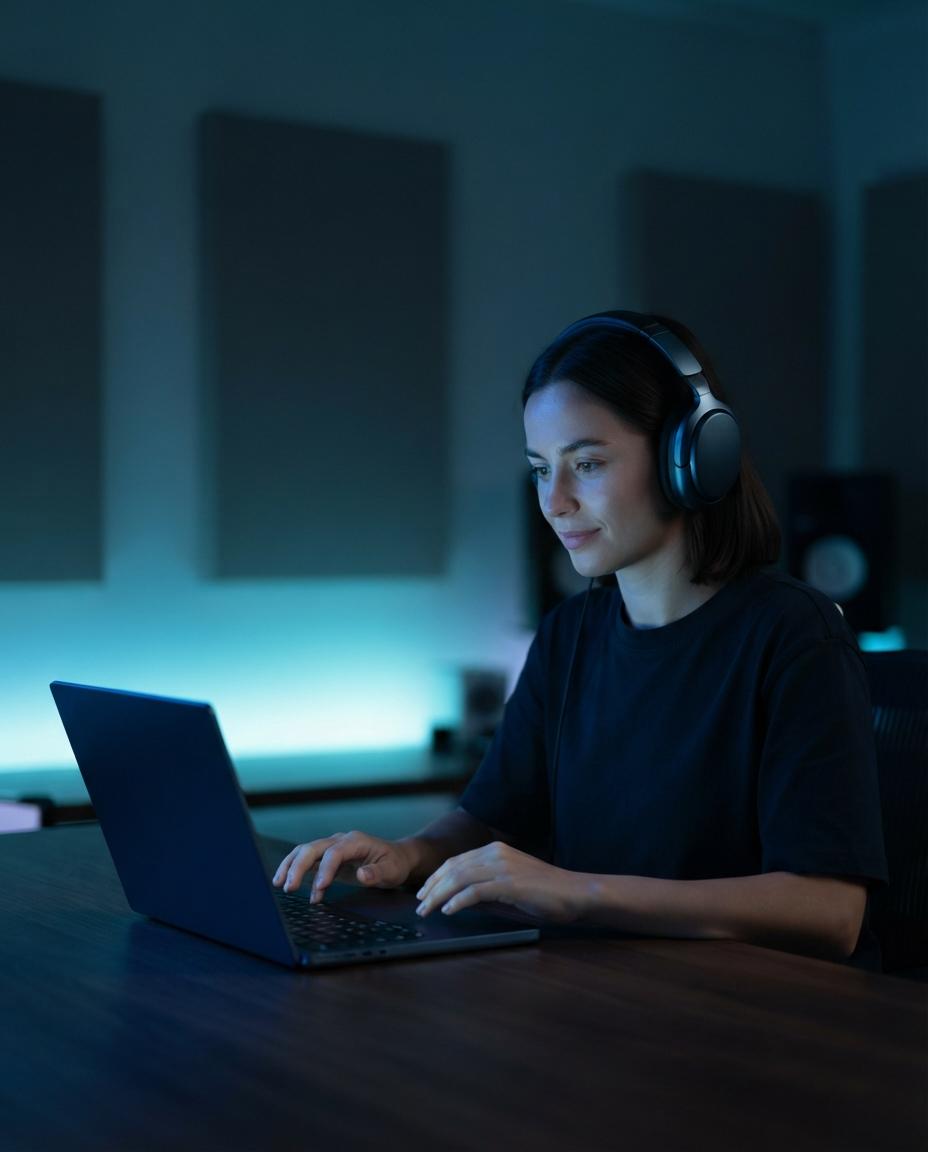
Person creating cinematic music cues on a laptop

What does a film-style composer actually do?

An AI film score generator creates music around story cues such as tension, pacing, setting, and emotional lift, not just genre labels. In practice, you guide the result with details like tempo, instrumentation, arc, and whether the music should stay under dialogue or swell at key moments. A music composer AI works best when your prompt names the scene, for example: “90-second instrumental, slow build, felt piano and low strings, quiet at first, rising tension for a night drive scene.” That can yield intro, build, and release instead of a loop. Readers exploring scene-based scoring should also look at create cinematic music with AI and a cinematic music generator.

ai music composer — topic section inline 2

What trips people up when composing with AI?

An AI music composition tool usually fails for the same three reasons: vague prompts, conflicting instructions, and no sense of form. If you ask for “epic but calm, fast but dreamy, with every instrument,” the music often feels unfocused because the brief fights itself. Another common miss is judging the first output as final, when composition is usually iterative. Start with one clear role for the music, then refine tempo, texture, and length one variable at a time. If you want to study arrangement choices or pull parts apart for review, an AI stem splitter helps you hear drums, bass, and vocals separately while learning what is working.

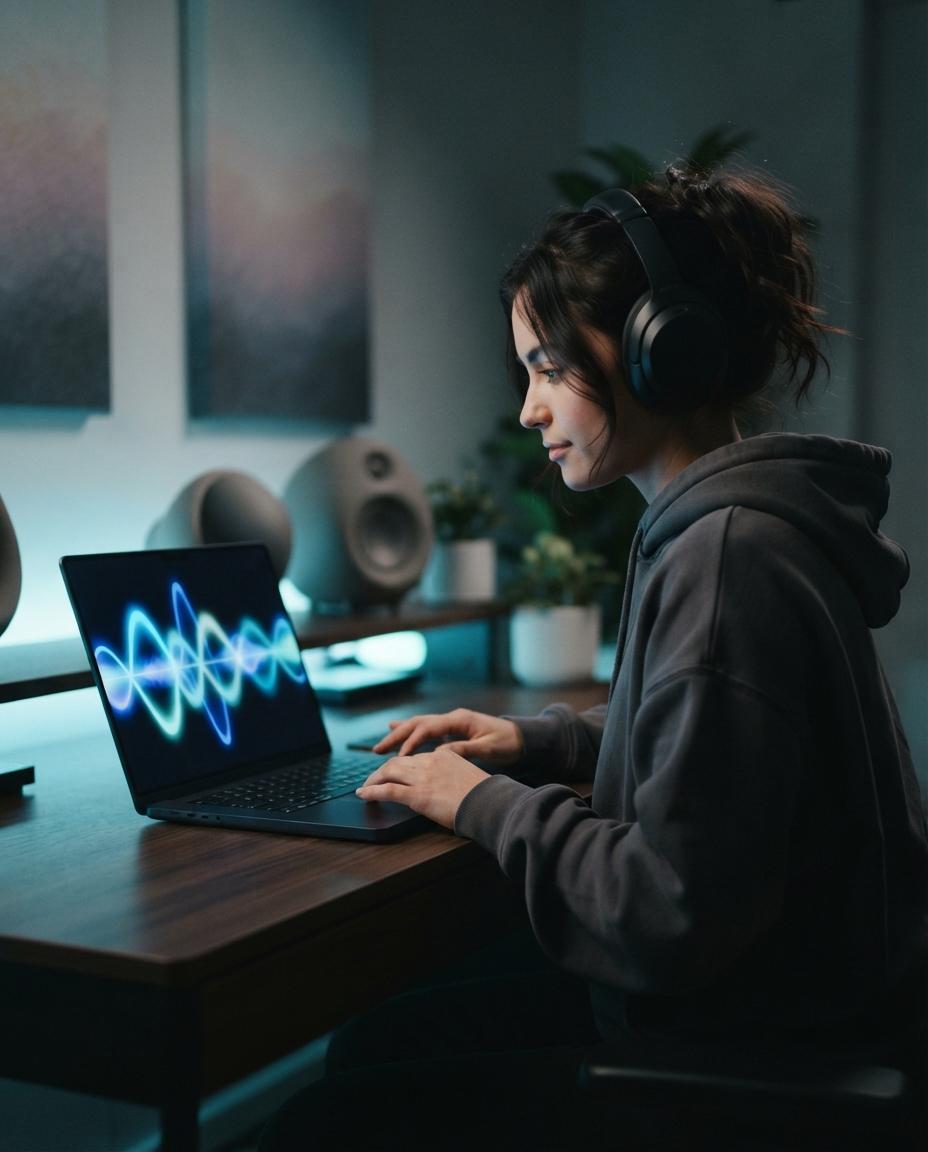
Creator refining an orchestral music prompt on laptop

How can orchestral prompts get better results?

An AI orchestral music generator gets better results when you describe ensemble, motion, and purpose instead of saying only “make it epic.” Useful prompts specify strings, brass, percussion, choir or no choir, plus where the cue should grow, pause, or resolve. OnMusic AI helps by turning those details into music you can revise without rebuilding from zero, so a simple brief can become a fuller arrangement draft. If you want a focused orchestral route, try an orchestral music generator, and for style ideas read AI orchestral music. For creators scoring scenes, this is especially practical for filmmakers who need a fast sketch before fine edits.

ai music composer — topic section inline 4

Where should you explore after the first draft?

An automatic music composer AI is most useful when you treat the first output as a starting point, then branch into the style or task you actually need next. You might turn a calm sketch into AI background music for a video, switch gears with a rap beat maker for vocal ideas, or strip things back with a lofi music generator for study, streaming, or journaling. The point is not one perfect prompt, but a workflow that keeps the core musical idea while changing texture and purpose. If a draft already fits, keep it simple. If not, explore adjacent tools and compare versions until the music matches the moment.

How it works

How to compose music with AI

AI-assisted composition follows a simple pattern: define the musical goal, shape the structure, then review and refine the result.

Person typing a music composition brief on a laptop
1

Step 1: Set the brief

Start by defining the music's job in clear terms. Choose the mood, tempo, genre, length, and any must-have details such as piano, strings, drums, or a rising ending.

Music composition taking shape with sections and layers on screen
2

Step 2: Build the musical form

Next, turn the idea into sections such as intro, build, peak, and outro. At this stage, AI maps harmony, rhythm, melody, and arrangement so the music develops instead of looping without direction.

Finished AI-composed music ready to review and save
3

Step 3: Review and refine the result

Finish by listening for pacing, transitions, and emotional fit. Then revise details like instrumentation, intensity, or section length until the music matches the scene, lyric, or idea you had in mind.

Ways to create music for real moments

From short film ideas to personal projects, this kind of music making fits any moment where you want sound that feels made for it.

Person creating a personal song on a laptop at home

Make personal songs for real moments

You can turn a birthday note, inside joke, or love message into music that feels like it came from you. This fits people who want a song with a story, not something pulled from a playlist.

Creator turning phone lyrics into music on a laptop

Turn written lyrics into finished music

Some people already have lines, hooks, or a chorus in their notes app. They want help shaping those words into melody, structure, and a full piece of music they can play back and share.

Video creator sketching music for a scene on a laptop

Sketch music for videos, scenes, and creative projects

Video makers, students, and hobby creators often need music that matches a mood fast. They may be testing ideas for a short film, podcast intro, game concept, or class project without hiring a composer first.

Features

What you can do while composing music

Build full arrangements, shape parts, and refine the sound with tools that help you move from idea to finished music.

Prompt-to-composition engine

The system maps your text prompt to tempo, key, chord movement, instrumentation, and arrangement before it renders audio. That means the music is built from musical decisions, not just a surface mood label, so you can get clearer changes when you adjust style, energy, or length.

Section-aware song structure

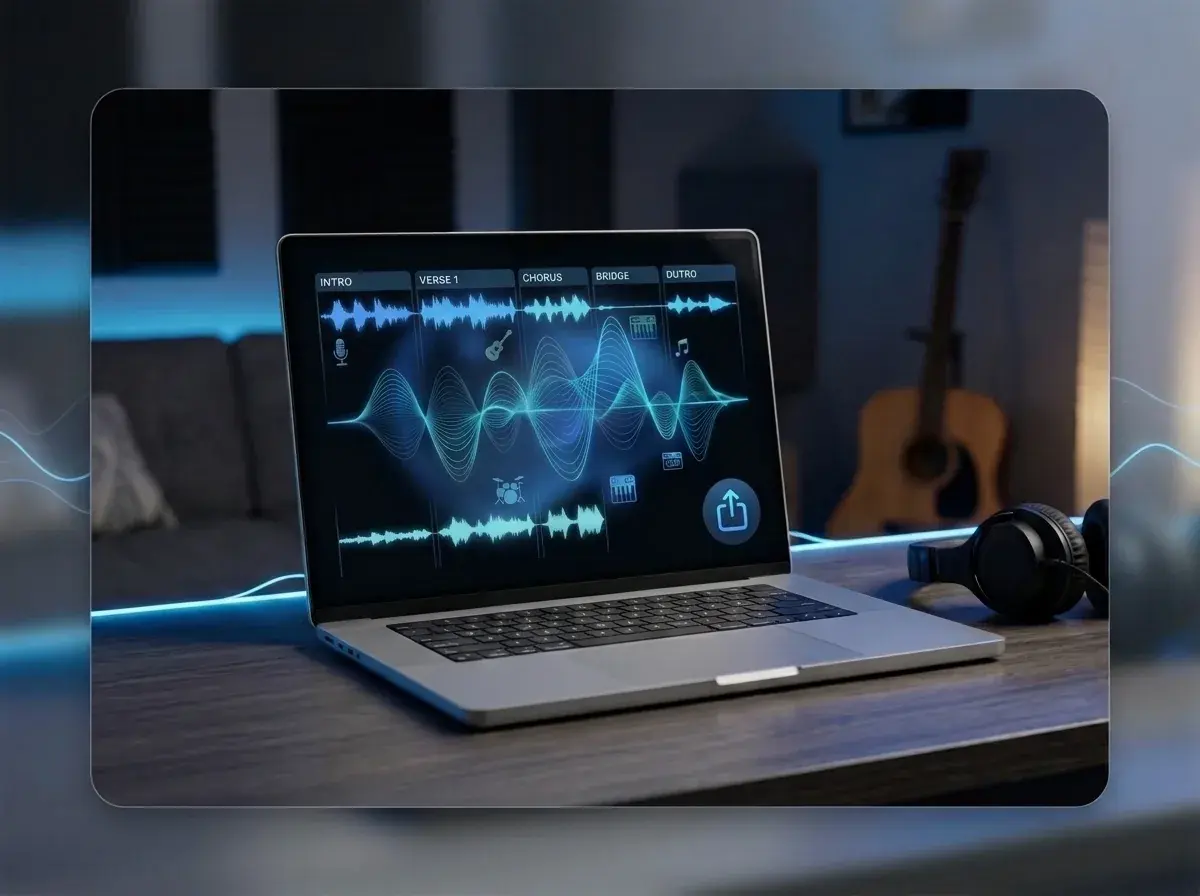
The composer organizes music into parts such as intro, verse, chorus, bridge, and outro instead of looping one idea over and over. This helps the result feel like a complete song, with contrast and repetition in the right places, especially when you start from lyrics or a short concept.

Lyric and vocal alignment

When you bring your own words, the model fits syllables, phrasing, and rhyme placement to melody so lines land more naturally. You can draft words, revise them, and then create the music around them without jumping between separate writing and recording tools.

Editable audio layers

A finished song is easier to refine when the parts are separable, which is why layer control matters after composition. If you want to isolate parts for remixing, studying, or cleaner edits, the AI stem splitter can break out elements like vocals and drums without a full DAW setup.

Style-specific starting points

Different genres need different building blocks, so the system can begin from patterns that fit the music you want to create instead of forcing one template onto every song. If you want a focused starting point, a rap beat maker suits rhythm-first ideas, and a lo-fi music generator fits softer grooves and texture-led arrangements.

By the numbers

Made for everyday creators everywhere

People use OnMusic AI to create music for fun, from quick ideas and personal lyrics to shareable songs and instrumentals.

10M+

Songs created

Tracks made by creators like you

5M+

Happy creators

Everyday people making music for fun

4.8★

App rating

Loved by our community

Turn your idea into composed music with melody, structure, and style

Use what you learned here to create a full piece from a prompt, lyrics, or a scene idea in one place.

Write a prompt, mood, or scene
Create vocals or instrumentals
Try different genres without starting over

AI music composer questions, answered

What is an AI music composer?
An AI music composer is software that creates original music from inputs like a text prompt, lyrics, genre, tempo, or mood. A good AI music composer helps with structure, melody, harmony, and arrangement, so you can move from a rough idea to a finished piece without traditional composing skills.
How does AI music composer work?
An AI music composer works by turning your instructions into musical patterns such as chords, rhythm, instrumentation, and song sections. Most tools analyze prompts like "sad piano intro" or "upbeat pop chorus," then build music that matches the style, length, and energy you asked for.
Can AI music composer create full songs with vocals?
Yes, some AI composers can create full songs with vocals, while others focus only on instrumental music. If you want sung parts, check whether the tool supports lyrics, vocal melody, and verse to chorus structure instead of only making background music loops.
Can AI compose music free?
Yes, some platforms let you AI compose music free, usually with limits on credits, length, downloads, or commercial use. Free access is useful for testing styles and prompts first, then deciding if the results are strong enough for a personal project, video, or shareable song.
Is an AI orchestral music generator good for cinematic pieces?
Yes, an AI orchestral music generator can be a strong fit for cinematic ideas when you need strings, brass, percussion, and dynamic build. It works best when your prompt includes scene details such as tension level, pacing, and instrument focus. For deeper examples, see the guides on AI orchestral music and creating cinematic music with AI.
Can an AI film score generator match a scene or mood?
Yes, an AI film score generator can match a scene better when you describe the action, emotion, and timing clearly. Prompts like "slow piano under dialogue" or "rising suspense for 30 seconds" usually produce more usable music than broad requests like "make it dramatic."
What should an AI music composition tool let you control?
An AI music composition tool should let you control genre, tempo, mood, length, instrumentation, and song structure at a minimum. It also helps if you can revise lyrics, regenerate sections, or create alternate versions, because composition is usually an iterative process rather than a one-click result.
Is automatic music composer AI useful for beginners?
Yes, automatic music composer AI is useful for beginners because it removes the hardest early steps, such as arranging chords, planning sections, and picking instruments. It is especially helpful for people who have an idea, a few lyric lines, or a mood in mind but do not play an instrument.
What files can AI music tools usually export?
Most AI music tools export standard audio files such as MP3 or WAV, though exact options vary by platform. Some also offer stems or separated parts for remixing and editing. If you need isolated vocals, drums, or bass after export, an AI stem splitter is the more relevant follow-up tool.
Why does AI-composed music sometimes sound too generic?
AI-composed music often sounds generic when the prompt is too broad or when no structure details are provided. Better inputs lead to better output, so include genre, instruments, tempo, vocal style, and a clear reference mood. If you want a stronger process, the guide on how to compose music with AI gives useful prompt and arrangement tips.

Your finished music piece starts with one idea

Write a prompt, shape the style, and create original music with melody, structure, and mood you can actually play and share.

Free to try in your browser
No music theory or studio setup needed
Create instrumentals, vocals, and different styles in one place

Explore more