Why a classical music generator is worth using
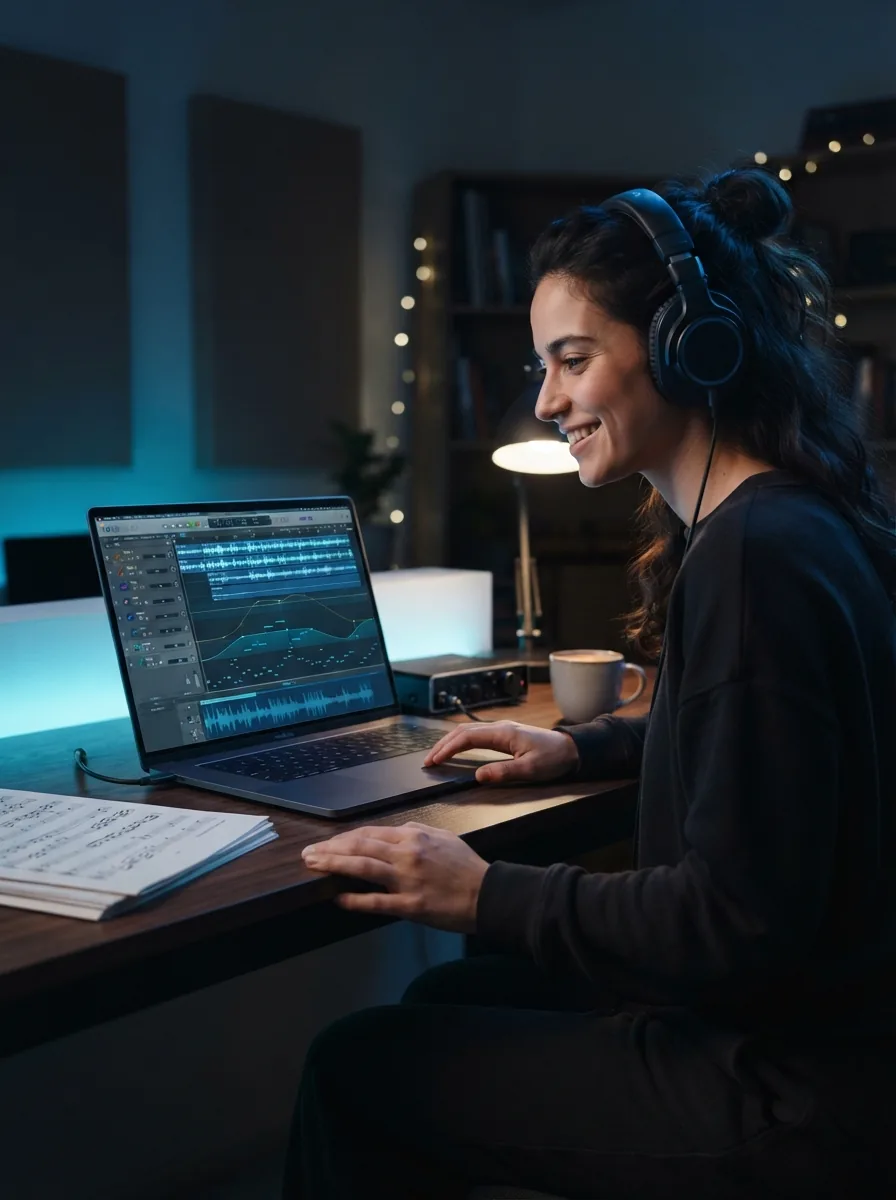
A classical music generator helps you turn a mood, scene, or lyric idea into finished music with structure and feeling. When you want elegant piano, strings, or a full orchestral sound without writing notation, OnMusic AI's free AI music generator gives you a direct way to create and shape that result yourself.
Learn more
How does a classical music generator work for real?
These topics explain what a classical music generator does, what you can control, and what you get back. You will see how to turn a simple idea into finished music that fits your style and purpose.
How do you start with free classical music AI?
free classical music AI starts with a plain prompt that tells the music what to feel like, which instruments to feature, and how long it should run. Type something practical like “warm solo piano and strings, calm evening mood, 90 seconds, no vocals,” and OnMusic AI turns that into a finished piece of music you can play right away. This input to result flow matters because it removes the blank-page problem and gives you a first version fast. If you want more control over melody and arrangement later, an AI music composer can help you shape the idea further.
What can a classical music generator make?
AI classical song maker prompts let you explore different forms of classical music by changing ensemble size, mood, tempo, and instrument focus. One prompt can create chamber music with piano and violin, while the next can lean into a fuller orchestral sound with brass, strings, and percussion. This variety matters because a classical music maker should help you test ideas without rewriting everything from scratch. If you want a bigger ensemble sound for trailers or dramatic scenes, OnMusic AI also offers an orchestral music generator for that next step.

Is a classical music generator online easy to use?
classical music generator online tools are easy when the workflow stays focused on one prompt, one preview, and a few clear edits. You do not need notation skills, recording gear, or a DAW to make classical music with a simple idea like “gentle baroque harpsichord, light strings, 60 seconds.” That accessibility matters because many people want music for a school video, a reading playlist, or a personal project without learning complex software first. If your goal shifts from classical to scene-setting background music, a cinematic music generator fits that use case better.

Can a classical music generator create usable results?
royalty free classical music is useful when you need something original for videos, podcasts, study sessions, or personal sharing without pulling a random library song. A strong before and after result looks like this: you start with a short text idea about mood and instruments, and you end with a complete music file that sounds structured, polished, and ready to replay or download. That outcome builds confidence because an AI classical music generator gives you something concrete, not just a sketch. For more ideas on bigger ensemble writing, the guide on AI orchestral music is a helpful next read.

What makes a good classical prompt?
A good classical prompt names four things: style, instruments, mood, and length. For example, “romantic era piano and cello duet, bittersweet mood, slow tempo, 75 seconds” gives the music clear boundaries and usually produces a more coherent result than a vague request like “make something classical.” This practical habit solves the most common challenge, which is getting music that feels too broad or emotionally unclear. If you already have words you want to turn into a fuller vocal piece instead, an AI song generator is the better path than a pure classical music prompt.

Features
Create rich, prompt-driven classical pieces fast
Describe the mood, instruments, pace, or era you want, and a finished piece takes shape around your idea. OnMusic AI's free AI music generator lets you make classical music with vocals or instrumentals, then refine the result without complex music software.
Describe a classical piece fast
The classical music generator turns a short text prompt into finished music with mood, tempo, and instrumentation already shaped around your idea. You can type details like "solo piano, slow, sad, moonlit" or "bright string quartet for a wedding entrance" and hear a clear result instead of starting from silence. This matters when you know the feeling you want but do not know how to score it. The outcome is a playable piece of classical music you can preview, refine, and keep.
Shape movements from your words
The classical music generator can create longer-form music that feels structured, not random, when you ask for an intro, build, and finale in the prompt. You can guide the piece with practical cues such as chamber style, rising tension, soft ending, or dramatic pause between sections. That helps when you want music for a reading, study session, background video, or personal project that needs a clear arc. The result is classical music that follows your direction with more intention from start to finish.
Turn lyrics into classical songs
The classical music generator can use your own lyrics as the starting point for vocal-led music when you want a classical or crossover song instead of an instrumental only piece. You can paste lines you wrote for a birthday, tribute, or romantic message, then shape the style toward piano ballad, operatic pop, or soft orchestral vocals. This is useful when the words matter as much as the melody. The outcome is a complete song with lyrics, melody, and a classical feel built around your text.
Switch ensembles without restarting
An AI classical music generator works best when you can test different instrument setups from the same idea, and this one lets you move from piano-led music to strings, choir-style texture, or fuller arrangements with a prompt edit. You do not need to rewrite everything just to hear the same concept as a solo piece or a richer ensemble. That saves time when you are comparing moods for content, practice, or personal listening. If you want an even bigger ensemble sound, the orchestral music generator is a natural next step, while the piano music maker fits stripped-back sketches.
Refine prompts for cleaner results
OnMusic AI's free AI music generator gives you a simple way to improve classical outputs by adjusting plain-language details like era, emotion, lead instrument, and pacing. A broad prompt such as "classical background music" can become far more specific with cues like "Baroque harpsichord, light and elegant, 90 seconds" or "romantic era strings, sorrowful, slow crescendo." This matters because small prompt changes produce noticeably different music without adding technical complexity. When you need screen-ready mood music, the cinematic music generator gives you a more film-focused direction from a similar workflow.
Who uses a classical music generator and what they create
This page is for people who want personal, polished music fast, and OnMusic AI's classical music maker helps them turn a mood, melody idea, or lyric into something they can actually play, share, or keep.
People who make classical music with AI for personal songs
People use a classical music generator to turn a birthday message, wedding note, or poem into piano-led music with strings and a clear emotional arc. This audience often starts with a few lines of text and leaves with a finished song they can play for family or keep as a personal gift.
Editors adding elegant background music to videos
A classical music generator helps video editors create royalty free classical music for trailers, short films, travel edits, and school projects. They use tempo, mood, and instrument prompts to get music that feels orchestral without pulling a generic library cue.

Writers turning lyrics into classical-style songs
Writers use an AI classical music generator when they have lyrics, a melody idea, or a scene in mind but no arrangement. This group uses a classical song generator to shape verses into music with piano, strings, and dramatic builds that fit ballads, theater-style pieces, or instrumental storytelling.
Made by music fans every day music fans
People use OnMusic AI to turn ideas, lyrics, and moods into original music they can play, share, or keep.
How to create classical music from a prompt
Start with a mood, scene, or instrument idea, then use the classical music generator to create a finished music file you can preview, refine, and download.

Type your classical music idea
Enter a clear prompt with the style, mood, tempo, and instruments you want. You can write something simple like “soft solo piano in a sad romantic style” or “grand string and horn music for a castle scene.”

Choose the arrangement and length
Set the feel of the piece before you create it. Pick details like instrumental or vocal-free output, a shorter cue or longer piece, and a style that fits piano, strings, chamber music, or full orchestral sound.
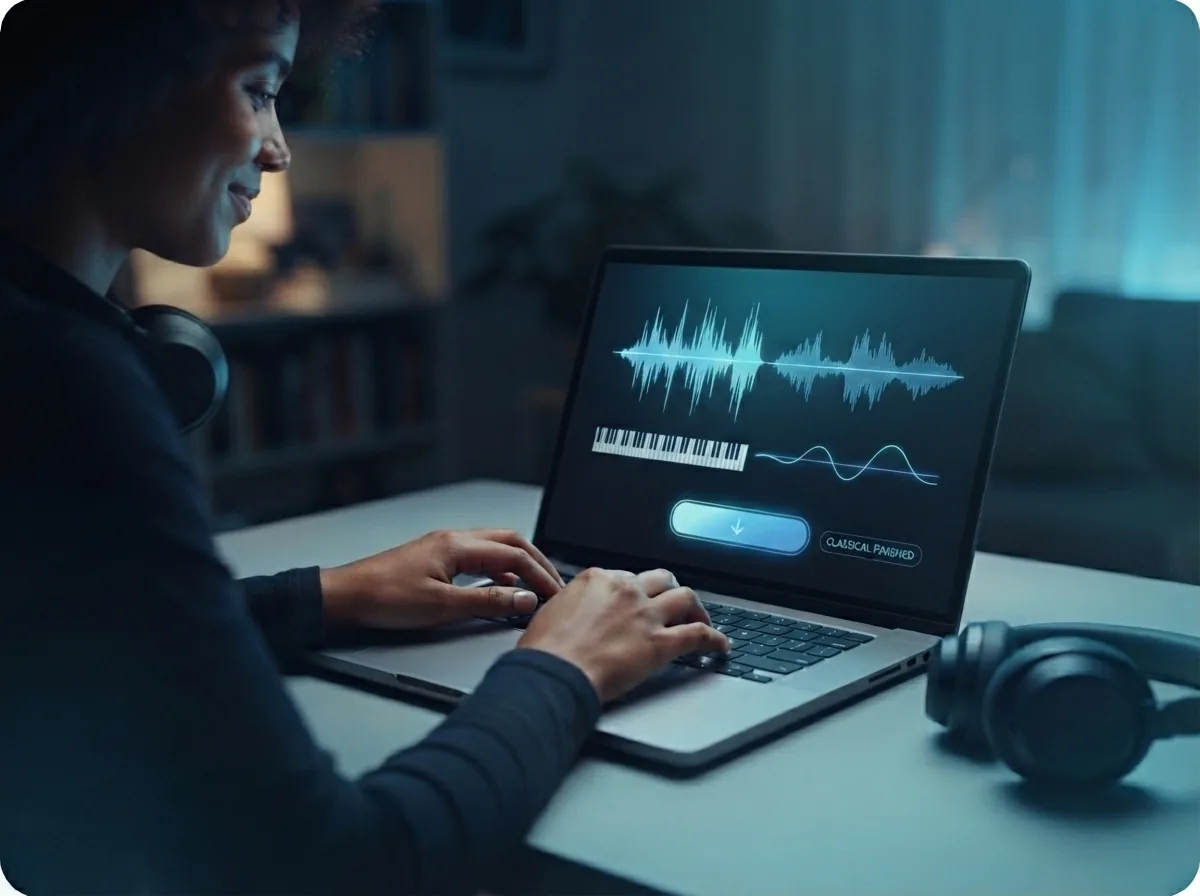
Preview and download your finished music
Listen to the completed piece, then save the final audio file if it fits your idea. The result is a finished classical music piece you can keep as background music, a study cue, a writing soundtrack, or a starting point for another edit.
Create your own classical piece from one prompt
Turn a style, mood, instrument list, or lyric idea into finished music with melody, arrangement, and a downloadable audio file.
Frequently asked questions
What does a classical music generator do?
How does the classical music generator work?
What should I include in a classical music prompt?
Can I create classical music without knowing music theory?
Can the tool create vocals, or is it only for instrumentals?
What kinds of classical styles can I create?
Why does my classical song sound too modern or not quite right?
Can I turn my own lyrics into a classical-style song?
Is AI-created classical music okay for personal or content projects?
Can I make more than one version of the same idea?
Can I use the classical music generator for study or sleep music?
How long does it take to create a classical-style song?
Can I ask for a specific instrument in the song?
What if my prompt is very simple?
Can I create classical-style background music for videos?
Your first classical piece is one prompt away
Write a mood, pick an instrument set, and create classical music with melody, movement, and a finished audio file you can play or share.