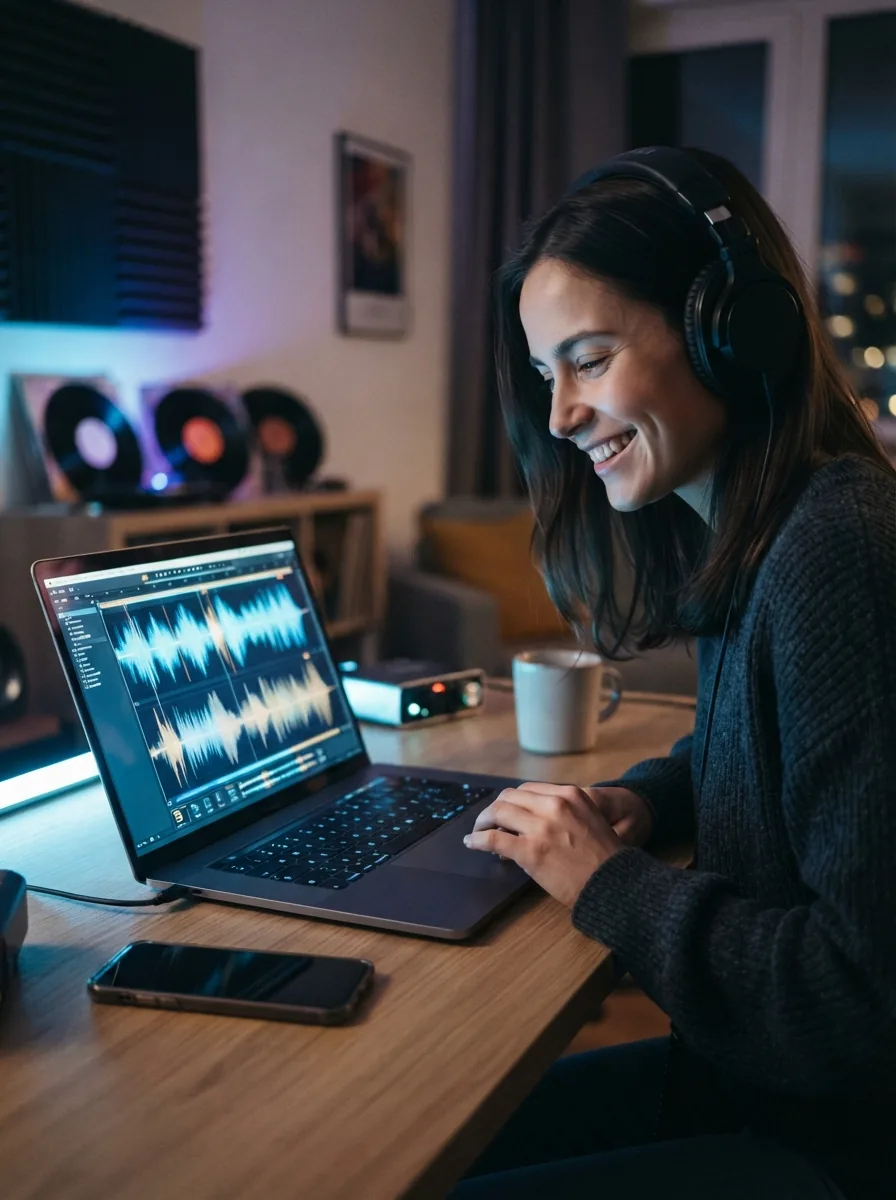
Why a techno music generator matters
A techno song starts with a clear pulse, a mood, and a few strong ideas. When you use a techno music generator, you can turn that spark into real music without learning a full production setup first. OnMusic AI's free AI music generator makes that jump simple, so you can focus on the sound you want to hear.
The basics
How does a techno music generator help you create faster?
These topics explain what a techno music generator does, how to get stronger results, and what kind of music you can make with it. You will see the basics before you start creating your own techno song.
How does a techno music generator start a song?
A free techno music AI workflow starts with a short prompt, then turns that idea into music with rhythm, synth mood, and structure. In OnMusic AI, you can type something like “dark warehouse techno, 128 BPM, driving kick, cold synth lead, no vocals” and create a first song draft in a simple process. If you already have a groove in mind, an AI beat maker can help you focus on the drum feel before you expand it into a full piece. This input-to-result path works best when you name tempo, mood, energy, and whether you want vocals or instrumental music.
What can a techno music generator create?
An AI techno song maker can create many kinds of techno music, from clean melodic builds to harder, late-night club sounds. You can explore minimal techno, acid-inspired patterns, industrial textures, looser lo-fi edges, or vocal-led hooks without rewriting everything from scratch. A good techno generator prompt names the drum weight, synth tone, and pace, then changes one variable at a time so you hear what actually shifts. If you want a nearby style for comparison, an EDM music generator gives you a broader electronic feel, while techno stays more repetitive, hypnotic, and pulse-driven.
Is techno music generator online use actually easy?
Techno music generator online use is easy because the core job is simple: describe the music you want, listen, then edit the next version. Most people get stuck for three reasons, prompts that are too vague, too many style ideas packed into one request, or no clear choice between vocals and instrumental music. OnMusic AI works better when you keep the first prompt short and concrete, then refine from there. If you want help shaping fuller sections like verses and hooks, an AI song generator is useful for building a more song-based electronic structure.
Can a techno music generator make usable results?
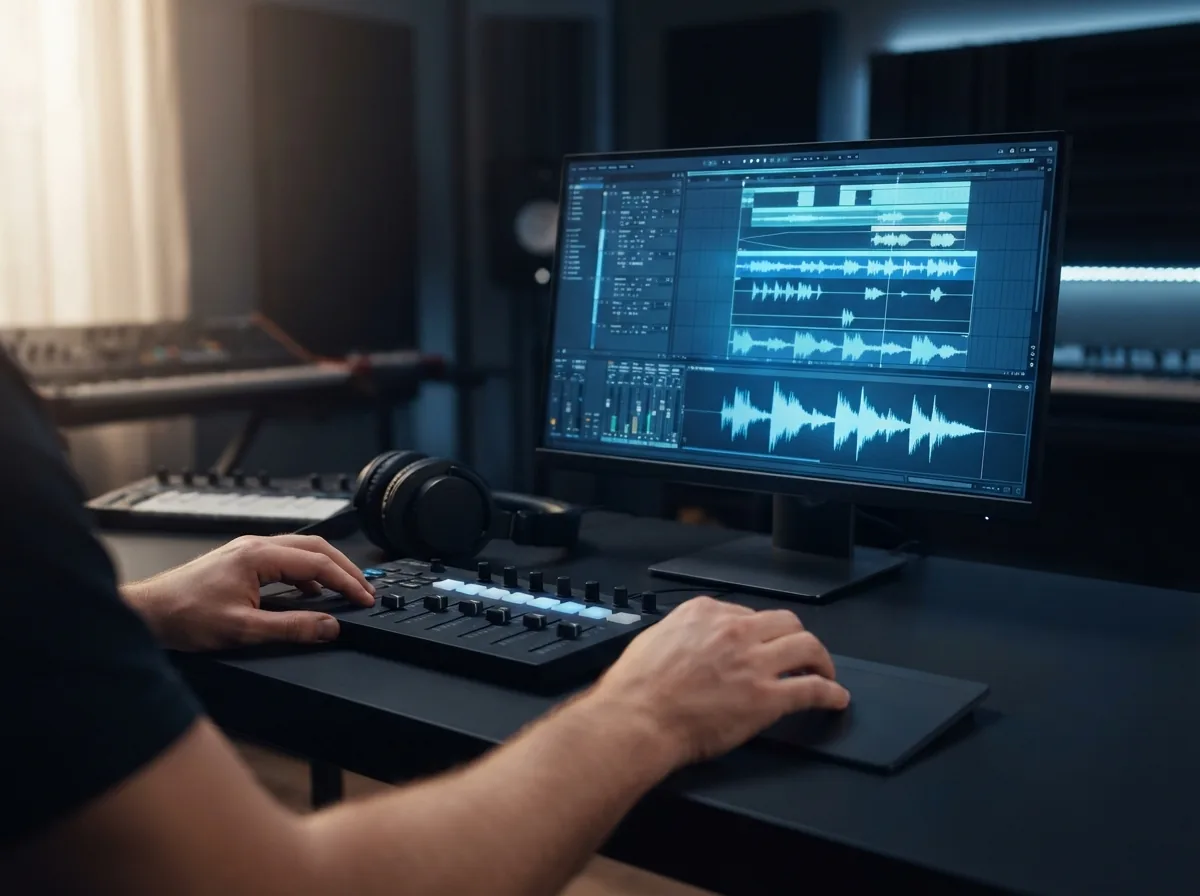
Royalty free techno music is a practical outcome when you need original music for videos, workouts, personal projects, or sharing with friends. A strong before-and-after example is simple: start with “I want intense gym music with a steady kick and rising synth tension,” then create a finished piece with a clear intro, repeating groove, drop, and downloadable audio you can actually use. This makes OnMusic AI a useful AI techno song maker for people who want proof, not just ideas. If your goal is exercise playlists or pacing ideas, a workout music guide can help you match energy and BPM to the moment.
Where should techno music exploration go next?
The next step after a first techno draft is to compare neighboring electronic styles and learn what changes the music most. Techno vs EDM usually comes down to groove and repetition: techno leans more hypnotic and drum-led, while EDM often pushes bigger drops and wider pop structure. If you want a related branch with steadier club pulse, a house music generator is a smart comparison point, and a trance music generator helps when you want longer builds and more lift. For hands-on practice, how to make beats with AI and make a beat online free both show simple ways to sharpen your prompt choices.
Features
Create club-ready techno from a single prompt
Write a mood, tempo, or synth idea, then shape it into hard, melodic, or minimal techno without building the whole arrangement yourself. OnMusic AI's free AI music generator turns that input into structured music fast, so your techno music generator workflow feels simple from the first prompt.
Describe a techno mood fast
OnMusic AI's free AI music generator lets your techno music generator prompt start with plain words, not music theory. You can type a club mood, BPM feel, synth texture, and energy level, then create music that follows that direction. This matters when you have an idea like dark warehouse, peak-time drive, or late-night minimal, but no DAW setup. The outcome is a finished piece of music with a clear techno feel that is ready to play, save, or refine.
Turn lyrics into techno vocals
A techno song generator works well when you already wrote a hook, chant, or short vocal idea. You can paste your own lines, shape the flow, and create music with verses, chorus sections, melody, and vocals in one run. This helps when you want a human-sounding topline over a driving beat instead of only an instrumental loop. The result is a complete song draft that connects your words to a real techno arrangement.
Shape beats for different substyles
The techno beat generator inside OnMusic AI helps you create music for hard, melodic, minimal, industrial, or hypnotic styles without rebuilding from zero each time. You can change the pulse, density, and atmosphere in your prompt to hear how the same idea lands in different subgenres. This is useful when you are testing whether your concept fits better next to an EDM music generator, a house music generator, or a trance music generator. The outcome is a tighter direction for your music before you share it or build your next version.
Create longer songs with structure
A techno generator should do more than make a short loop, and this one creates music with sections you can actually follow. You can prompt for an intro, build, drop, breakdown, and outro so the music feels like a full song instead of a sketch. This matters for workout mixes, practice sessions, and personal listening where pacing changes the whole experience. The result is structured music that sounds planned from the first bar to the final fade.
Edit outputs and download audio
An AI techno song maker is more useful when the finished music is easy to adjust after the first result. You can revise prompt details, swap lyric lines, and create another version when the kick, mood, or vocal tone needs a different feel. This helps when your first pass is close, but you want cleaner instrumental focus or a stronger vocal moment before saving the file. The concrete output is downloadable audio you can keep as your song, send to friends, or use as the base for your next idea.
Who makes techno songs with AI and what they create
Everyday creators use a techno music generator to turn a late-night mood, a beat idea, or their own lyrics into finished music they can play, share, or keep.

Friends making a birthday or inside-joke techno song
A techno music generator lets you turn a funny idea, a name, or a party theme into a full music piece with a driving beat. OnMusic AI helps casual users make techno music with AI, then tweak the mood, tempo, and vocals before they share it in the group chat.

Writers turning rough lyrics into club-ready music
A techno song generator is useful when you already have lines, hooks, or a chant but no melody or production skills. You can paste your words, choose a darker or brighter club style, and hear them come back as structured music with vocals and a steady electronic pulse.
Beat starters shaping a fast idea into a finished drop
A techno beat generator fits people who hear a rhythm in their head and want music they can play right away for workouts, gaming, or late-night listening. An AI techno song maker gives them a concrete result, a downloadable song with electronic drums, bass, and a clear build into the drop.
Made by music lovers every day music lovers
People use OnMusic AI to turn ideas, lyrics, and moods into finished music they can play, share, and keep.
How to create techno music from a prompt
You describe the vibe, then OnMusic AI turns that idea into finished music you can preview, refine, and download.
Type your techno idea
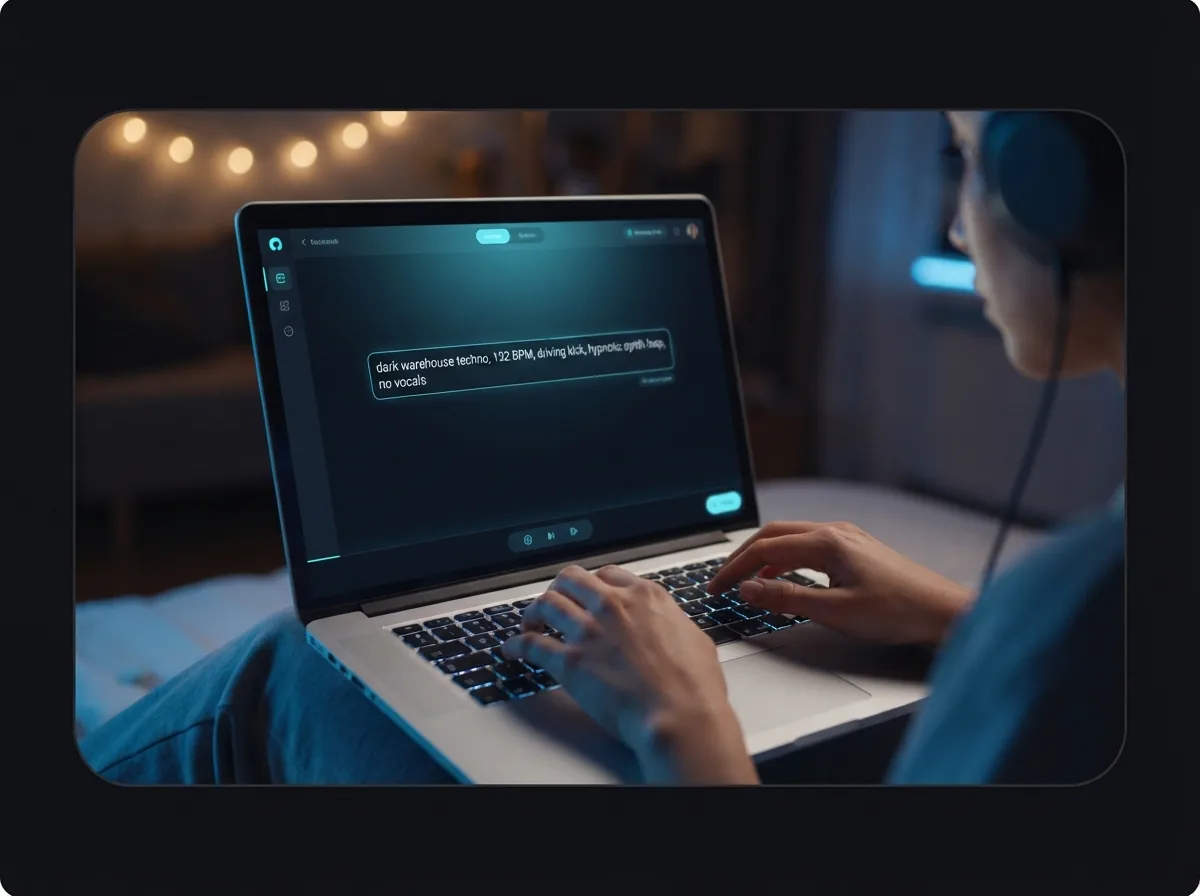
Write a short prompt with the mood, tempo, synth style, and whether you want vocals or an instrumental. You can also paste your own lyrics if you want the music built around your words.
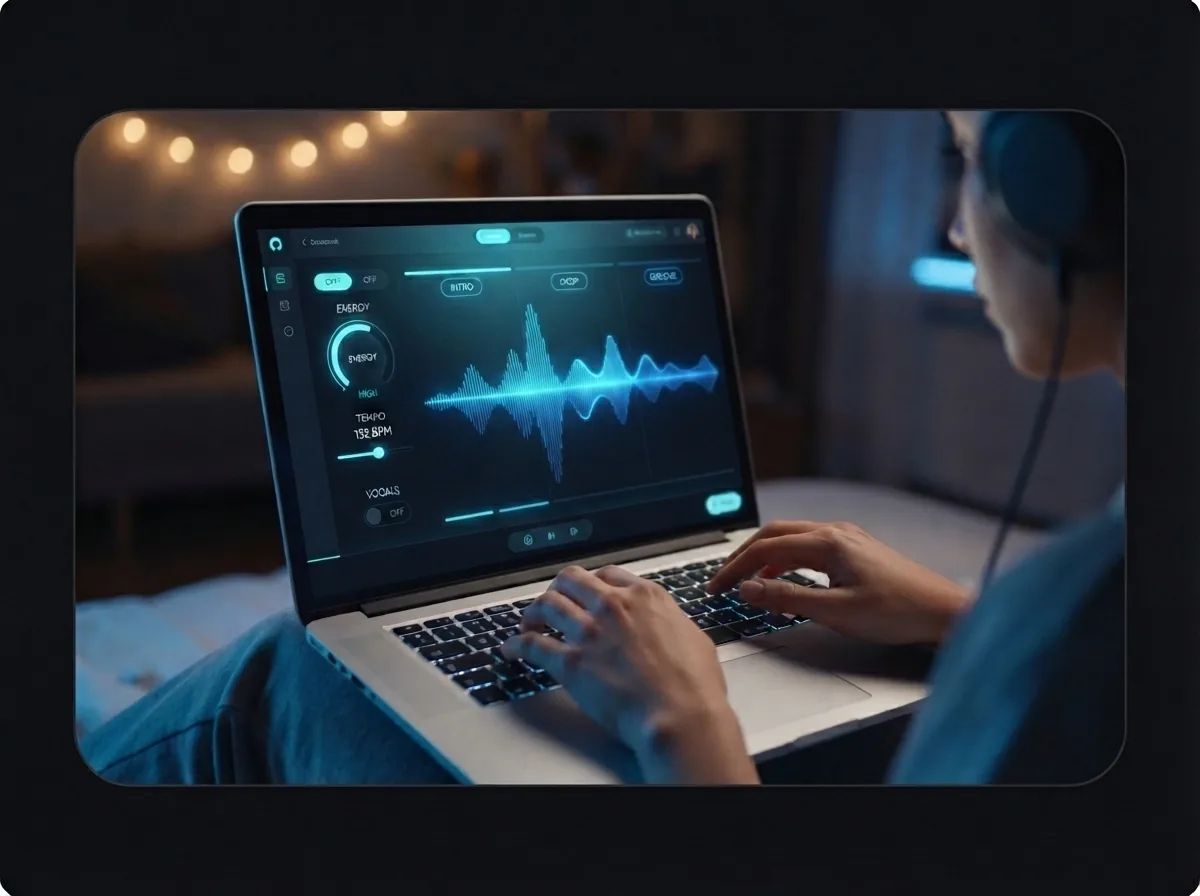
Set the style and create the music
Choose the length, energy, and vocal direction, then create your first version. The music comes back with techno structure already in place, such as the intro, drop, groove, and ending.
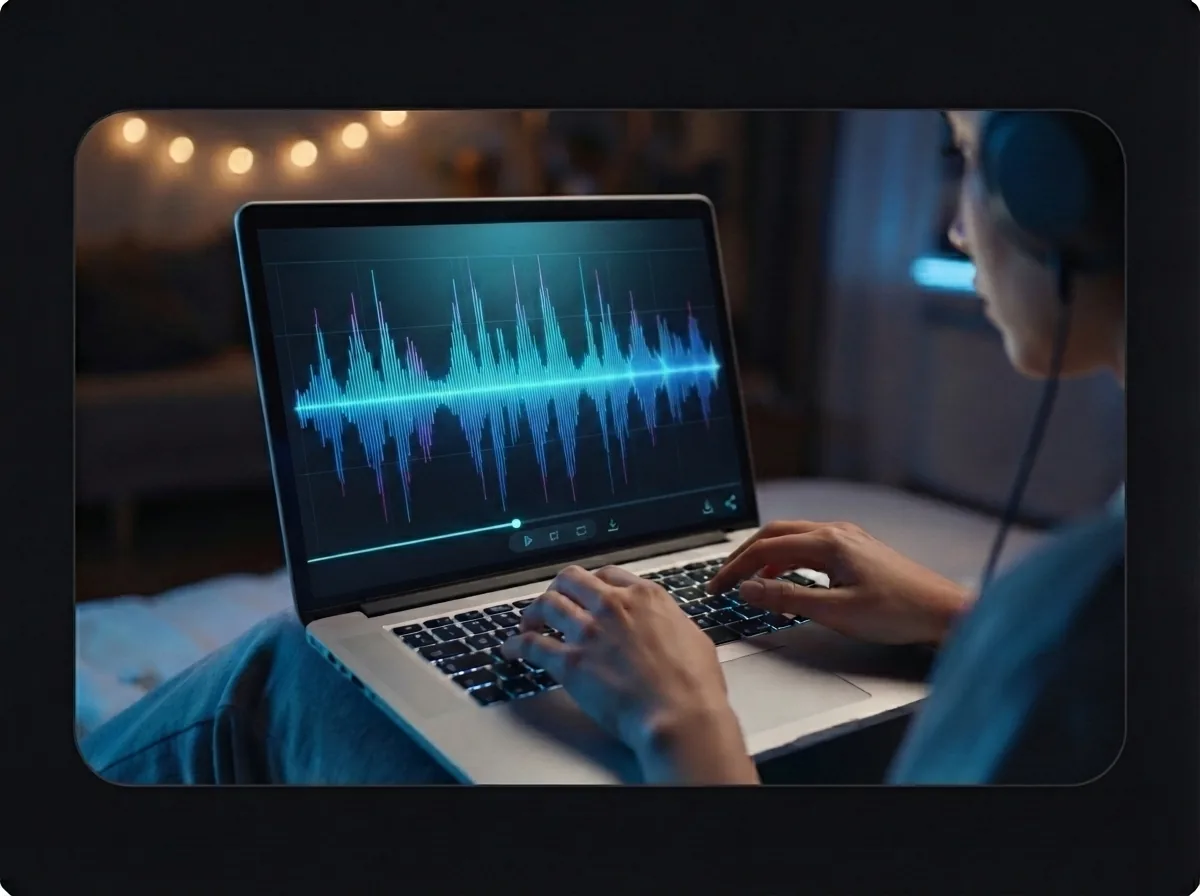
Preview, edit, and download your song
Listen to the finished result, make small lyric or style edits, and create another version if you want a different feel. You end with a complete techno song or instrumental you can save, share, and download as your final music output.
Create your techno song from one prompt
Use the ideas from this page to turn a mood, tempo, or hook into techno music with beats, structure, and vocals in one process.
Frequently asked questions
What does a techno music generator make?
How does the techno music generator work?
What inputs does the techno music generator take?
How long can a techno song be in OnMusic AI?
Does OnMusic AI export MP3 files for techno music?
Can a techno music generator create vocals too?
What styles can a techno music generator handle?
Why does techno music generator output sometimes sound wrong?
How is a techno music generator different from a beat maker?
Is free techno music AI actually free to start?
How fast is techno music generator online for first-time users?
Can AI techno song maker turn my lyrics into a full song?
Can I use royalty free techno music from OnMusic AI for content?
Is making techno music with AI legal?
What is a good app for making techno music?
Your first techno song is one prompt away
Write a vibe, paste your lyrics, or start with a beat idea, then create a finished techno song with vocals or an instrumental in OnMusic AI's browser-based music maker.