Learn more
How does a rock music generator help you make music fast?
These topics explain what a rock music generator does, how OnMusic AI turns your prompt or lyrics into music, and what kind of finished song, instrumental, or MP3-style result you can expect.
How does a rock music generator start from text?
A free rock music AI workflow starts with a short text prompt, then turns that idea into finished music with structure, instruments, and often vocals. In a rock music generator, you can type a mood, tempo, and band setup such as "gritty garage rock, fast drums, fuzzy guitar, rough male vocal, 2 minutes." The music comes back with a clear intro, verse, chorus, and ending, so you hear a full idea instead of a loose loop. If you want a broader starting point before narrowing into rock, text to music shows the same prompt-to-audio process in a more general way.

What can a rock music generator make across styles?
An AI rock song maker can create very different kinds of music from the same core idea by changing genre details, energy, and vocal direction. You can move from classic rock to pop-punk, indie rock, hard rock, or a heavy sound just by changing words like punchy, raw, melodic, distorted, or anthemic. A simple prompt such as "uplifting rock song about late-night driving, bright guitar hooks, big chorus, female vocal" creates rock music with a cleaner, radio-friendly feel than "dark riff-driven rock, heavy drums, shouted hook." That range helps you test more than one version before you decide what fits your lyrics or mood.
Is a rock music generator easy to use online?
A rock music generator online is easy to use because the main job is describing the music you want, not building it part by part in studio software. You pick a style, type a prompt, add your own lyrics if you have them, and listen to the first result without setting up instruments or plug-ins. That makes a rock music maker useful for quick demos, birthday songs, joke songs, and first drafts when you want music fast. If you already know you want vocals and a full arranged song, an AI song generator is the next step after your first rock idea lands.

When do you need music you can reuse?
Royalty free rock music matters when you want original background music for videos, podcasts, school projects, or social posts without recycling the same stock sound. A rock music generator gives you a fresh piece of music based on your prompt, which feels more personal than pulling a generic library cue. If you need a louder style for trailers, workout edits, or aggressive intros, a heavy metal rock music generator approach usually means tighter drums, lower guitars, and more forceful vocals. Always check the platform's current terms before commercial use, because licensing rules still decide where and how your music can be published.
What should a first rock prompt include?
A strong first prompt for an AI rock generator includes five details: style, mood, tempo, instruments, and vocal direction. For example, type "make rock music with AI in a 90s alt-rock style, medium tempo, crunchy guitar, live-sounding drums, reflective lyrics about growing up, warm male vocal, 2 minutes" and you will get music with a clear arrangement you can judge right away. Specific words beat vague ones, so say bluesy riff, stadium chorus, or lo-fi garage tone instead of just cool rock song. If you need help shaping your words first, how to write a song for beginners is a useful way to tighten lyrics before you send them into the generator.
Features
Create louder riffs and bigger hooks with a rock music generator
OnMusic AI's free AI music generator helps you turn a rock idea into finished music with guitars, drums, vocals, and song structure in one flow. You can describe your style, add your own lyrics, and create rock music that sounds closer to the mood you had in mind.
Turn prompts into rock songs
Rock music generator prompts become finished music with guitars, drums, bass, and a clear song structure. You type a mood, tempo, era, or band-inspired feel, then shape the result with details like intro length, chorus energy, or vocal tone. This matters when you have an idea in your head but no way to play it yourself. The outcome is a complete piece of music you can listen to, refine, and share.
Build vocals from your lyrics
Rock music generator lyrics can become sung music instead of staying as text on a page. You can paste your own lines, edit phrasing for tighter rhythm, and hear them turned into verses and a chorus with melody. This helps when you already wrote words for an anthem, breakup song, or garage-rock hook and want to hear them performed. OnMusic AI's free AI music generator connects the writing step to the finished music step in one flow.
Shape classic or modern rock
Rock music generator settings let you steer the music toward classic rock, indie rock, punk edge, alt-rock mood, or heavier guitar-driven sounds. You can describe crunchy riffs, big drums, softer verses, or a louder chorus so the music fits the exact lane you want. This is useful when one idea needs a few different versions before it feels right. If you want a harder result after that, the metal music generator is the better next stop.
Create rock intros and hooks
Rock song generator ideas work best when the opening grabs attention fast, and this feature helps you focus on that part. You can prompt for a punchy guitar intro, a shouted first line, a drum count-in, or a chorus that lands early. This matters for short shares, demo ideas, and songs you want friends to remember after one listen. The result is music with a stronger start and a clearer payoff.
Test subgenres without restarting
Create rock music in more than one direction from the same idea, instead of rewriting everything from scratch. You can begin with one prompt, then try a brighter indie version, a rougher punk version, or a bigger arena-rock feel to compare what works. This helps when your lyrics fit several styles and you want to hear each one in music before choosing. For narrower styles, you can branch into the punk music generator or indie music generator next.
Who uses a rock music generator and what they create
Birthday song writers, first-time beat makers, and casual fans can all use this rock music generator to turn a mood, lyric, or rough idea into music they actually want to play again.
People making a first rock song from lyrics
A rock music generator helps you turn rough lyrics, a mood, or a chorus idea into a full piece of music with drums, guitar energy, and vocals. This is a simple way to test verse ideas, hear a hook out loud, and shape a personal song without opening a complex studio app.
Friends who want to make rock music with AI
Make rock music with AI when you want a fun demo for a birthday, a joke anthem for a group chat, or a garage-style chorus to share with friends. An AI rock generator gives you a fast way to try pop-punk, classic rock, or heavy riffs from one text prompt, then remake the music until the vibe feels right.
Beat sketchers building riffs, drums, and rough demos
A rock music maker is useful when you already hear the kick pattern, guitar drive, or chorus lift in your head and want a quick demo you can replay. The rock music generator gives hobby writers and bedroom creators a practical way to create rock music for practice, sharing, or the starting point of a louder heavy sound.
Made by millions of music fans millions
People use OnMusic AI to turn ideas, lyrics, and moods into finished music they can play, download, and share.
How to make rock music from your idea
You go from a short prompt or rough lyric idea to finished music fast with OnMusic AI's free rock music generator.

Type your rock idea or paste your lyrics
Enter the mood, subgenre, tempo, and instruments you want, such as gritty guitar riffs, live drums, or a big chorus. You can also paste your own lyrics if you want the music built around words you already wrote.
Choose the style and create the song
Pick the feel you want, like classic rock, punk-leaning, indie, or heavy guitar, then start the creation. OnMusic AI's rock music maker turns one prompt into arranged music with melody, sections, and optional vocals in one flow.
Preview, edit, and download your finished music
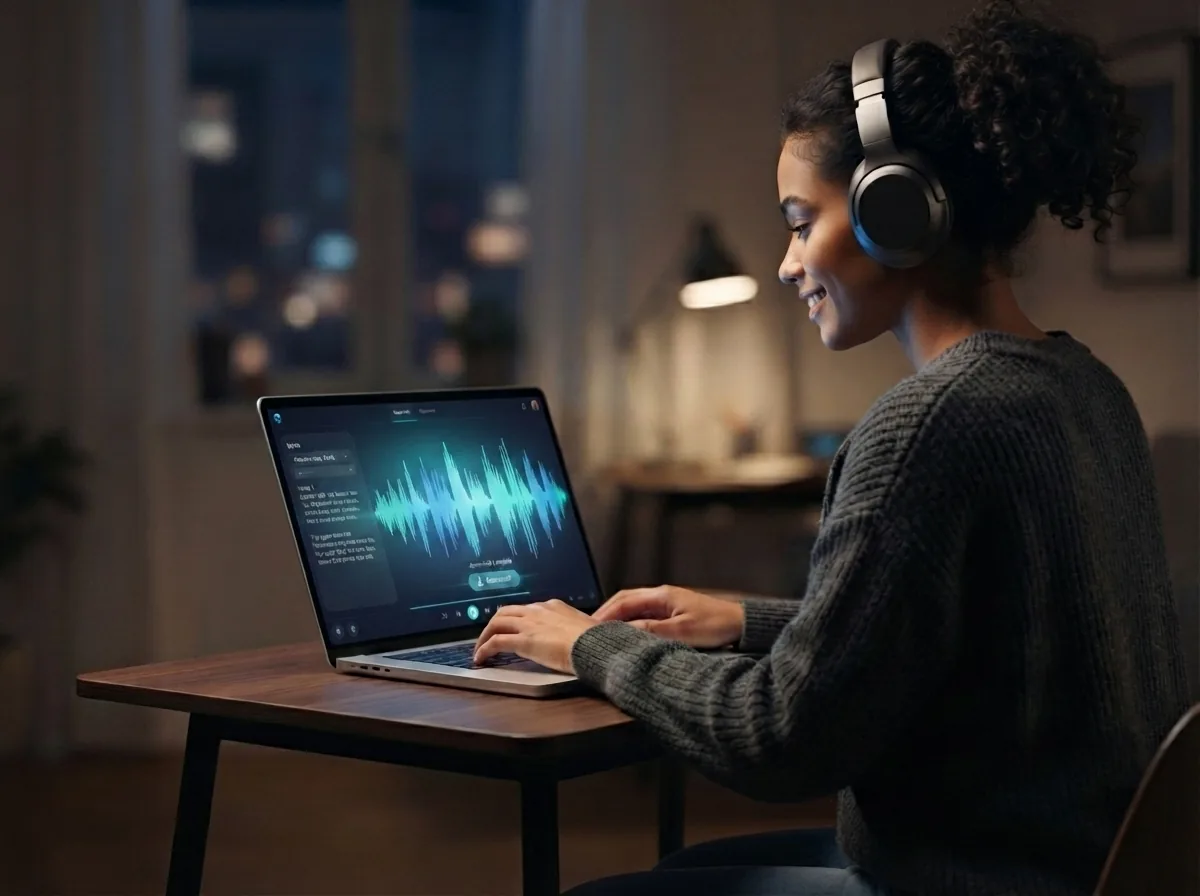
Listen to the result, change lines or rerun the idea with a new mood if you want another version. The final output is a complete rock song you can play and download as music, with vocals or as an instrumental depending on the version you made.
Create your rock song from one prompt
Use the style ideas, genre tips, and song setup above to turn your lyrics or mood into rock music with vocals or an instrumental version.
Frequently asked questions
What does a rock music generator do?
How does the rock music generator work?
What inputs can the rock music generator use?
How long can a song from the rock music generator be?
Does the rock music generator create vocals and lyrics too?
Is there a free AI rock music generator available?
Can free rock music AI make different rock styles?
How does rock music generator online compare with a DAW?
Can an AI rock song maker help if I already wrote the lyrics?
Can I make rock music with AI even if I do not play an instrument?
Is AI-generated music illegal?
Can ChatGPT generate music?
Does Spotify ban AI music?
How do I create a rock song that sounds better on the first try?
What makes a rock music generator good?
Can a 12 year old start a band?
Your first rock song is one prompt away Make it loud, melodic, or heavy
Create your own rock music with vocals, riffs, drums, and lyrics, then listen back and keep the song you made.