

Why AI music sounds fake
Listeners rarely spot an AI song from one detail. They notice a pile of small ones: lyrics that sound like a greeting card, a chorus that arrives without any build, vocals that are a little too smooth, and a mix where every instrument is the same loudness from start to finish.
Most of these come from the same place: the AI fills every gap you leave in the prompt with the most average choice. Ask for "a sad pop song" and you get the average sad pop song, with the average words and the average arrangement. That average is what sounds artificial.
So making AI music sound human is mostly about removing the gaps:
- A detailed prompt with real musical choices.
- Lyrics with specific details, written or edited by you.
- A structure with dynamics, not one energy level from start to end.
- Finishing work after generation: stems, vocal fixes and mastering.
The goal is not to hide that you used AI. It is human sounding AI music: songs with the detail and movement listeners expect. When you generate a song, listen to it the way a sceptic would. Our guide on spotting an AI song lists what listeners pick up on, and every item is something you can fix.
Prompts for human sounding AI music
A genre name is a category, not a sound. Instead of "lo-fi hip hop", describe the record you hear in your head:
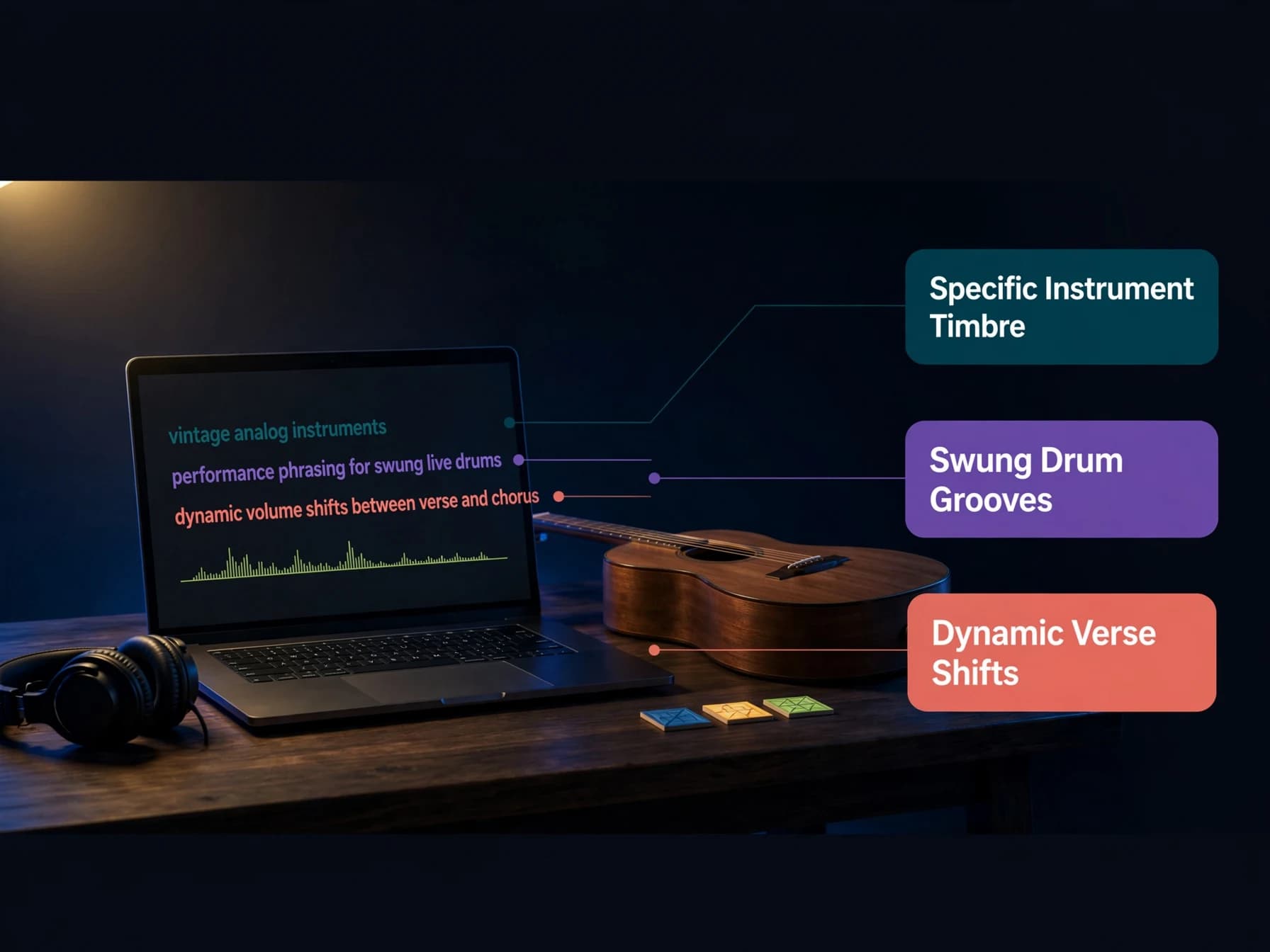
- Instruments and how they are played: "brushed drums, upright bass, a slightly out-of-tune Rhodes piano".
- Tempo and feel: "slow, around 80 BPM, laid-back swing".
- Era and recording style: "1970s soul, warm tape sound, roomy drums".
- Vocal style: "breathy female vocal, close to the mic, no heavy autotune".
- Mood in concrete terms: "late-night drive home after a breakup", not just "sad".
Small imperfections are your friend. Asking for "live-played", "loose timing" or "a little tape hiss" pushes the result away from the perfectly quantised sound that gives AI away.
Change one thing at a time between generations, so you learn what each word does. Our Suno prompts guide and the AI song prompt tutorial have ready-to-use prompt patterns, including tags for verses, choruses and vocal style.
Write lyrics that sound like a person wrote them
Lyrics are the fastest giveaway. AI lyrics tend to use the same vague images over and over (hearts, fire, shadows, the night sky), perfect rhymes in every line and lines that are all the same length.
To make them sound human:
- Add specific details. "Your jacket's still on the kitchen chair" says more than "I miss you so much". Names, places, objects and times make a song feel lived.
- Vary the line lengths. Real songs mix short punchy lines with longer ones. That variety gives the melody room to breathe.
- Use near rhymes. "Home" and "alone" sound more natural than forcing a perfect rhyme in every line.
- Say one thing per song. A chorus that repeats one clear idea beats one that lists five feelings.
- Read it out loud. If you would never say a line to a friend, rewrite it.
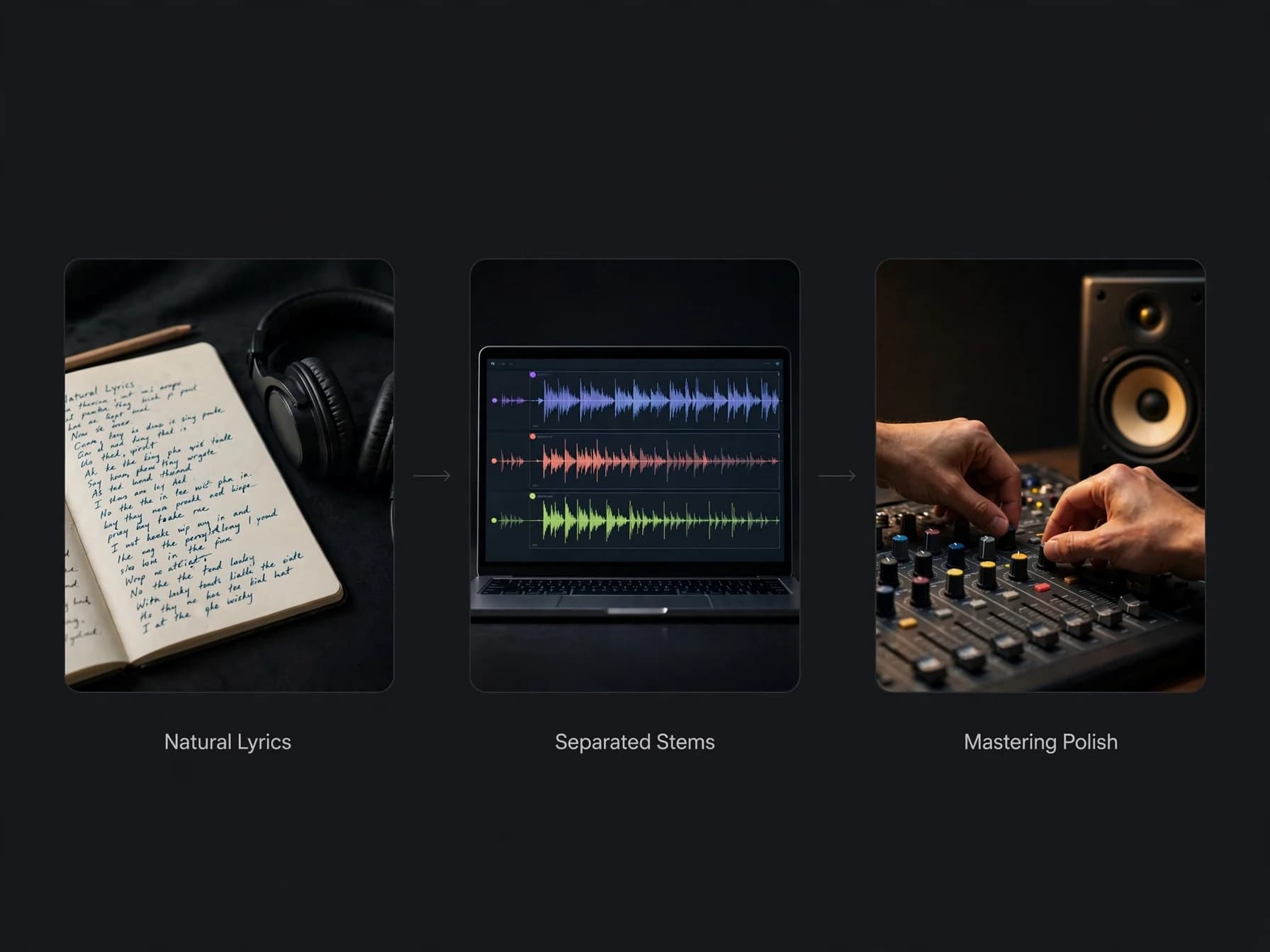
Write the lyrics yourself, or generate them and then edit hard. Our song structure guide shows how verses, pre-choruses and choruses should differ, so each section has its own job.
Give the song a real arrangement
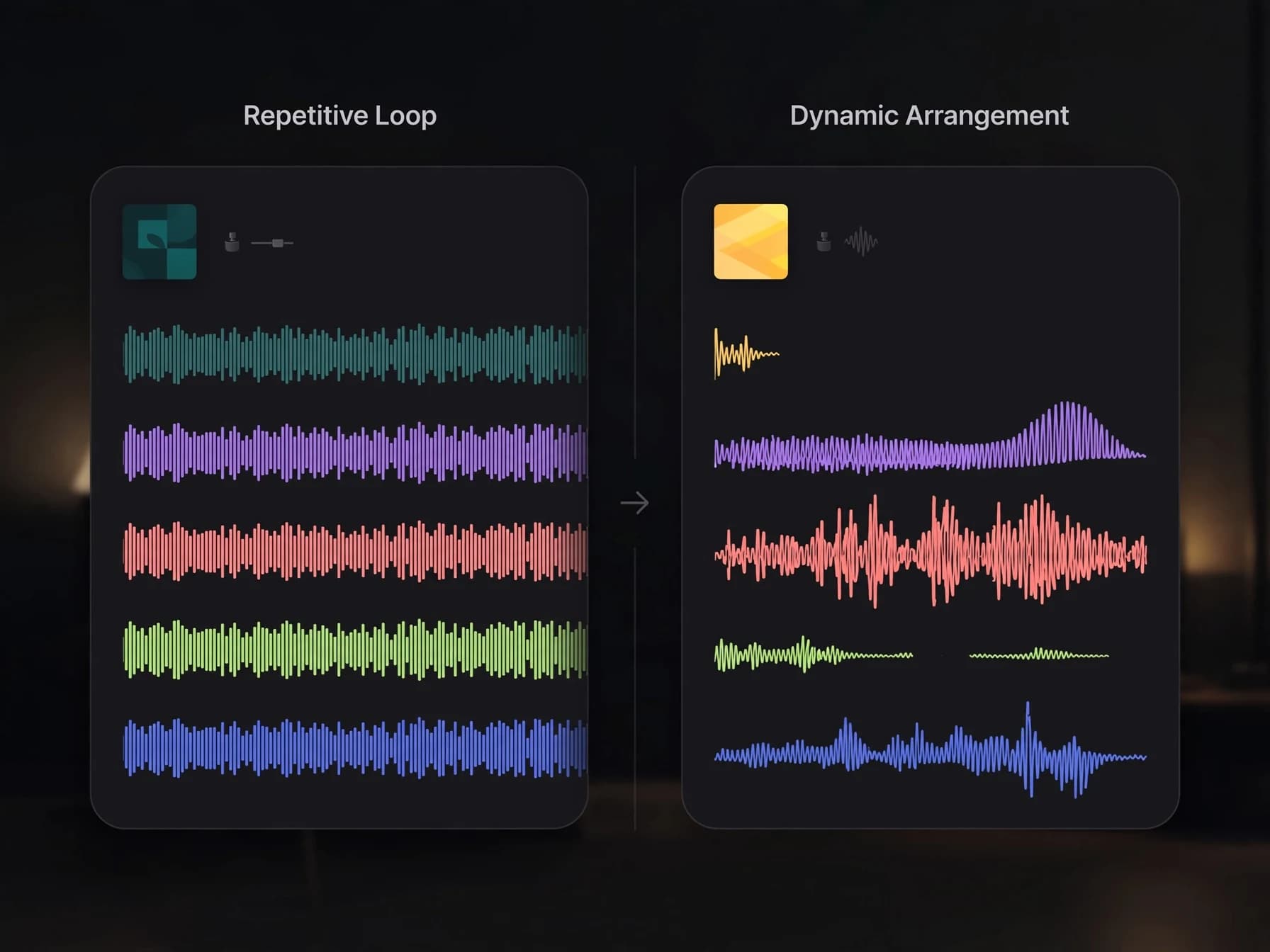
Human songs move. They start small, build up, drop back, and end on purpose. Many AI tracks sit at one energy level from the first second to the last, and the ear notices.
Shape the arrangement:
- Start smaller. A verse with fewer instruments makes the chorus hit harder when it arrives.
- Build into the chorus. A pre-chorus that lifts (more drums, a rising melody) creates the moment a listener waits for.
- Change something in the bridge. New chords, a half-time feel or a stripped-back section breaks the loop.
- Use space. A beat of silence before the last chorus, or a single instrument alone for a bar, sounds deliberate and human.
- End properly. Avoid songs that simply fade or cut off. Ask for an outro, a final chord or a last a cappella line.
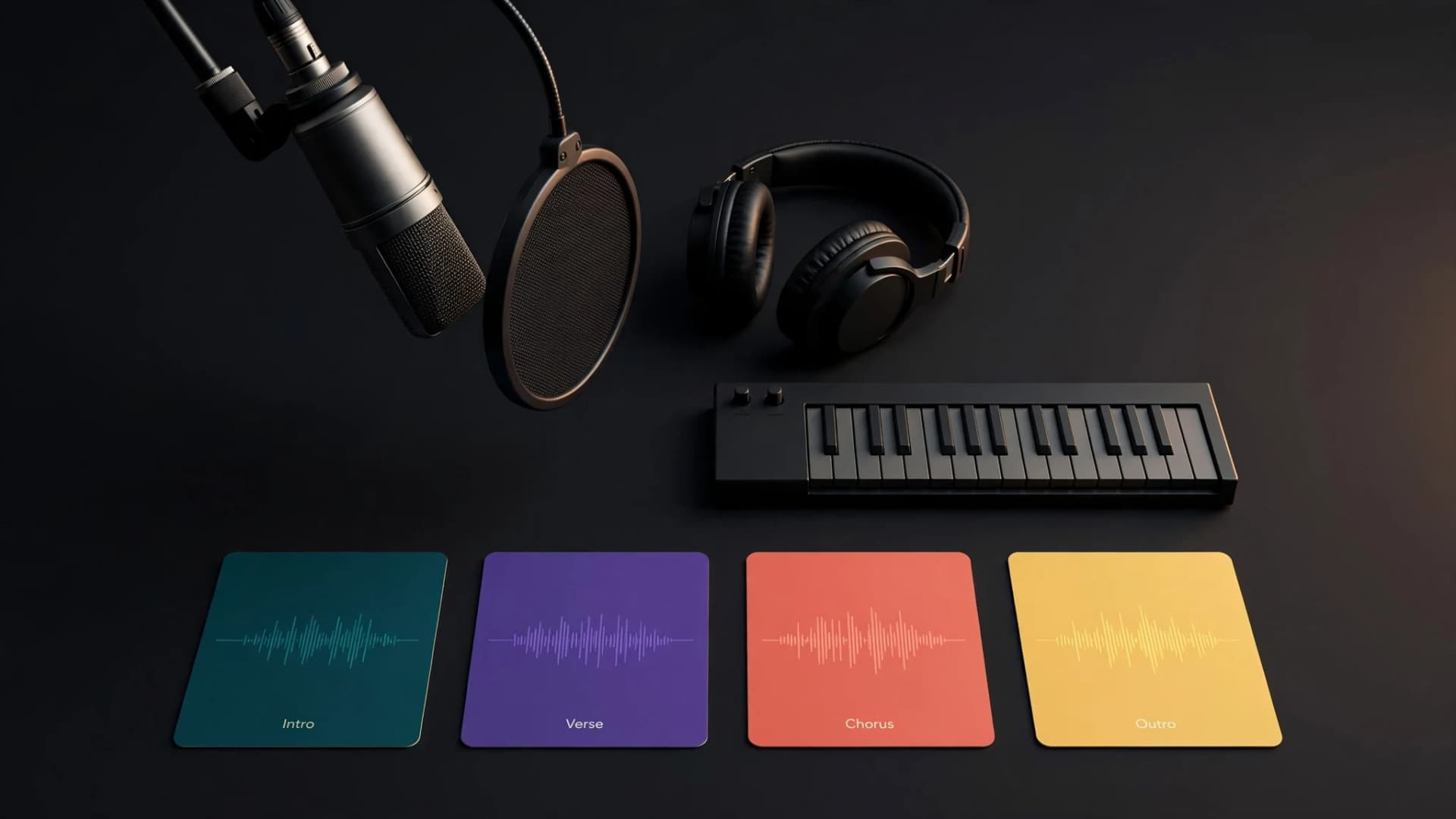
Put these choices into the prompt with section tags (intro, verse, pre-chorus, chorus, bridge, outro) and short notes on how each section should feel. If one section comes out wrong, regenerate that part instead of the whole song.
Use stems to fix the parts that sound artificial
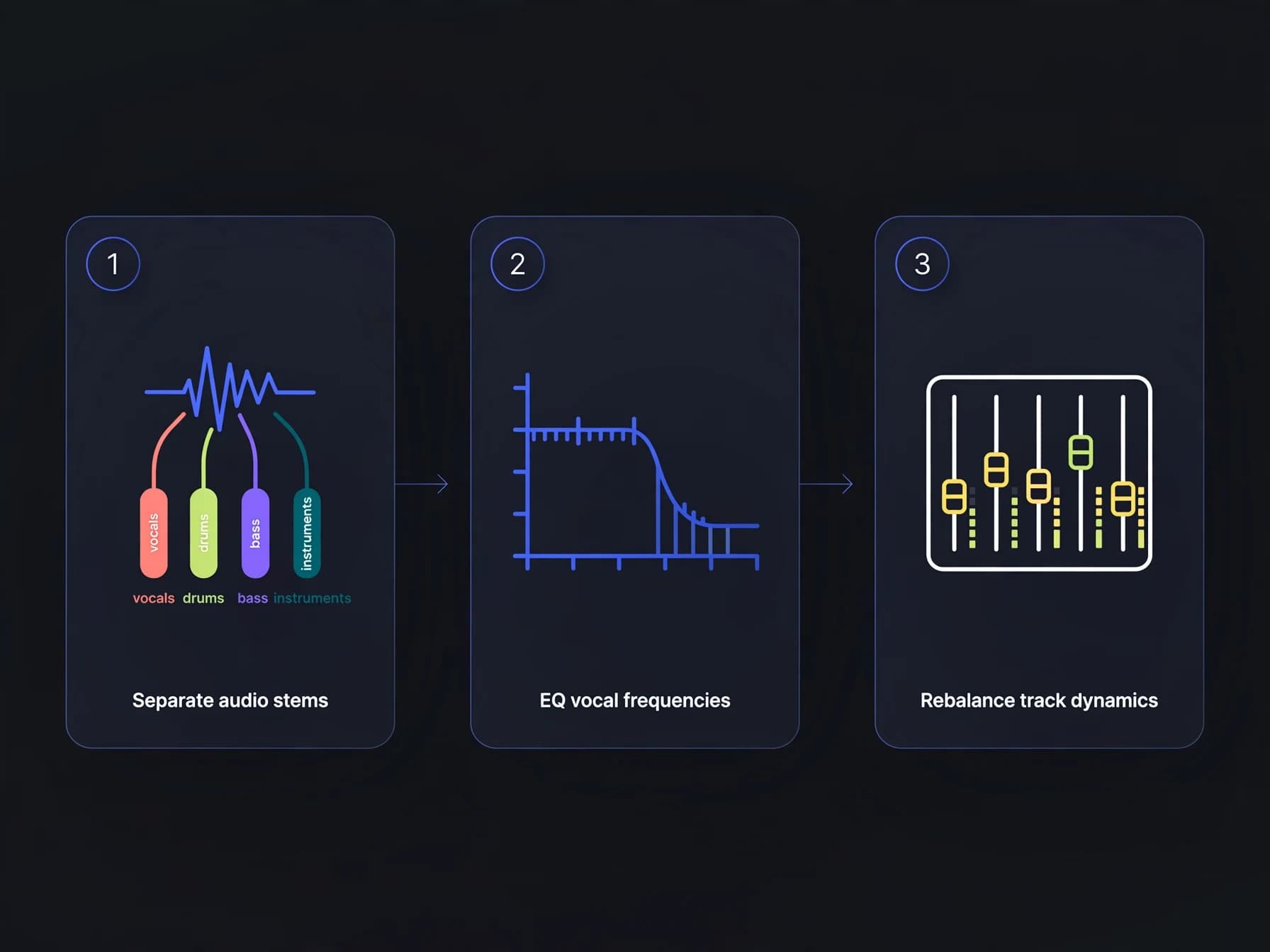
Once you have a song you like, work on it in parts. A stem splitter separates the track into vocals, drums, bass and other instruments, so you can fix one thing without touching the rest.
Useful fixes with stems:
- Rebalance the vocal. AI vocals are often too loud and too bright. Turning them down slightly and softening the top end makes them sit inside the music, like a real recording.
- Add a real instrument. Recording one live part over the AI track, even a simple guitar or a shaker, adds the small timing variation that sounds human.
- Replace or thin the drums. Machine-perfect drums are a common tell. Lower them, or layer a looser drum loop.
- Cut the clutter. Remove extra pads or effects that fill every gap in the mix.
You can also pull the vocals out with an AI vocal remover and record your own voice over the instrumental. A real voice on top of an AI arrangement is often the most convincing result of all.
Mixing mistakes that stop realistic AI music
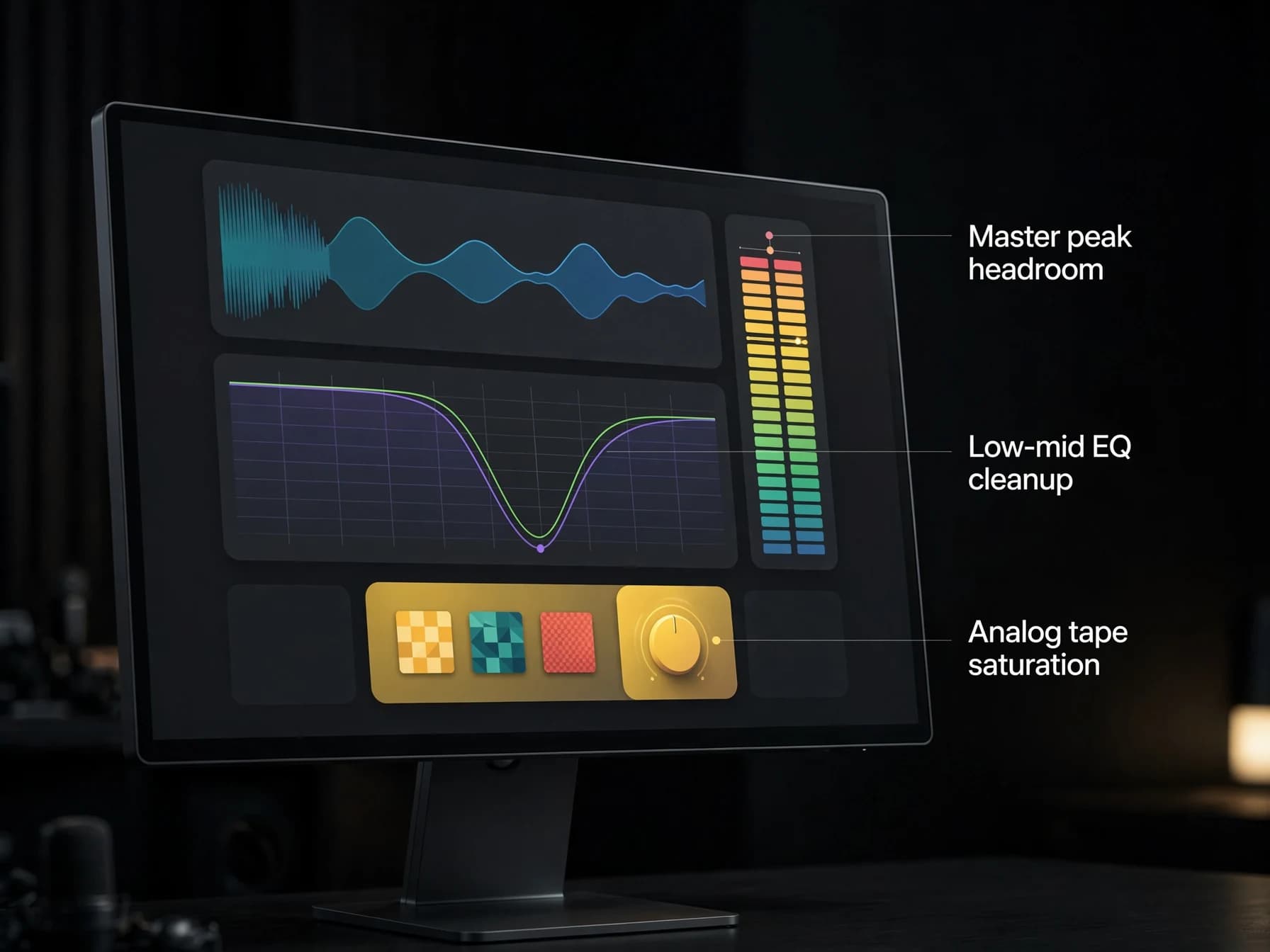
The last stage is where many good AI songs get ruined by over-polishing, and where realistic AI music is won or lost:
- Everything too loud. Pushing the whole track to maximum loudness squashes the dynamics you built. Leave room between quiet and loud parts.
- Harsh vocals. Sibilant "s" sounds and a sharp upper midrange on the voice are common in generated vocals. A gentle de-esser or a small cut in that range helps.
- Too much reverb or autotune. Heavy effects hide the voice and make it sound synthetic. Use less than you think.
- No low-end control. A boomy bass and kick that fight each other make the mix sound cheap. Keep one of them in charge of the lowest notes.
- Identical sections. If every chorus is a copy, small changes (an extra harmony, a drum fill) make the repeats feel performed.
When the mix sounds right, finish with AI mastering at a sensible loudness, then compare it with a human-made song you like in the same genre, at the same volume. Whatever still sounds different is your next fix.