Free
Try OnMusic AI and make your first song.
$0
- 20 starter credits
- Enough for your first song
- Listen and share in your browser
Type a mood or paste lyrics, and our free AI music generator creates music with vocals in minutes.
Loved by 5M+ creators
Songs made with music models from
 CassetteAI
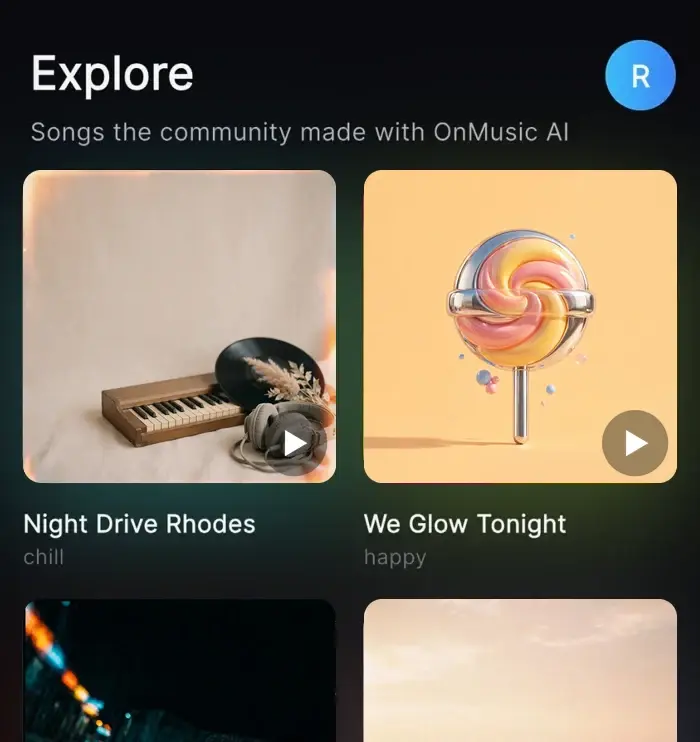
Each song below is real AI music made with OnMusic AI, straight from the explore feed. Tap a cover to play it here.
Write lyrics, make the song, design its cover and turn it into a music video, all in one place.
Describe a mood or paste your lyrics and get a full song with vocals.
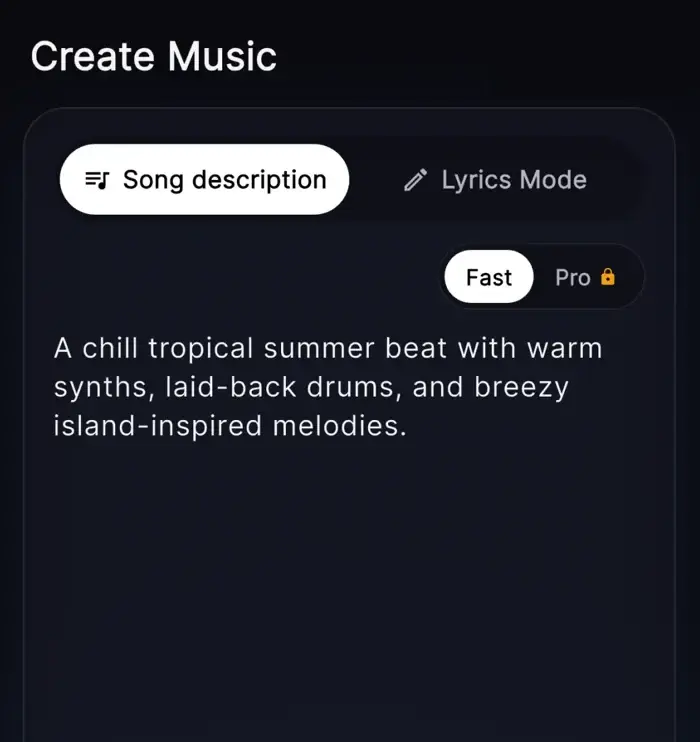
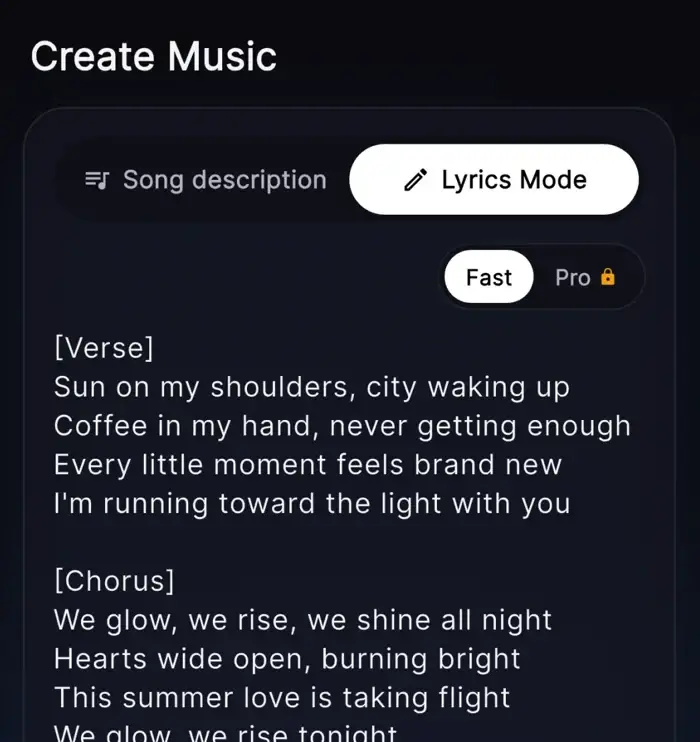
Turn one idea into verses and a chorus, then make it a song.
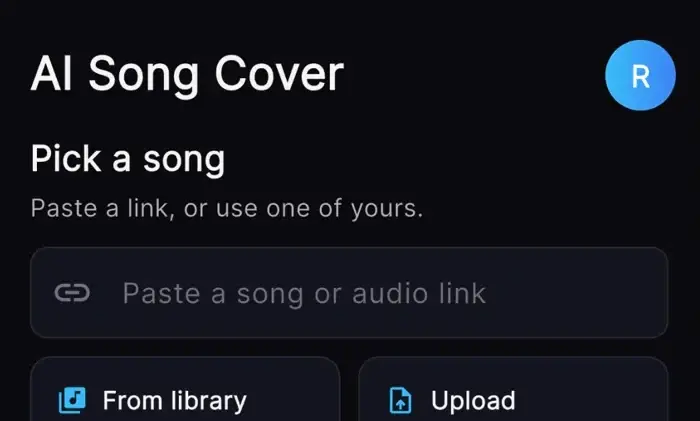
Pick a song or upload audio and hear it in a new voice.
Split a song into clean vocals and an instrumental for karaoke or remixes.
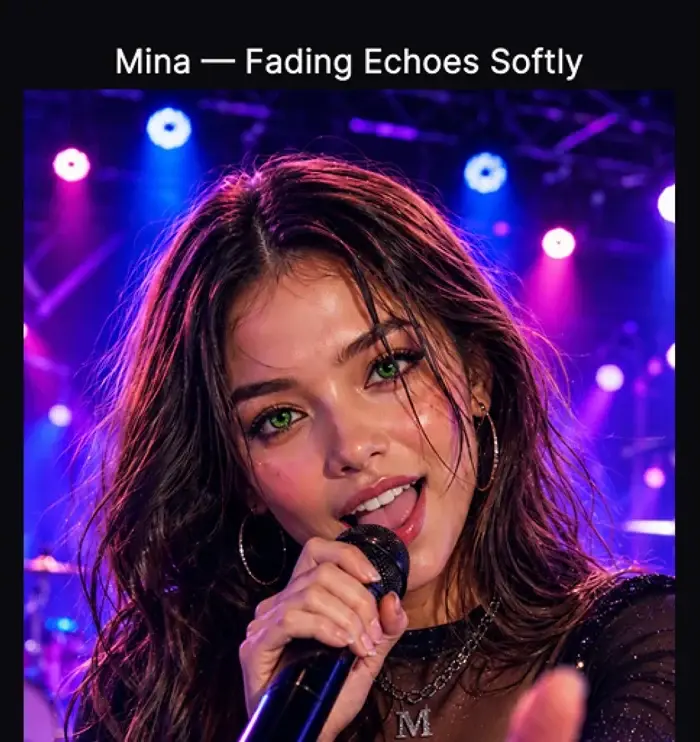
Turn your song into a music video with a singer who performs it.
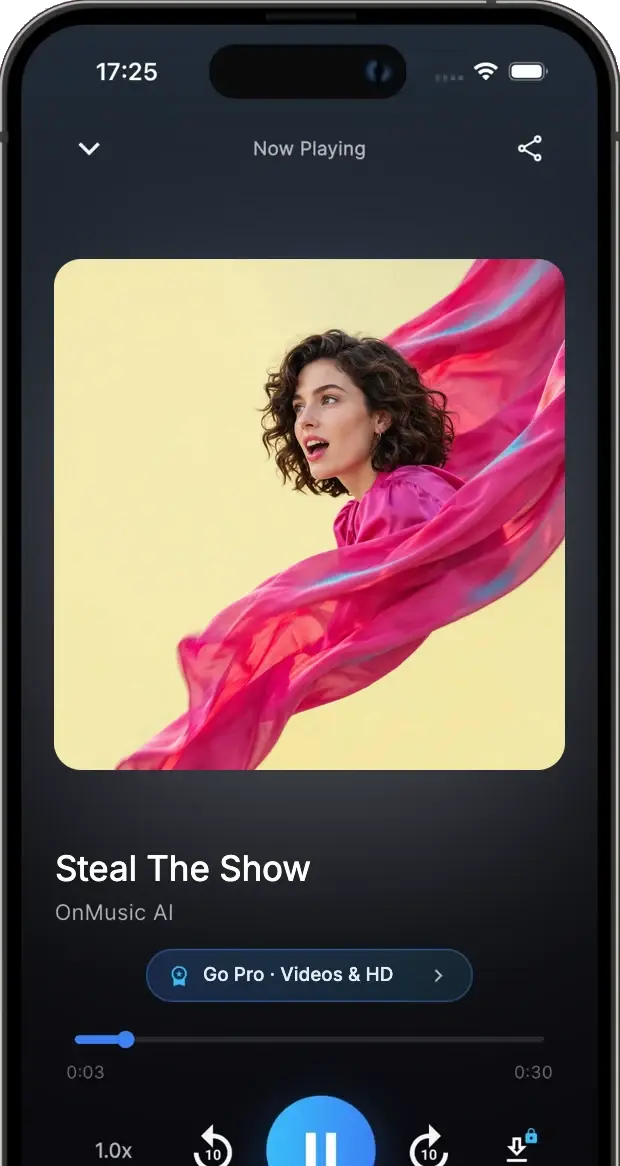
Make songs on your phone and hear what other people are creating.
Each AI music model costs a set number of credits per song, at any length. Play a sample to hear how they differ.
Quick diffusion model with lyric support. With lyrics.
Free8
Fast instrumentals, up to 3 minutes. Instrumental.
Free12A great all-rounder for songs with vocals. Vocals + lyrics.
Free32Premium Lyria with full length control. Duration control.
Pro20Our latest MiniMax model, with the best vocal quality. Top vocals.
Pro40Fast, high-quality audio up to 3 minutes. Fast · HQ.
Pro48
Long-form songs with room to build. Up to 10 min.
Pro60Studio-grade music, up to 10 minutes. Studio-grade.
Pro160Pick weekly or monthly billing. Credits refresh every week and work with every music model.
Try OnMusic AI and make your first song.
$0
For making songs every week with every AI music model.
$6.99/ week
For heavy use and music videos, with more than 3 times the credits.
$13.99/ week
Cancel anytime · Secure checkout by Stripe · Prices in USD
Compare plans and creditsOnMusic AI is on iPhone, Android and Chrome. Sign in with the same account and keep making songs wherever you are.
The latest guides, tools and comparisons we've published or updated.
These quick answers explain how OnMusic AI's free AI music generator turns a prompt, your lyrics or a simple idea into a song, and what to expect along the way.
Yes. A free AI music generator lets you describe a mood, style, or idea in plain words, then creates music for you. OnMusic AI is built for casual creators, so you can start with a simple prompt, your own lyrics, or a beat idea and shape it from there.
A free AI music generator can create full music ideas from text, including vocals, instrumentals, and song structure. With OnMusic AI, you can make birthday songs, rap hooks, lo-fi beats, pop choruses, or personal music made from lyrics you already wrote. It can even make retro game soundtracks with the 8-bit music generator or drift-style beats with the phonk maker.
Yes. A free online AI music generator works in your browser, so you can create music on a phone or laptop without installing complex studio software. That makes it easy to try ideas quickly, whether you are at home, commuting, or just making music for fun.
It works by reading your prompt and building music around the style, mood, tempo, and theme you describe. A good prompt can include details like pop with female vocals, sad piano intro, or upbeat birthday chorus, then the tool arranges the parts into a finished song.
Start by pasting your lyrics, then add the style you want and any details about vocals or mood. OnMusic AI can help turn those words into music with melody and structure, and you can edit lines first if you want a better rhyme, flow, or chorus.
Yes, for quick ideas it usually is. An AI music generator app is faster when you want to test a mood, turn lyrics into music, or make a simple song without learning a full DAW, setting up plugins, or recording instruments from scratch.